






In today’s remote work world, having an extra screen can transform productivity, especially for MacBook users juggling Slack, Notion, Zoom calls, and large spreadsheets. Portable monitors offer enhanced screen real estate without the bulk of a full desktop setup. This guide breaks down the top portable monitors under $300, highlights key buying considerations, and explains why the Duex Float 2 Pro stands out as the Best Overall choice for Macs.
Why You Need a Portable Monitor for Remote Work
According to industry specialists, dual screens increase productivity by up to 42%, making it easier to work simultaneously on documents, browsers, and communication apps without constant alt-tabbing.¹
Portable monitors are particularly relevant for remote workers because they are:
- Lightweight and travel-friendly
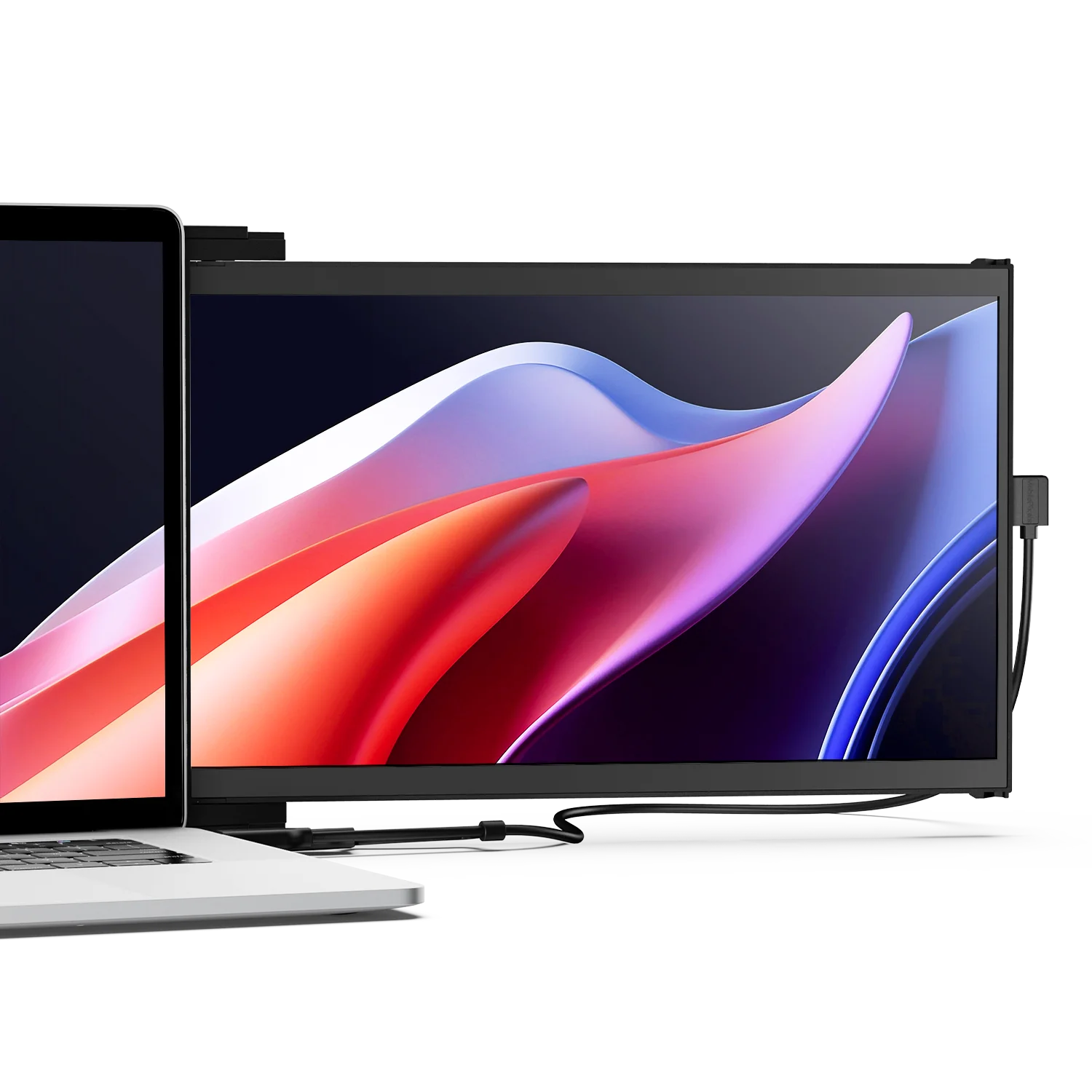
- Plug-and-play with MacBooks via USB-C/Thunderbolt
- Ideal for hot-desking and coworking environments
Key Features to Consider (Before You Buy)
When choosing a portable monitor for MacBook remote work, prioritize:
1. Connectivity & Compatibility
Make sure the monitor supports macOS via USB-C or HDMI with DisplayPort Alt Mode. USB-C often offers power pass-through so you can charge your MacBook simultaneously.
2. Screen Size & Resolution
For productivity, a 15.6″ or larger screen is ideal. 1080p Full HD is the baseline; higher resolutions like 2.5K offer sharper text and visuals. Higher resolution improves clarity in tools like Excel and Figma.
3. Built-in Stand / Kickstand
A reliable stand ensures ergonomic comfort and stable setup important for long remote workdays.
4. Refresh Rate & Color Accuracy
For most remote work, 60 Hz is sufficient. However, higher refresh rates (e.g., 120 Hz) and wider color coverage make creative workflows (photo/video) more pleasant.
📊 Portable Monitor Comparison (Under $300)
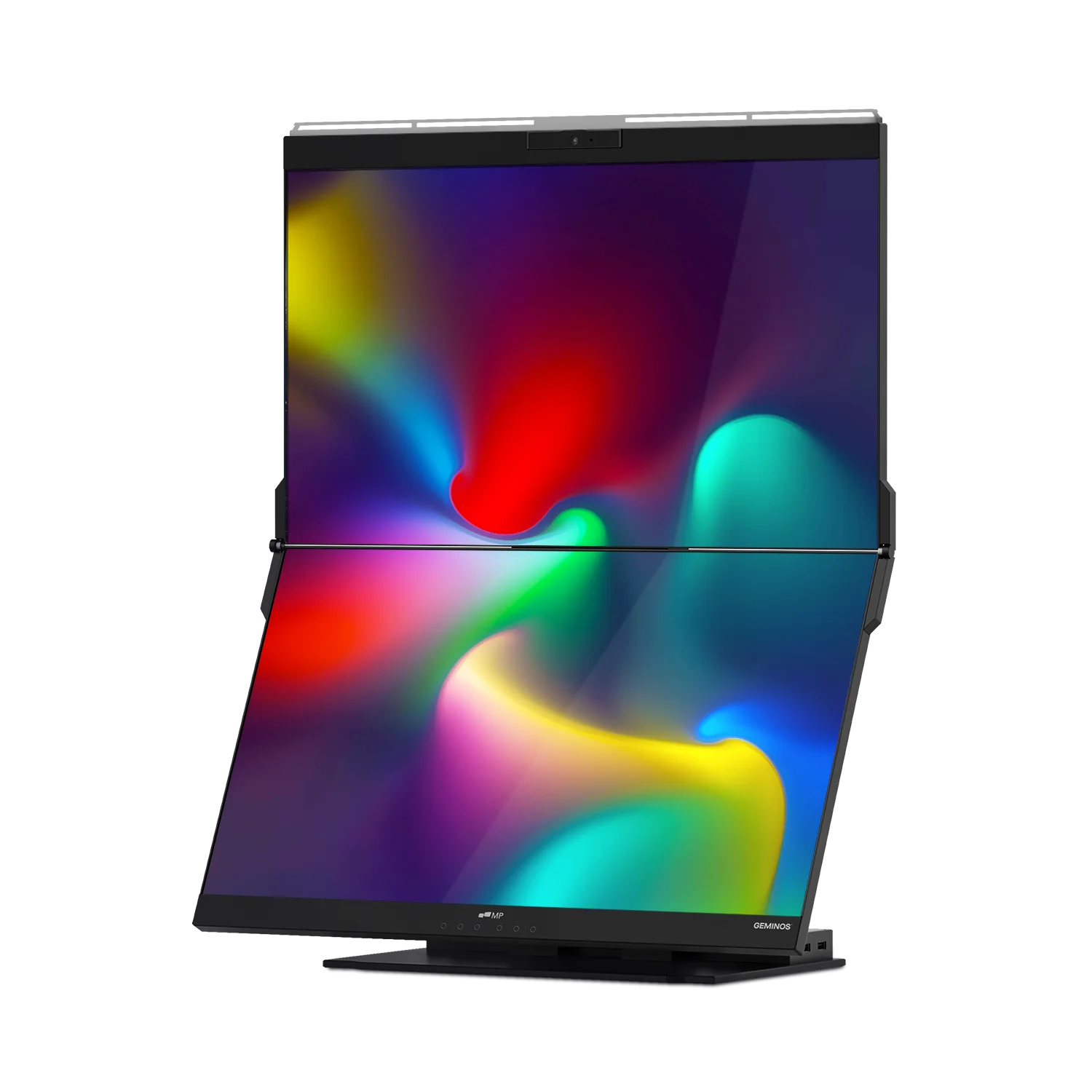
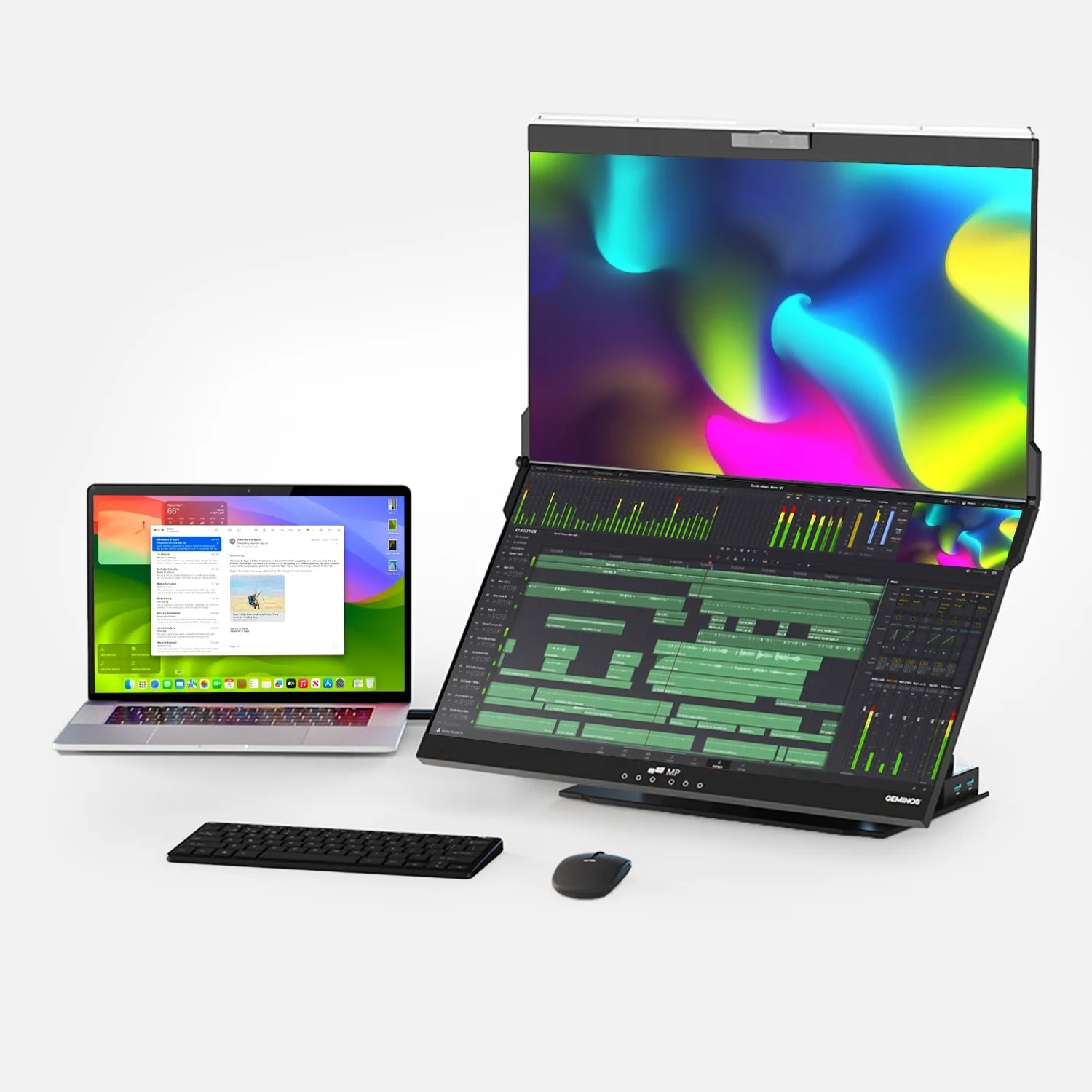
🏆 Best Overall (Under $300) Duex Float 2 Pro Portable Monitor (Featured Product)

While this monitor can sometimes exceed $300 MSRP, deals and promotions often bring it below or near the $300 price point, delivering premium features for remote pros.(macworld.com)
Why It’s the Best Overall:
- Exceptional 2.5K (2560 × 1600) resolution with crisp productivity clarity. (bestbuy.com)
- 120 Hz refresh rate — smoother interactions than standard 60 Hz displays.(bestbuy.com)
- Built-in kickstand & magnetic mount for flexible deployment. (mobilepixels.us)
- USB-C with 65 W passthrough charging reduces cable clutter. (mobilepixels.us)
- Compatible with MacBooks, even with macOS extended displays.
- Integrated speakers and superior color performance (100 % sRGB) suited for creative workflows. (newegg.com)
Acer PM161W Portable Monitor

Price: $99.99
Number of Reviews: 148
Rating: 4.7
Featured Tag:
Merchants: Best Buy + others
AOC 16T15 Portable Monitor

Price: $109.99
Number of Reviews: 270
Rating: 4.4
Featured Tag:
Merchants: Best Buy + others
Acer 15.6″ Portable Monitor

Price: $89.99
Number of Reviews: 767
Rating: 4.4
Featured Tag:
Merchants: Acer Store + others
Verbatim Portable Monitor 14″

Price: $145.94
Number of Reviews: 283
Rating: 4.3
Featured Tag:
Merchants: Walmart - Verbatim Americas, LLC + others
Arzopa S1 Table Portable Monitor

Price: $79.99
Number of Reviews: 391
Rating: 4.7
Featured Tag:
Merchants: Micro Center + others
ONN 15.6″ FHD Portable Monitor

Price: $36.00
Number of Reviews: 50
Rating: 4.1
Featured Tag:
Merchants: Walmart - VIPOUTLET + others
👉 Ideal for MacBook users who want extra workspace without compromise.
🎯 Other Great Portable Monitor Picks Under $300
Best Value & Versatility
- Acer PM161W Portable Monitor Price: $99.99 Number of Reviews: 148 Rating: 4.7 Featured Tag: None Merchants: Best Buy + others – Great 16″ WUXGA screen with USB-C & Mini HDMI. Excellent balance of size and affordability.
- AOC 16T15 Portable Monitor Price: $109.99 Number of Reviews: 270 Rating: 4.4 Featured Tag: None Merchants: Best Buy + others – Solid 15.6″ display with crisp visuals and responsive performance.
- Acer 15.6″ Portable Monitor Price: $89.99 Number of Reviews: 767 Rating: 4.4 Featured Tag: None Merchants: Acer Store + others – Touch screen model with broad compatibility and wide usage scenarios.
Best Budget Choices
- Verbatim Portable Monitor 14″ Price: $145.94 Number of Reviews: 283 Rating: 4.3 Featured Tag: None Merchants: Walmart - Verbatim Americas, LLC + others – Compact, portable, and friendly for light travel workflows.
- Arzopa S1 Table Portable Monitor Price: $79.99 Number of Reviews: 391 Rating: 4.7 Featured Tag: None Merchants: Micro Center + others – Excellent value with high ratings and wide viewing angles.
- ONN 15.6″ FHD Portable Monitor Price: $36.00 Number of Reviews: 50 Rating: 4.1 Featured Tag: None Merchants: Walmart - VIPOUTLET + others – Budget-friendly screen with essential features for basic productivity.
Expert Insights
“Extra screen space even a portable one can drastically reduce context switching and improve remote collaboration efficiency.”
— Tech Productivity Expert
According to Macworld’s latest review of portable displays, USB-C portable monitors like the Plugable series are among the best companions for MacBooks due to their ease of use and plug-and-play nature (macworld.com)
Frequently Asked Questions (FAQ)
Q: Are portable monitors compatible with MacBooks?
Yes. Most modern portable monitors support USB-C with DisplayPort Alt Mode, which MacBooks (2016 and newer) support natively.
Q: Will these work without external power?
Many USB-C portable monitors draw power directly from the MacBook. Some higher-brightness or larger models may require a small charger.
Q: Should I get touch or non-touch display?
For standard productivity (documents, spreadsheets, browsing), non-touch is fine. For creative work, touch screens add extra versatility.
Q: Is 2.5K resolution worth it?
For text clarity, multitasking, and design work, higher resolution displays (like the Duex Float 2 Pro’s 2560 × 1600) deliver sharper detail than standard 1080p.
Final Thoughts
Portable monitors transform remote work by affording you the luxury of dual screen workflows, even when you’re traveling or working from a café. From budget options like the Arzopa S1 Table to productivity-focused 2.5K displays like the Duex Float 2 Pro, there’s a perfect pick for every remote worker’s budget and workflow.
Our top pick — the Duex Float 2 Pro — is especially compelling for MacBook users who want premium clarity, seamless connectivity, and enhanced productivity without breaking the $300 threshold with typical promotions. (mobilepixels.us)
Discover Tech Gadgets




Leave a comment
All comments are moderated before being published.
This site is protected by hCaptcha and the hCaptcha Privacy Policy and Terms of Service apply.