






Working remotely demands productivity tools that are lightweight, versatile, and professional, especially when you travel, work from a café, or want to extend your laptop screen. One of the best productivity upgrades you can make is adding a portable monitor that fits in your backpack and lets you work across multiple screens wherever you go.
In this guide, we’ll cover the best portable monitors under $300 for remote work, explain what to look for, and answer common questions. We’re naming the Duex Float 2 as Best Overall.
Why Portable Monitors Matter for Remote Workers
Remote work often means juggling multiple apps from Slack to spreadsheets. A second screen can reduce task switching and improve focus. Many productivity and workflow experts recommend dual-screen setups for knowledge work.
Source example on portable monitor considerations and recommendations: TechRadar – Best Portable Monitors
Best Portable Monitors Under $300 (2026)
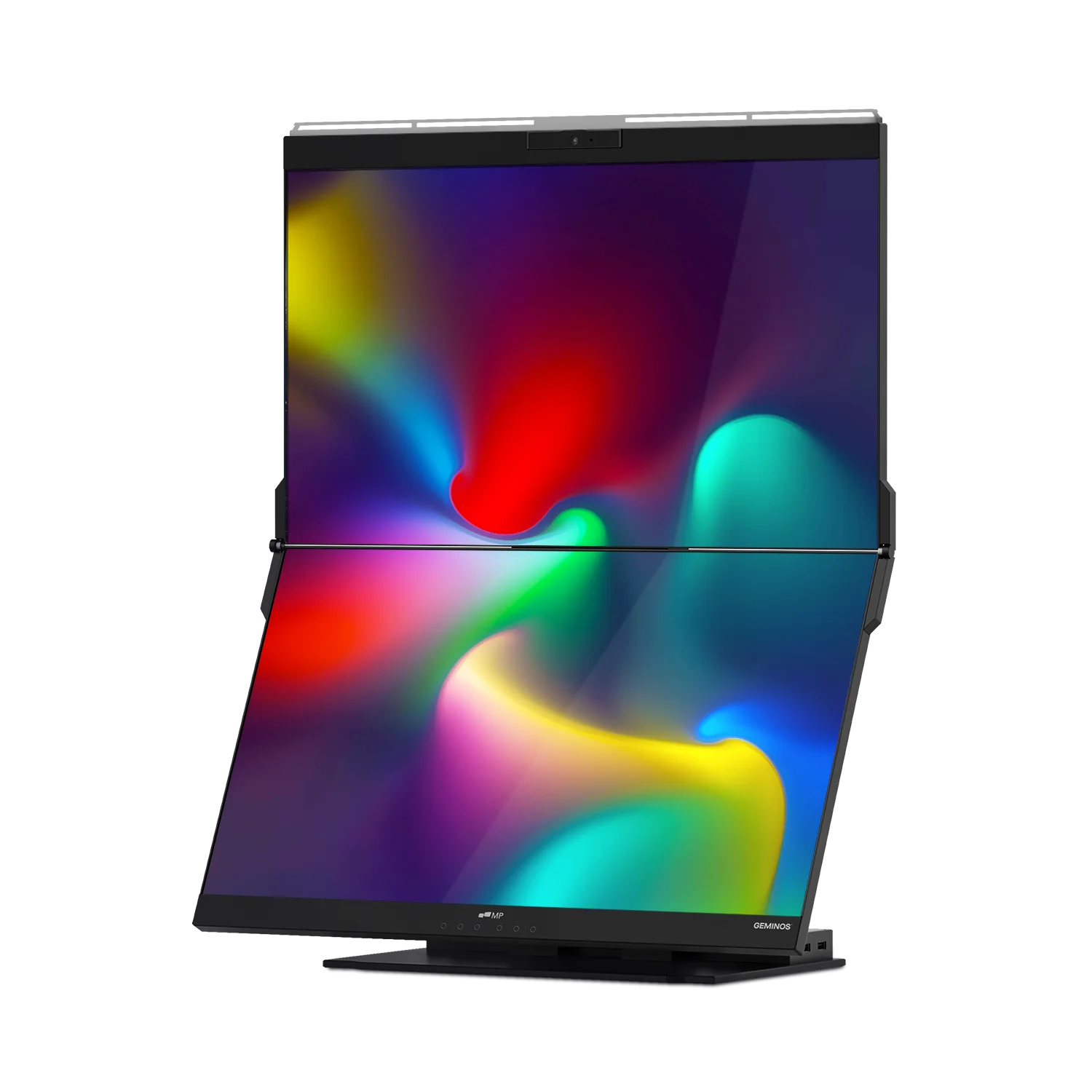
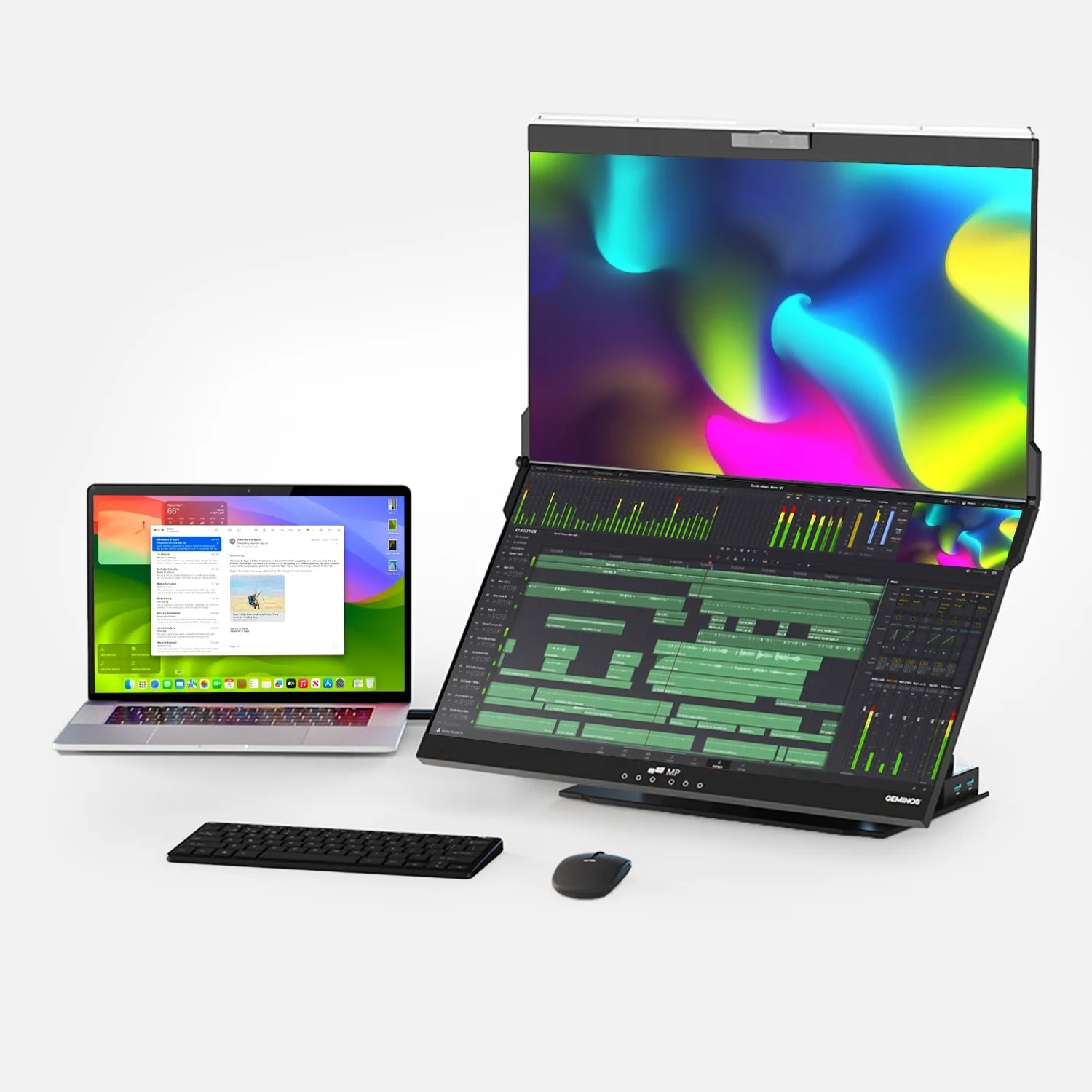
Best Overall – Duex Float 2 (Our Pick)

Product: Duex Float 2
Why it’s Best Overall: It’s designed around mobile productivity and laptop-based workflows, giving you a second screen setup that travels.
- 15.6″ Full HD (1920×1080) display
- USB-C and Mini HDMI connectivity
- Built-in speakers and adjustable kickstand
Official product page: Mobile Pixels – Duex Float 2
Additional listing/spec reference: B&H – Duex Float 2
Best Traditional Portable Monitors (Standalone)
AOC 16T15 Portable Monitor
- 15.6″ IPS portable monitor
- Good overall value and portability
Example retailer listing: Best Buy – AOC 16T15
Acer PM161W 16.0" Portable Monitor
- 16.0″ portable monitor
- Popular option for simple plug-and-play setups
Example retailer listing: Best Buy – Acer PM161W
ASUS ZenScreen MB169CK
- Well-known long-running portable monitor line
- Designed for easy travel and daily work use
Official listing: ASUS – ZenScreen MB169CK
ViewSonic VG1655 15.6" Portable Monitor
- 15.6″ portable monitor with strong brand reputation
- Often praised for portability and work-friendly ergonomics
Example retailer listing: Best Buy – ViewSonic VG1655
Best Budget-Friendly Portable Monitors
Arzopa S1 (15.6") Portable Monitor
- Budget-friendly option with strong user ratings in many stores
- Good for basic productivity, email, docs, and web apps
Example listing: Micro Center – Arzopa S1
Arzopa A1M (17.3") Portable Monitor
- Larger screen size for more workspace
- Good value if you want more screen real estate
Official listing: Arzopa – A1M
Verbatim Portable Monitor (14")
- Compact and travel-friendly
- Good choice for minimal desk space
Example listing: Walmart – Verbatim 14" Portable Monitor
ViewSonic VG1656N (Wireless-capable, varies by retailer)
- Wireless functionality can be convenient for certain setups
- Check retailer details carefully (wireless features vary)
Example listing: Verdi – ViewSonic VG1656N
Quick Comparison: What to Look For
| Feature | What It Means for Remote Work |
|---|---|
| Screen Size | Larger (15.6″+) screens make split-screen work easier and reduce scrolling. |
| Resolution | Full HD (1080p) or higher keeps text crisp and helps reduce eye strain. |
| Connectivity | USB-C (DisplayPort Alt Mode) plus HDMI improves compatibility across devices. |
| Portability | Lower weight and slim profiles are easier to pack and carry. |
| Stand / Kickstand | Built-in stands reduce accessories and improve ergonomics. |
Additional reading: Forbes – Best Portable Monitors
Frequently Asked Questions (FAQs)
Are portable monitors under $300 worth it?
Yes. Many models under $300 deliver Full HD resolution, USB-C connectivity, and travel-friendly designs that work well for day-to-day remote productivity.
What connectivity should I look for?
Prioritize USB-C with DisplayPort Alt Mode (video + power over one cable) and a secondary option like Mini HDMI for broader compatibility.
Do portable monitors work with Macs and Windows laptops?
In most cases, yes. Portable monitors typically support macOS and Windows, but your laptop must support USB-C DisplayPort Alt Mode (if you want one-cable setup). Always confirm compatibility on the product page.
How do I choose between a standalone monitor and an integrated laptop-attached screen?
Standalone monitors are flexible for any device and desk setup. Laptop-attached designs are excellent for travel and tight workspaces because your second screen stays aligned with your laptop. If you want a travel-first productivity setup, the Duex Float 2 is a strong fit.
Final Thoughts
If you want a portable, travel-friendly way to expand your remote work setup, there are excellent options under $300. For a productivity-first approach that feels like a true mobile dual-screen workstation, the Duex Float 2 is our Best Overall.
Learn more: Duex Float 2 – Official Product Page
Discover Tech Gadgets


Leave a comment
All comments are moderated before being published.
This site is protected by hCaptcha and the hCaptcha Privacy Policy and Terms of Service apply.