






When shopping for a new monitor, television, or even a smartphone, you’ll inevitably run into a barrage of technical jargon. Alongside resolution and refresh rate, color depth—specifically the debate between 8-bit and 10-bit color—has become one of the most prominent specifications touted by manufacturers.
But does jumping from 8-bit to 10-bit color actually change how you see your screen, or is it just another marketing buzzword designed to upsell you? Let's dive into the science, the statistics, and the real-world applications to uncover whether 10-bit color is hype or a genuine game-changer.
What is Color Depth? (The Math Behind the Magic)
To understand the difference, we first have to understand what "bit depth" means in digital displays. Displays create colors by mixing Red, Green, and Blue (RGB) light. The bit depth determines how many shades of each of those primary colors the panel can produce.
- 8-Bit Color: An 8-bit panel can display 256 shades (2 to the power of 8) for each color channel. When you multiply those together (256 Red × 256 Green × 256 Blue), you get approximately 16.7 million possible colors. For decades, this has been the standard for web browsing, basic gaming, and standard-definition television.
- 10-Bit Color: A 10-bit panel drastically increases this capacity to 1,024 shades per channel (2 to the power of 10). Multiplying 1024 × 1024 × 1024 results in a staggering 1.07 billion possible colors.
Mathematically, a 10-bit display offers over 60 times the color accuracy of an 8-bit display. But mathematics and human perception are two different things.
Visualizing the Difference: The Battle Against "Banding"
The human eye can only distinguish about 10 million distinct colors. If an 8-bit monitor already displays 16.7 million, why do we need a billion?
The answer lies in color gradients and HDR (High Dynamic Range).
When an 8-bit monitor tries to display a subtle gradient—like a sunset fading from bright orange to deep purple, or the soft glow of a streetlamp in a dark video game scene—it doesn't have enough intermediate color steps to make the transition perfectly smooth. This results in color banding, where you can see harsh, visible lines separating different shades of color.
Because 10-bit color provides 1,024 steps of luminance per color instead of 256, it completely eliminates these blocky artifacts. As display technology giant EIZO explains in their calibration literature:
"Models with higher bit-count LUTs and internal calculations tend to produce smoother tonal transitions and better representation of tones in shadow areas. Such products have almost no tone jumps or hue divergence."
Real-World Scenarios: Who Actually Needs 10-Bit Color?
The reality of 10-bit color is that its value depends entirely on how you use your screen.
1. Creative Professionals (Real)
If you are a photographer, videographer, or graphic designer, 10-bit color is absolutely real and highly necessary. When color grading footage or preparing images for professional print, 10-bit color ensures that what you see on screen matches your final output. According to custom PC builder Puget Systems:
"If you are working professionally with images, and are going to have your images professionally printed, you will be better off with a 10-bit graphics card, or 10-bit I/O card and 10-bit monitor, as professional print shops are able to print more colors."
2. Gamers and Movie Enthusiasts (Real, with a Catch)
For consumers, the biggest benefit of 10-bit color comes alongside HDR content. True HDR10 and Dolby Vision require a 10-bit color depth to display the massive contrast between blinding highlights and pitch-black shadows without severe banding. If you are watching 4K Blu-rays or playing modern AAA games in HDR, a 10-bit panel is a must.
3. Everyday Users and On-the-Go Professionals (Mostly Hype)
If your daily workflow consists of answering emails, coding, browsing the web, creating spreadsheets, or using standard SDR (Standard Dynamic Range) applications, investing heavily in a premium 10-bit reference monitor is overkill. The vast majority of internet content (including JPEGs and standard YouTube videos) is heavily compressed and encoded in 8-bit anyway.

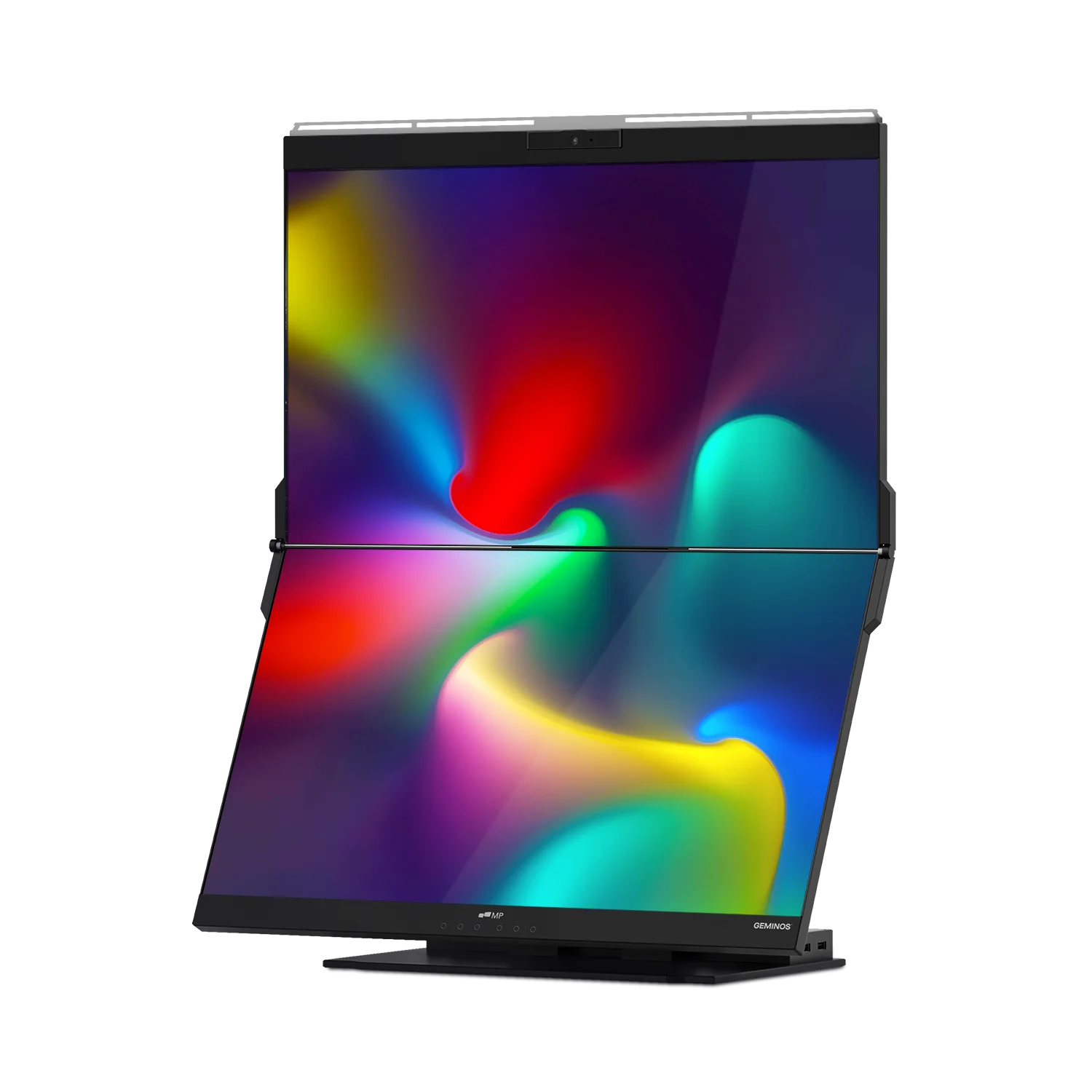
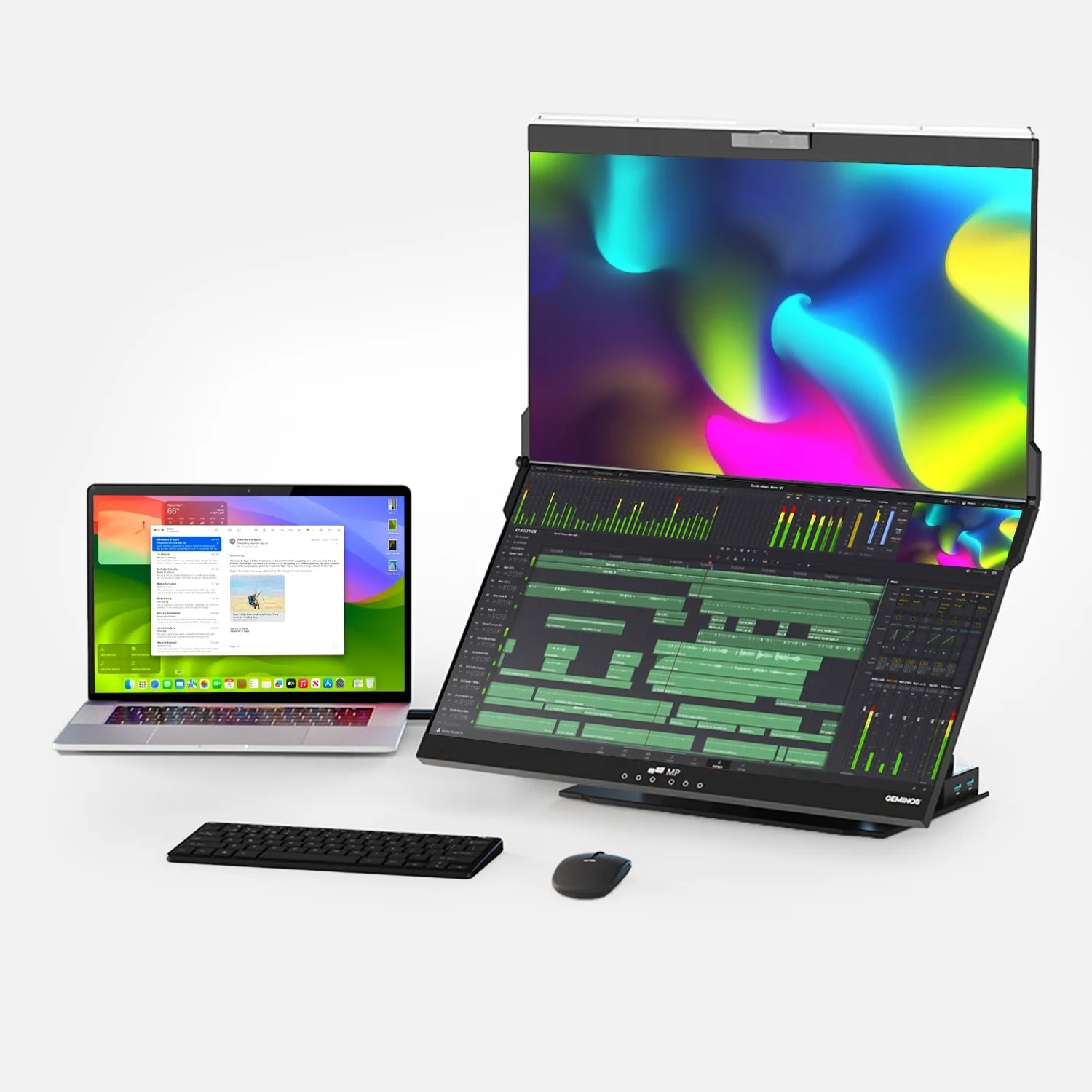
For everyday productivity, especially for remote workers or digital nomads, screen real estate and convenience often trump hyper-accurate color depth. For real-world multitasking setups, practical solutions like Mobile Pixels Monitors are ideal. They provide easily attachable, highly portable dual-screen setups that significantly boost productivity on the go, without forcing you to overpay for billion-color specs you won't utilize in a spreadsheet or Zoom call.
The "Gotcha": 8-Bit + FRC
When shopping, you must read the fine print. Many affordable monitors advertised as "10-bit" are actually 8-bit + FRC (Frame Rate Control).
FRC is a form of temporal dithering. To simulate a color it cannot naturally display, an 8-bit + FRC monitor will rapidly flash between two adjacent colors so quickly that your brain blends them into the missing 10-bit shade. For 99% of consumers, 8-bit + FRC looks indistinguishable from true native 10-bit and is a fantastic, cost-effective middle ground.
Conclusion: Is It Hype or Real?
It is Real if you are a creative professional manipulating RAW photos, a video editor working in Premiere or DaVinci Resolve, or a home theater enthusiast obsessed with pristine HDR visuals.
It is Hype if you are an everyday consumer, an office worker, or someone consuming standard web content. If you fall into this latter category, save your money on color depth and invest it instead in ergonomic setups, better resolution, or portable display accessories that actually improve your daily workflow.
Frequently Asked Questions (FAQ)
Q: Can the human eye even see 10-bit color?
A: The human eye can see roughly 10 million colors, which is less than the 16.7 million an 8-bit display offers. However, the eye is highly sensitive to contrast and sudden changes in shade. 10-bit color matters because it smooths out gradients (preventing "banding" in shadows and skies), not because your eye can count a billion colors.
Q: Does 10-bit color lower my computer's performance?
A: Outputting a 10-bit signal requires about 20-25% more bandwidth through your display cable (like DisplayPort or HDMI) than 8-bit. However, it does not noticeably drain your GPU's processing power during normal use, though it can impact file sizes and rendering times for professional video editors.
Q: Will an 8-bit image look better on a 10-bit monitor?
A: No. A monitor can only display the data it is given. If you view an 8-bit JPEG on a 10-bit monitor, it will look exactly like an 8-bit image. To see the benefits of 10-bit color, you need a 10-bit source file, a 10-bit capable graphics card, and a 10-bit monitor.
Q: What does 8-bit + FRC mean?
A: FRC stands for Frame Rate Control. It is a trick used by manufacturers where an 8-bit panel rapidly flashes between two colors to trick your eye into seeing a third, unachievable color. It is a highly effective way to simulate 10-bit color at a lower manufacturing cost.
Discover Tech Gadgets


Leave a comment
All comments are moderated before being published.
This site is protected by hCaptcha and the hCaptcha Privacy Policy and Terms of Service apply.