





Quick answer: A portable monitor is a thin, lightweight screen (usually 13 to 18 inches) that runs off your laptop's USB-C port and goes wherever you do. A regular (desktop) monitor is a larger screen (usually 24 to 32 inches) that plugs into a wall outlet, sits on an adjustable stand, and stays on your desk. Portables win on mobility, power use, and setup speed. Desktop monitors win on screen size, ergonomics, refresh rate, and value per inch. Many people get the most out of owning both.
Key Takeaways
- Size and weight: portables weigh around 1 to 2 lb; desktop monitors are far larger and meant to stay put.
- Power: a portable can draw under 5 watts from your laptop, while a 27-inch desktop monitor typically draws 25 to 45 watts from the wall.
- Connection: portables favor a single USB-C cable; desktop monitors add HDMI, DisplayPort, and wall power.
- Ergonomics: desktop monitors usually offer height adjustment and VESA mounting; portables rely on kickstands and covers.
- Performance: desktop monitors lead on refresh rate, brightness headroom, and price per inch.
Portable vs. Regular Monitor: Side-by-Side Comparison
| Feature | Portable monitor | Regular (desktop) monitor |
|---|---|---|
| Typical screen size | 13 to 18.5 inches | 24 to 32 inches |
| Weight | ~1 to 2 lb | Much heavier; designed to stay on a desk |
| Power source | Laptop USB-C port (or power bank) | Wall outlet |
| Typical power draw | ~4 to 5 W (small models) | ~25 to 45 W (27-inch 1440p) |
| Main connections | USB-C (DP Alt Mode), mini HDMI | HDMI, DisplayPort, often USB-C |
| Stand | Kickstand or folding cover | Height/tilt/swivel stand, VESA mount |
| Typical refresh rate | 60Hz (some 120 to 180Hz) | 60 to 240Hz+ |
| Best for | Travel, hybrid work, small spaces | Full-time desks, gaming, creative work |
Sources cited in each section below.
1. Size and Screen Real Estate
The biggest difference is physical. Tom's Hardware notes that portable monitors range from about 10.5 inches to 18.5 inches and beyond, and the most popular are designed to match laptop screens. According to Dataintelo, monitors up to 15 inches held the largest share of the portable market at 52.7% in 2025.
Desktop monitors start where portables stop. PCWorld says a 24-inch monitor suits desks about 24 inches deep, but "most people, however, will want to go with a 27-inch monitor".
What this means for you: a 27-inch screen has roughly three times the area of a 15.6-inch screen, which makes a real difference for side-by-side windows, timelines, and spreadsheets. A portable adds space to your laptop; a desktop monitor replaces your laptop screen as the main workspace.
2. Weight and Portability
Portables are built to be carried. Typical models weigh between 600 and 900 grams, roughly 1.3 to 2 lb. For example, Mobile Pixels' Fold 15.6-inch monitor weighs 1.65 lb and tapers to 6 mm at its edges.
Desktop monitors are designed to stay in one place. Their weight comes from larger panels, internal power supplies, and heavy adjustable stands.

3. Power: The Hidden Difference
Portable monitors are built for efficiency because they run on laptop power. One ENERGY STAR-certified 14-inch 1920 × 1200 monitor draws just 3.78 watts in on mode. Desktop monitors draw much more because of their larger backlights: citing EPA ENERGY STAR data, one industry summary puts a 24-inch 1080p IPS monitor at roughly 12 to 25 watts, a 27-inch 1440p at 25 to 45 watts, and a 32-inch 4K at 50 watts or more.
📊 Typical On-Mode Power Draw by Monitor Type (watts)
| Monitor type | Power draw | Visual (each █ ≈ 2.5 W) |
|---|---|---|
| 14" portable (ENERGY STAR listed) | 3.78 W | █▌ |
| Mobile Pixels Duex DS (13.3" to 14.1") | 4.5 W | █▊ |
| 24" 1080p IPS desktop | 12 to 25 W | ███████▍ (midpoint) |
| 27" 1440p IPS desktop | 25 to 45 W | ██████████████ (midpoint) |
| 32" 4K desktop | 50+ W | ████████████████████+ |
Sources: ENERGY STAR, Mobile Pixels, NPC citing EPA ENERGY STAR.
The tradeoff: that low draw comes from your laptop battery. Away from an outlet, a portable monitor shortens battery life. A desktop monitor never touches your laptop's battery.
4. Connectivity and Setup
Portable monitors are built around one cable. USB-C with DisplayPort Alt Mode can carry video, data, and up to 100 watts of power at once. Most include a mini HDMI port as a backup for devices without USB-C video.
Desktop monitors need wall power and usually offer a wider range of ports. Dell's Pro 27 business monitor, for example, includes HDMI, VGA, and DisplayPort for current and legacy systems. Premium desktop models increasingly add USB-C or Thunderbolt hubs that can charge a laptop and connect peripherals through one cable.
Actionable tip: Whichever you choose, confirm that your laptop's USB-C port supports video output (look for a DisplayPort or Thunderbolt logo). Also check its external display limit: base M1 and M2 MacBook Air models support only one external screen.
5. Ergonomics: Where Desktop Monitors Pull Ahead
Posture is the most overlooked difference. OSHA's workstation guidelines recommend placing a monitor at least 20 inches away with the top line of the screen at or below eye level.
- Desktop monitors usually make this easy. Dell's Pro 27, for instance, has a height-adjustable stand with up to 5.1 inches (130 mm) of travel plus VESA mount compatibility for arms and wall mounts. Budget models may only tilt, though. One 2026 guide notes that a $170 27-inch monitor's tilt-only stand is its main weakness.
- Portable monitors sit low on the desk by default, much like a laptop screen, which the Mayo Clinic flags as a common cause of discomfort. Designs that mount above or beside the laptop, or a compact riser, can help.
6. Display Performance: Refresh Rate, Brightness, and Resolution
Desktop monitors have more room for cooling, power, and electronics, so they typically lead on raw performance.
| Spec | Portable monitors (typical) | Desktop monitors (typical) |
|---|---|---|
| Refresh rate | 60Hz standard; some 120 to 180Hz | 100 to 240Hz common at mainstream prices |
| Resolution | 1080p to 2.5K; some 4K | 1080p to 4K; 5K at the high end |
| Brightness | ~220 to 450 nits | ~250 to 400+ nits, with HDR models higher |
Refresh rates show the gap clearly. Dell's mainstream 27-inch lineup includes a 240Hz model, while portables that exceed 60Hz are still the exception. The Arzopa Z3FC stands out by reaching 180Hz over USB-C.
Portables do have one sharpness advantage: packing 1080p or 2.5K into a smaller screen produces higher pixel density. A 15.6-inch 1080p portable delivers about 141 PPI, compared with about 82 PPI on a 27-inch 1080p desktop monitor.
7. Price: What Your Money Buys
Portable and desktop monitors often cost about the same, but you're paying for different things. For portables, you pay for thinness, low weight, and USB-C power. For desktops, you pay for size and features.
📊 What About $150 Buys (2026 Examples)
| Type | Example | What you get |
|---|---|---|
| Portable | Mobile Pixels Fold (~$150) | 15.6" 1080p, 1.65 lb, USB-C + Mini HDMI |
| Portable (budget) | MSI PRO MP165 E6 ($94.99) | 15.6" 1080p, USB-C + HDMI |
| Desktop | Acer Vero B247Y G (~$150) | 24" 1080p, 120Hz, fully adjustable stand |
The market scales differ enormously. IDC expects annual PC monitor shipments to stabilize at around 132 to 135 million units after 2025. The portable monitor market, by contrast, is valued in the hundreds of millions of dollars, but it is growing fast: one forecast projects a 23.4% CAGR from 2026 to 2035.
Which Should You Choose?
📊 Decision Scorecard
| Your situation | Best choice |
|---|---|
| You travel, commute, or work from cafés and hotels | ✅ Portable |
| You split time between home and office (hybrid) | ✅ Portable (or both) |
| You have a dedicated desk and work there daily | ✅ Regular |
| You game competitively or need 144Hz+ | ✅ Regular |
| You edit photos/video and need a large, accurate canvas | ✅ Regular |
| You have a small apartment or shared space | ✅ Portable |
| You want the best value per inch | ✅ Regular |
| You need a screen for presentations or client demos | ✅ Portable |
The "both" strategy: many hybrid workers pair a large desktop monitor at home with a portable for travel. The desktop handles heavy daily work, and the portable keeps you productive on the road.
Where Mobile Pixels Fits

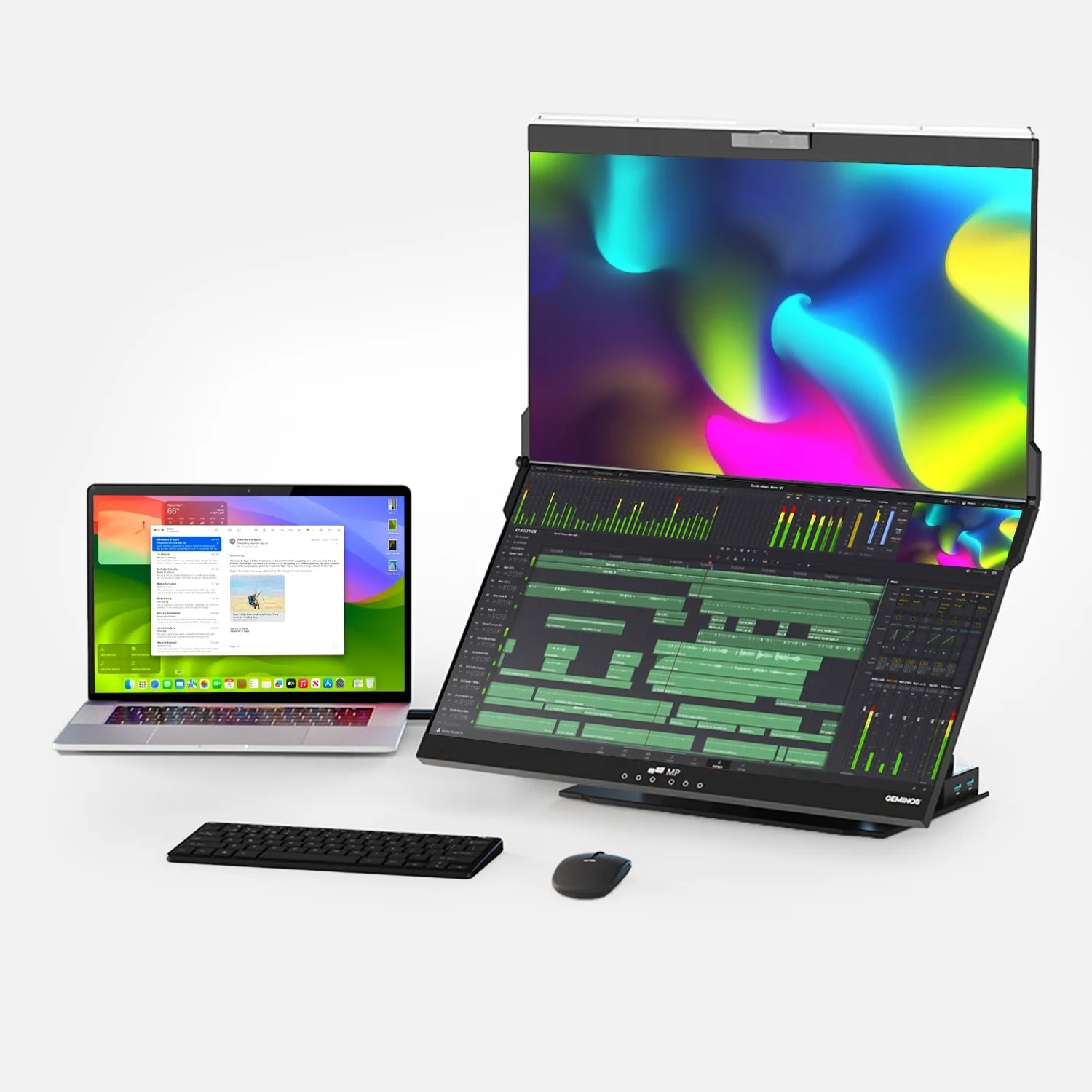
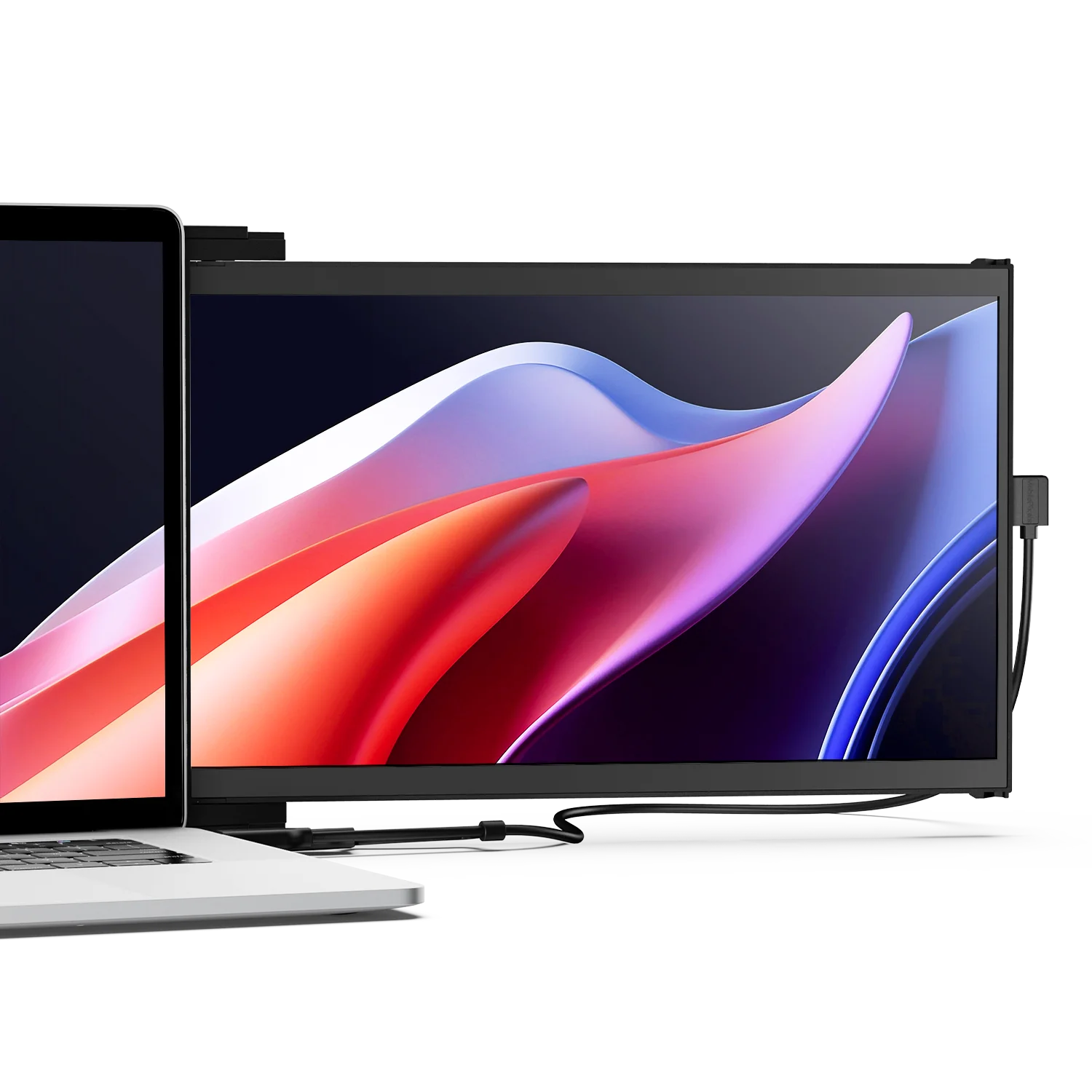
If portability tips the scale for you, the Mobile Pixels portable monitors lineup covers the main use cases. Lightweight single screens like the Fold (from 1.65 lb) handle carry-everywhere work, and laptop-attached designs like the Duex DS series keep a second screen next to your laptop's own display.
Some people want something between the two categories: desktop screen size without being tied to a desk or outlet. Mobile Pixels' Pixcase is one example. It offers a 27-inch 1080p screen (the size of a typical desktop monitor) with a built-in battery rated for up to 5 hours, Android 13, and HDMI and USB-C inputs, all in a suitcase-style case. At about 30 lbs, it's built for events, tailgates, and client demos rather than laptop bags.
Frequently Asked Questions
What is the main difference between a portable monitor and a regular monitor?
Portability and power. A portable monitor is thin, light, and usually powered by your laptop over one USB-C cable. A regular monitor is larger, plugs into a wall outlet, and is designed to stay on a desk with an adjustable stand.
Can a portable monitor replace a regular monitor?
For light work and small spaces, yes. For full-time desk work, most people are more comfortable with a larger desktop monitor at proper eye height. Portables work best as a second screen or a travel display.
Are portable monitors lower quality than regular monitors?
Not necessarily. Many portables use IPS or OLED panels with excellent color and sharpness, and their smaller size often means higher pixel density. Desktop monitors typically lead on refresh rate, maximum size, and ergonomic adjustment.
Do portable monitors need a power outlet?
Usually not. Most draw power from your laptop's USB-C port. Some also accept a separate USB-C charger, and pass-through charging lets one charger power both devices.
Which uses less electricity?
Portable monitors, by a wide margin. Small portables can draw under 5 watts, while a typical 27-inch desktop monitor draws about 25 to 45 watts.
Can I use a portable monitor with a desktop PC?
Yes. Most portables work with desktop PCs via HDMI, or via USB-C if your graphics card or motherboard supports DisplayPort Alt Mode. You may need to power the portable separately.
Are portable monitors good for gaming?
They're fine for casual and console gaming, and some reach 120 to 180Hz. Competitive gamers usually prefer desktop monitors with 144 to 240Hz+ refresh rates and larger screens.
Is a portable monitor more expensive than a regular monitor?
Prices overlap. Around $150 buys either a quality portable or a 24-inch desktop monitor with a high refresh rate. Desktops give you more screen per dollar; portables give you mobility and low power draw.
Discover Tech Gadgets





Leave a comment
All comments are moderated before being published.
This site is protected by hCaptcha and the hCaptcha Privacy Policy and Terms of Service apply.