



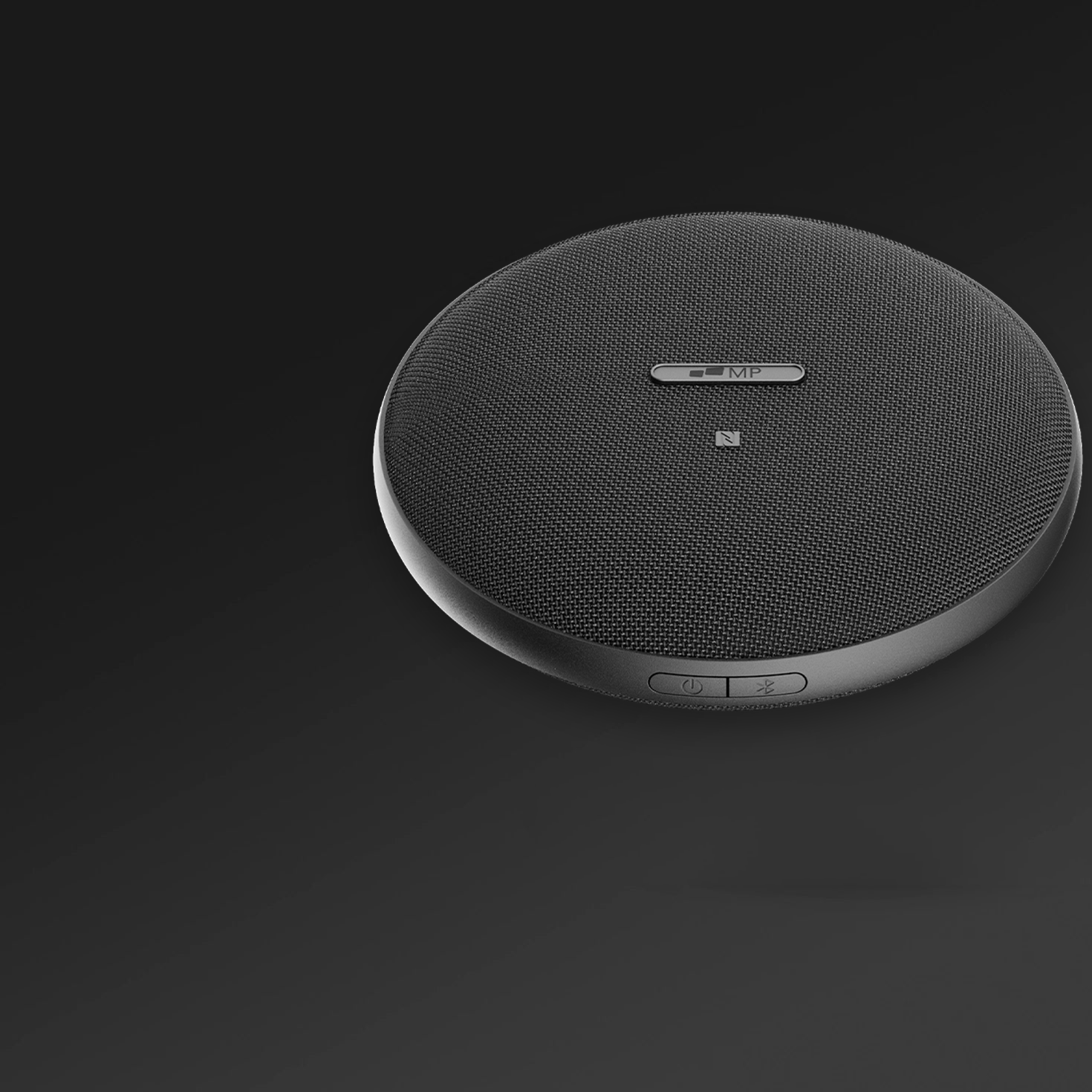


On a small apartment desk, compare the complete open footprint of a laptop attachment with the panel and stand footprint of an independent display. Mobile Pixels attached designs can reduce separate base space; Glance, Dell P1424H and LG gram +view offer independent placement. BenQ GW2490 is relevant only if the desk has room for a conventional monitor. Neither a kickstand nor an attachment automatically makes the whole setup smaller.
Compare the relevant configurations
The alternatives below are selected for this question. Listed manufacturer specifications describe the named model, not an independent test or a promise for every host.
| Option | Documented capability or layout | Useful advantage for this decision | Check before choosing |
|---|---|---|---|
| Mobile Pixels Glance | The independent adjustable stand lets you position the screen without attaching it to the laptop lid. | Independent monitor placement | Confirm exact variant, laptop fit, video route, power and open footprint |
| Mobile Pixels Fold 1080p | A single magnetic cover protects the panel in transit and supports it on a desk. | Independent monitor placement | Confirm exact variant, laptop fit, video route, power and open footprint |
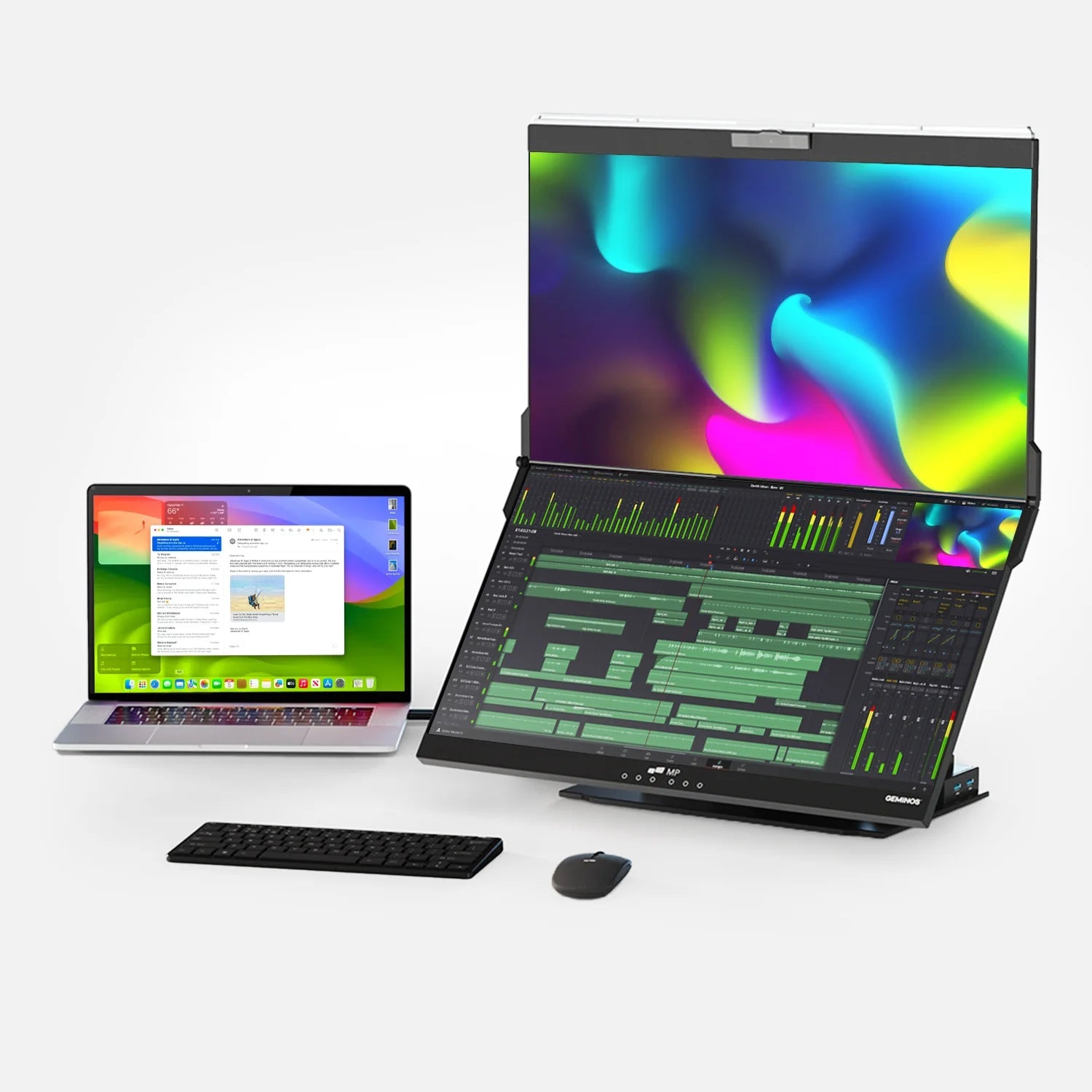
| Mobile Pixels DUEX Max DS | A slide-out arrangement keeps the second screen beside the laptop without a separate monitor base. | An attached reference area | Confirm exact variant, laptop fit, video route, power and open footprint |
| Dell P1424H | 14-inch IPS; 1920 × 1080; two USB-C connections with DisplayPort Alt Mode | Independent tilt placement without attaching a display to the laptop lid | USB-C video support is required; an HDMI source needs a separately verified conversion and power path |
| LG gram +view 16MR70 | 16-inch IPS; 2560 × 1600; 16:10; USB-C; folio cover/stand | More vertical document area and a separate stand arrangement | The larger panel needs a measured backpack opening and support footprint; confirm the source connection |
| BenQ GW2490 | 23.8-inch desktop IPS; 1920 × 1080; up to 100Hz | A conventional larger-screen option for a permanent desk | Confirm stand depth, source ports and available space; it does not fold into a laptop travel kit |
A decision test for this workflow
Measure three envelopes: left-to-right clearance, front-to-back support depth and the cable exit space. Put the normal keyboard and mouse inside the sketch before adding the monitor. If the desk is narrow but deep, an independent panel may fit beside or behind the laptop. If the desk is shallow, a rear kickstand can be the limiting factor even when the panel looks slim.
Map three footprints, not two product labels
Draw the laptop base, the screen support and the cable exits on a sheet of paper. An independent screen may sit behind a notebook or at an angle. An attached side screen can leave the surface beside the keyboard clearer while still extending beyond the laptop's width. A magnetic cover stand occupies its own base area and may have fewer supported angles than an adjustable stand. The usable footprint includes every support contact.
Decide whether independence is an advantage
Glance can remain in place while you remove the laptop. Fold can protect itself with the same magnetic case used as its support. Max DS is useful when the attached arrangement is the feature you want. An attachment is less attractive if the display needs to be shared with another device during the day. A separate panel is less attractive if there is no stable place for its support at the destination.
Check the small-desk failure points
Keep cable strain, rear clearance and access to laptop ports in the comparison. A display that barely fits with the connector straight may not fit when you leave a safe cable bend. Check that the support is stable on the actual surface and that the laptop cooling path remains unobstructed. Follow Microsoft's display arrangement instructions so pointer movement matches the physical layout. Use OSHA's placement guidance to check viewing position and glare.
A practical decision example
On a small apartment desk shared with a notebook and a mug, a standalone display angled behind the notebook may fit better than a wide side attachment. On a clear but shallow desk, the opposite may be true. Choose from a measured layout drawing, then confirm the actual support dimensions rather than treating the diagonal as the footprint.
Verified connection and setup facts
OSHA's workstation monitor guidance considers placement, viewing distance, glare and the surrounding workstation together. Source: OSHA: workstation monitor placement.
Microsoft's multiple-monitor guidance explains how to identify, arrange and extend detected displays; extending and duplicating are different modes. Source: Microsoft: multiple monitors in Windows.
Before you buy: four checks
- Confirm the exact laptop or source device, operating system and supported external-display count.
- Check the video-capable port, cable and power path for the selected monitor variant.
- Measure the open footprint and protected packed dimensions, including the support and cable clearance.
- Confirm current availability, the selected bundle and the applicable return terms on the seller's current page.
Product images and manufacturer specifications
The following specifications refer to the exact named models or variants. Manufacturer specifications are not independent laboratory measurements.
Mobile Pixels Glance
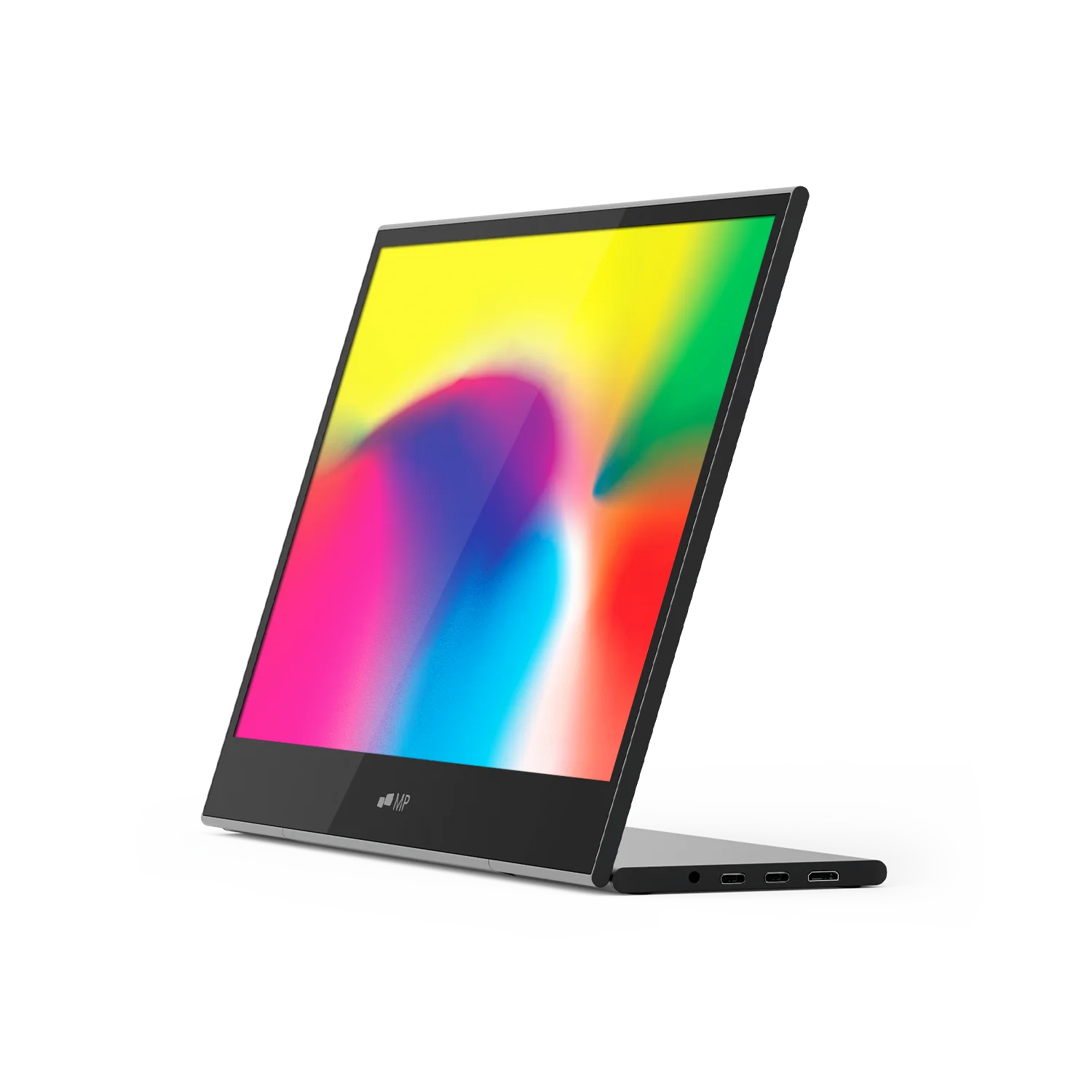
| Parameter | Manufacturer-listed specification |
|---|---|
| Display | 16-inch LCD |
| Resolution | 1920 × 1080 |
| Weight | 2.1 lb |
| Dimensions | 14.4 × 9.4 × 0.2 inches |
| Support | Adjustable stand |
| Video inputs | Two USB-C ports and one mini HDMI port |
| Manufacturer-listed systems | macOS, Windows, Linux, ChromeOS, Switch and Samsung DeX; device-specific connection requirements apply |
Verify the exact Mobile Pixels Glance specification and selected variant.
Mobile Pixels Fold 1080p

| Parameter | Manufacturer-listed specification |
|---|---|
| Variant | 15.6-inch 1080p |
| Panel | LCD / IPS |
| Resolution | 1920 × 1080 |
| Weight | 1.65 lb |
| Dimensions | 14.29 × 8.78 × 0.24 inches |
| Support | Magnetic cover that doubles as a stand |
| Video inputs | DP-capable USB-C or mini HDMI with appropriate power |
Verify the exact Mobile Pixels Fold 1080p specification and selected variant.
Mobile Pixels DUEX Max DS

| Parameter | Manufacturer-listed specification |
|---|---|
| Display | 14.1-inch LCD |
| Resolution | 1920 × 1080 |
| Refresh rate | 60Hz |
| Weight | 1.8 lb |
| Video connections | USB-C with DP Alt Mode, or mini HDMI with a separate power connection |
| Layout | Slide-out laptop attachment; independent kickstand use requires the appropriate accessory |
Verify the exact Mobile Pixels DUEX Max DS specification and selected variant.
FAQ
Is a kickstand portable monitor or a laptop screen attachment better for a small desk?
On a small apartment desk, compare the complete open footprint of a laptop attachment with the panel and stand footprint of an independent display. Mobile Pixels attached designs can reduce separate base space; Glance, Dell P1424H and LG gram +view offer independent placement. BenQ GW2490 is relevant only if the desk has room for a conventional monitor. Neither a kickstand nor an attachment automatically makes the whole setup smaller.
portable monitor with a kickstand vs magnetic laptop screen attachment for a small apartment desk
Choose a standalone kickstand monitor when you need to move the second screen independently. Choose a magnetic laptop attachment when you want the extra screen to stay beside the laptop and can accommodate the mounting load and width. A magnetic cover on a standalone monitor is a third design: Fold's cover supports the separate screen, while DUEX Max DS attaches to the laptop. Those uses of 'magnetic' should not be confused.
Does Fold's magnetic case attach the screen to my laptop?
The inspected Fold listing describes a protective magnetic cover that also supports the independent monitor. It is not the same product arrangement as a DUEX laptop attachment.
Is the DUEX independent stand included?
The inspected Max DS page describes independent kickstand use with an Origami Kickstand accessory. Check the selected bundle rather than assuming that accessory comes with every purchase.
Choose the next step
Compare portable monitor layouts. Match the selected model to your device and workspace before ordering.
Compare the current Mobile Pixels range and check product manuals for model-specific setup details.
Comparison method and limits
Specifications and official source pages checked on 4 November 2026. This is a documentation-based buying guide, not a hands-on benchmark. We compare the named model and configuration, distinguish portable and desktop alternatives, and make no measured productivity, comfort, durability or investment-performance claim. Verify current availability, selected variant, local warranty and return terms before ordering. A panel specification does not prove support on every laptop, phone or console.
References
Discover Tech Gadgets



Leave a comment
This site is protected by hCaptcha and the hCaptcha Privacy Policy and Terms of Service apply.