





Love the extra screen
"Perfect extra screen for my laptop. Easy to use, lightweight, and it has helped me improve my productivity."

Life happens, so we've got you covered. Protect your purchase from accidental damage from day one through your chosen coverage term.
This Plan Covers:

 Presidents Day Sale
 2 Years of Peace of Mind, On Us!
 Free shipping to US
Efficiency Improvement
Product Details
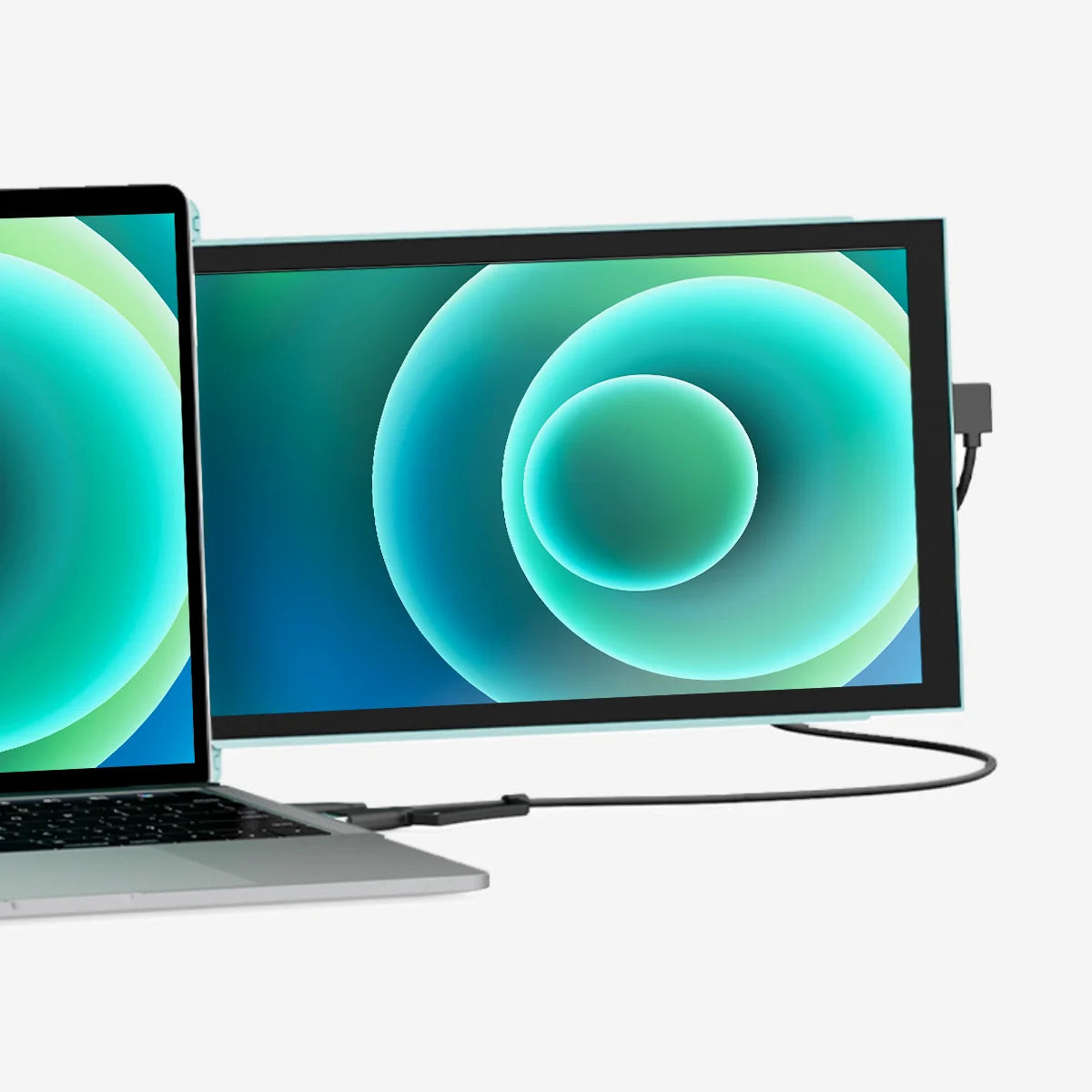
Whether you're looking for a dual laptop monitor for everyday personal use or for completing school work on the go, the Duex Lite attachable monitor for laptop is a lightweight, slim, portable solution for a double laptop screen.
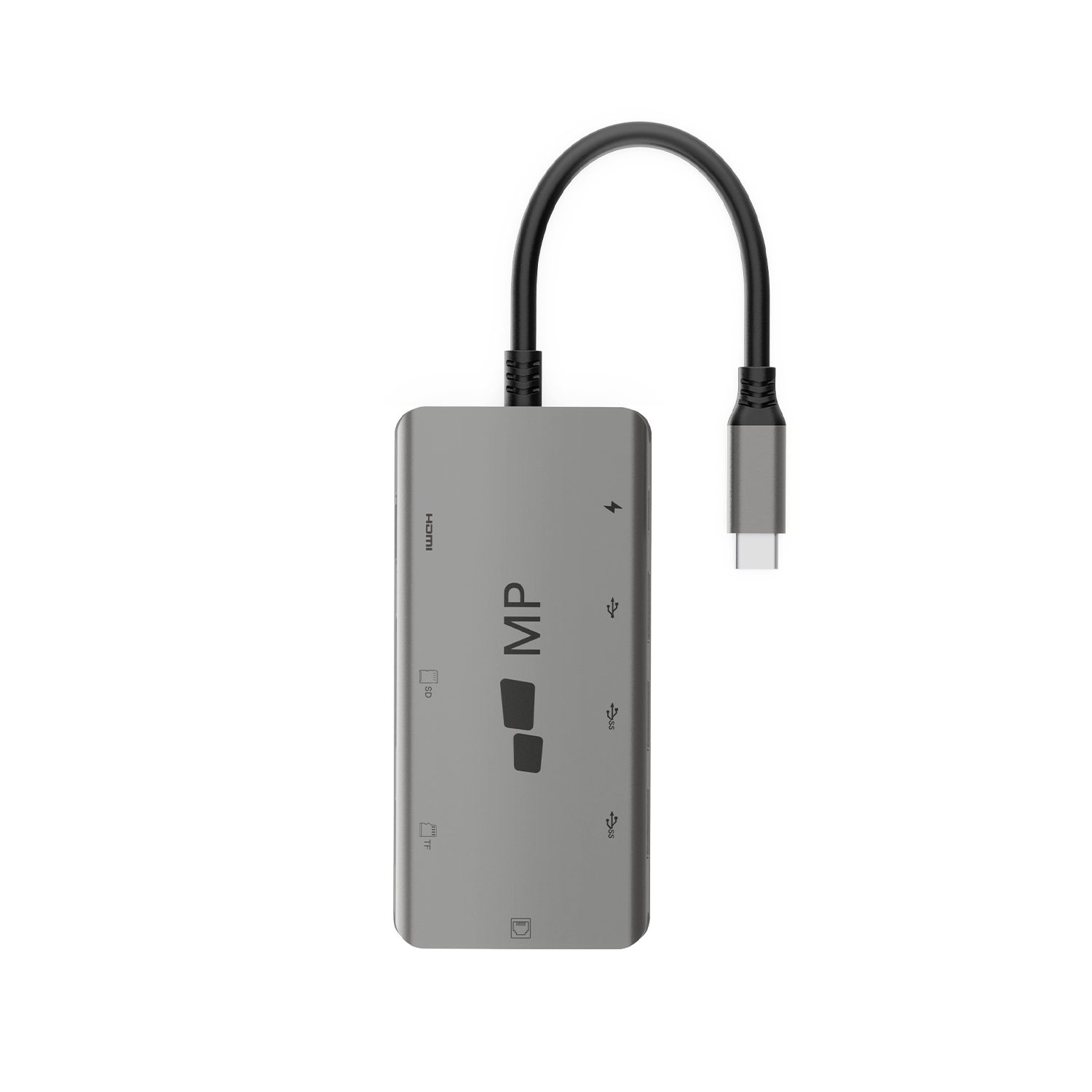
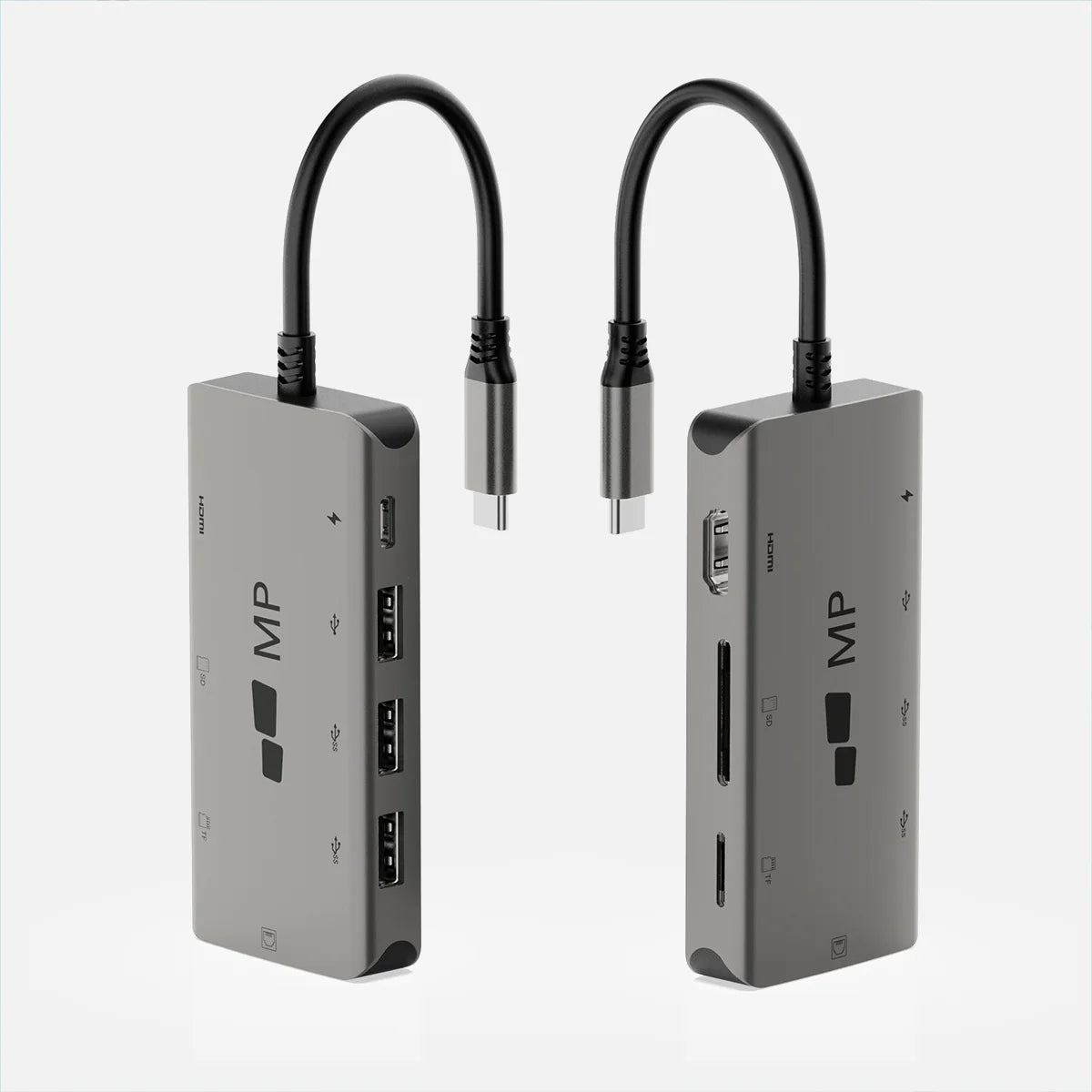
Duex Lite is equipped with One Mini-HDMI cable and One USB C cable for plug and play, compatible with Windows, macOS, Linux, Chrome, Switch, Android, and more.
Jadeite Green: 101-1005P06
12.5-inch
1920 x 1080 pixels
60 Hertz
300 nit (adjustable)
12.4" x 8.45" x 0.39"
16:9
Windows, MacOS, Linux, ChromeOS, Switch, Android
1.3 lbs
4.5W




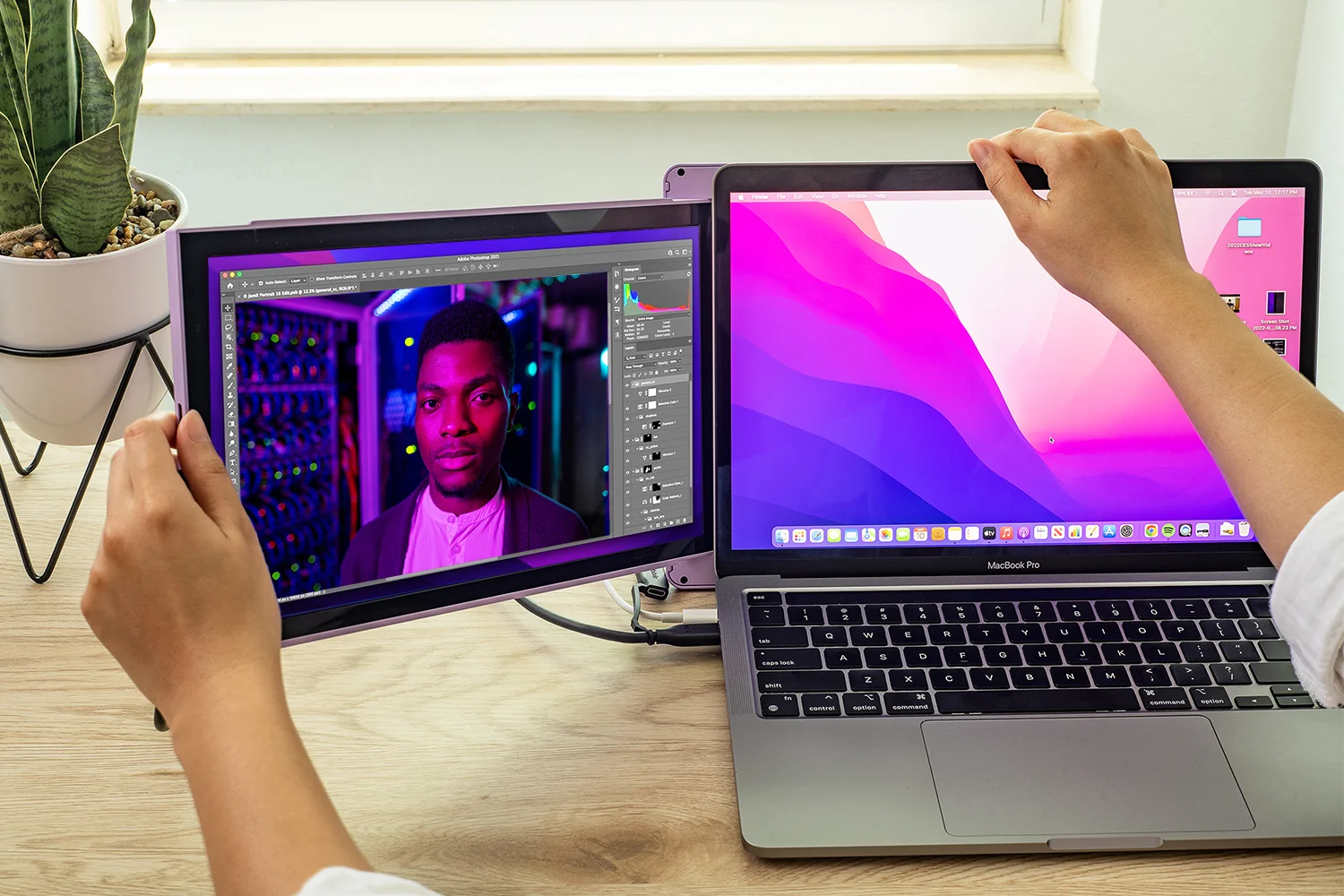
Plug in, power on.
No need for additional drivers or software, and the connection is established automatically as soon as the mini HDMI or USB-C is plugged in. This makes setup quick and easy, allowing you to get started with their monitor right away.
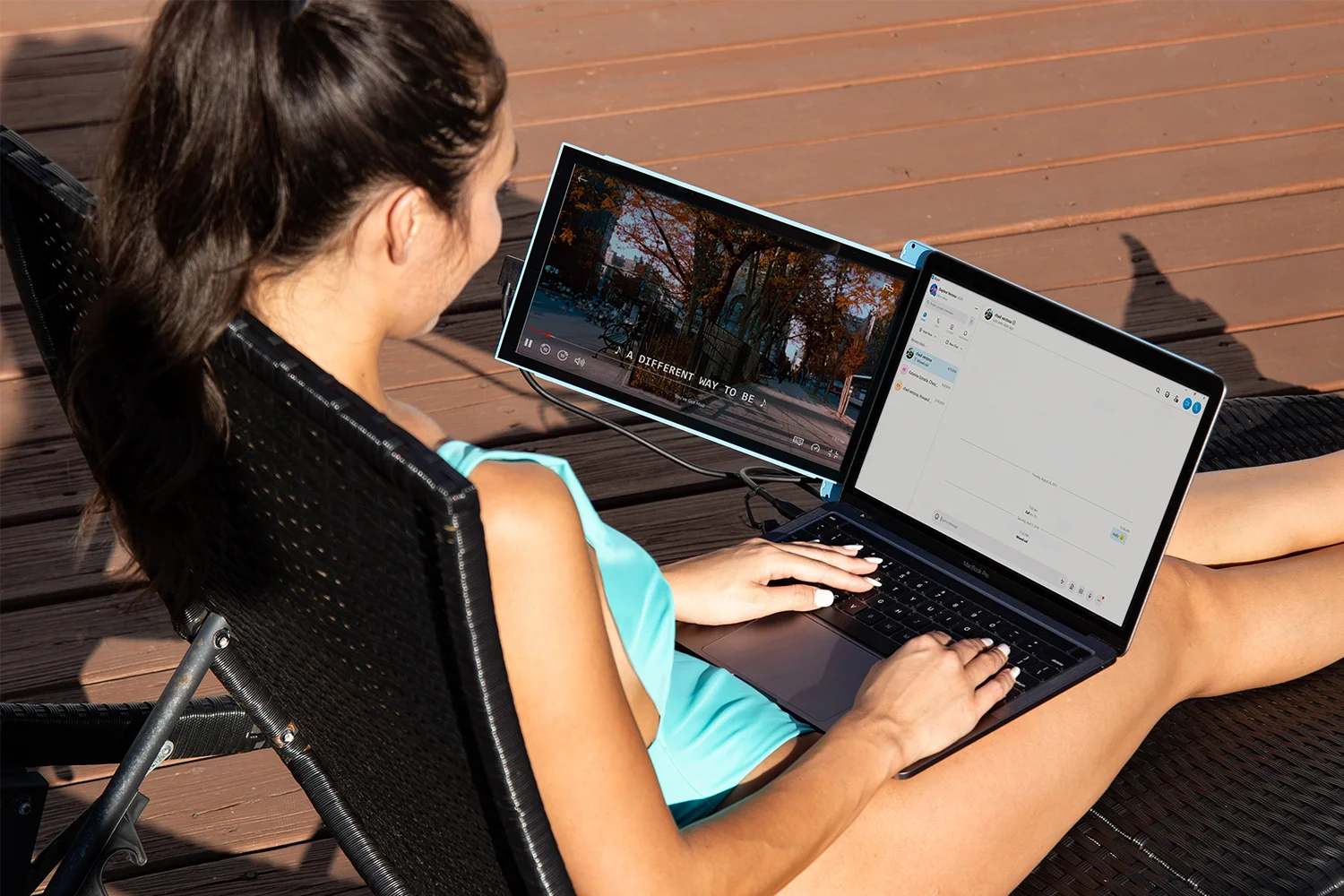
Portable. Go Lite.
Mobile Pixels attachable monitor for laptop devices offers a sleek and portable solution with our lightest portable monitor yet – a 30% lighter and 40% slimmer second display than the previous generation. The Duex Lite’s sophisticated design and adhesive double monitor laptop attachment make it effortless to work on the go without anything weighing you down.
Ensure optimal eye comfort.
Experience optimal color temperature and brightness that minimizes the emission of blue light from your second display. Work and play comfortably with less eye fatigue while reading, word processing, and more in low-light environments. Our double portable monitor ensures hours of endless fun without the headache.
For ergonomic comfort and various scenarios.
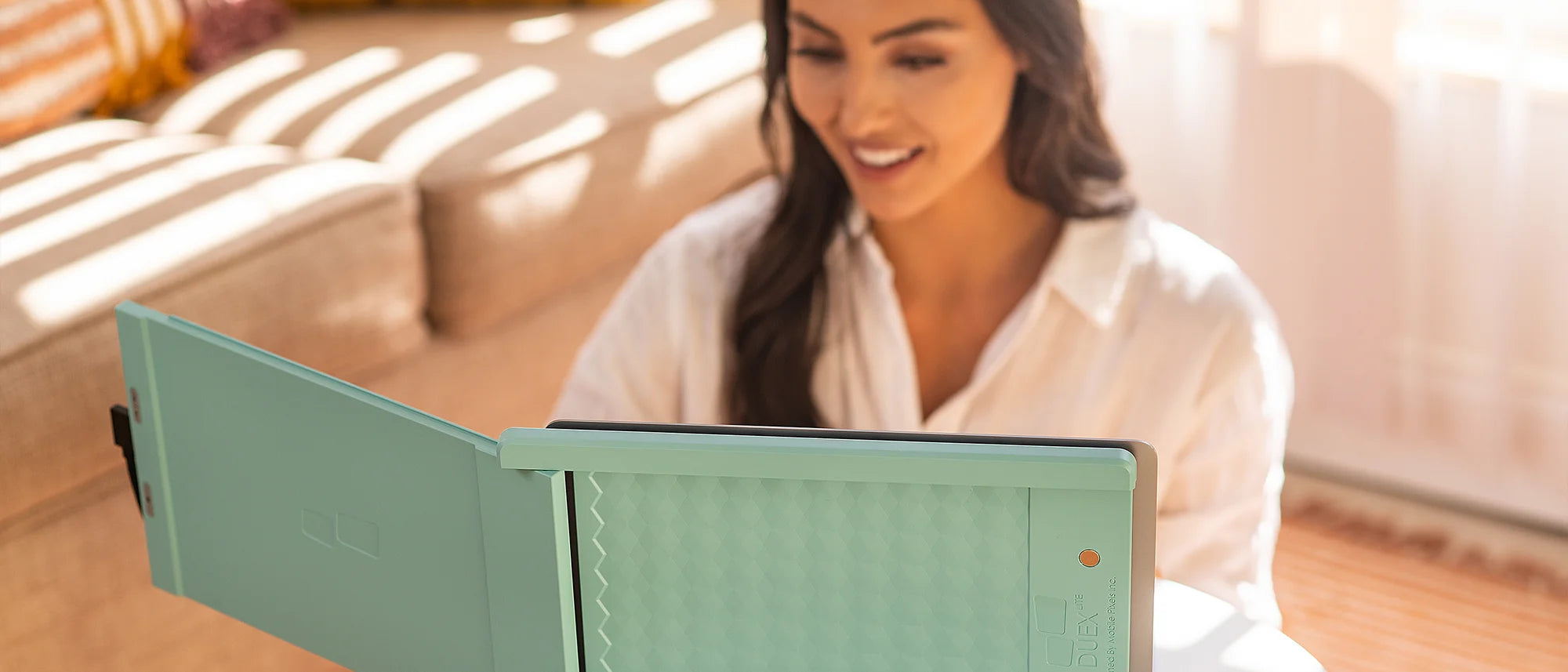
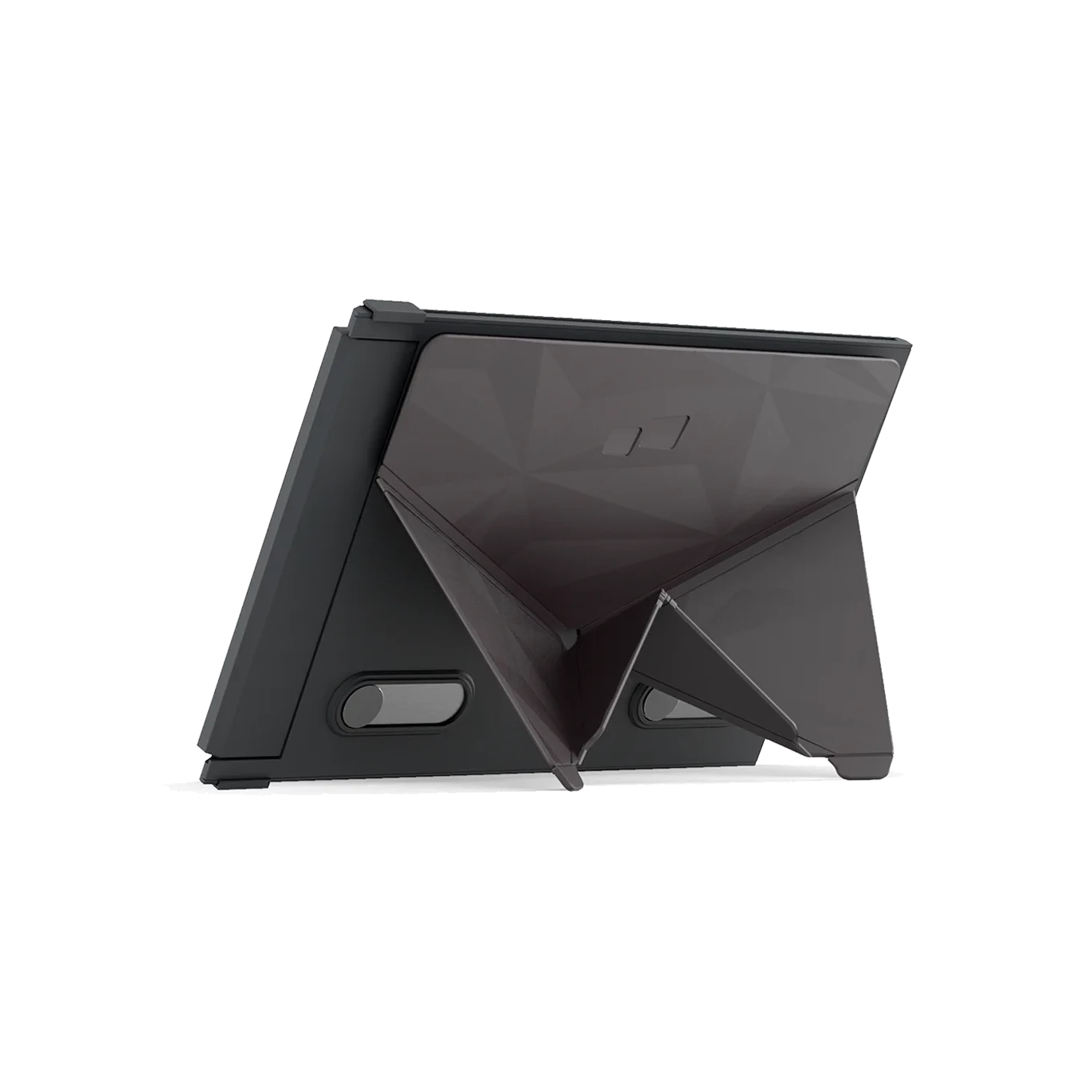
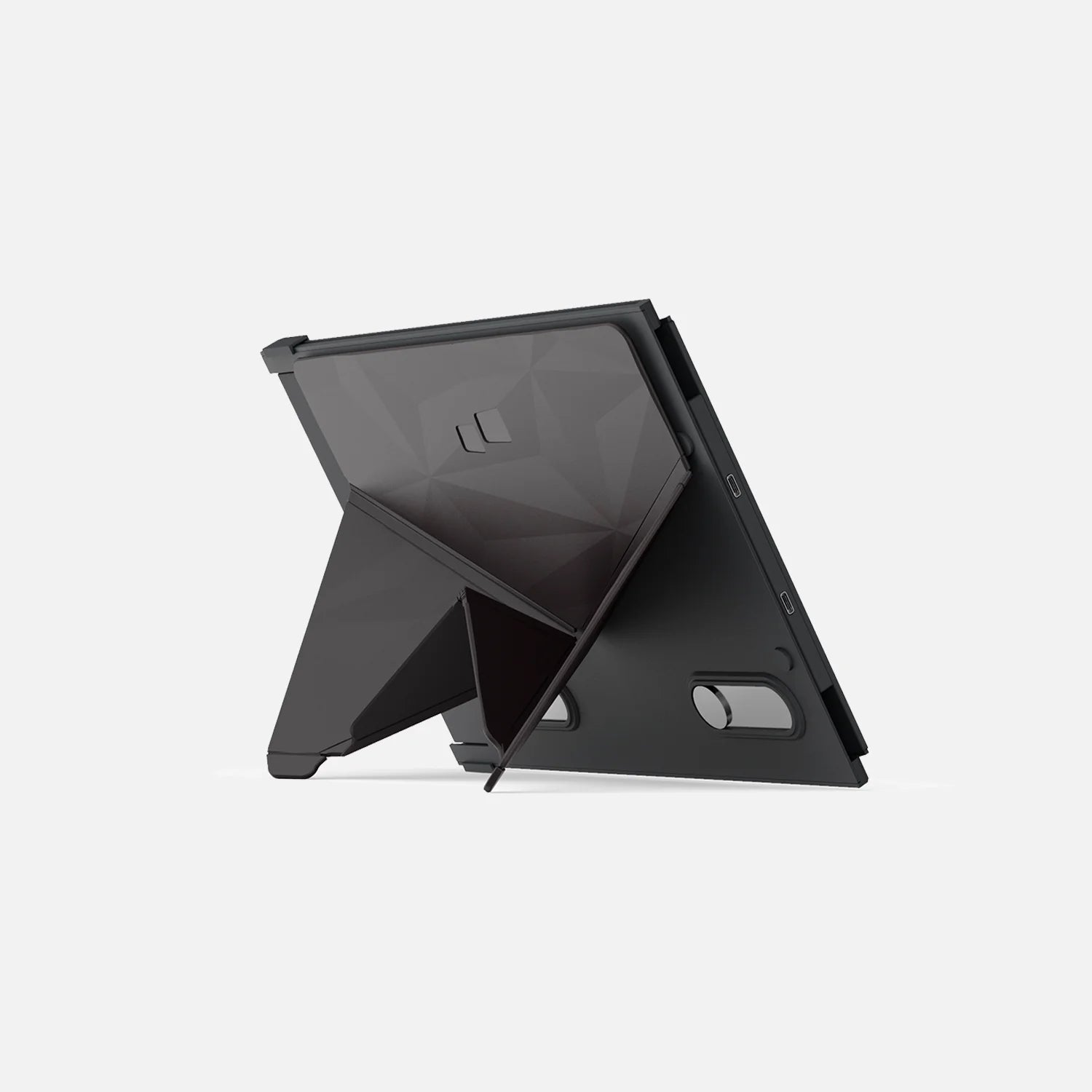
The Duex Lite double portable monitor is equipped with a versatile, multipurpose sliding lid. Use it as a protective cover when you’re not using your laptop 2nd monitor, a magnetic double monitor laptop attachment, or as a prop stand in portrait mode. From horizontal orientation to vertical usage, our double laptop screen offers four display modes.
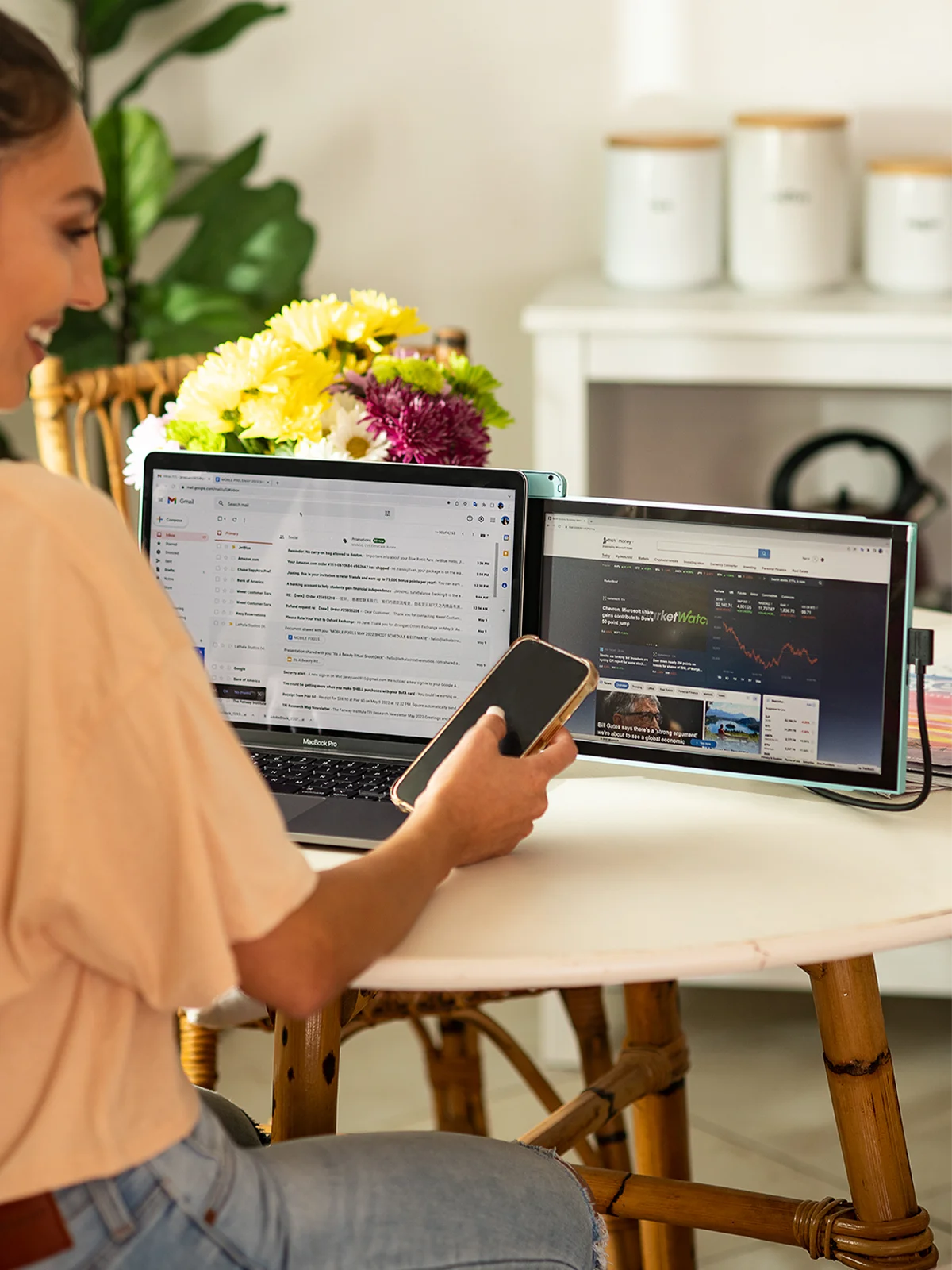
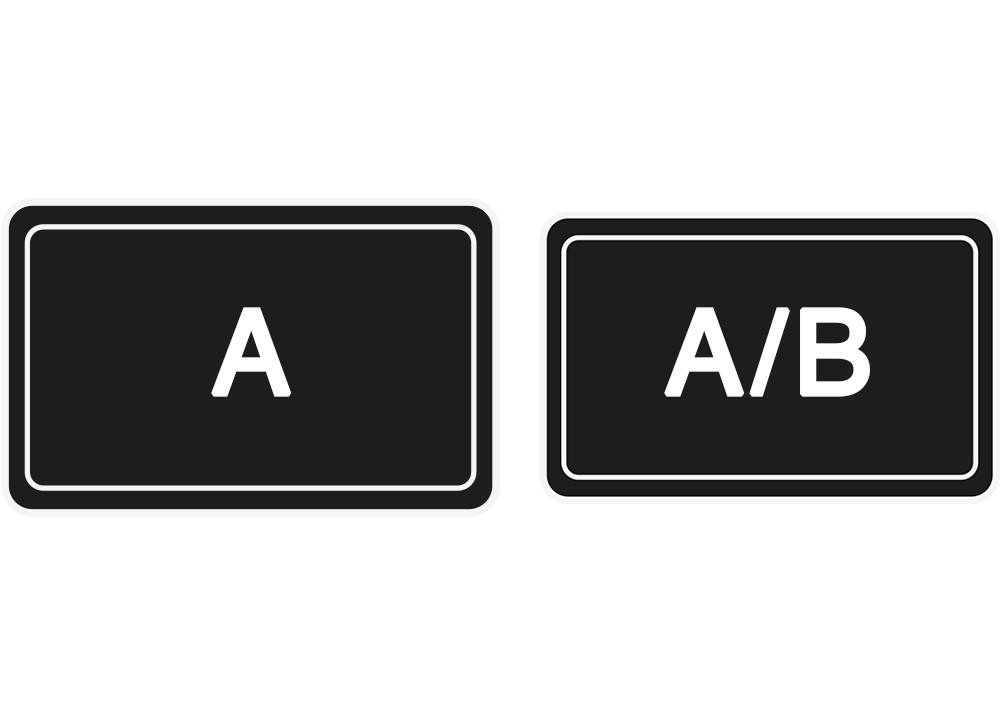
Landscape mode
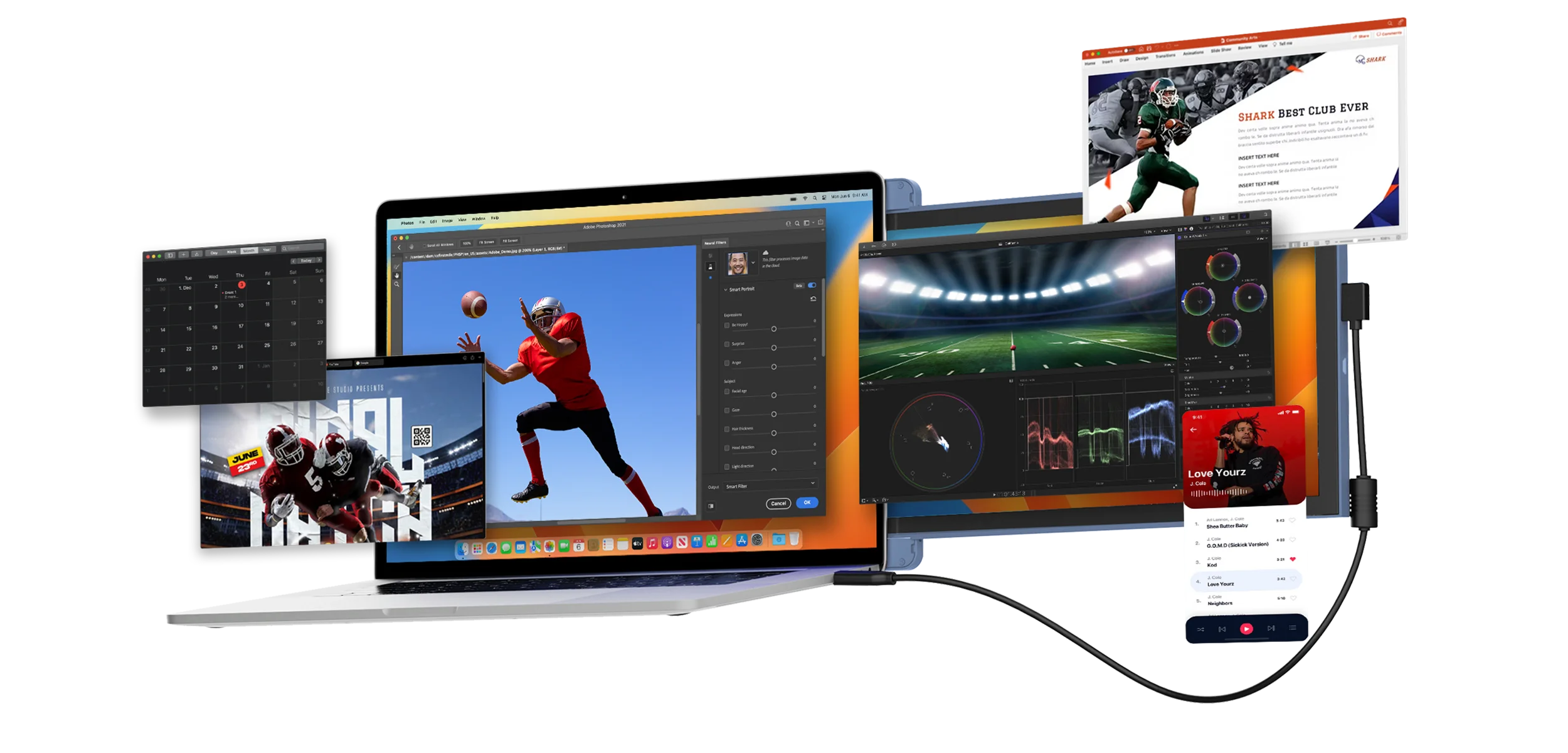
Use it as your secondary monitor as a extended display or mirrored display. Say goodbye to toggling between windows and tabs.

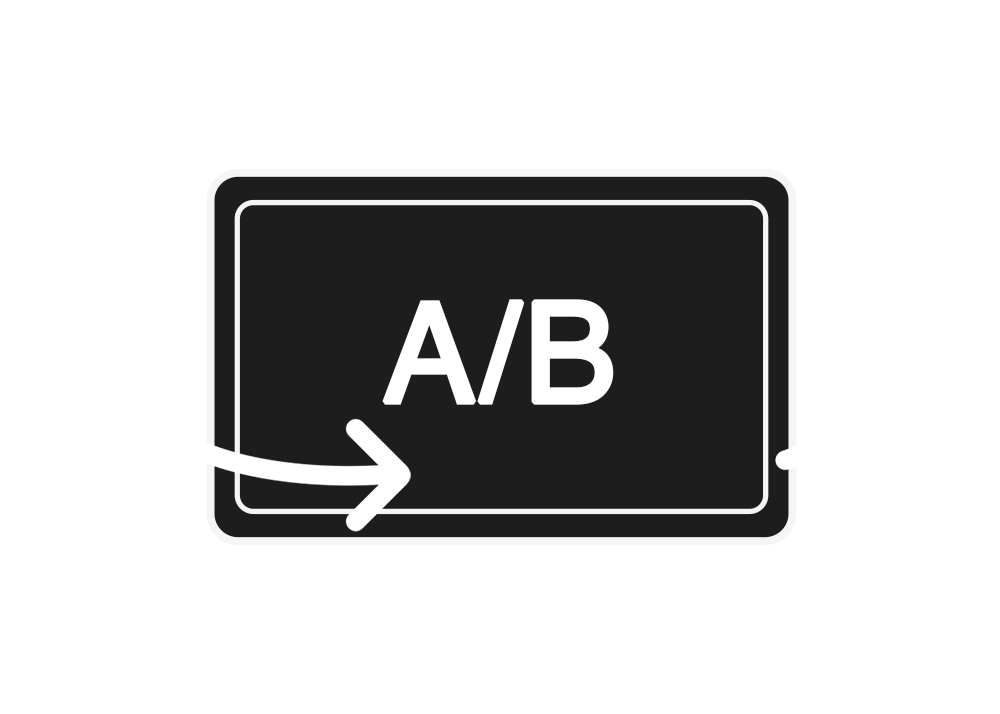
Presentation mode
You can also flip the screen 180-degree to the front of your laptop and present the screen to anyone sitting across from you, whether it’s a presentation to your team at work.
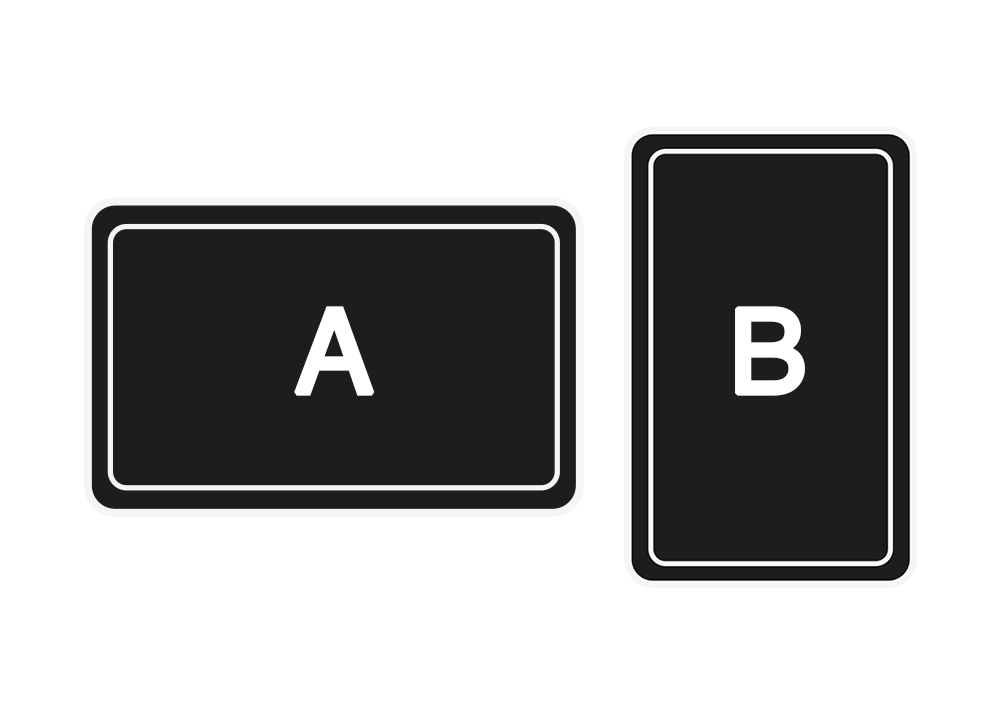
Portrait mode
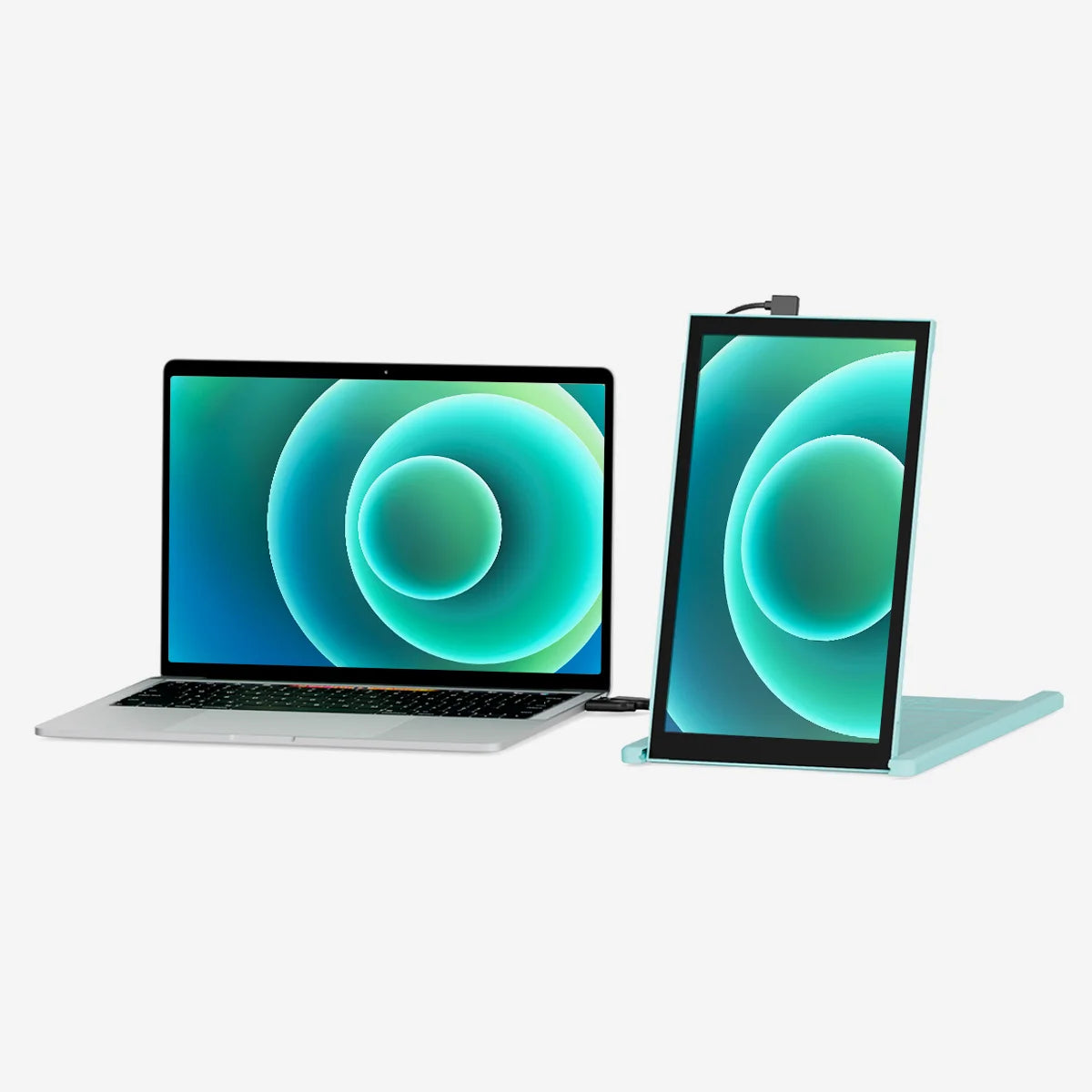
Detach and set it up vertically, perfect for coding. The portrait mode allows for increased font size, making it super convenient for you to read through the text. The portrait mode best serve web developers, content editors, content writers, proofreaders and programmers.
Landscape mode
Use it as your secondary monitor as a extended display or mirrored display. Say goodbye to toggling between windows and tabs.
Presentation mode
You can also flip the screen 180-degree to the front of your laptop and present the screen to anyone sitting across from you, whether it’s a presentation to your team at work.
Portrait mode
Detach and set it up vertically, perfect for coding. The portrait mode allows for increased font size, making it super convenient for you to read through the text. The portrait mode best serve web developers, content editors, content writers, proofreaders and programmers.
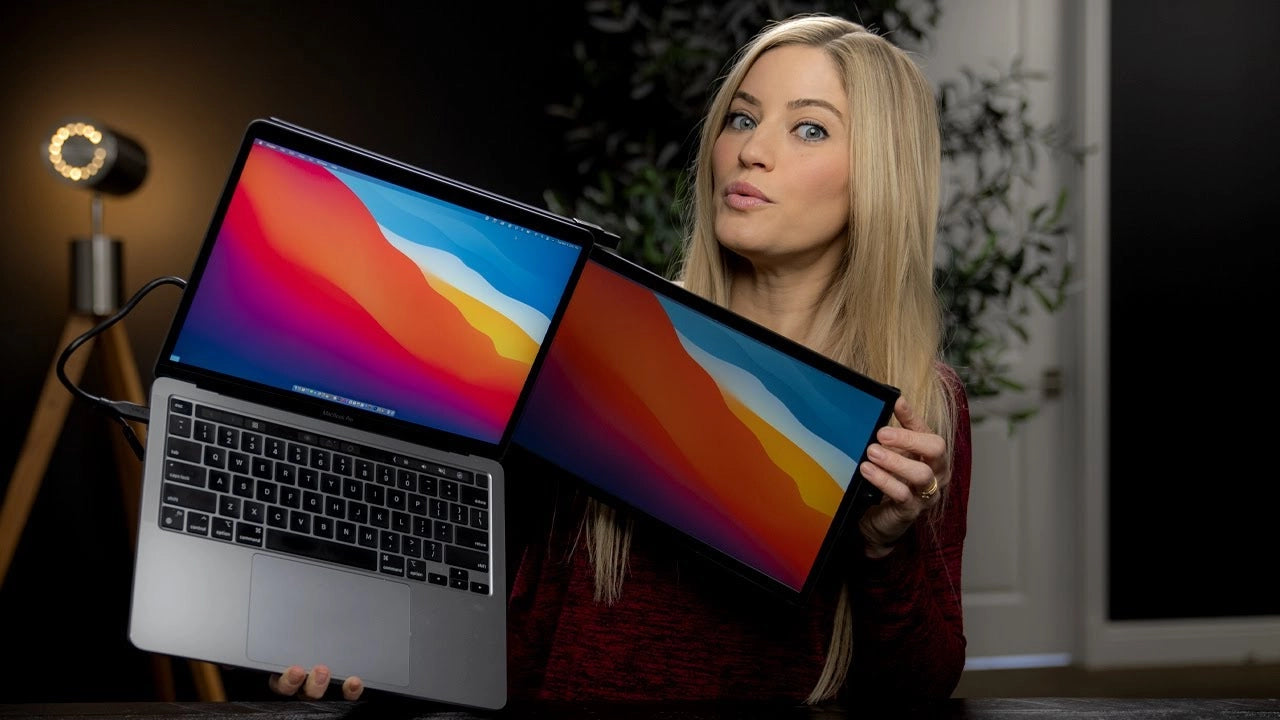
"These new versions are smaller, thinner, lighter... and basically all around better than the previous versions."
iJustine



Find more answers to frequently asked questions about the DUEX Serieshere. If you cannot find what you're looking for,contact us directly and we will assist you.
Multi-screen functionality is built into Windows 10 so just plug in a monitor and it will act as an additional screen. Additional screens can be managed using the computer display settings.
Simply plug the DUEX monitor into the computer and it will automatically become a second screen (additional driver software is required if the Duex is not automatically recognized).
The Duex Lite has a 12.5” display while the Duex Plus has a 13.2” display. Also, the Duex plus has one additional USB-C port and is compatible with Nintendo Switch + Samsung DeX (the Duex Lite is not).
The Duex is compatible with any laptop screen size. However for smaller laptops (11” and under), the Duex will not be able to attach to the laptop and a separate kickstand will be required.
One Duex monitor is needed. The Duex would be one screen while the laptop screen would be the other.
Yes, once the Duex is plugged in and working as an additional monitor, you can change the display settings on your computer to split screen with the Duex.
TRIO series and DUEX series are both thin and light designs. The main difference is that TRIO is a three-screen mode and DUEX is a dual-screen mode.
This product is rated 4.7 of 5.0 stars.
It has received 366 reviews.
Overall rating: 4.667575 / 5 from 367 reviews.
The Duex Lite 12.5" is a lightweight, portable secondary screen with a 12.5" diagonal screen and a 16:9 aspect ratio. It offers versatile compatibility with most laptops and quick connectivity through USB-C or USB-A ports. Customers appreciate its easy installation, clear instructions, and good screen quality. However, opinions on its weight and design are mixed.
Review topics: ["color","shipping","fit","spots","improvement","quality","size","efficiency","packaging","value","service","issues","weight","design","screen","looks","instructions","installation","customer service","work","support","display","setup","price","convenience","functionality","connection","use","frame","software"].
"Perfect extra screen for my laptop. Easy to use, lightweight, and it has helped me improve my productivity."
"Great way to increase productivity."
"Simple but effective solution. The versatility of this product is pretty great, and the small size makes this ideal for travel."
"Love it!"
"Now I can be productive anywhere! Magnets were challenging to get to stick and stay stuck, but once I dialed that in the screen was really easy to use."
"I think I sell one for MP every time I'm working in an airport! People are always asking me about it and I send them right to your site. It's a game changer. I work remote and am able to work from anywhere. I bought the duex lite this spring knowing I had a busy summer ahead with my son for travel baseball. This made it so much easier to work from the car, hotel, airport and even baseball stadium. The resolution and brightness are good. I'm very glad I chose the lite. I have this on my 14-inch MacBook Pro. I wouldn't want my laptop to be any heavier, and it does at times pull back on the monitor. As other reviews have said, it could be an issue with a loose laptop top. Things to know: - It comes with a few different connection cables. It took me a hot minute and watching a youtube video to get the cables correct so it would work, but that's a one-time issue. All good from there. - Pay attention to the reviews about the image being upside-down. Easy to fix, and it's easy to find instructions to fix it. Also a one-time issue."
"simple installation. Easy use."
"Best customer service and products ever!!!!! Now I’m obsessed with my travel monitor and I never go anywhere without it. One day I woke up and the screen was busted. I had no idea what happened. I emailed Customer service and told them and they responded so quickly. I sent some pictures and they immediately offered to replace the screen. It arrived 24 hours later. Customer service is a big deal to me and I’m a forever client! Also the screen is amazing and will change the way you work. If you are on the fence get one IMMEDIATELY!!!!!"
"This is a great little monitor. It has freed me from being stuck at a desk with an external monitor - my eyes aren't what they used to be - and the hassles that come with sitting at a desk all day. Now I can work on the deck, the couch, or wherever else. I love it. I had one little issue with the adhesive, and customer service took care of me immediately and over a weekend. Highly recommended."
"I use spreadsheets for work and have a nice 34" monitor at work that really helps, but I needed something at home because my little laptop monitor was not cutting it! I researched monitor extenders and decided to go with this brand because of the good reviews and price. My intent was to also use it on my personal computer (MAC) for my personal spreadsheets (I know...). This extender works great with my HP laptop, but with my MacBook Air, it's a bit heavy and pulls back on the screen, but not so bad. I should mention I use a stand because it feels better on my wrists, but have to take the laptop off the stand because I can slowly see the extender sliding down. Overall, I would recommend it. It has made working from home easier."