









Duex DS Series

Sale price$259.99 USD Regular price$299.99 USD Markdown price
  • Two screen sizes: 13.3-inch and 14.1-inch
  • Boost productivity by up to 50%
  • Slim and lightweight design
  • Four viewing modes and eye-care mode
  • Plug and play via USB-C or Mini HDMI
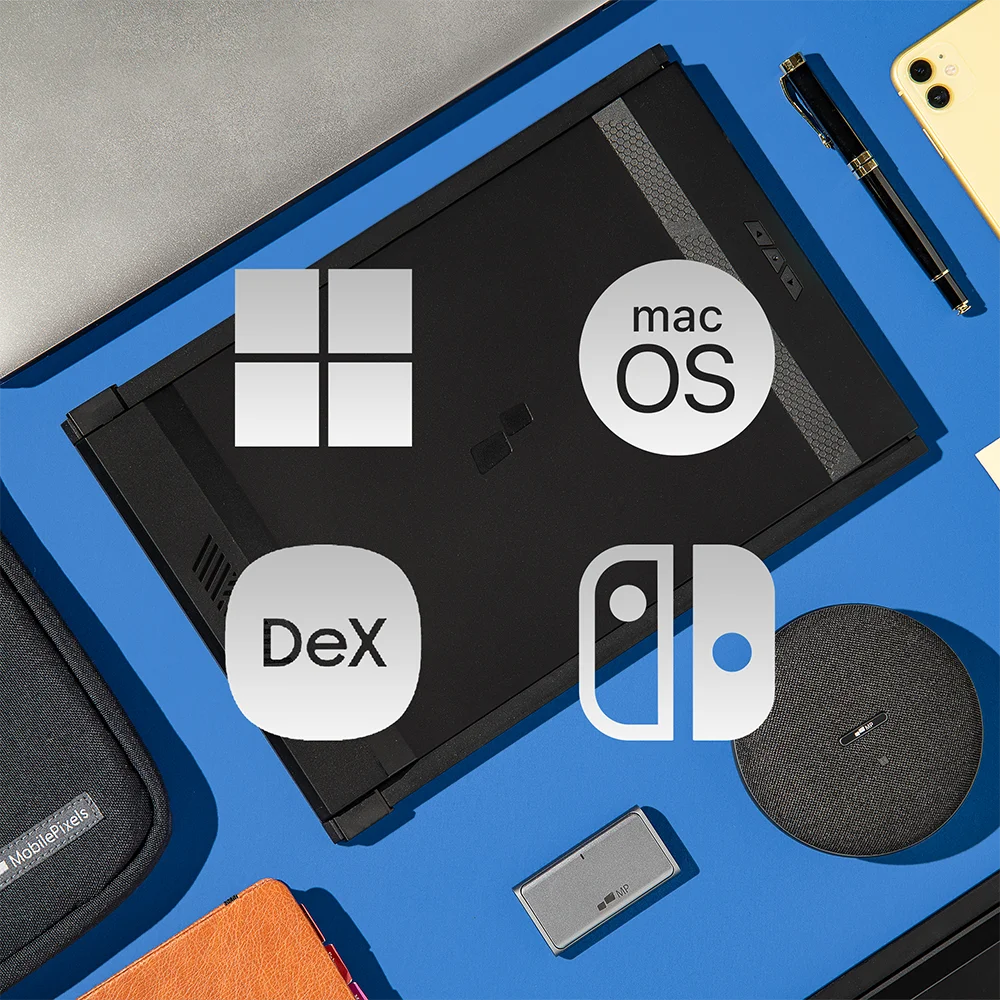
  • Compatible with macOS/ Windows/ Nintendo Switch/ Samsung Dex
Select Option: Duex Max DS - 14.1-inch

Select Option

Add Extended Warranty
How does trade-in work? Learn more
Which model do you have?
How much more money can you make with using external monitors? See Details
2 Years of Peace of Mind, On Us!
Free Shipping to US | Canada on Orders Over $200 CAD

Efficiency Improvement

Your salary
$
Hourly
Annualy
Working time per week
Hours

Estimated Income Value

How much value can you create by adding one or two additional screens to increase efficiency?

Using multiple monitors

$0.00

Using single monitor

$0.00

Weekly
Monthly
Annually

Actual savings can vary depending on usage and other cost assumptions.

Watch video

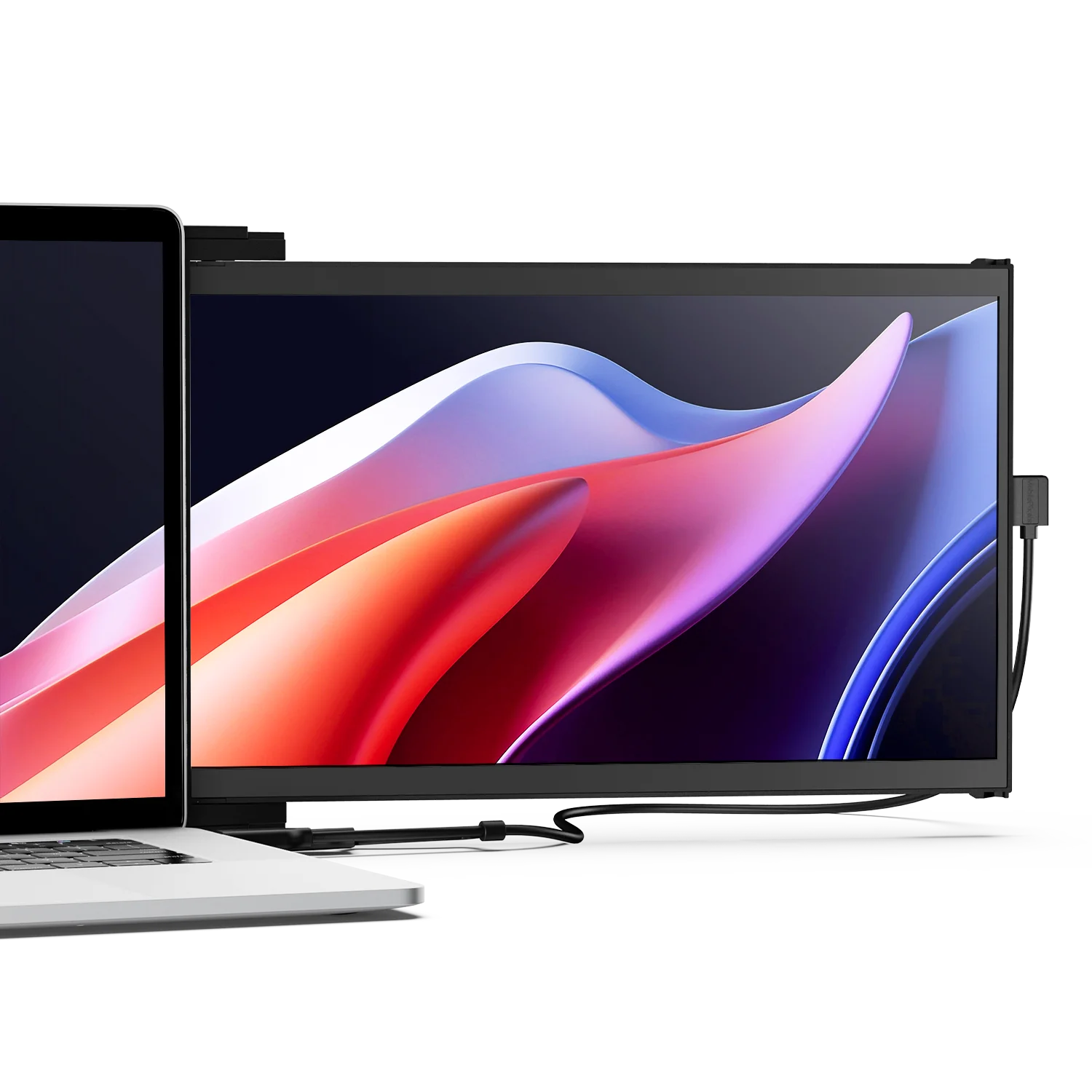
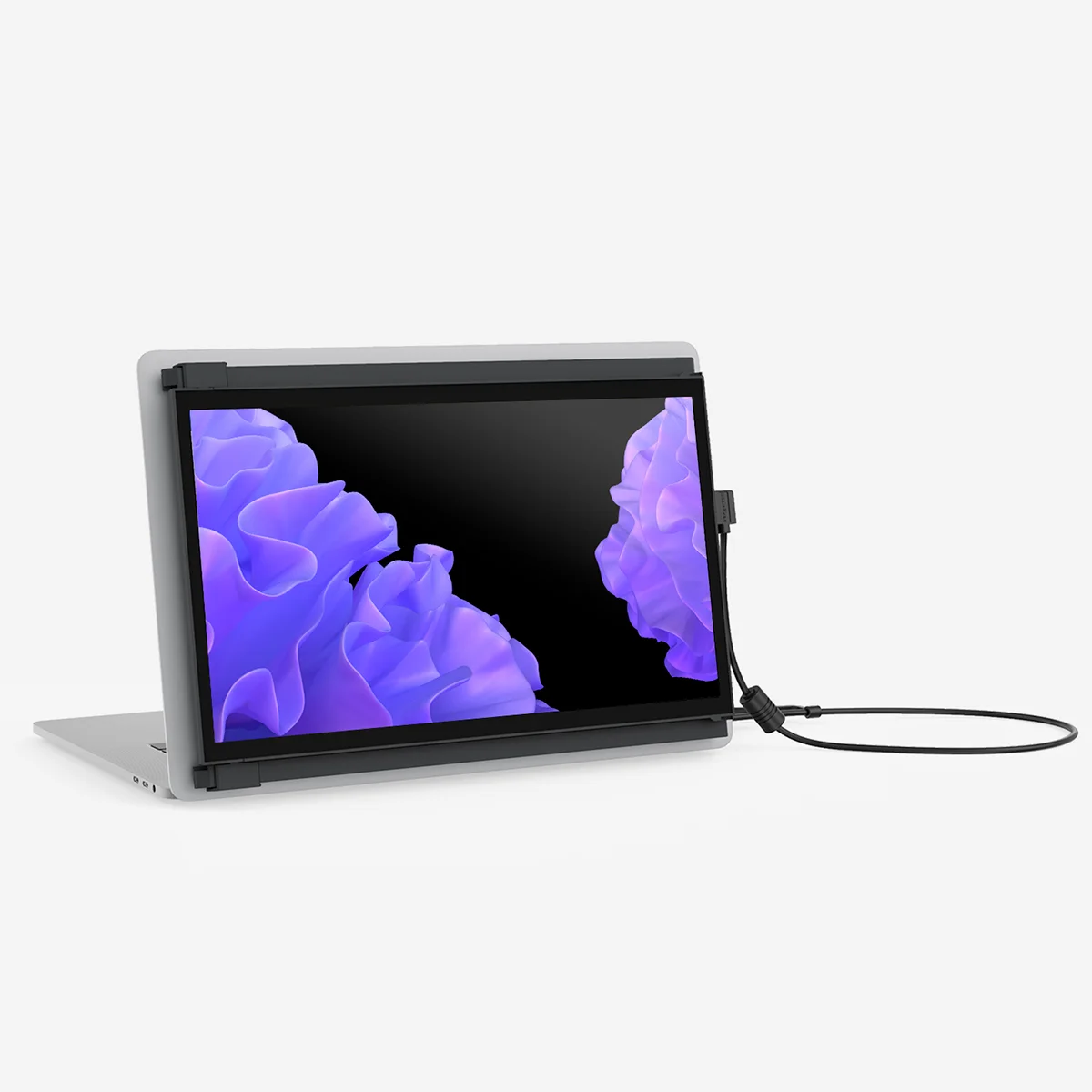
Full-HD 14" Duex Max DS portable dual screen extender for laptop

Boost your productivity by up to 50%.

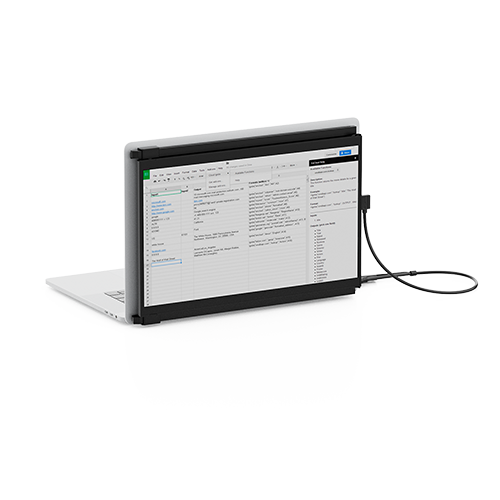
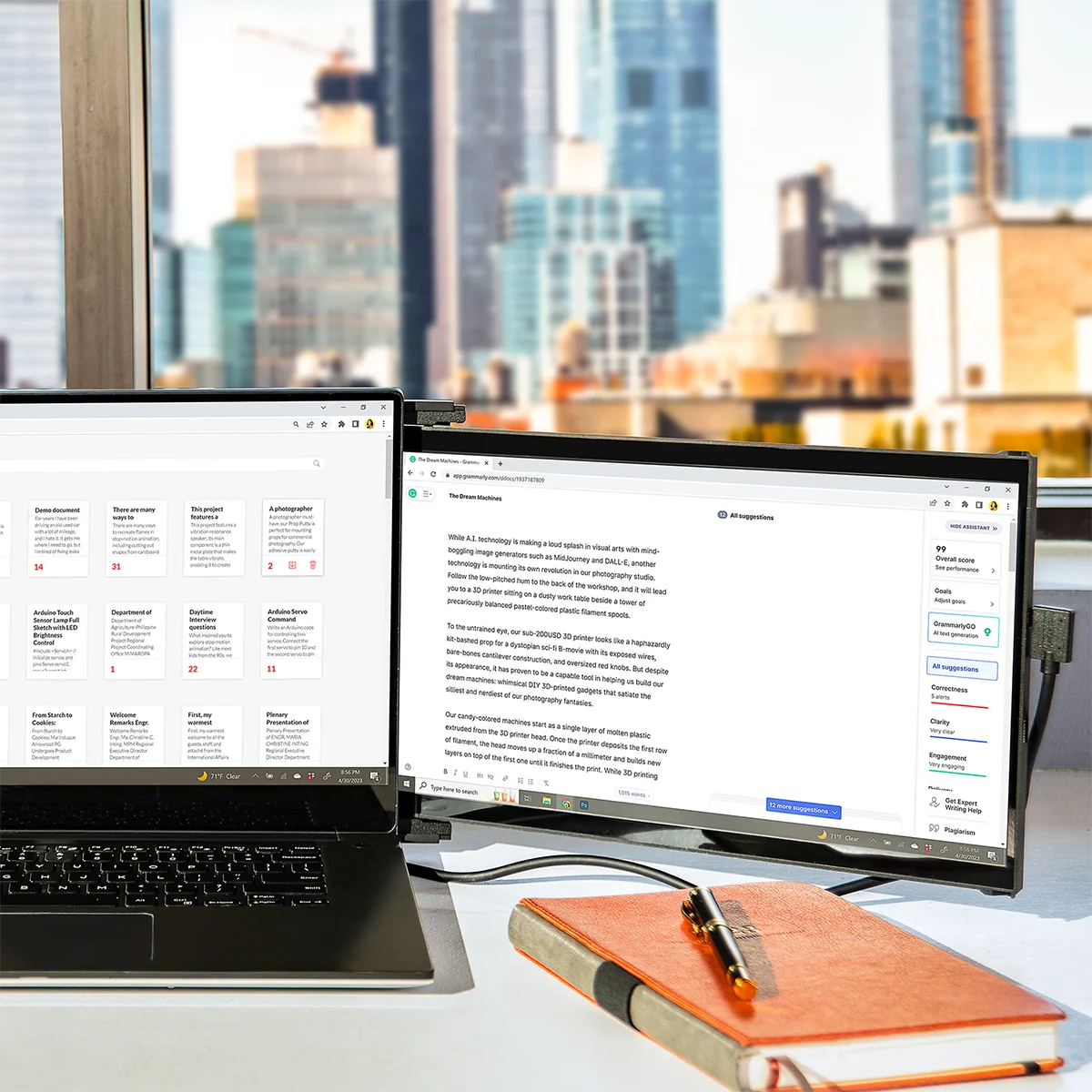
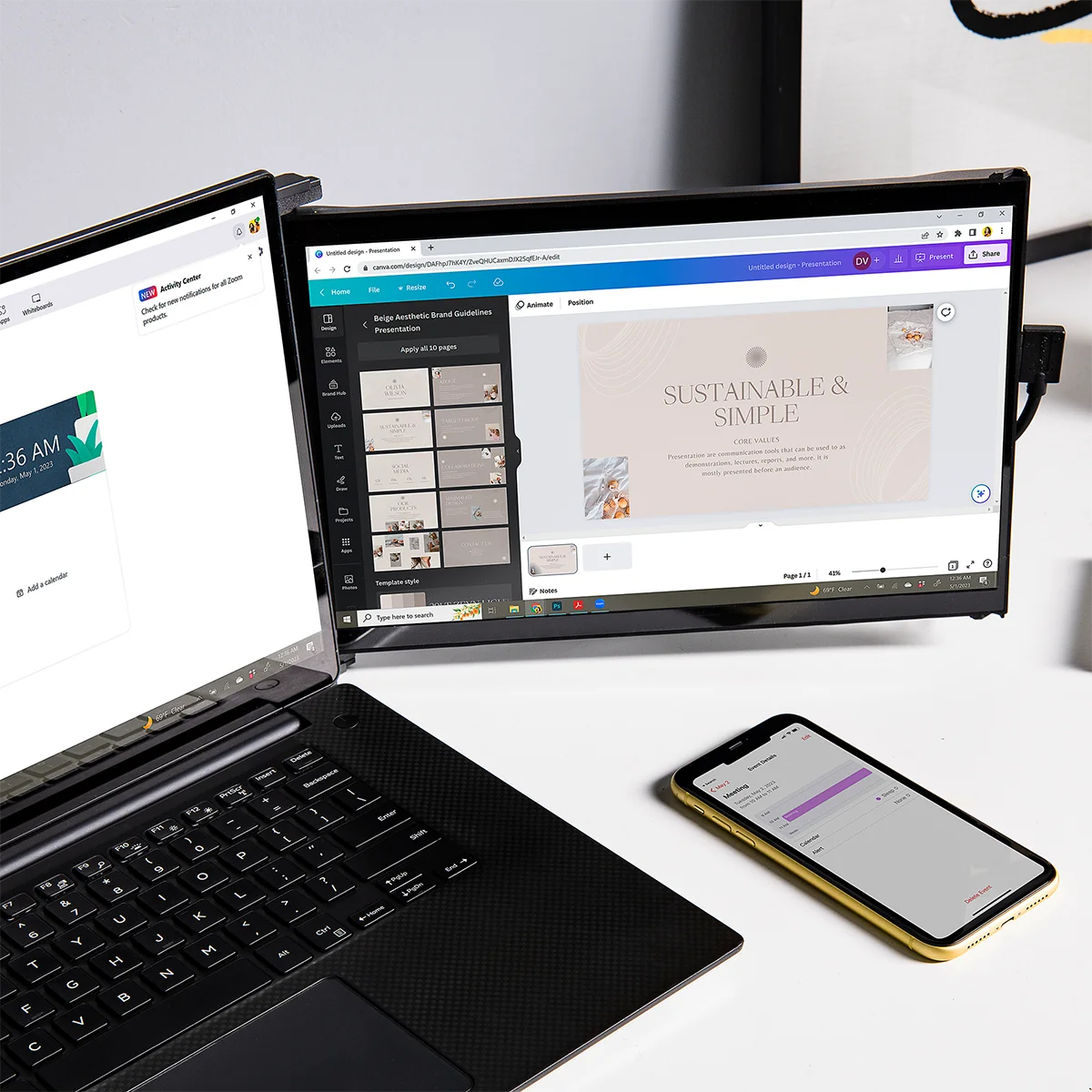
Whether you’re juggling documents, managing spreadsheets, or multitasking between apps, Duex DS Series monitors give you the extra screen real estate you need to work smarter and faster. Lightweight, easy to install, and ready wherever you are — unlock up to 50% more efficiency and get things done without limits.

Duex Max DS portable dual screen extender is easy to set up

Plug in, power on. Quick setup.

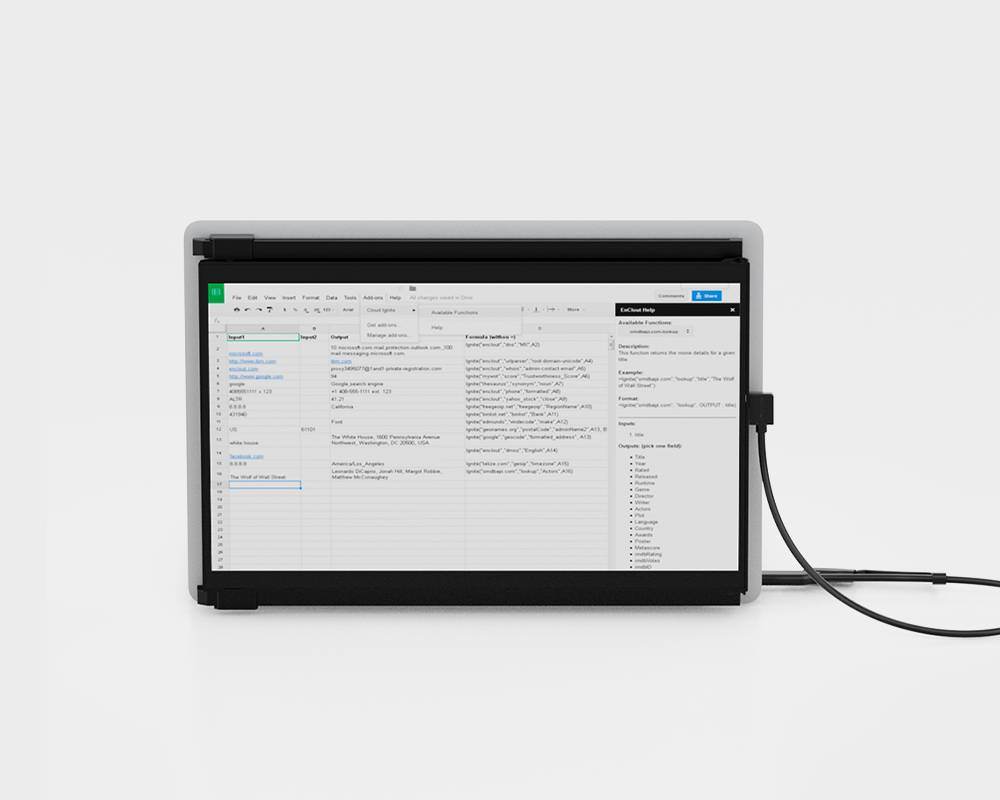
Duex Max DS and Duex Plus DS are equipped with one USB-C port and one mini HDMI port. Set up in a snap and adjust your portable screen for laptop to your liking with our plug-and-play monitor. Making it perfect for any task at any occasion.

Duex Max DS portable dual screen extender for laptop on the go

On-the-go convenience.

This sleek and lightweight design, weighing just 1.8lbs and slim at 0.60 inches, ensures you can carry your productivity in easy. Whether you're at a café or a meeting, make a statement with elegance.

Duex Max DS portable monitor works with all your devices

Stay Connected.

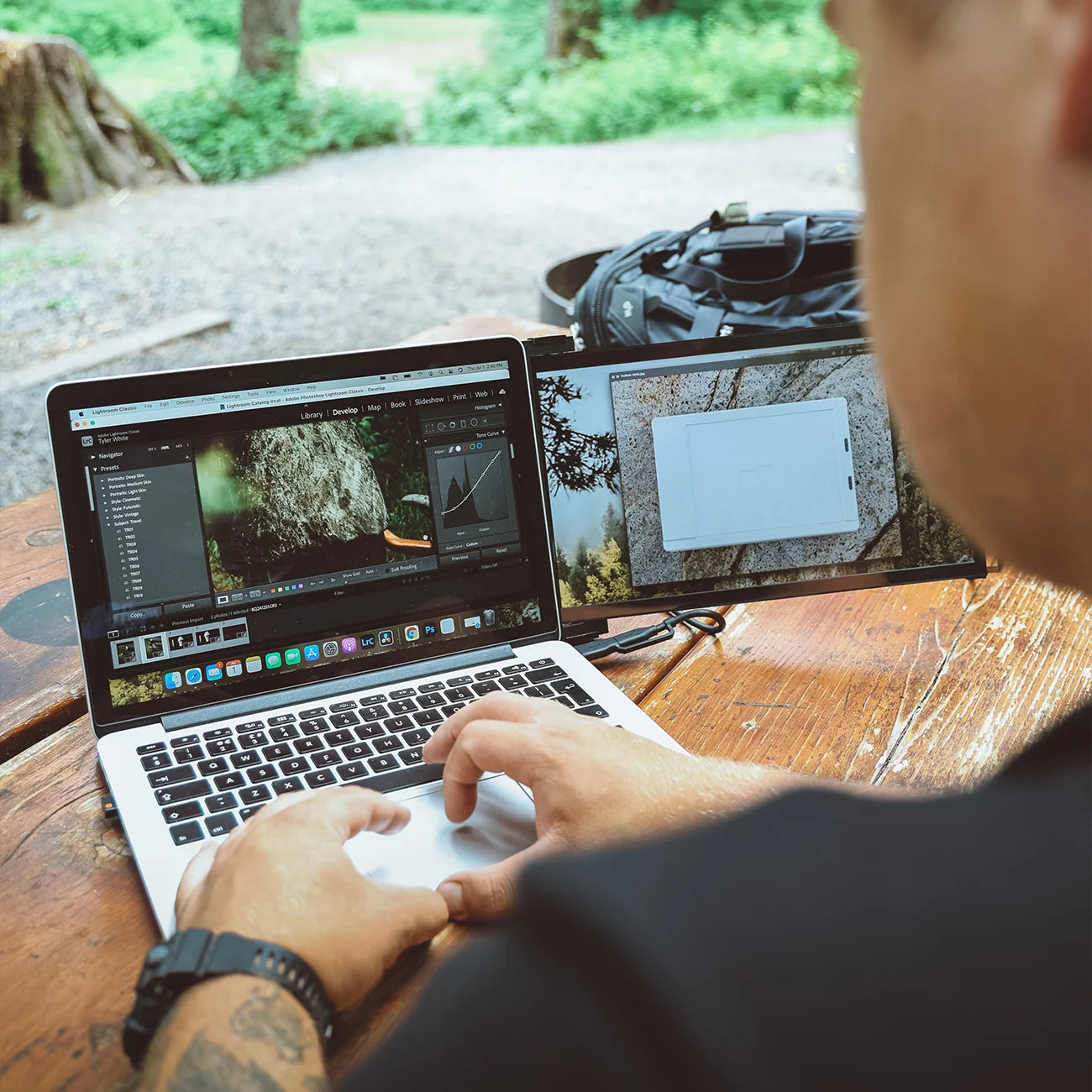
Duex DS Series monitors work with all your devices like laptops (Mac/ Windows), phones, and even switch, ensuring you're always connected. Whether you're working or chilling, enjoy uninterrupted connectivity.

For ergonomic comfort and various scenarios.

Duex Max DS has a rotation function and can be used in its intended landscape mode, portrait mode, presentation mode, or kickstand mode—perfect for any scenario.

Duex Max DS portable dual screen extender  in landscape mode

Landscape mode

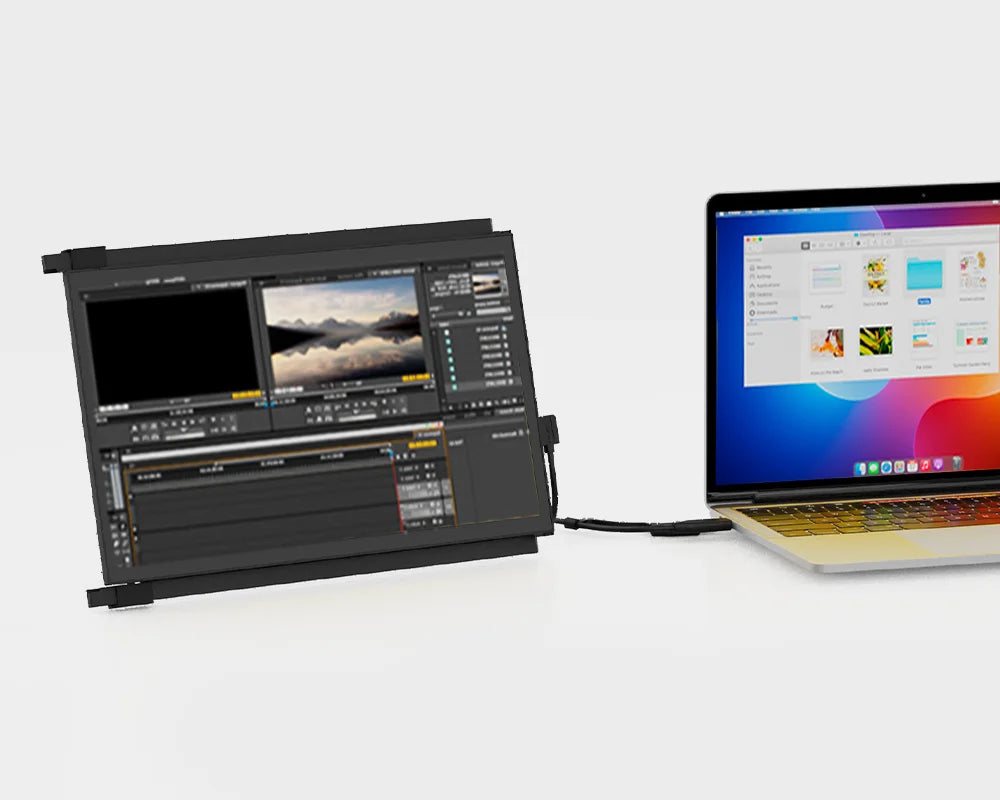
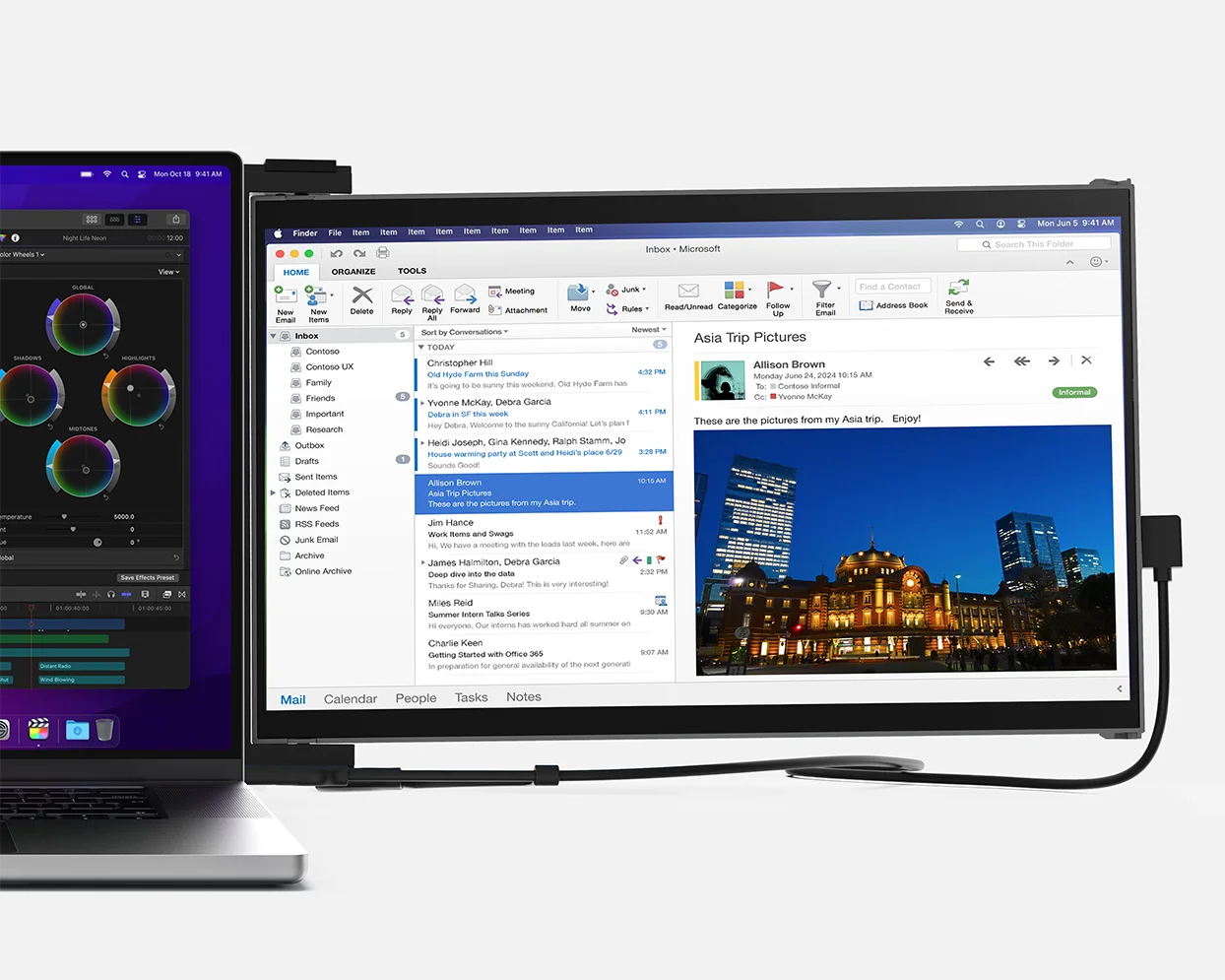
Use it as your secondary monitor as a extended display or mirrored display. Say goodbye to toggling between windows and tabs.

Duex Max DS portable dual screen extender in presentation mode

Presentation mode

You can also flip the screen 180-degree to the front of your laptop and present the screen to anyone sitting across from you, whether it’s a presentation to your team at work.

Duex Max DS portable dual screen extender in portrait mode

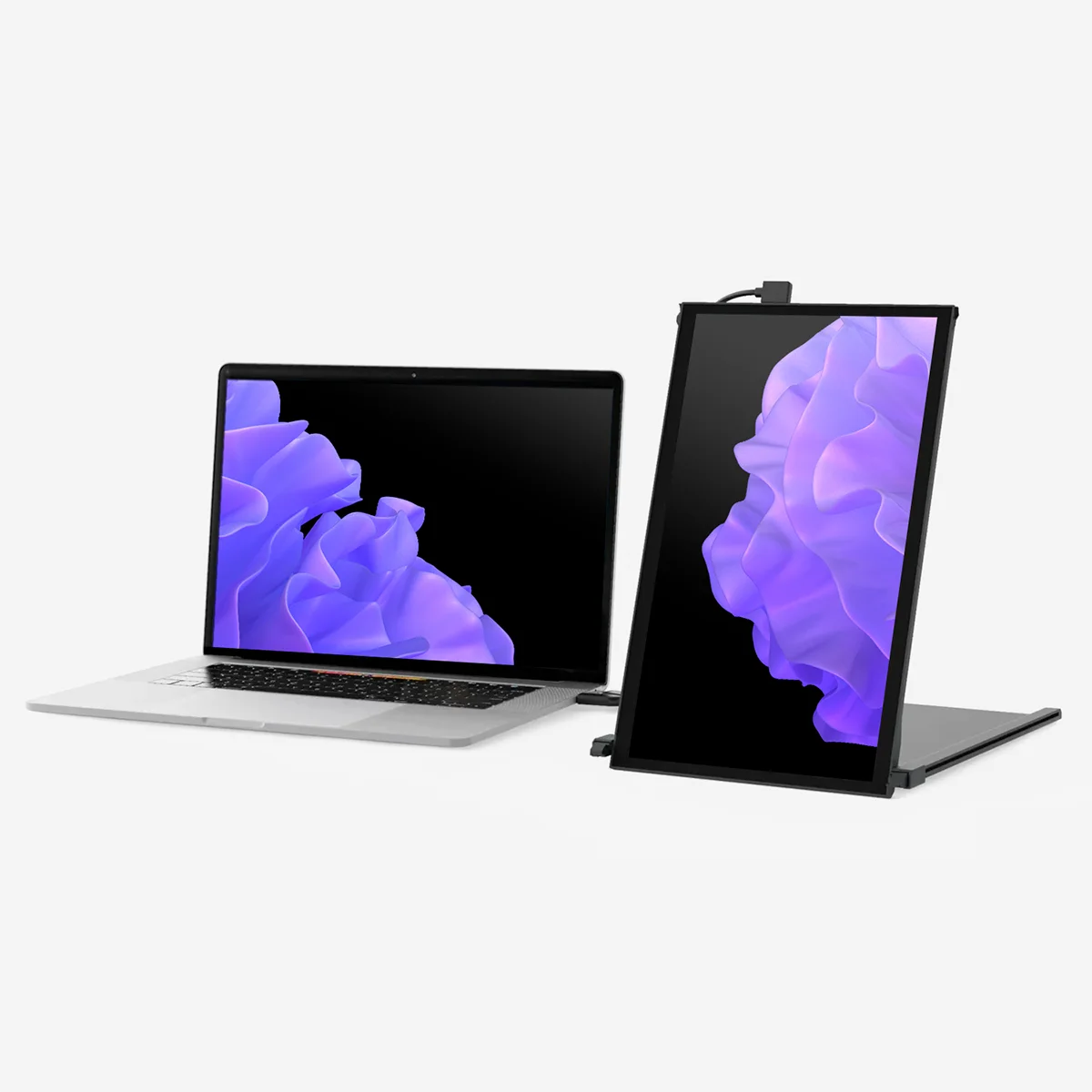
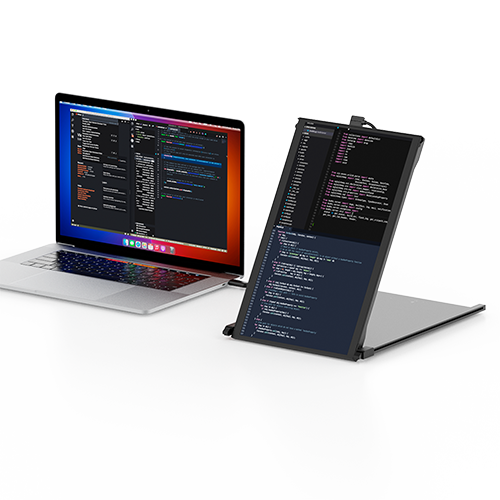
Portrait mode

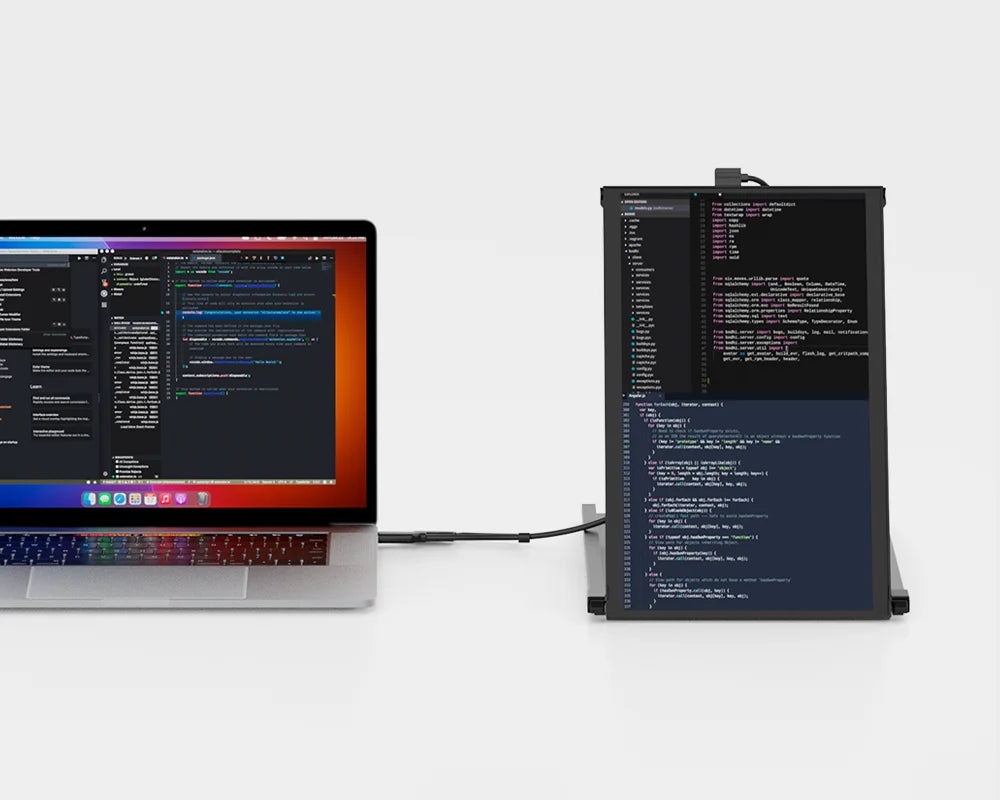
Detach and set it up vertically, perfect for coding. The portrait mode allows for increased font size, making it super convenient for you to read through the text. The portrait mode best serve web developers, content editors, content writers, proofreaders and programmers.

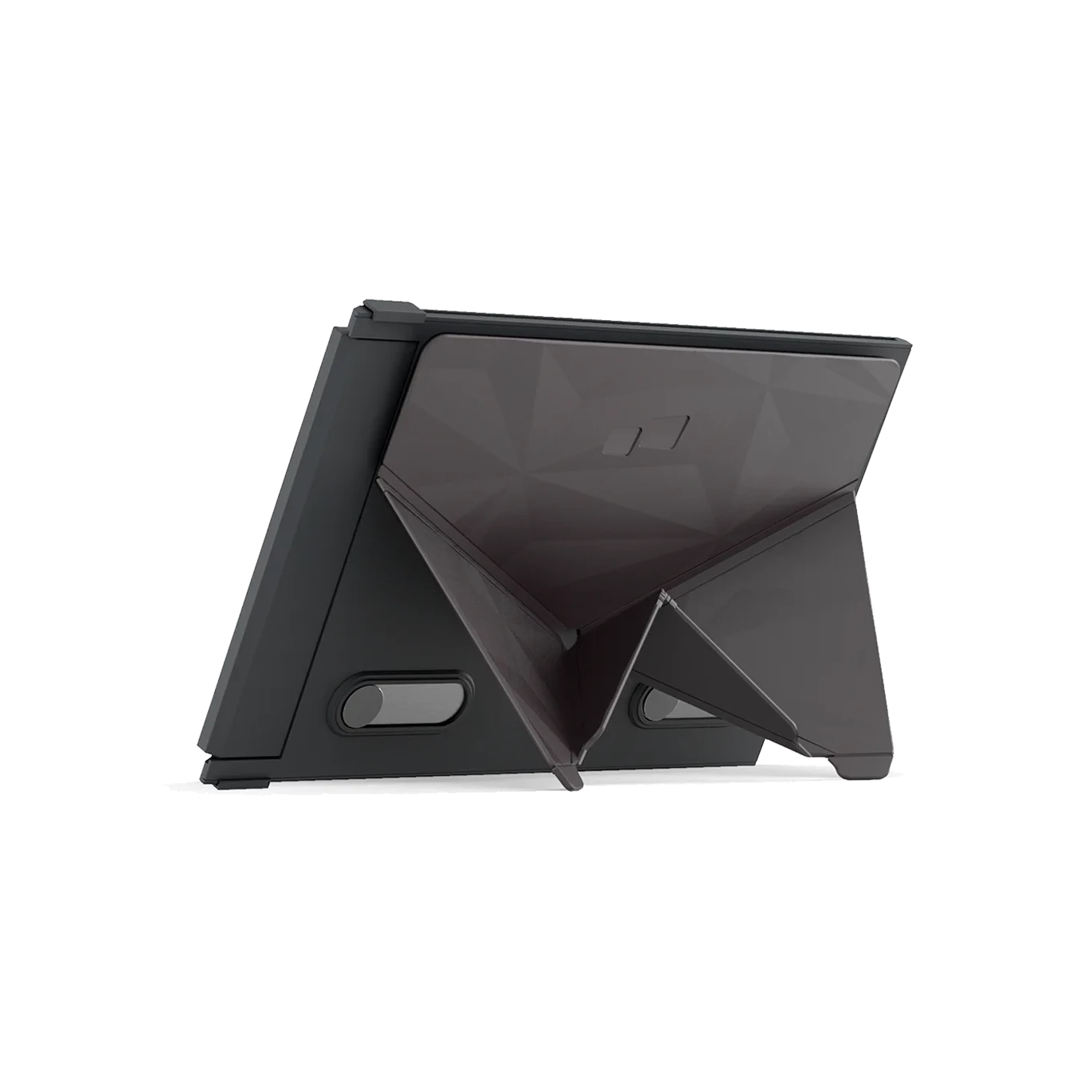
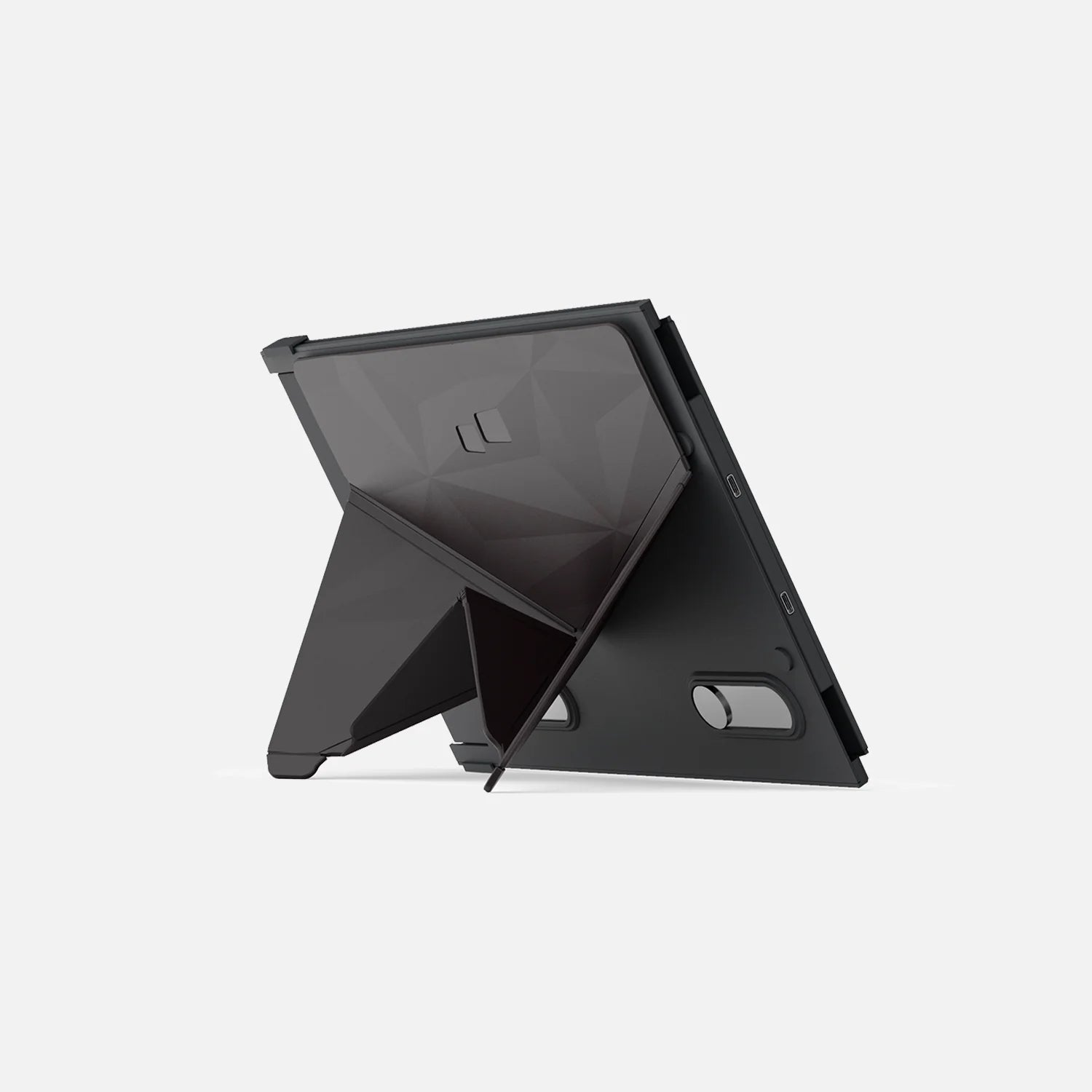
Duex Max DS portable dual screen extender in kickstand mode

Kickstand mode

Buy our Origami Kickstand and attach it to Duex Max DS. You can now use it as a second screen by placing it on the surface next to your laptop.

Ensure optimal eye comfort.

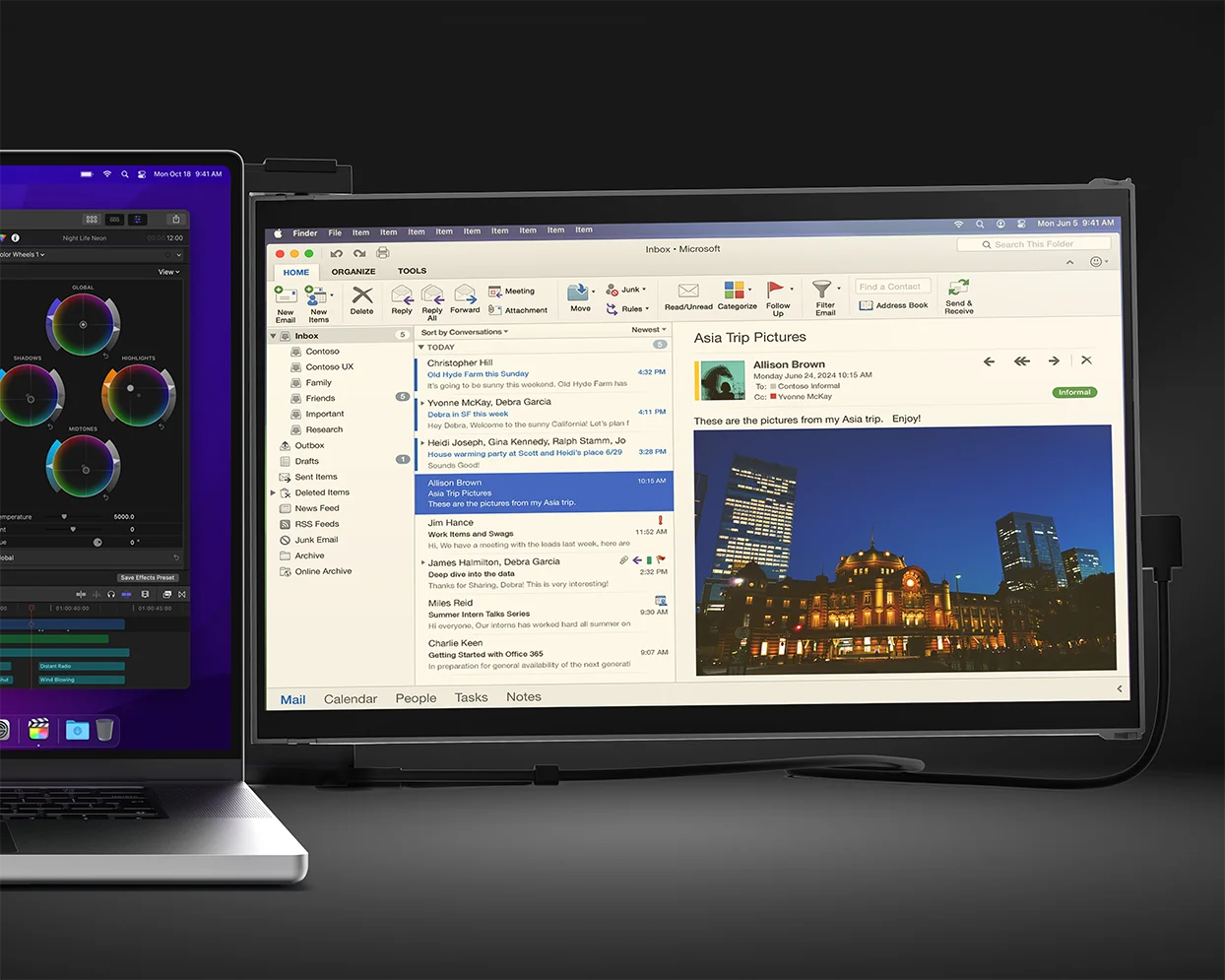
Experience optimal color temperature and brightness that minimizes the emission of blue light from your displays. Work comfortably with less eye fatigue while reading, word processing, and more in low-light environments.

Eye-care Mode On

Eye-care Mode Off

Drag

Mutiple connection methods

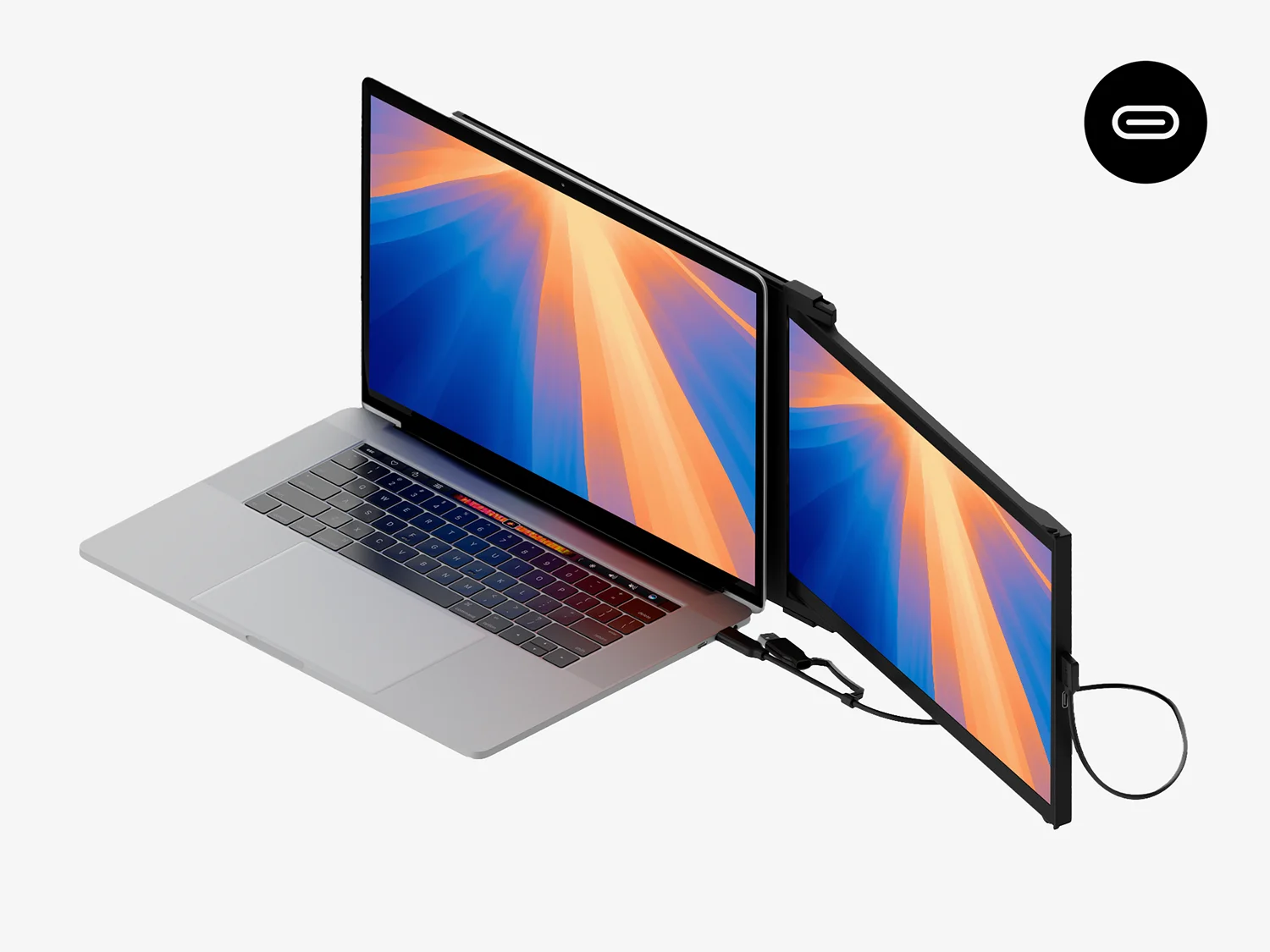
Duex Max DS portable dual screen extender set up with only a USB-C to c cable

Using only USB-C to C cable

For laptop has USB-C port with DP ALT mode.

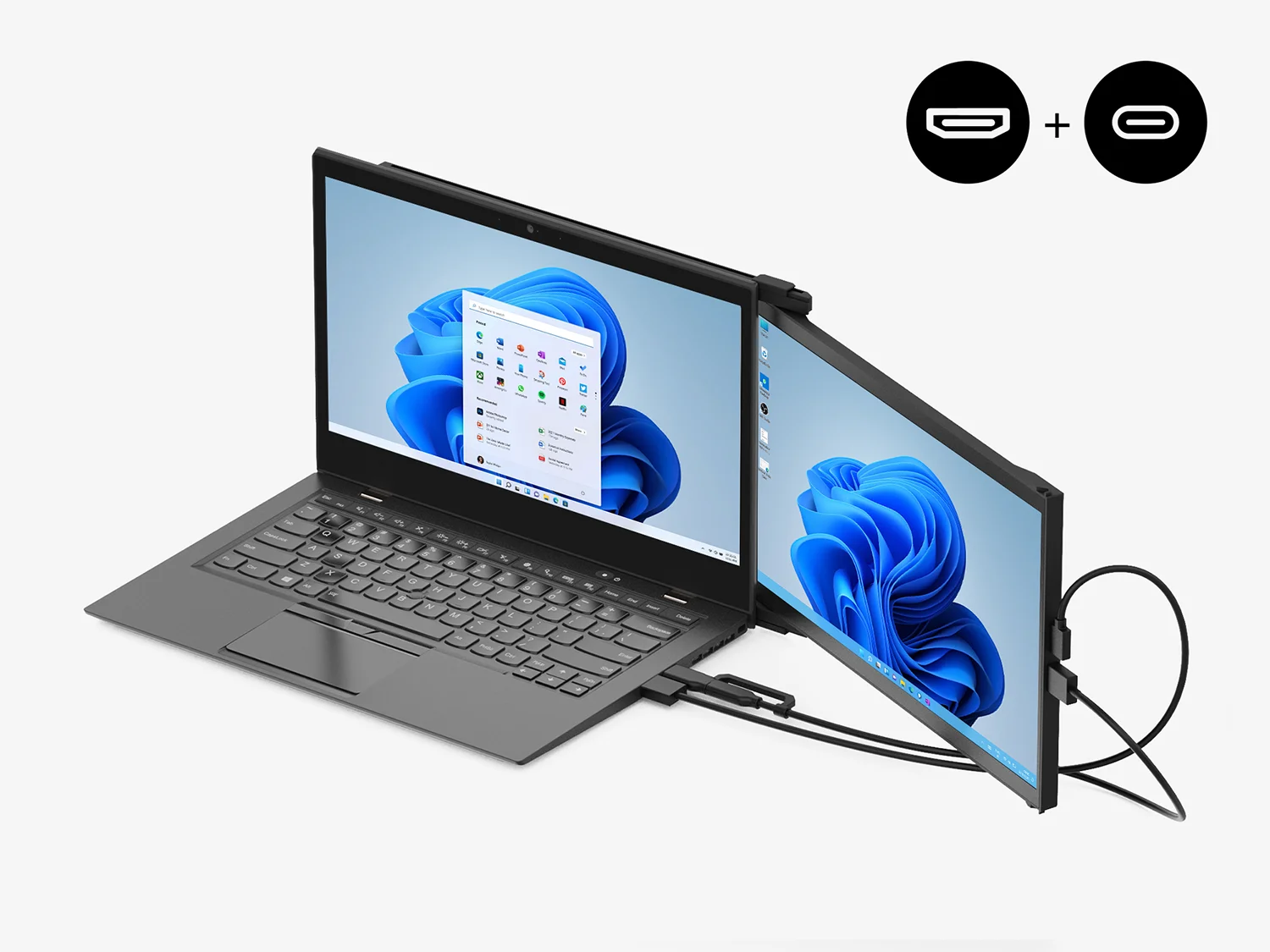
Duex Max DS portable dual screen extender setup with HDMI cable

Using USB-C to C cable with HDMI cable

For laptop has USB-C port without DP ALT mode.

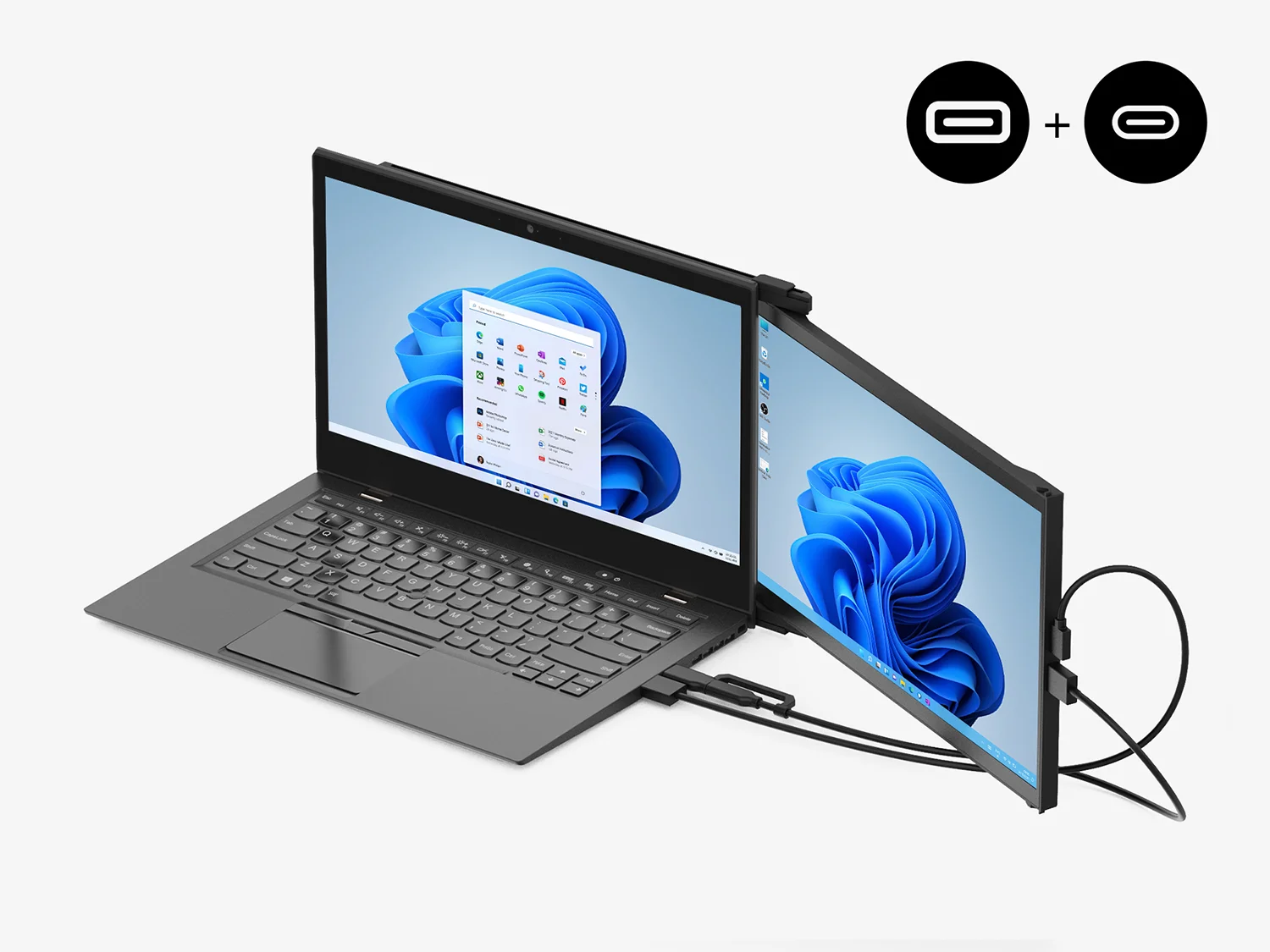
Duex Max DS dual screen extender setup with Type-A adapter with HDMI cable

Using USB-C to C cable and Type-A adapter with HDMI cable

For laptop has only USB-A and HDMI port.

Product Details

Enhance productivity with Duex DS Series monitors.

Duex Max DS and Duex Plus DS are our upgraded, portable dual-screen laptop accessory that makes multitasking effortless.

SKU
  • Duex Max DS: 101-1007P06
  • Duex Plus DS: 101-1006P04
Screen Size
  • Duex Max DS: 14.1-inch
  • Duex Plus DS: 13.3-inch
Resolution

1920 x 1080 pixels

Screen type

LCD

Brightness

300 nit (adjustable)

What's included

One Duex Max DS
  • 1× Duex DS Series monitor
Laptop magnets
  • 4× Laptop magnets
one USB-C cable
  • 1× USB-C cable with USB-A adapter
one mini HDMI to HDMI cable
  • 1× Mini HDMI to HDMI cable
user guide
  • 1× User guide

FAQs

Find more answers to frequently asked questions about the Duex Series here. If you cannot find what you're looking for, contact us directly and we will assist you.

Overall rating: 4.811893 / 5 from 824 reviews.

AI Generated Review Summary

The Duex DS Series portable monitors offer a versatile and convenient solution for enhancing your laptop experience. Customers appreciate the easy setup, great resolution, and quality of these monitors, making them ideal for on-the-go work. The monitors come in two sizes, feature auto-rotation, and are compatible with multiple devices. While some customers noted minor issues, the overall feedback highlights their usefulness and portability.

Summary topics

  • Ease of Setup: 5%
  • Display Resolution: 5%
  • Display Quality: 3%
  • Portability: 32%
  • Work Convenience: 8%

Review topics: ["color","shipping","fit","efficiency","quality","size","light","difference","packaging","value","service","issues","weight","design","screen","looks","customer service","setup","display","work","installation","instructions","support","feel","cord","software","connection","price","functionality","frame"].

Review highlights

  • "This monitor works very well for my needs and has a good looking screen."Andy P.
  • "The monitor worked right away when plugged into my Windows 10 Pro laptop."K P.
  • "Great quality screen and easy setup."Moms

Reviews

Love. This. Monitor. Game-changer.

"Absolute genius idea. I've been chewing on a second screen for years and thank god I waited because this is perfect for my current remote work / occasional travel. Plus the customer support (looking at you Anita!) was off the charts good!"


Adam K. (5/5)

The best duel screen to work from anywhere!

"I love the Duex DS! It makes working remotely and from anywhere - a desk, the couch, the backyard - so easy. It's easy to attach to your laptop and lightweight. I absolutely love it!"

Erika T. (5/5)

It's amazing

"It really is amazing how much more productive I've been since adding a second monitor to my laptop- no more drowning in open tabs or accidentally closing windows. The form factor is amazing. I honestly don't know how I worked without it. Great product."

Scott G. (5/5)

Christmas gift for grad student sister

"My sister loves her gift. I also want to point out y'all have great instructions that come in the packaging. For reference, this is attached to a surface laptop."

Pier B. (5/5)

recommend

"I didn't know I could make my life this easier 😭, everything is perfect, it looks elegant, easy to mount, not that heavy, good for peoples who multi task. I just used it for a day and so far it has been awesome. I dearly recommend!!!"

Sem (5/5)

Recientemente adquir este artculo y

"Recientemente adquir este artculo y estoy muy satisfecho/a con la calidad. Cumple perfectamente con lo que promete, es durable y super mis expectativas. El envo lleg a tiempo y en perfectas condiciones. Sin duda, volvera a comprarlo y lo recomiendo a otros usuarios. ?Buen precio por lo que ofrece!"

Juan M. (5/5)

Great product

"Great alternative for second screen when traveling."

Wendy V. (5/5)

Perfect WFH setup on the go

"I love my Duex Plus! Ive had it for 3+ years and I take it every time I travel. Coworkers always comment on how useful it is when I bring it to the office, and I love that it allows me to work from anywhere without losing productivity. Recently I traveled for a few months without a home base, and I used it every single day! I cant recommend it enough!"

Talia F. (5/5)

Extremely convenient

"I purchased a Duex Plus several years ago for personal use. It worked extremely well for a 2nd monitor while traveling. It barely takes up any space at all. I keep mine magnetically attached to my laptop, but my husband often borrows it and uses the stand to set up the monitor vertically while running reports for work remotely. We travel a lot and I take this everywhere!"

Jess (5/5)

Great product

"I have tried other travel monitors but this one is the best. Works great and has an excellent picture."

Kelly D. (5/5)

Q&A