Refurbished Duex Max
Offer ends in {$TIME}
- 14.1-inch 1080p FHD display
- Only 1.8lbs for its size
- Perfect for 14" and larger laptops
- Auto-rotation and eye-care mode
- Plug and play via USB-C port
- Compatible with macOS/ Windows/ Nintendo Switch/ Samsung Dex
 Free shipping to US
Efficiency Improvement

Tech Specs
Duex Max provides you with four fashionable and popular color options, Gunmetal Gray, Set Sail Blue, Rio Rouge and Mallard Green. To give laptop users a more perfect laptop dual screen user experience, this portable laptop monitor is 14.1" large screen, 0.25" thinnest point ,1.8lb lightweight, the most durable ABS and Aluminum materials for true mobility, and make you work faster while improving the quality of your work.
- Rio Rouge: 101-1007P03
- Gunmetal Grey: 101-1007P04
14.1-inch
1920 x 1080 pixels
LCD
300 nit (adjustable)
12.6" x 8.9" x (0.25" thinnest point and 0.58 thinckest point)
16:9
Windows, MacOS, Linux, ChromeOS, Switch, Android (Samsung Dex)
- 2x USB-C Port
1.8 lbs
ABS and aluminum alloy
4.5W
60Hz
Highlights

Large 14.1" Full-HD display.
Duex Max features a larger 14.1'' full-HD display that easily slides out to either side of your laptop. You’ll enjoy the same 1080p resolution but with an 85% screen-to-body ratio so everything you see is crisp and clear.
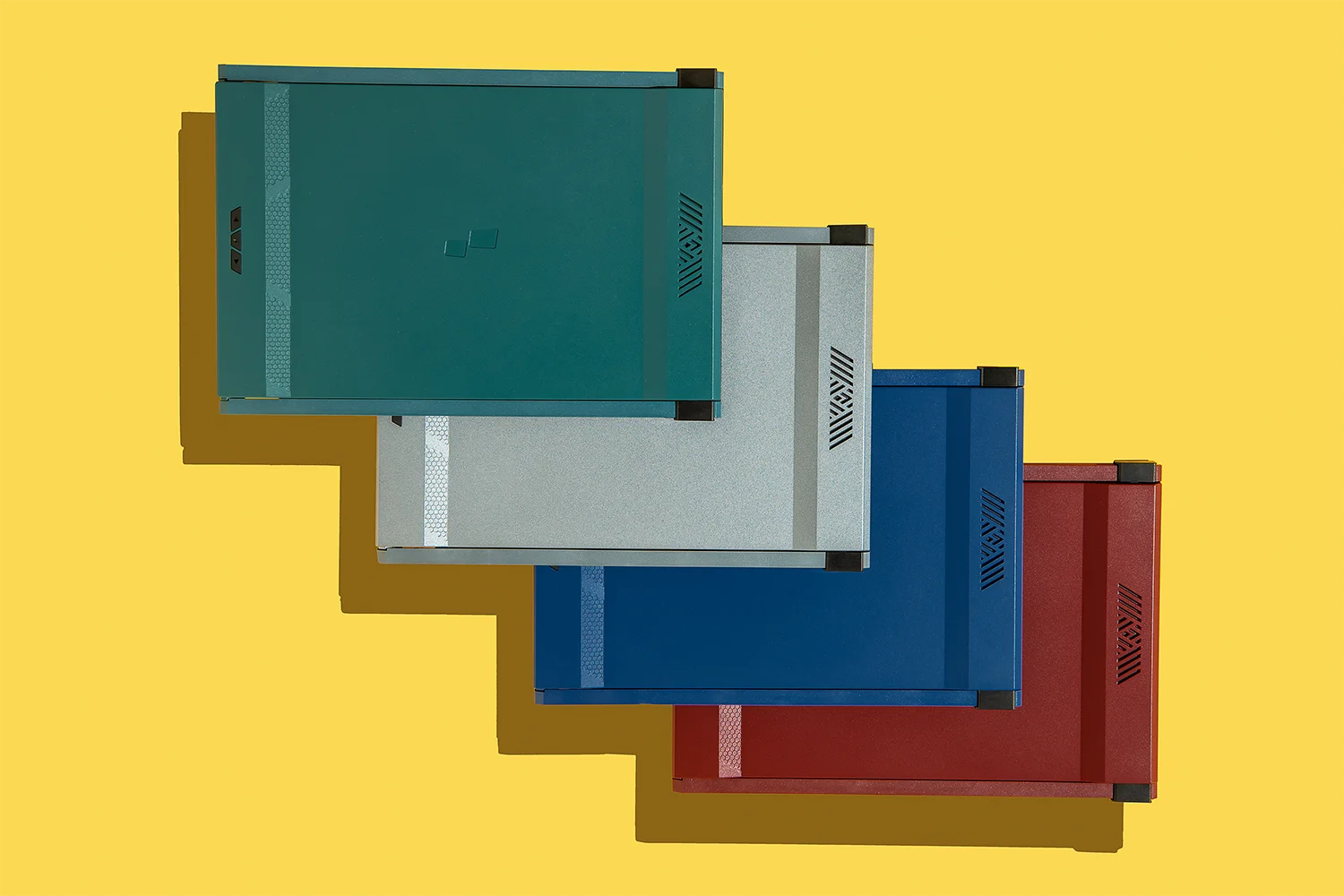

Four expressive color options.
Duex Max is made in Set Sail Blue, Gunmetal Grey, Rio Rouge, Mallard Green. Now, you can also choose from four expressive hues to convey the true you.
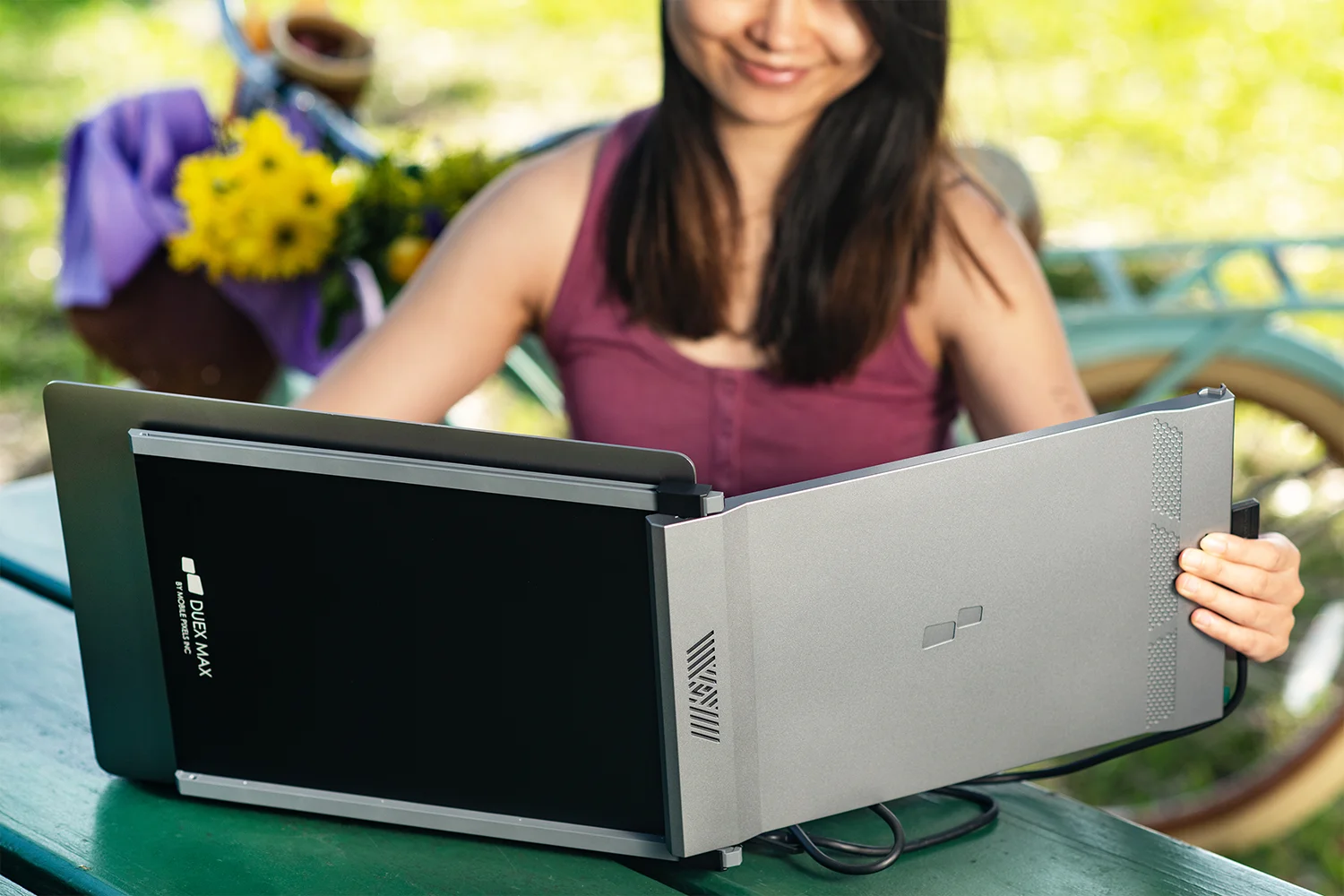
Lightweight and durable.
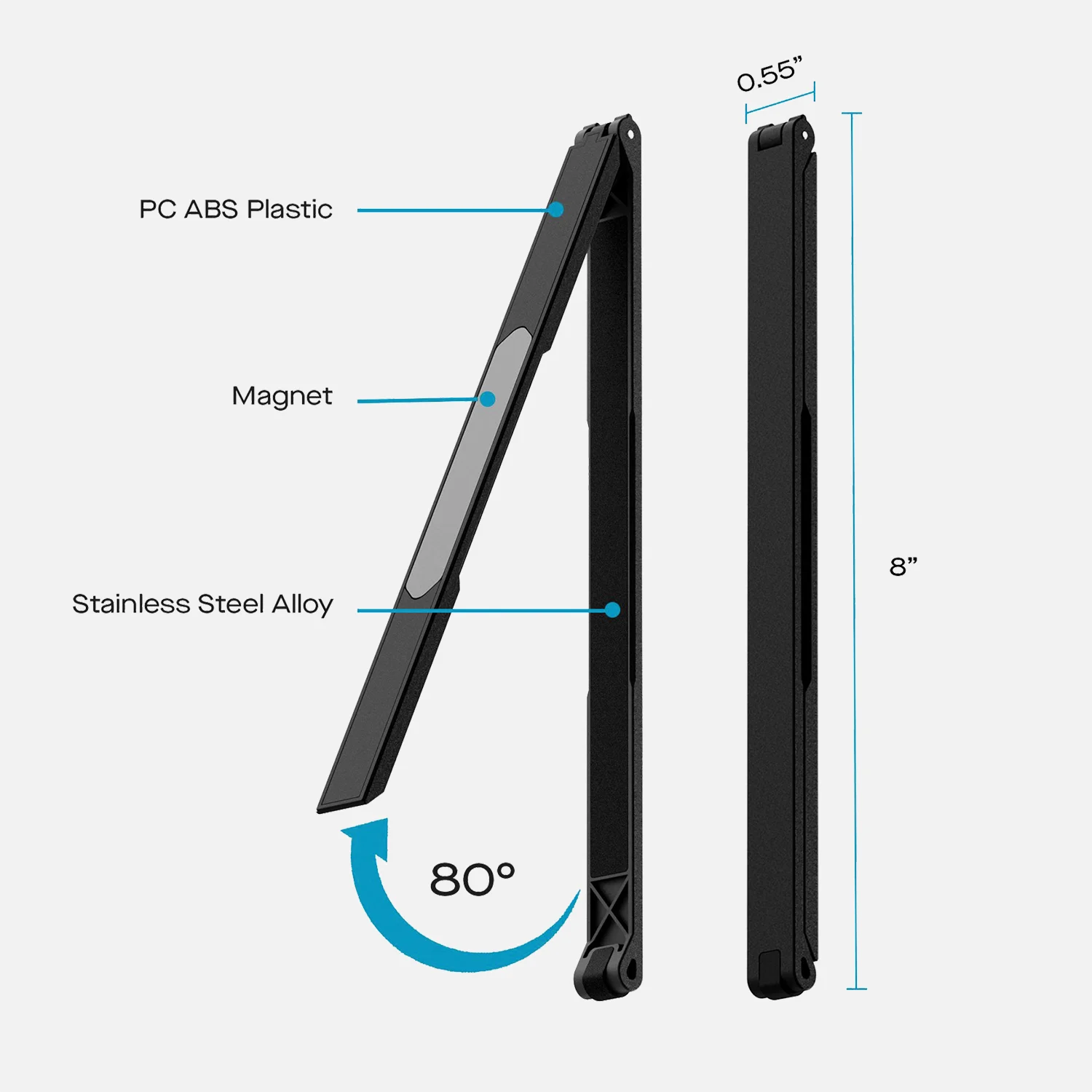
At just 1.8 pounds, Duex Max gives you true mobility with the most durable materials. We created Duex Max with ABS and aluminum, so it can withstand the wear and tear that comes with transporting your laptop around.
Magnetic mounting.
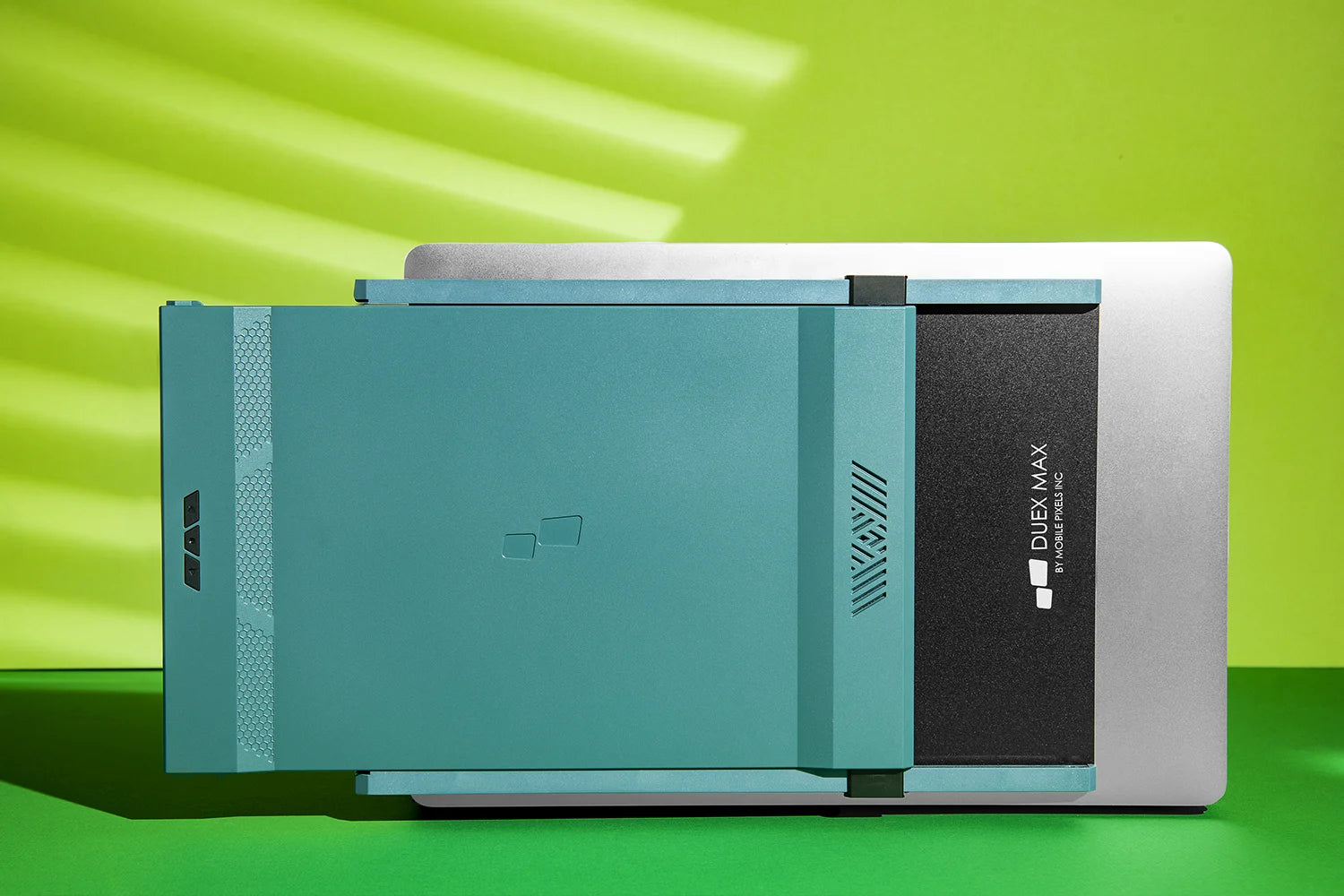
Thanks to the magnetic mounting mechanism, you can simply attach it on, slide it out, plug it in and now it's ready to use.

Plug in, power on.
Duex Max is equipped with 2 complete USB-C ports. Usually only one USB-C interchangeable cable is needed to connect laptop power and display signal transmission. Another USB-C interface is used for power supply when other devices are used, which is suitable for various occasions. Duex Max is also energy-efficient and specially designed to reduce battery drain from your laptop.
Landscape mode
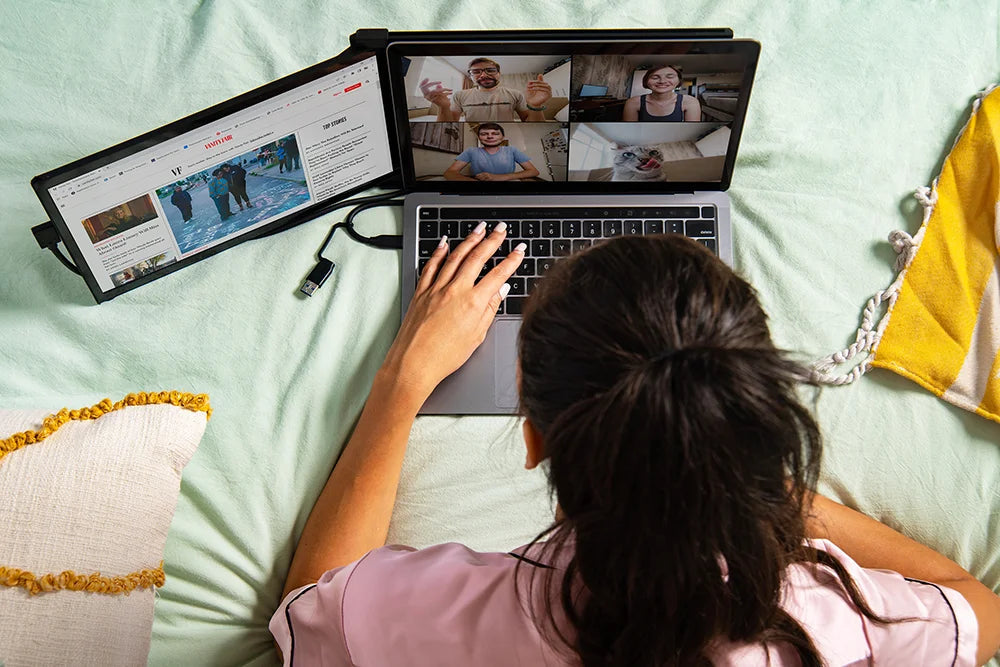
Use it as your secondary monitor as a extended display or mirrored display. Say goodbye to toggling between windows and tabs.
Kickstand mode
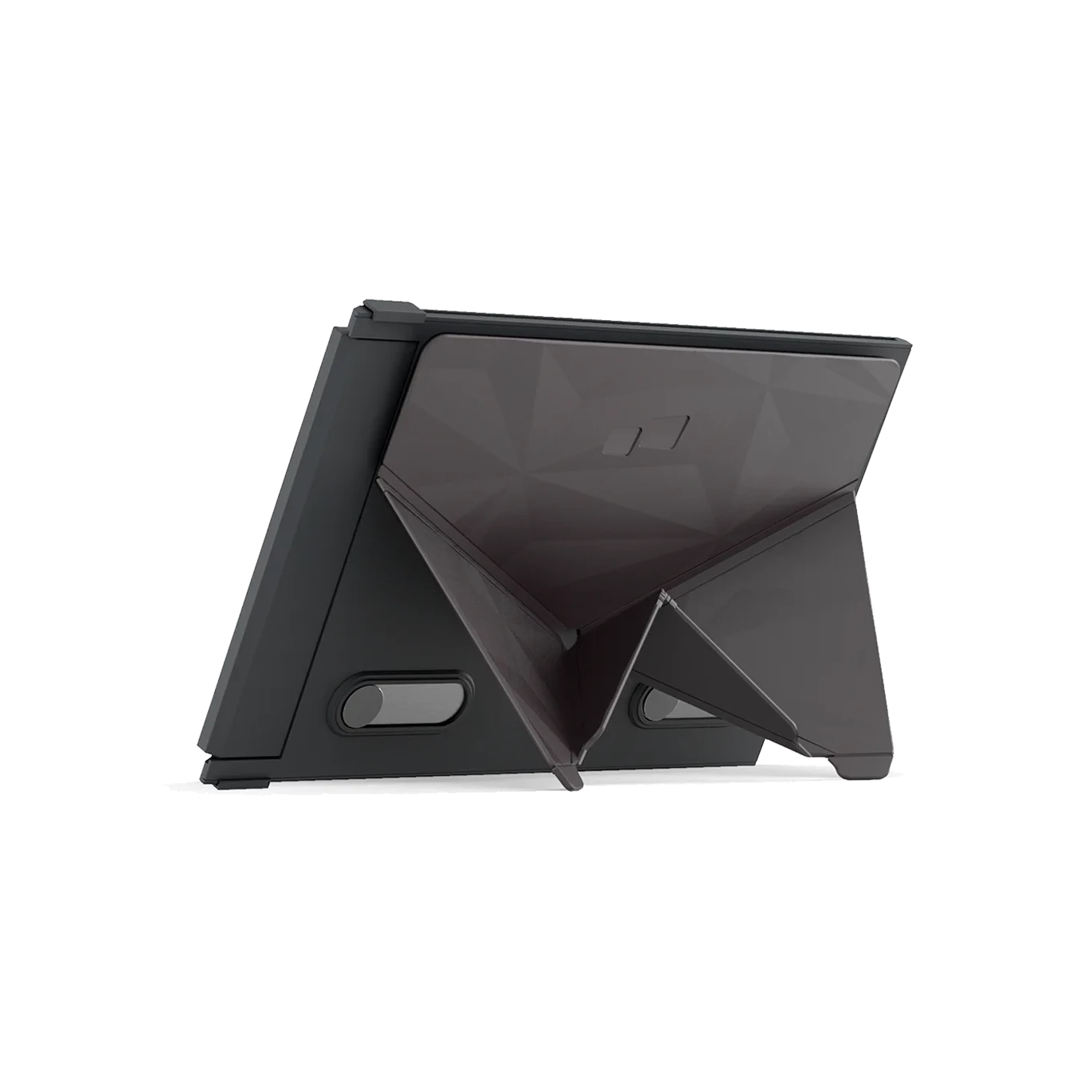
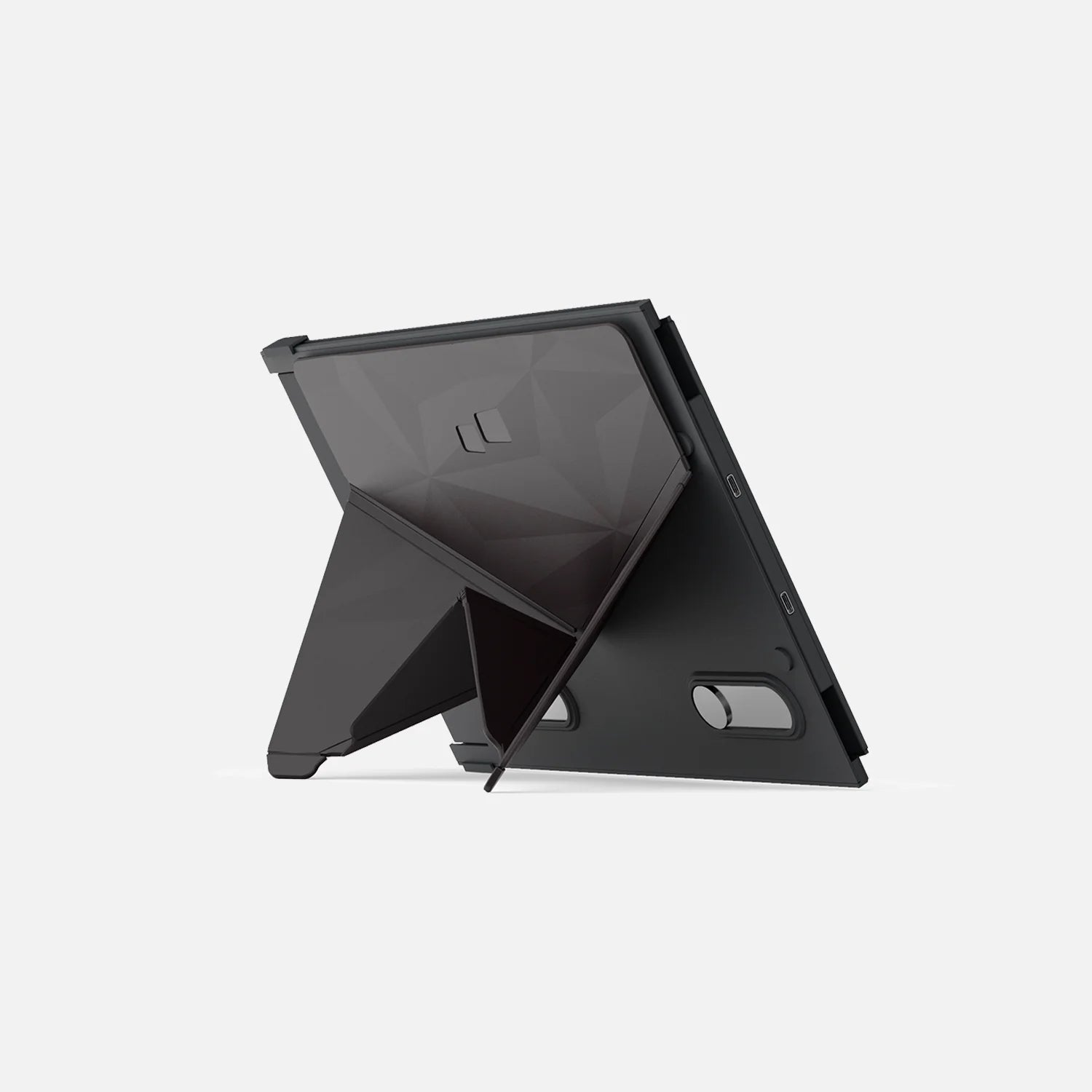
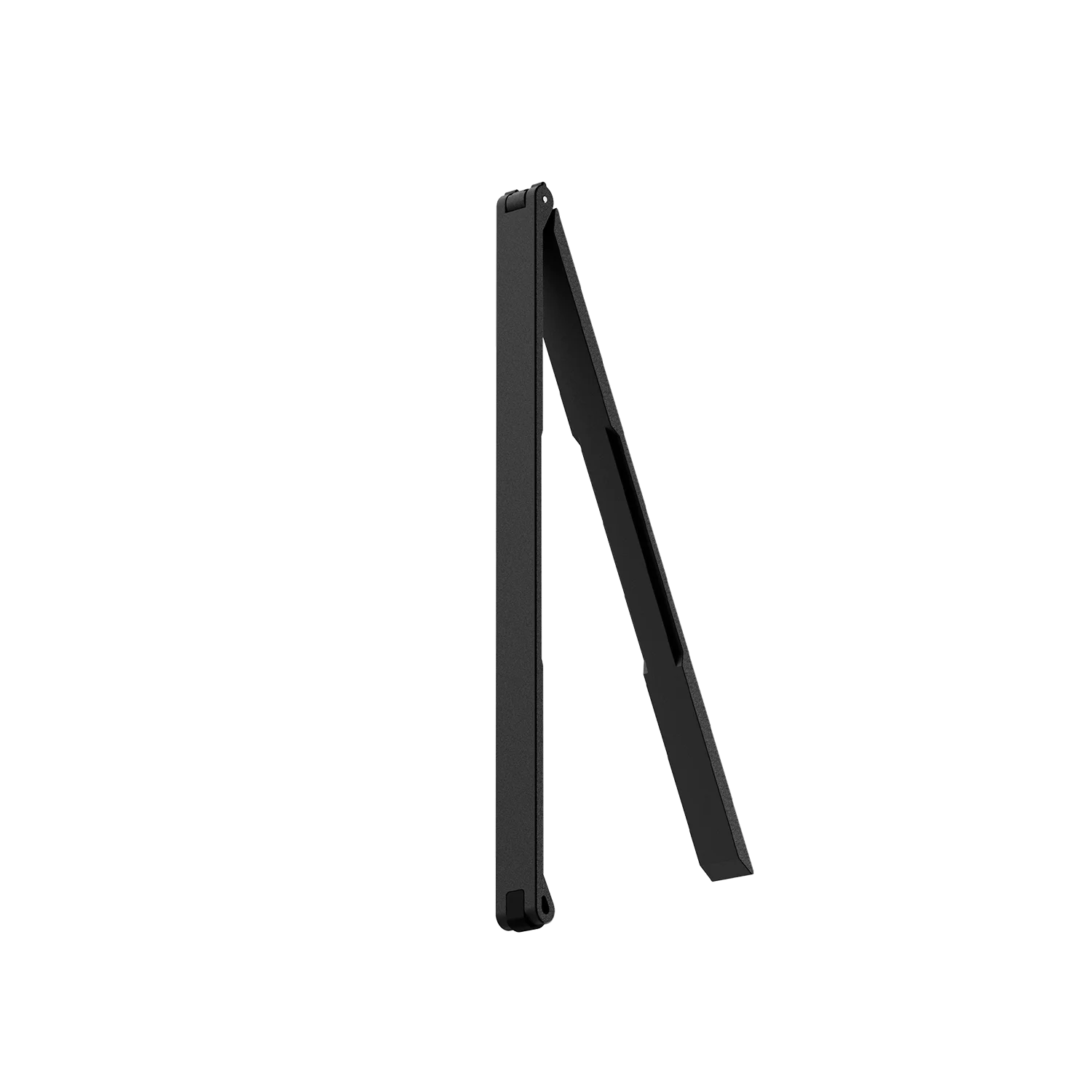
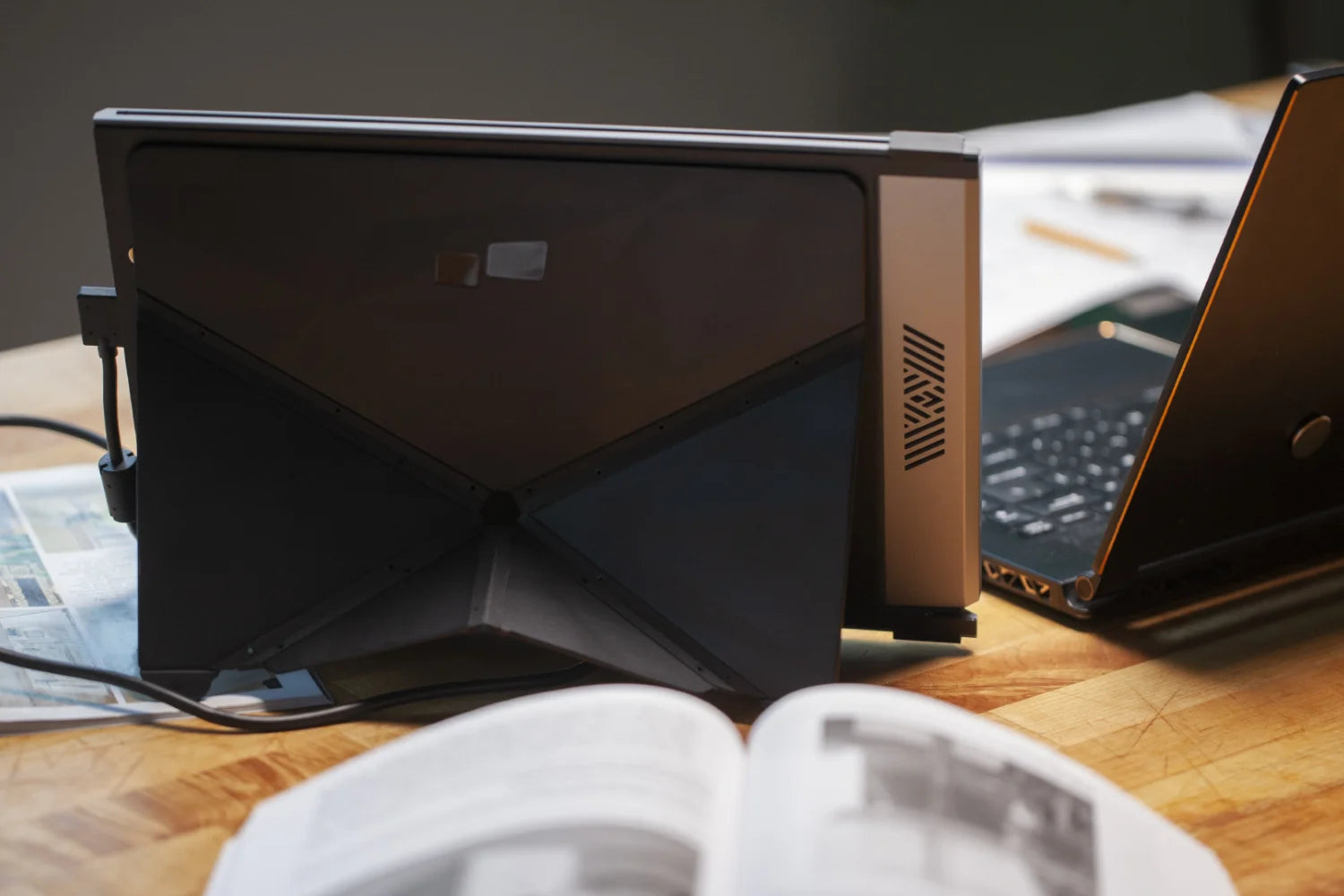
Buy our Origami Kickstand and attach it to Duex Max. You can now use it as a second screen by placing it on the surface next to your laptop.
Portrait mode
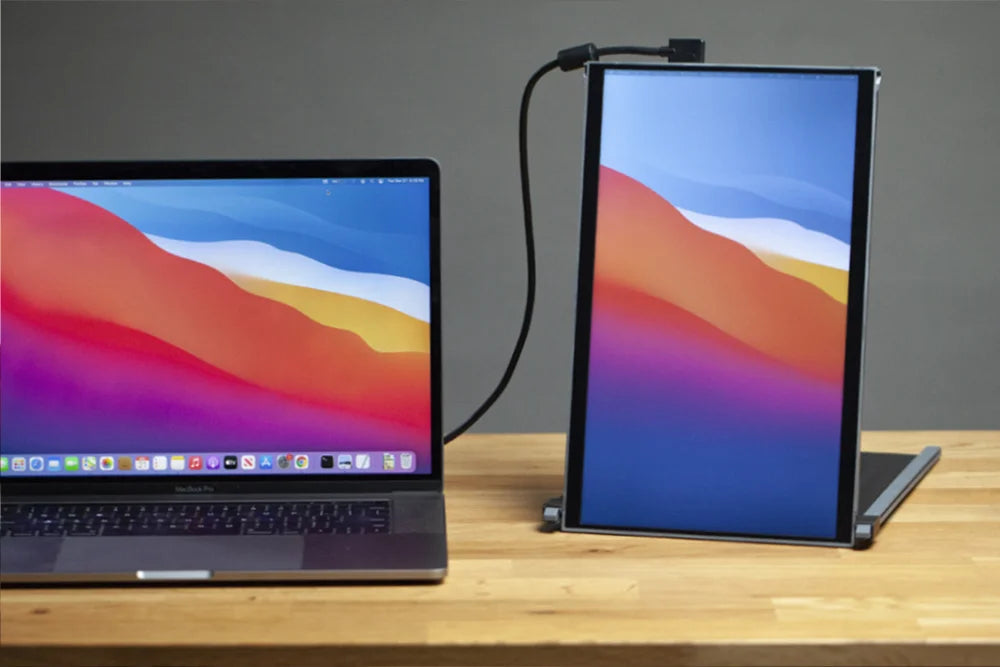
Detach and set it up vertically, perfect for coding. The portrait mode allows for increased font size, making it super convenient for you to read through the text. The portrait mode best serve web developers, content editors, content writers, proofreaders and programmers.
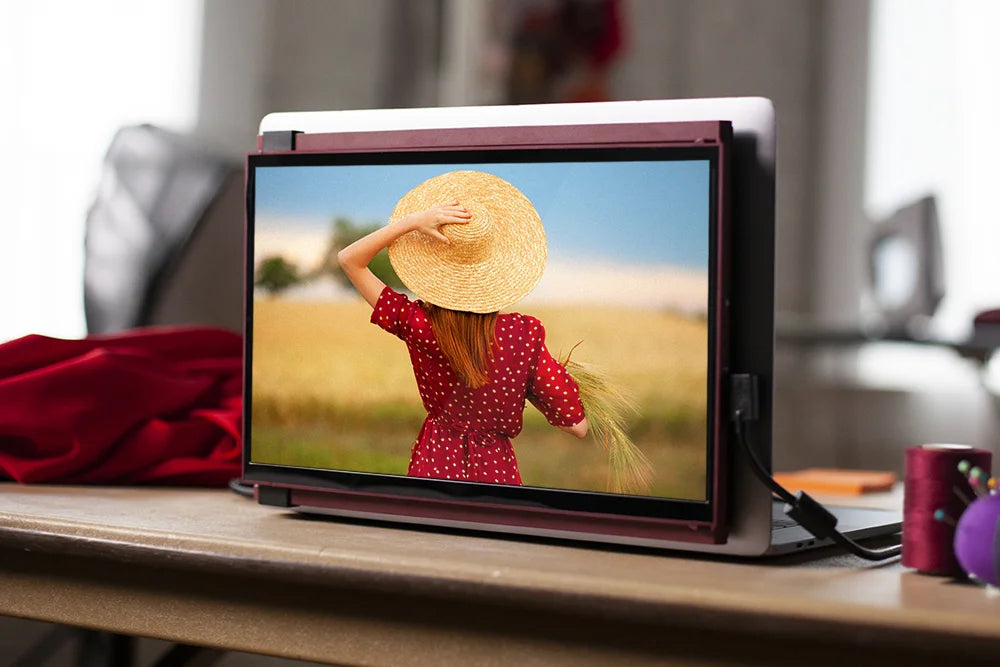
Presentation mode
You can also flip the screen 180-degree to the front of your laptop and present the screen to anyone sitting across from you, whether it’s a presentation to your team at work.
FAQs
Find more answers to frequently asked questions about the Duex Series here. If you cannot find what you're looking for, contact us directly and we will assist you.
Can Mobile Pixels Duex Series work with MAC or PC?
Mobile Pixels Duex Series monitors can work with all operating systems. This includes Mac OS, Windows, Android smartphones, Nintendo Switch, Linux, Chrome.
Can Mobile Pixels Duex Monitor brightness be adjusted?
Yes, the brightness is adjustable.
Are there drivers that need to be installed? I have a company laptop and can not install anything on there. I am hoping it is like your traditional screen, just plug it in.
As long as your laptop has a USB C port, then it is plug and play like conventional monitors.
Can I still present through VGA or HDMI projector with this attached and switched on?
Yes.
Are there batteries in this?
No batteries, power comes from the laptop.
What is the difference between Trio series and Duex series?
Trio Series and Duex Series are both thin and light designs. The main difference is that TRIO is a three-screen mode and DUEX is a dual-screen mode.
What's included


Refurbished Products FAQs
Can I return or exchange a refurbished product?
No. All refurbished products are final sale and not eligible for returns or exchanges.
Do refurbished products come with a warranty?
Yes. All refurbished products are covered by a 90-day limited warranty from the date of delivery.
This warranty covers manufacturing defects and functional issues under normal use.
What condition are refurbished products in?
Refurbished products are fully tested, cleaned, and inspected to ensure proper functionality.
They may show minor cosmetic signs of use, but performance is guaranteed to meet our quality standards.
What does the 90-day warranty cover?
The 90-day limited warranty covers:
- Product defects
- Functional issues under normal use
It does not cover:
- Accidental damage
- Misuse or improper handling
- Normal wear and tear
Buy it with