








Duex DS Series

Sale price$269.99 USD Regular price$299.99 USD Markdown price
  • Two screen sizes: 13.3-inch and 14.1-inch
  • Boost productivity by up to 50%
  • Slim and lightweight design
  • Four viewing modes and eye-care mode
  • Plug and play via USB-C or Mini HDMI
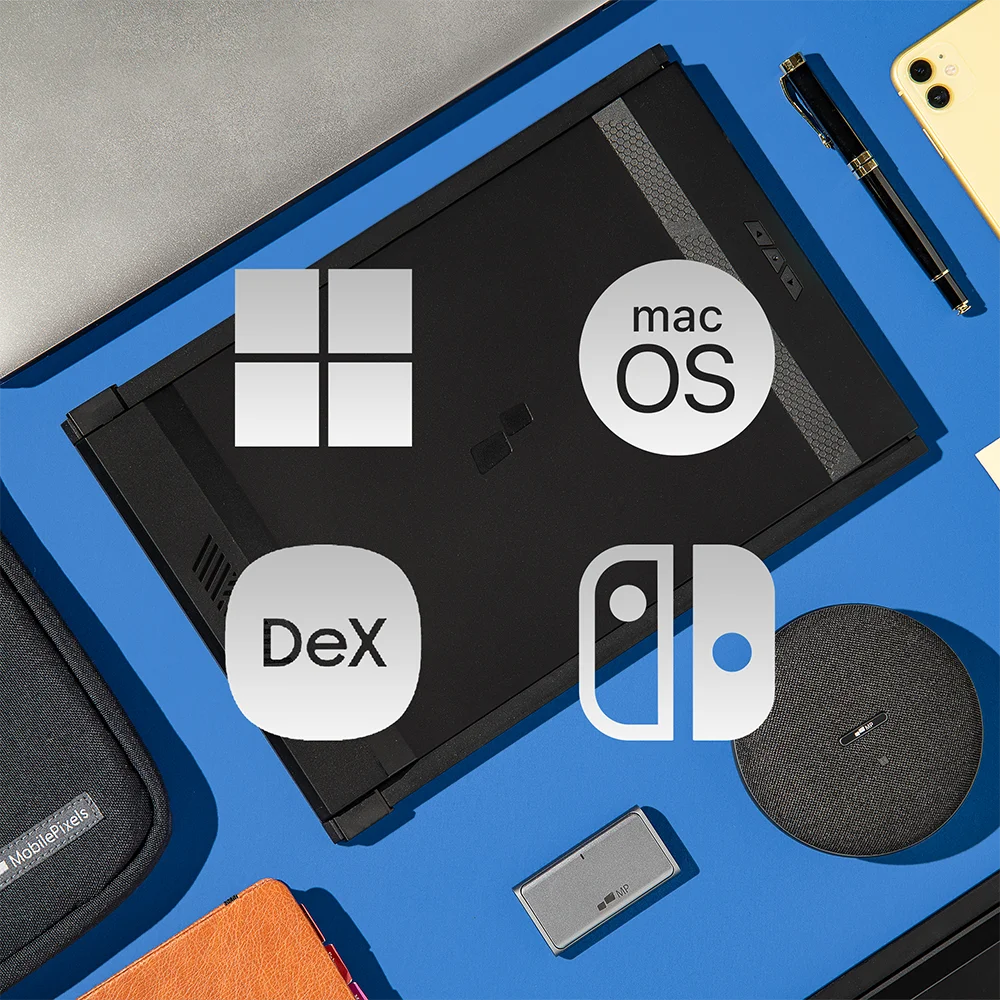
  • Compatible with macOS/ Windows/ Nintendo Switch/ Samsung Dex
Select Option: Duex Max DS - 14.1-inch

Select Option

Add Extended Warranty
How does trade-in work? Learn more
Which model do you have?
How much more money can you make with using external monitors? See Details
2 Years of Peace of Mind, On Us!
Free US Shipping · Canada free over $200 CAD

Efficiency Improvement

Your salary
$
Hourly
Annualy
Working time per week
Hours

Estimated Income Value

How much value can you create by adding one or two additional screens to increase efficiency?

Using multiple monitors

$0.00

Using single monitor

$0.00

Weekly
Monthly
Annually

Actual savings can vary depending on usage and other cost assumptions.

Watch video

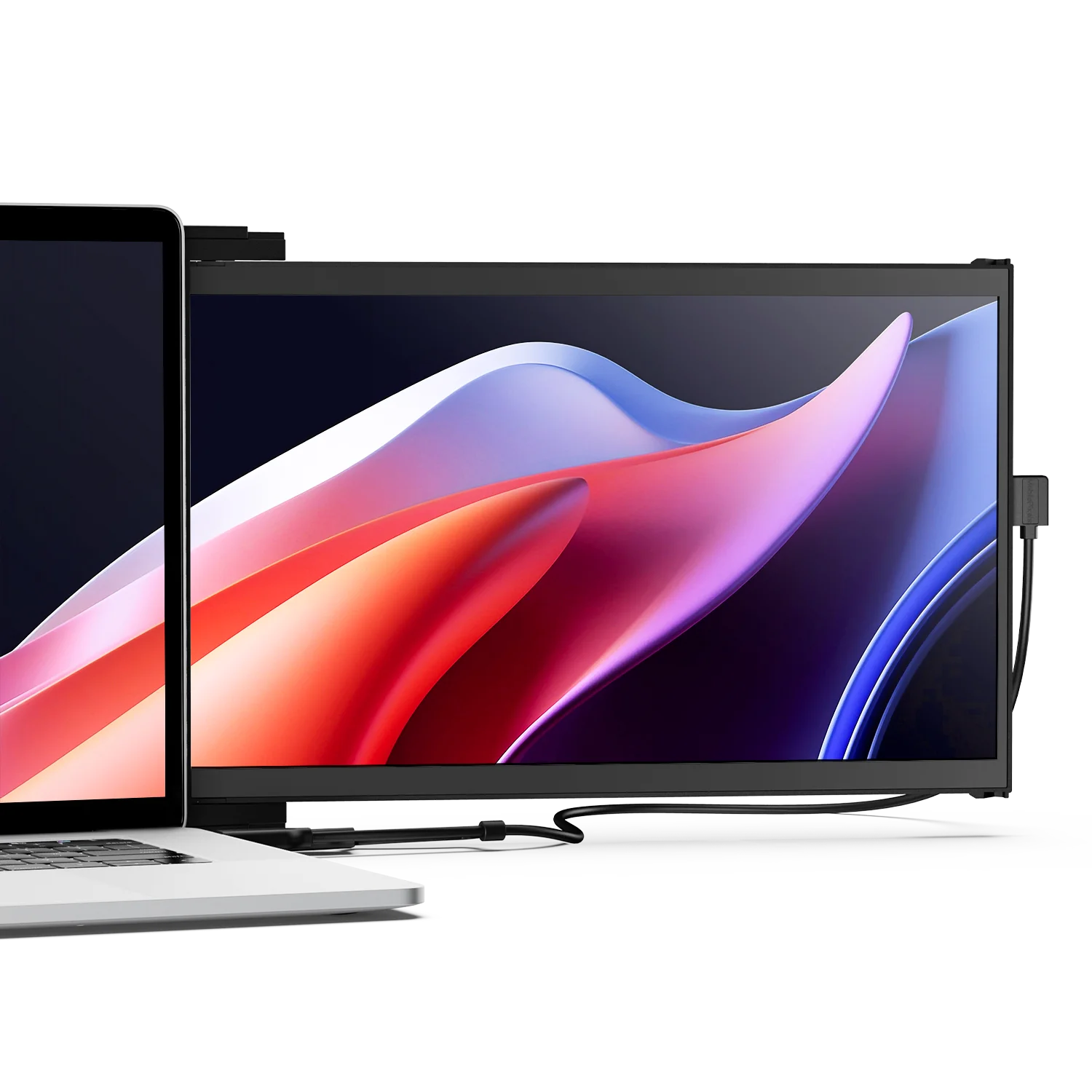
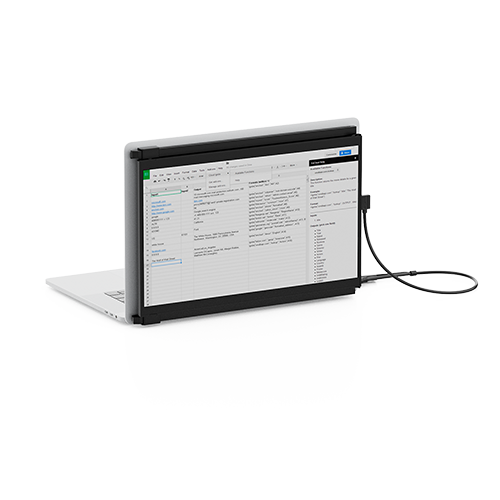
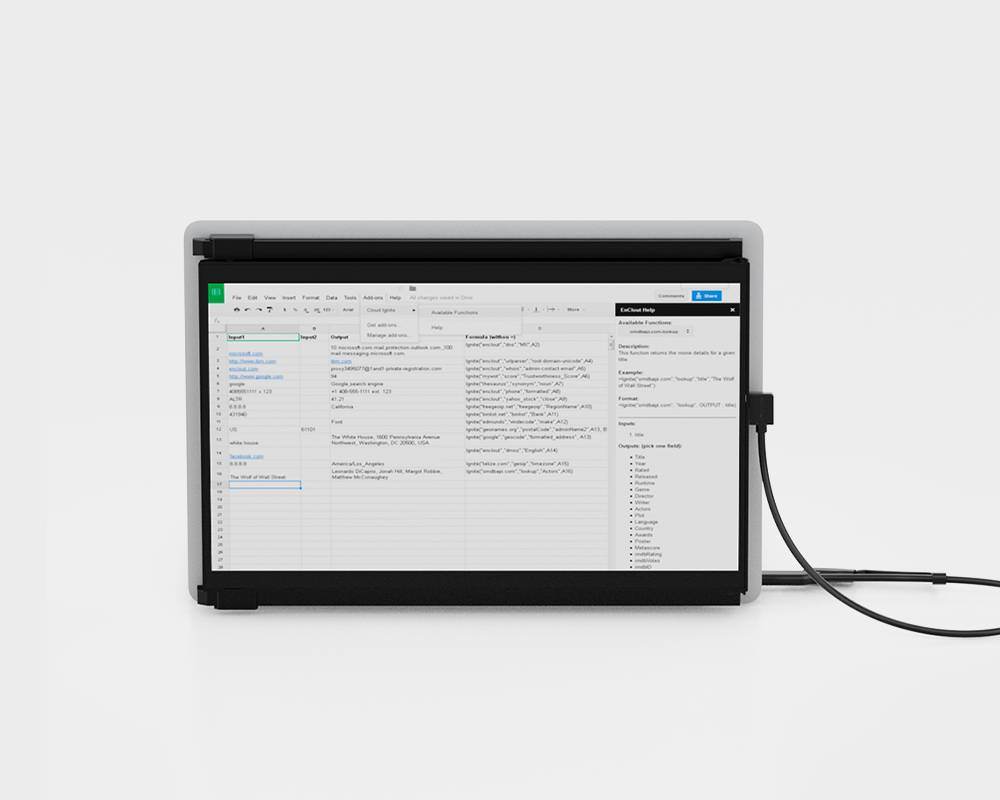
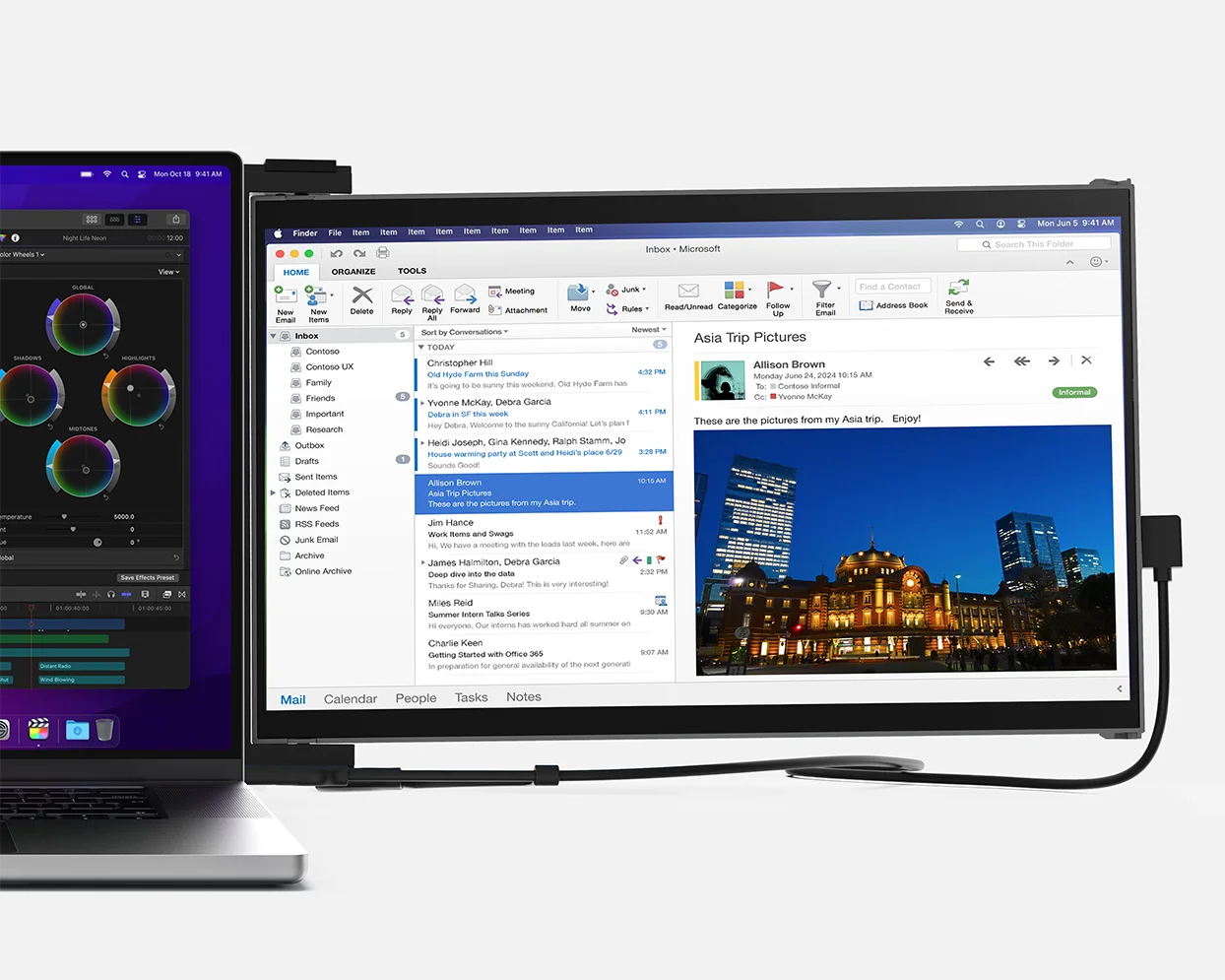
Full-HD 14" Duex Max DS portable dual screen extender for laptop

Boost your productivity by up to 50%.

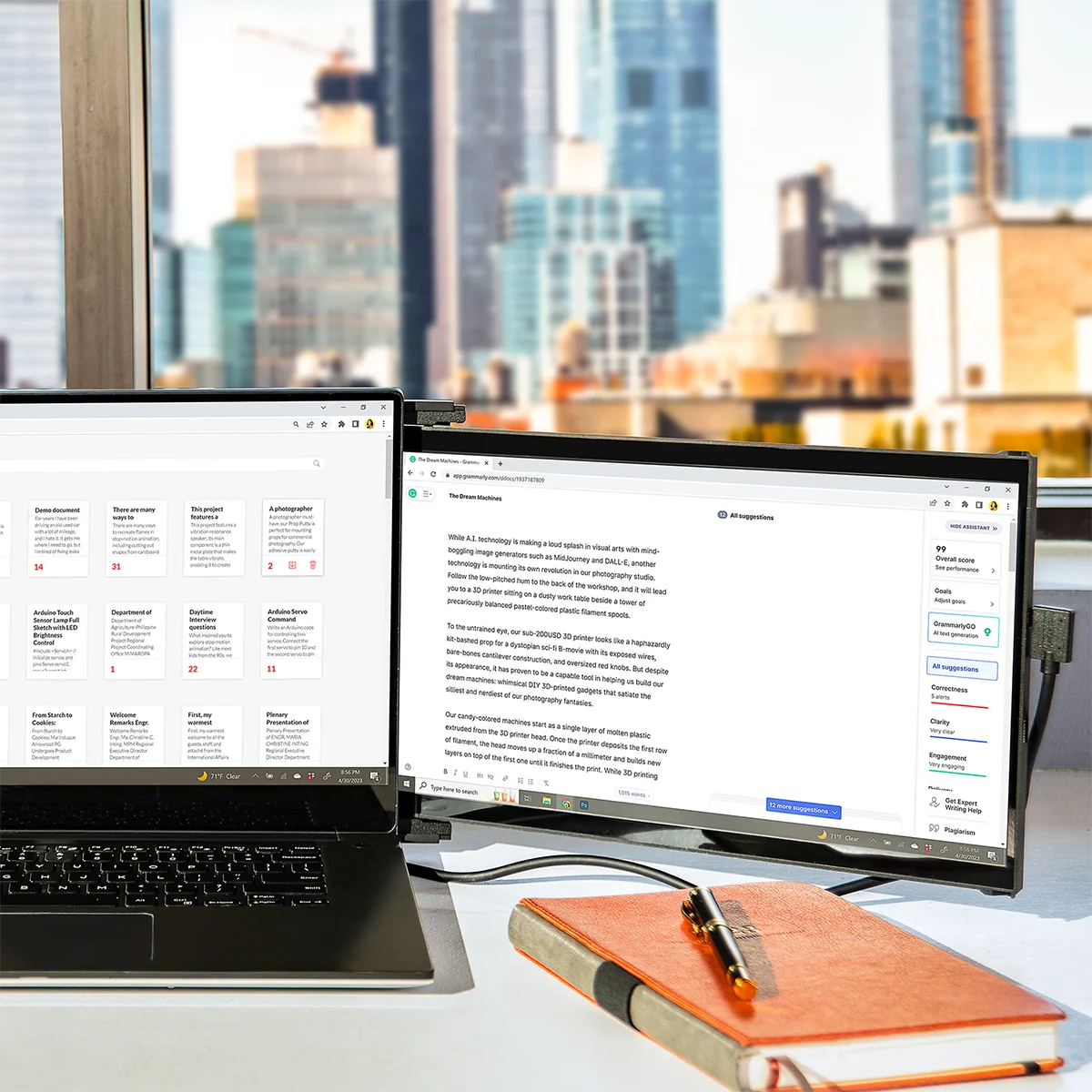
Whether you’re juggling documents, managing spreadsheets, or multitasking between apps, Duex DS Series monitors give you the extra screen real estate you need to work smarter and faster. Lightweight, easy to install, and ready wherever you are — unlock up to 50% more efficiency and get things done without limits.

Duex Max DS portable dual screen extender is easy to set up

Plug in, power on. Quick setup.

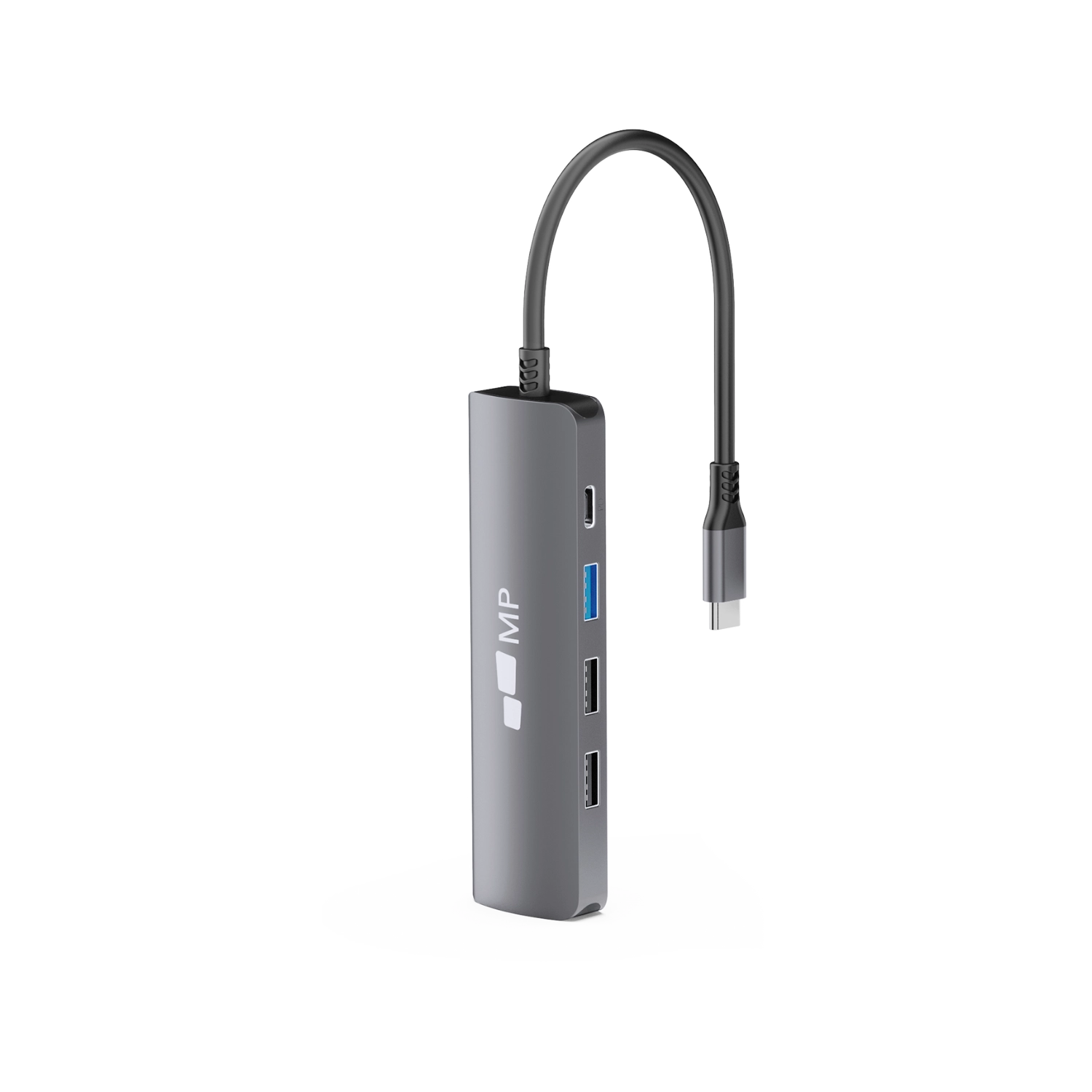
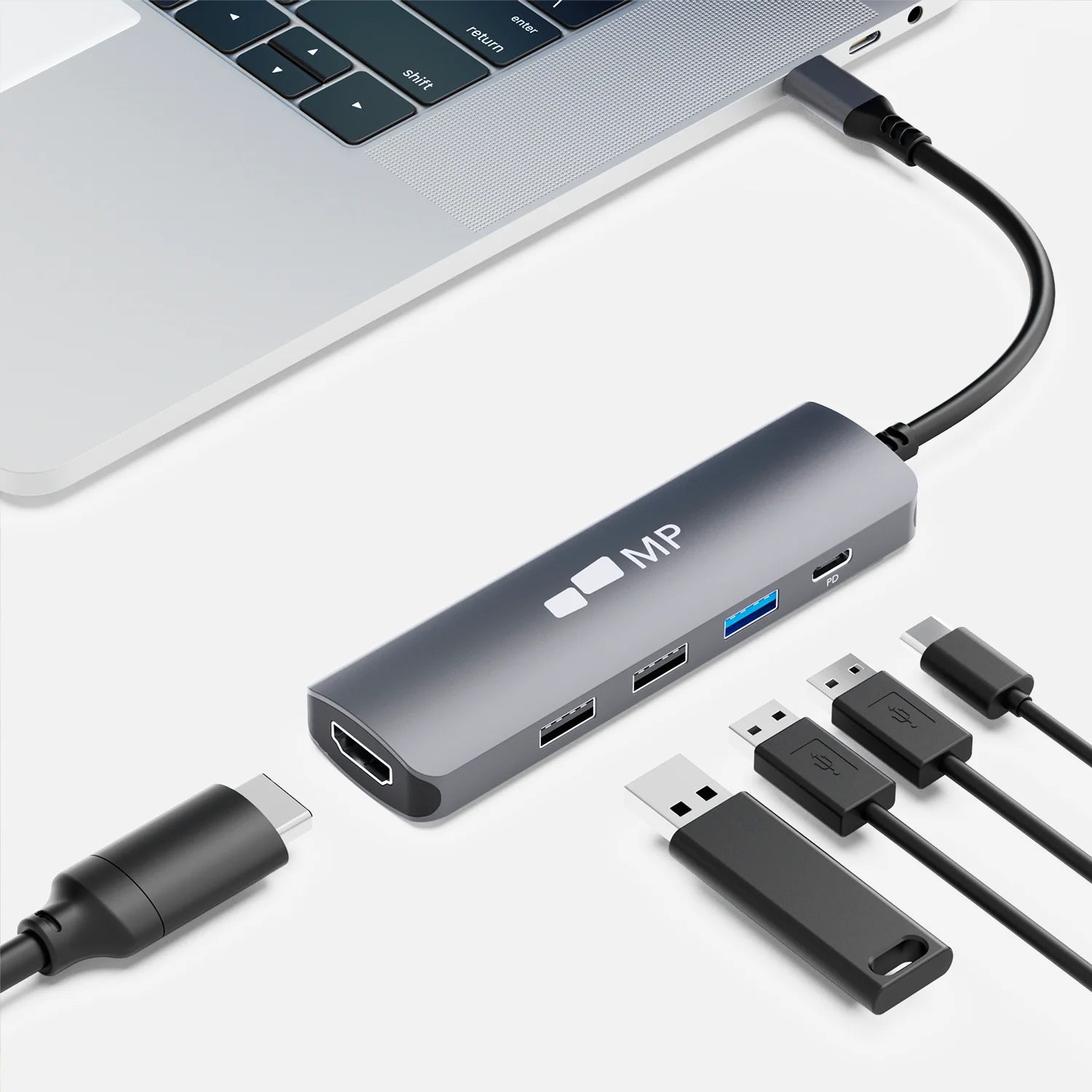
Duex Max DS and Duex Plus DS are equipped with one USB-C port and one mini HDMI port. Set up in a snap and adjust your portable screen for laptop to your liking with our plug-and-play monitor. Making it perfect for any task at any occasion.

Duex Max DS portable dual screen extender for laptop on the go

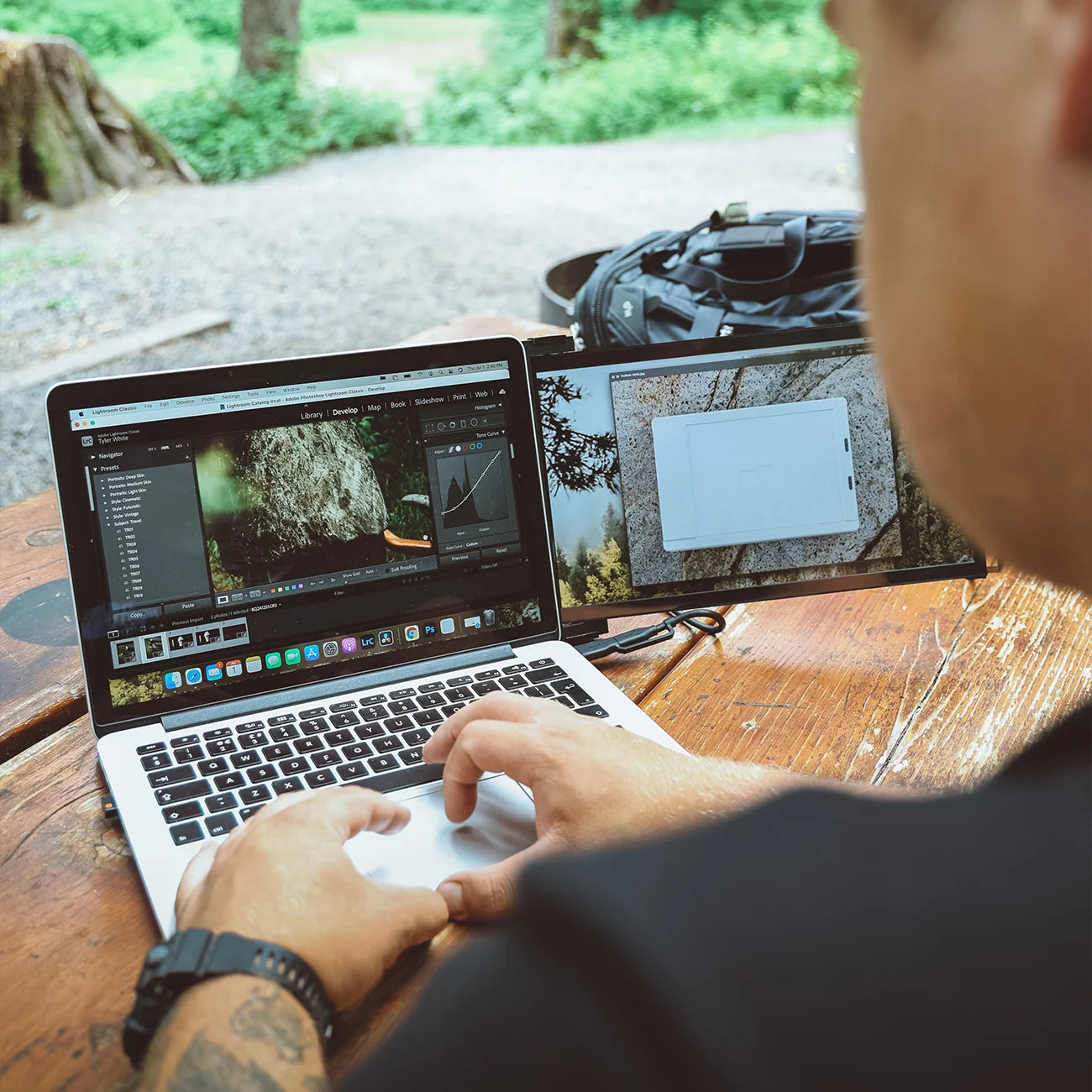
On-the-go convenience.

This sleek and lightweight design, weighing just 1.8lbs and slim at 0.60 inches, ensures you can carry your productivity in easy. Whether you're at a café or a meeting, make a statement with elegance.

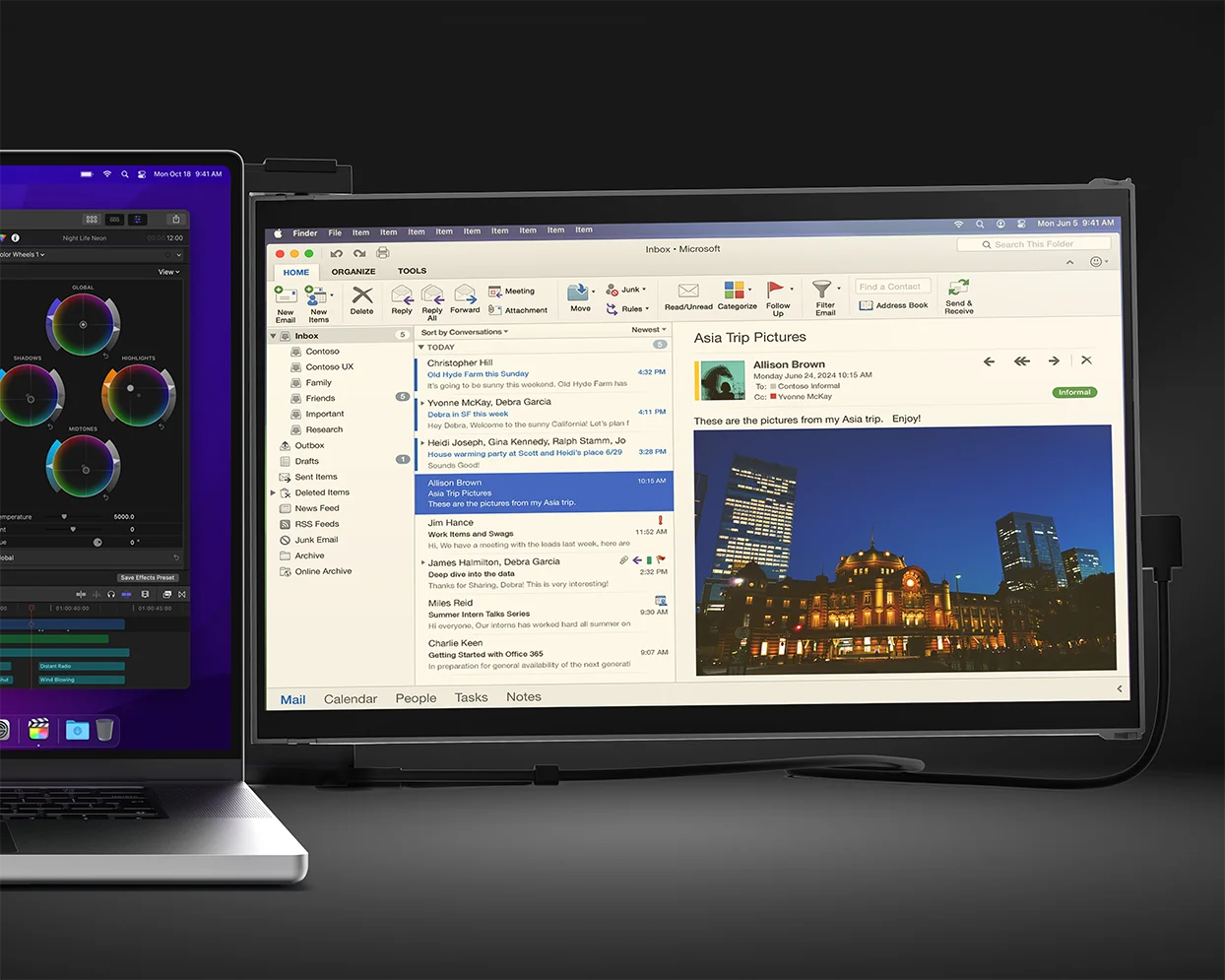
Duex Max DS portable monitor works with all your devices

Stay Connected.

Duex DS Series monitors work with all your devices like laptops (Mac/ Windows), phones, and even switch, ensuring you're always connected. Whether you're working or chilling, enjoy uninterrupted connectivity.

For ergonomic comfort and various scenarios.

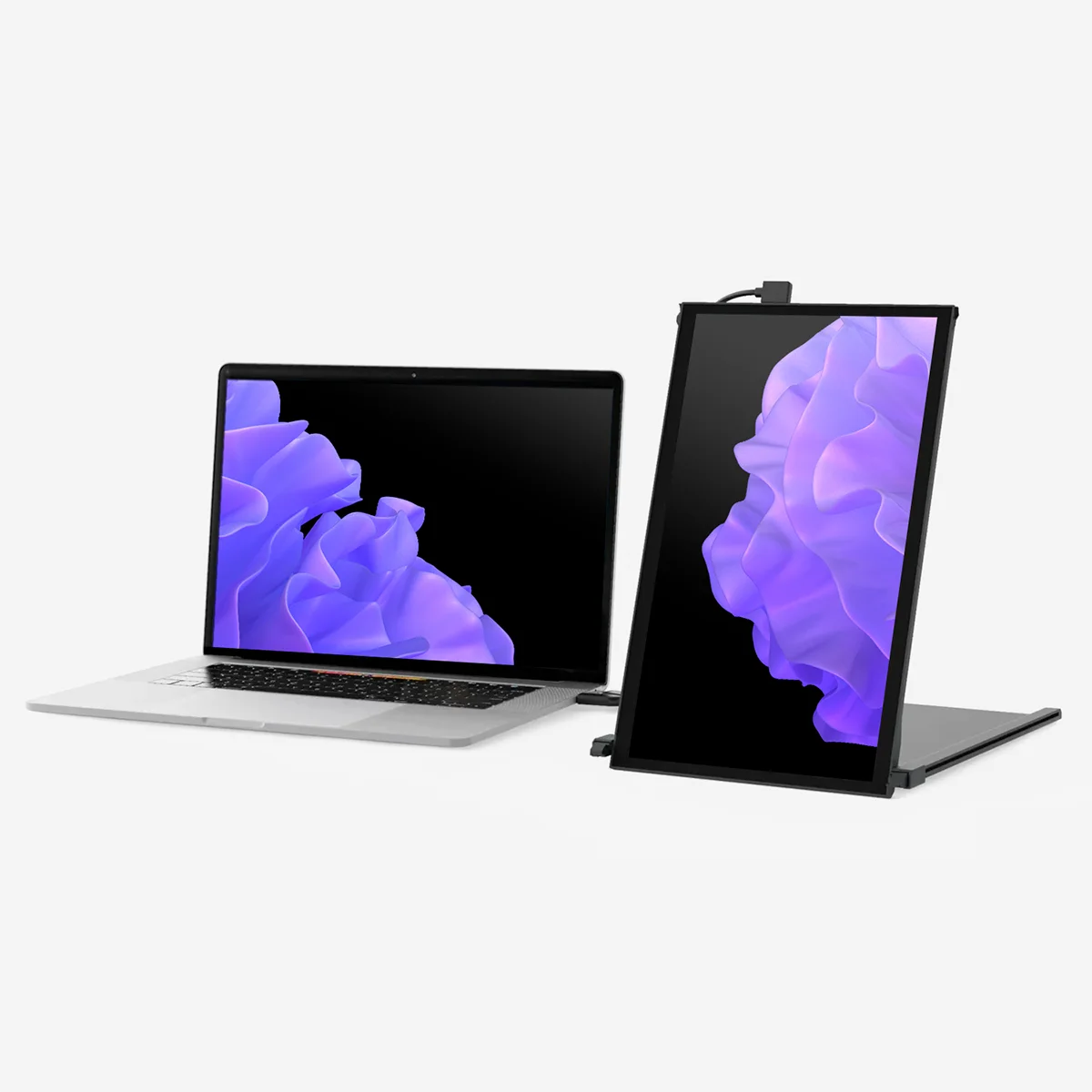
Duex Max DS has a rotation function and can be used in its intended landscape mode, portrait mode, presentation mode, or kickstand mode—perfect for any scenario.

Duex Max DS portable dual screen extender  in landscape mode

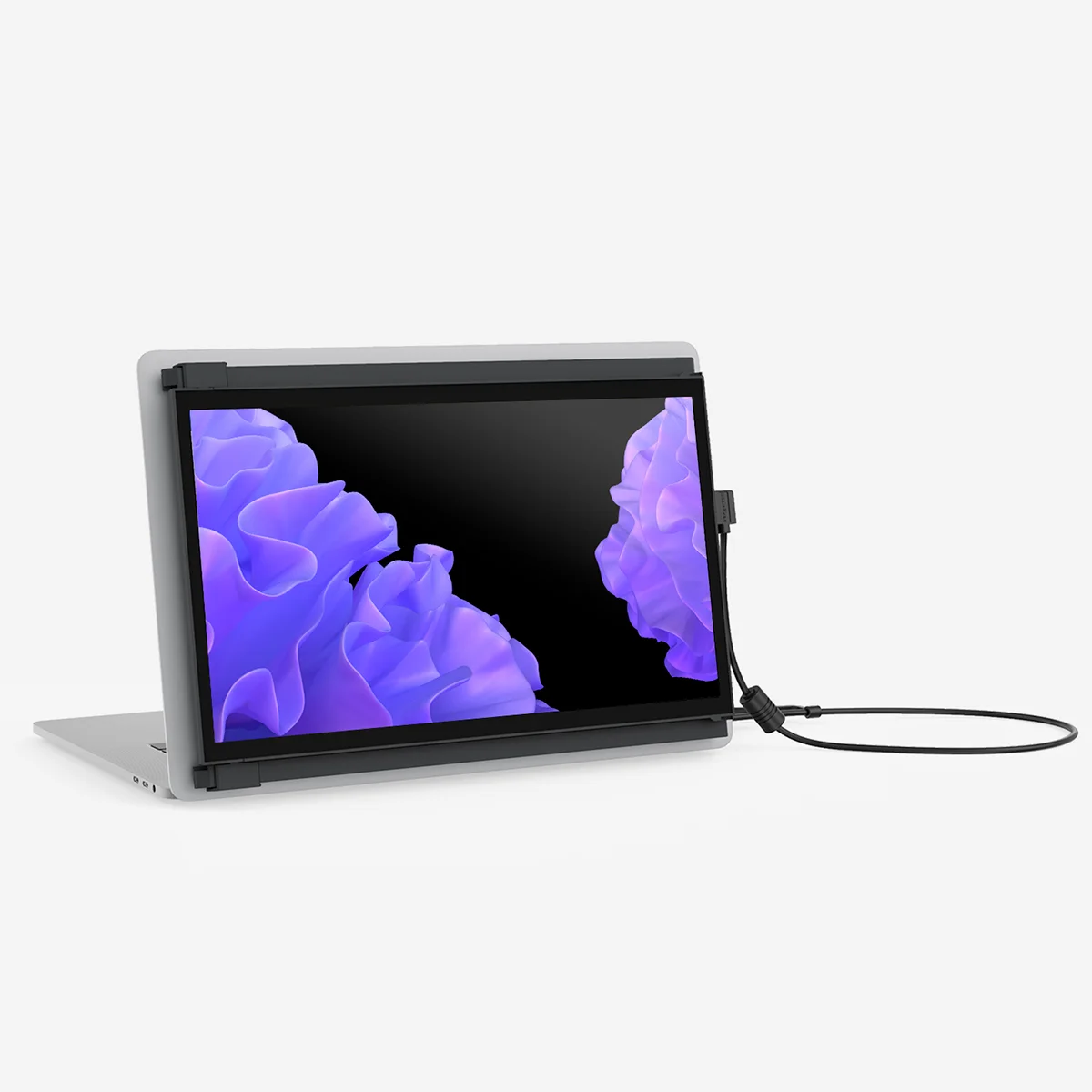
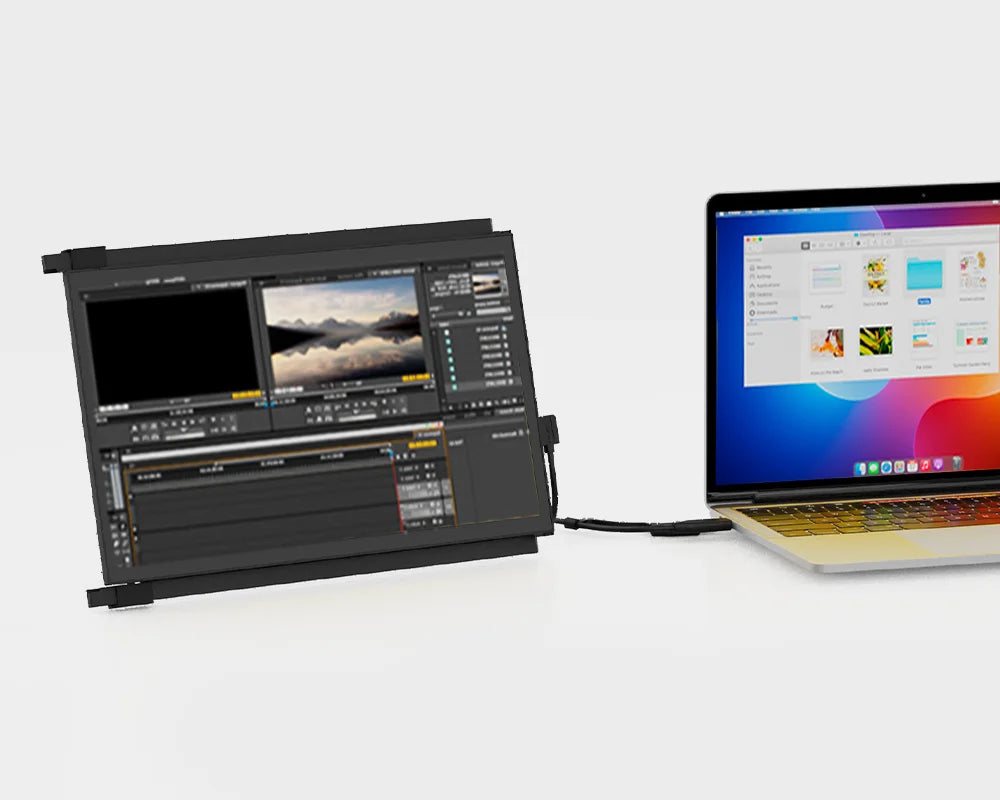
Landscape mode

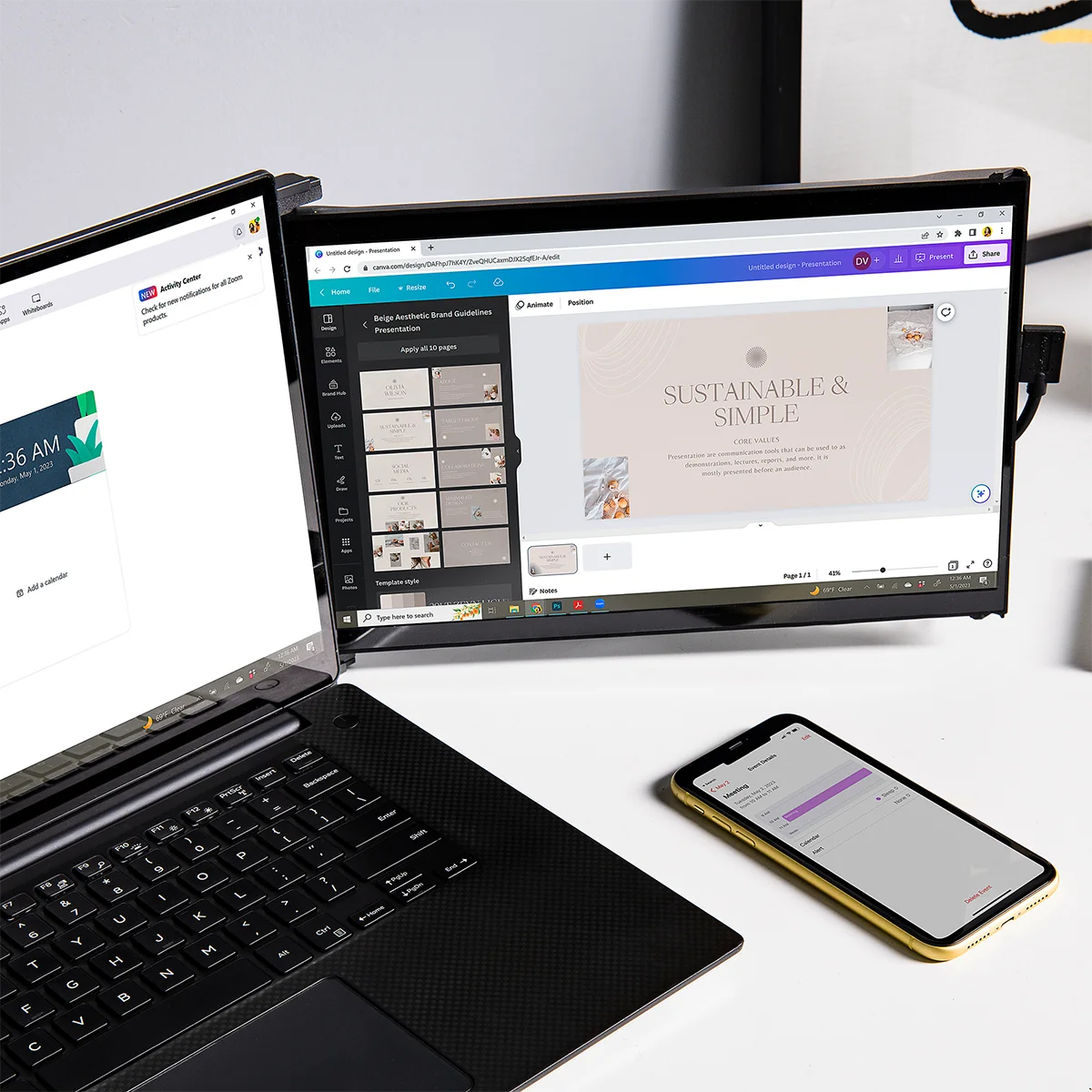
Use it as your secondary monitor as a extended display or mirrored display. Say goodbye to toggling between windows and tabs.

Duex Max DS portable dual screen extender in presentation mode

Presentation mode

You can also flip the screen 180-degree to the front of your laptop and present the screen to anyone sitting across from you, whether it’s a presentation to your team at work.

Duex Max DS portable dual screen extender in portrait mode

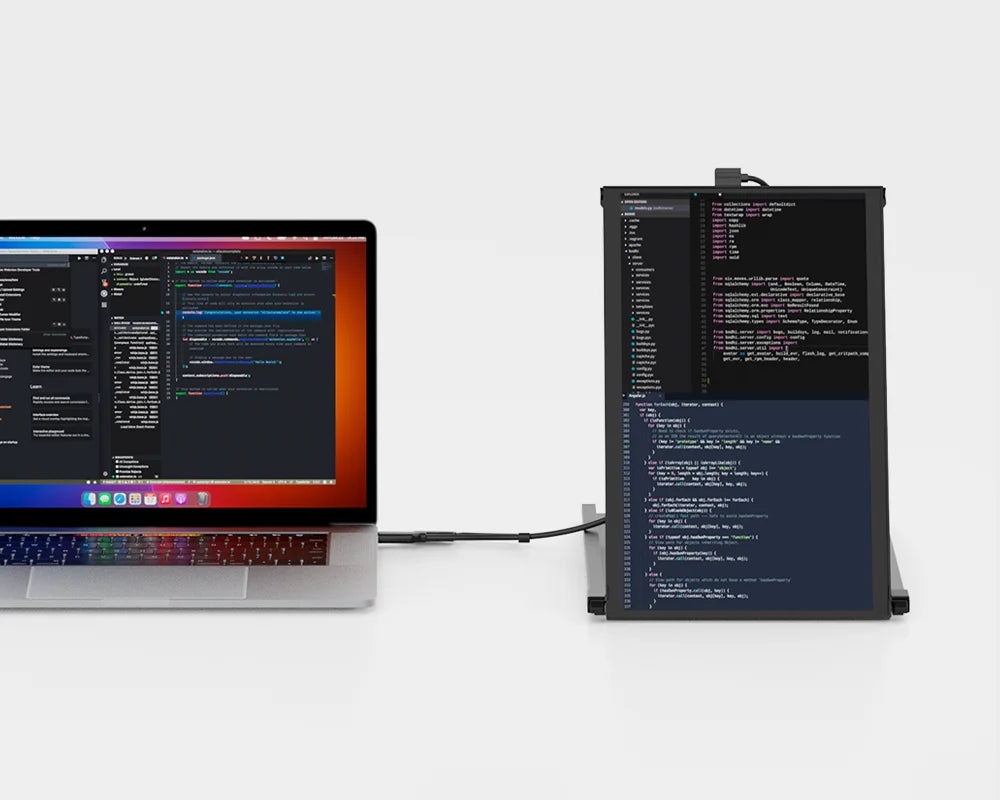
Portrait mode

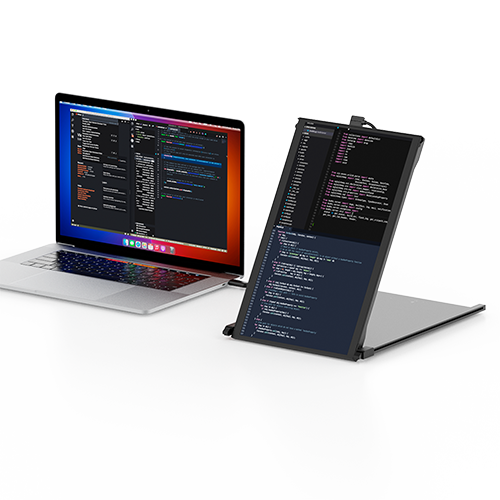
Detach and set it up vertically, perfect for coding. The portrait mode allows for increased font size, making it super convenient for you to read through the text. The portrait mode best serve web developers, content editors, content writers, proofreaders and programmers.

Duex Max DS portable dual screen extender in kickstand mode

Kickstand mode

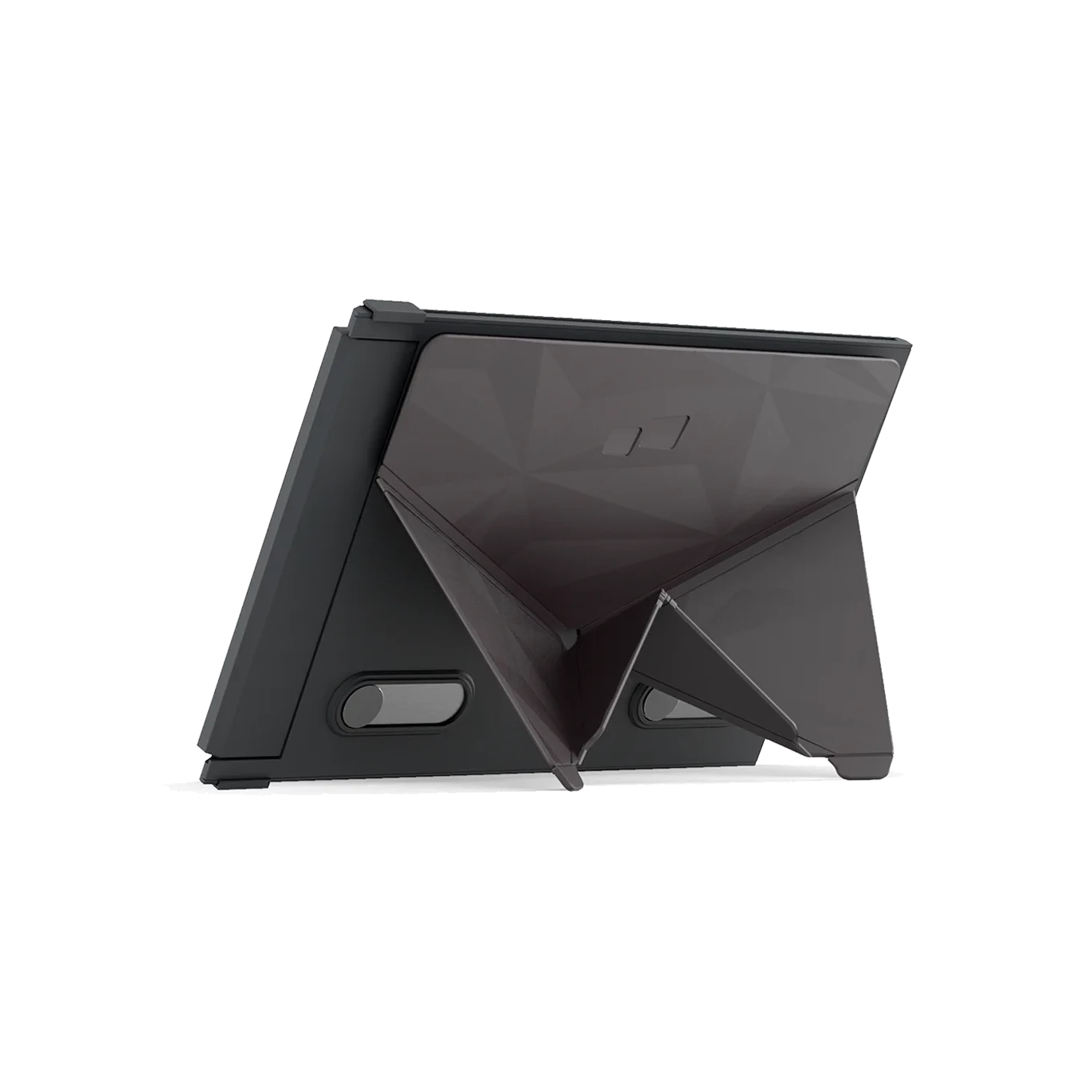
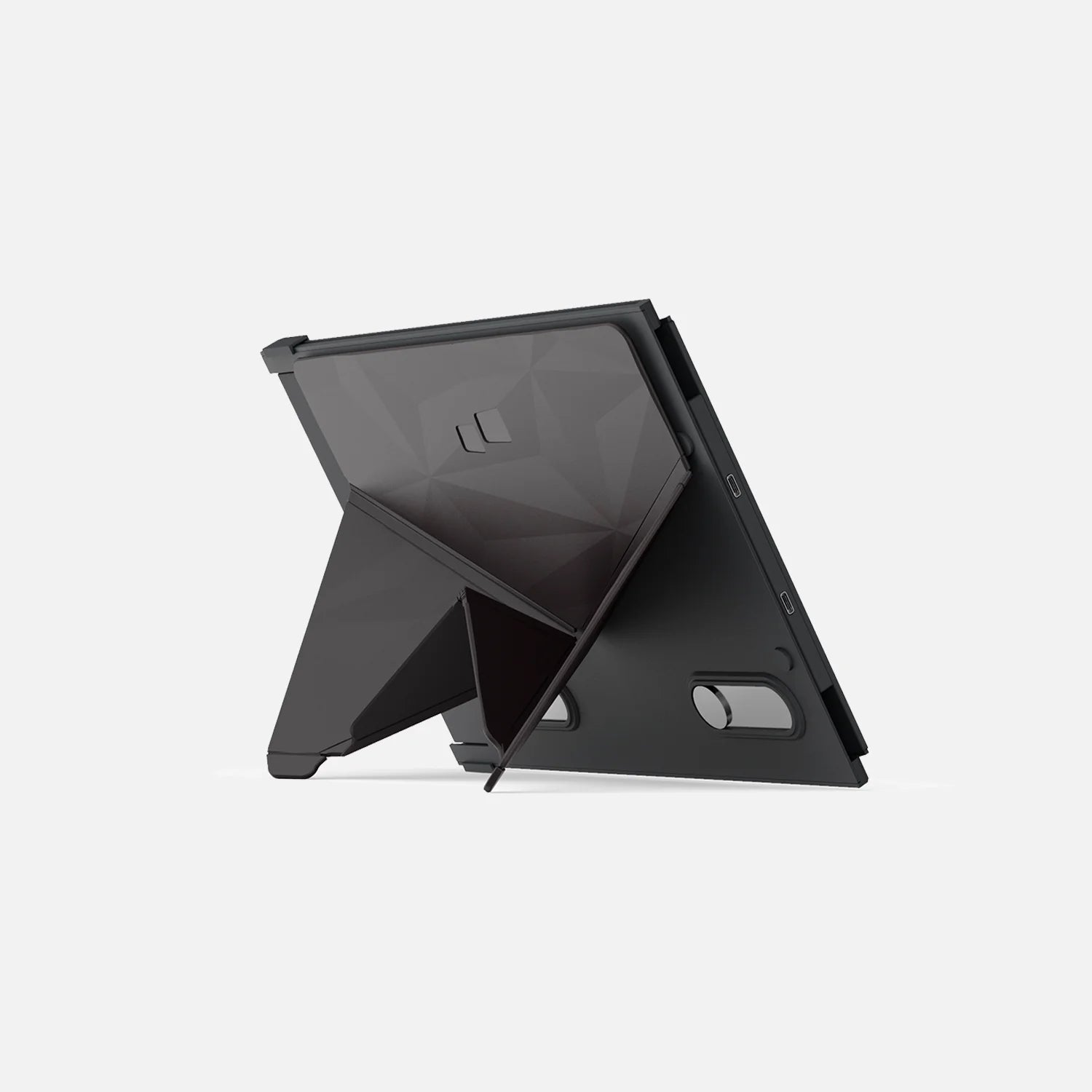
Buy our Origami Kickstand and attach it to Duex Max DS. You can now use it as a second screen by placing it on the surface next to your laptop.

Ensure optimal eye comfort.

Experience optimal color temperature and brightness that minimizes the emission of blue light from your displays. Work comfortably with less eye fatigue while reading, word processing, and more in low-light environments.

Eye-care Mode On

Eye-care Mode Off

Drag

Mutiple connection methods

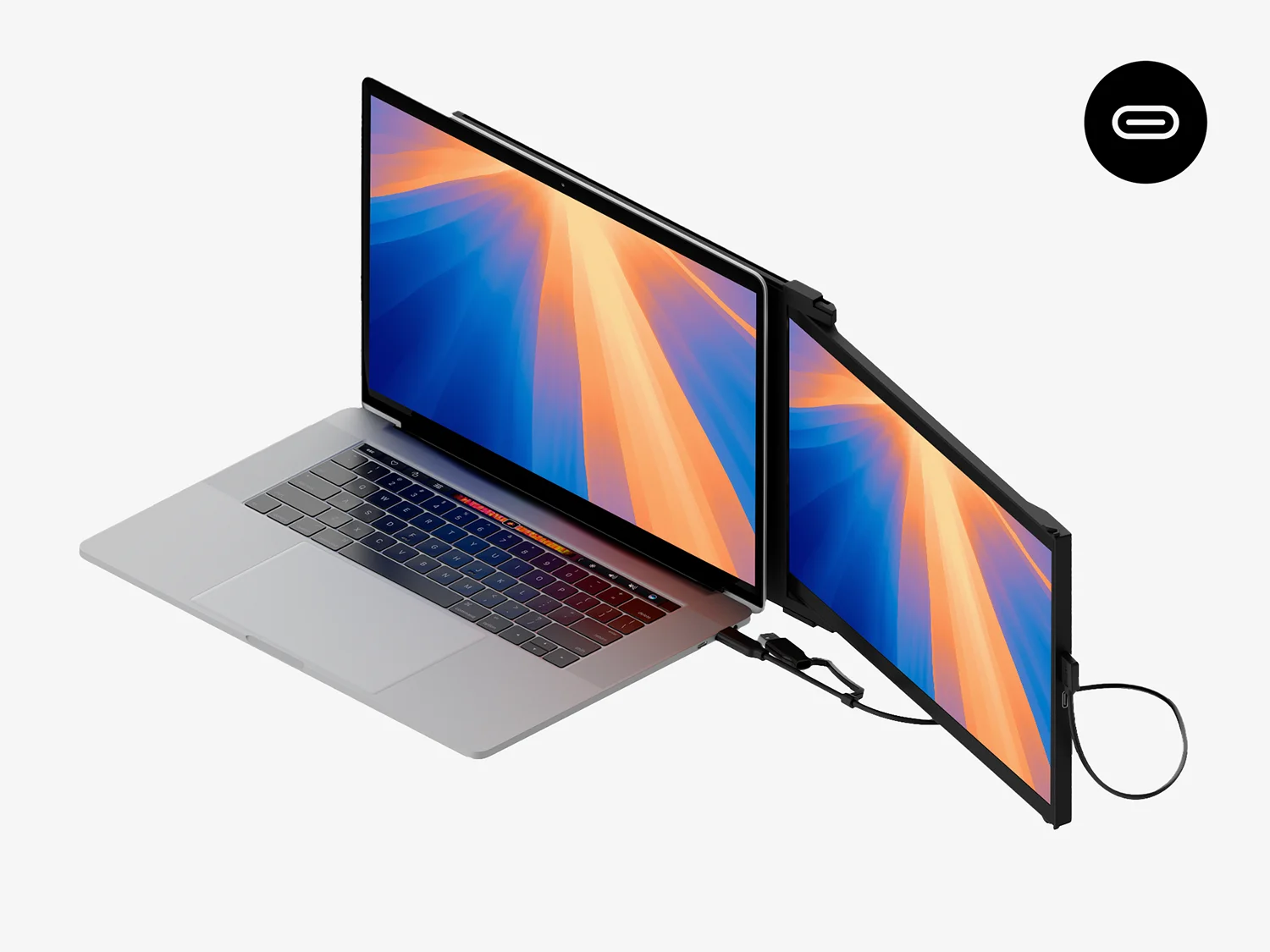
Duex Max DS portable dual screen extender set up with only a USB-C to c cable

Using only USB-C to C cable

For laptop has USB-C port with DP ALT mode.

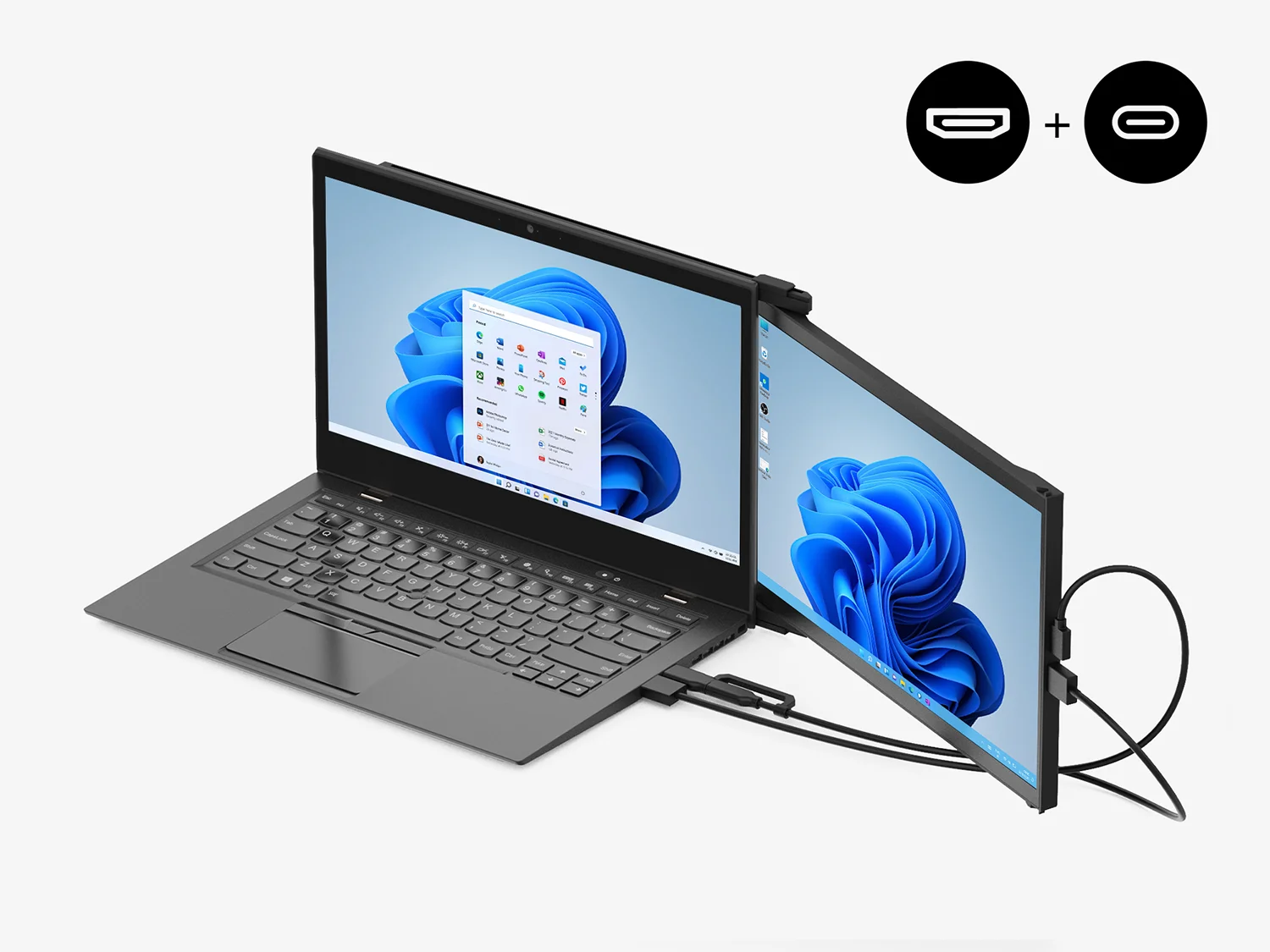
Duex Max DS portable dual screen extender setup with HDMI cable

Using USB-C to C cable with HDMI cable

For laptop has USB-C port without DP ALT mode.

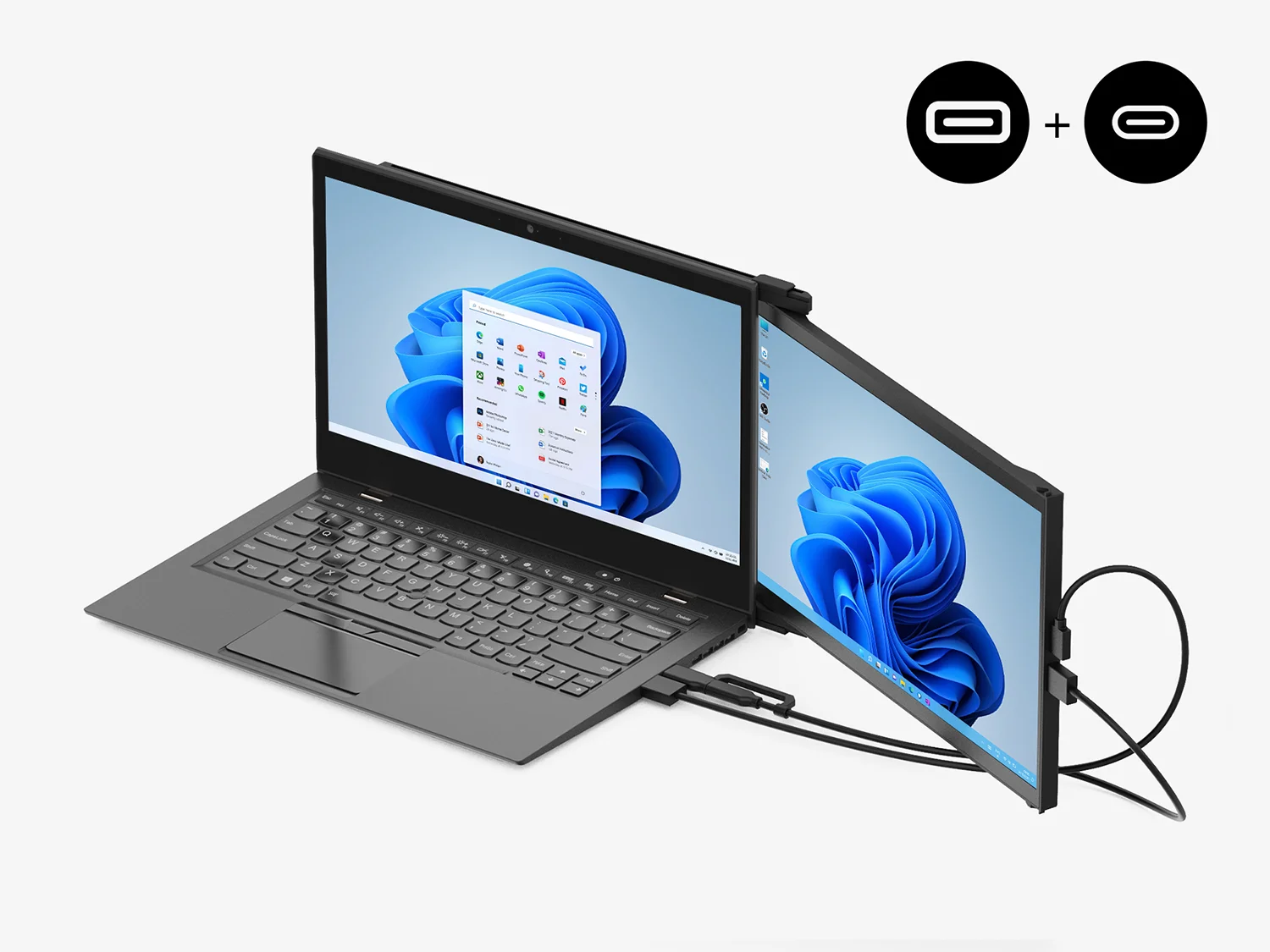
Duex Max DS dual screen extender setup with Type-A adapter with HDMI cable

Using USB-C to C cable and Type-A adapter with HDMI cable

For laptop has only USB-A and HDMI port.

Product Details

Enhance productivity with Duex DS Series monitors.

Duex Max DS and Duex Plus DS are our upgraded, portable dual-screen laptop accessory that makes multitasking effortless.

SKU
  • Duex Max DS: 101-1007P06
  • Duex Plus DS: 101-1006P04
Screen Size
  • Duex Max DS: 14.1-inch
  • Duex Plus DS: 13.3-inch
Resolution

1920 x 1080 pixels

Screen type

LCD

Brightness

300 nit (adjustable)

What's included

One Duex Max DS
  • 1× Duex DS Series monitor
Laptop magnets
  • 4× Laptop magnets
one USB-C cable
  • 1× USB-C cable with USB-A adapter
one mini HDMI to HDMI cable
  • 1× Mini HDMI to HDMI cable
user guide
  • 1× User guide

FAQs

Find more answers to frequently asked questions about the Duex Series here. If you cannot find what you're looking for, contact us directly and we will assist you.

Overall rating: 4.810875 / 5 from 846 reviews.

AI Generated Review Summary

The Duex DS Series portable monitors offer a versatile and convenient solution for enhancing your laptop experience. Customers appreciate the easy setup, great resolution, and quality of these monitors, making them ideal for on-the-go work. The monitors come in two sizes, feature auto-rotation, and are compatible with multiple devices. While some customers noted minor issues, the overall feedback highlights their usefulness and portability.

Summary topics

  • Ease of Setup (5%): Customers loved the easy setup and portability of the product. However, some mentioned it was too good to be true.
  • Display Resolution (5%): Customers appreciated the great resolution and brightness of the Duex Pro, making it perfect for on-the-go work.
  • Display Quality (3%): Customers expressed appreciation for the great quality and versatility of this display, although some mentioned that it is poorly made.
  • Portability (32%): A substantial number of customers appreciated the Mobile Pixel Duex Plus portable monitor for working away from home.
  • Work Convenience (8%): Customers raved about how well the monitor works and how it is convenient to carry around.

Review topics: ["color","packaging","shipping","efficiency","screen","quality","customer service","feel","setup","display","installation","issues","size","weight","instructions","price","design","fit","cord","use","support","software","value","monitor","service","light","connection","magnets","frame","ease"].

Review highlights

  • "This monitor works very well for my needs and has a good looking screen." — Andy P.
  • "The monitor worked right away when plugged into my Windows 10 Pro laptop." — K P.
  • "Great quality screen and easy setup." — Moms

Reviews

Perfect for work travel

"I've been extremely happy with the Mobile Pixels Duex Max. As someone who travels frequently for work, having a second screen dramatically improves my productivity, and the Duex Max strikes a great balance between screen size and portability. The setup is simple, the display quality is solid, and it packs easily into my laptop bag without adding much bulk. I can't count how many times I've been stopped at the airport by people asking about my setup. If you travel regularly and miss having a second screen, this is well worth the investment."
— Kelly M. (5/5)

Great Product

"I needed a monitor to go with my Macbook Air at work, but I didn't want anything large that would block my view to the front door at my office. This has worked great until the cable began glitching after 18 months-2 years. After reaching out to the company I have been promised a new cable. Beyond the problems with the cable, it has been a great product that helps me accomplish all my tasks at work."

— Victoria H. (4/5)

1000% recommend!!!

"I've had this product for two years and couldn't recommend it enough. It really is like having dual monitors at home. You can easily connect it to your PC using the USB-C/USB/hdmi cords it comes with. This product's high quality display and slim design is remarkable in the way that the screen is not too heavy nor does it cause my PC to tilt awkwardly. The magnets are also very strong; screen removal is easy and does not affect how my PC fits into my laptop bag. The screen is versatile in a way that can be used both on the left or right side of the pc. I will say the residue holding the magnets to the pc does require some elbow grease. I have had to use my ID or credit card to remove them. At least you know they won't fall off! The screen comes with a template to line up the magnets. Make sure you give yourself enough space that when you extend the screen, the edge of your pc does not block the edge of the screen extension."

— Madie (5/5)

Mirroring Screen

"It is a great product for multi-taskers to be on top from any where."

— Peter G. (5/5)

Very cool extender

"I feel very sophisticated with this item."

— Mister D. (5/5)

Nice addition to my laptop

"Other than being difficult to set up - I think the instructions wre written by a one year old - it works great and makes working with my laptop more productive. I had to call a tech to help me and he was even had to think about it for a while. It was simple once he remembered what he had seen a few times before."

— Michael Y. (5/5)

Duex Max DS Portable Monitor for Laptop

"Just what my grandson needed for college!"

— Lady W. (5/5)

Love. This. Monitor. Game-changer.

"Absolute genius idea. I've been chewing on a second screen for years and thank god I waited because this is perfect for my current remote work / occasional travel. Plus the customer support (looking at you Anita!) was off the charts good!"

— Adam K. (5/5)

A Work From Home Necessity

"Truly one of the best investments I've made since I started working from home. Seamless connection to MacBook Pro and Chromebook via USB C port - no driver or any weird software to install. It slides and stores perfectly on the back of my computer and adds almost no weight or bulk. A second screen makes everything so much easier and you'll wonder how you got on without it for so long. I've had mine for 4 years, and there have been exactly zero issues (aside from having to replace the aux cable once). Totally worth the investment."

— Sgenn99 (5/5)

Additional screen

"Easy to use. Not very clear on placement to your laptop."

— Nick (4/5)

Q&A