









Great product
"Great alternative for second screen when traveling."
⏰ Back-to-School Sale Ends Soon - Up to 50% Off!

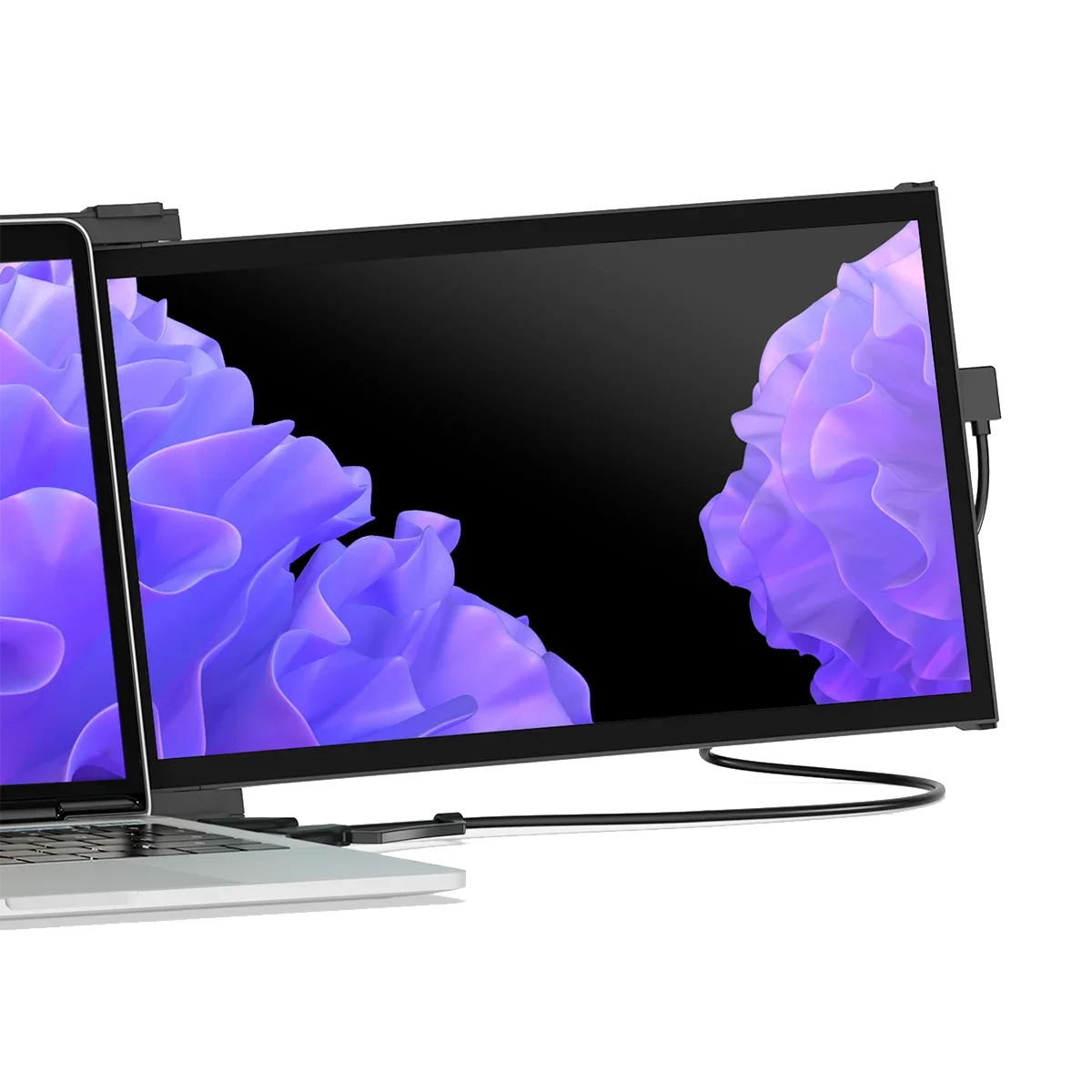
Life happens, so we've got you covered. Protect your purchase from accidental damage from day one through your chosen coverage term.
This Plan Covers:


 2 Years of Peace of Mind, On Us!
 Free shipping to US
Efficiency Improvement

Watch video
Product Details
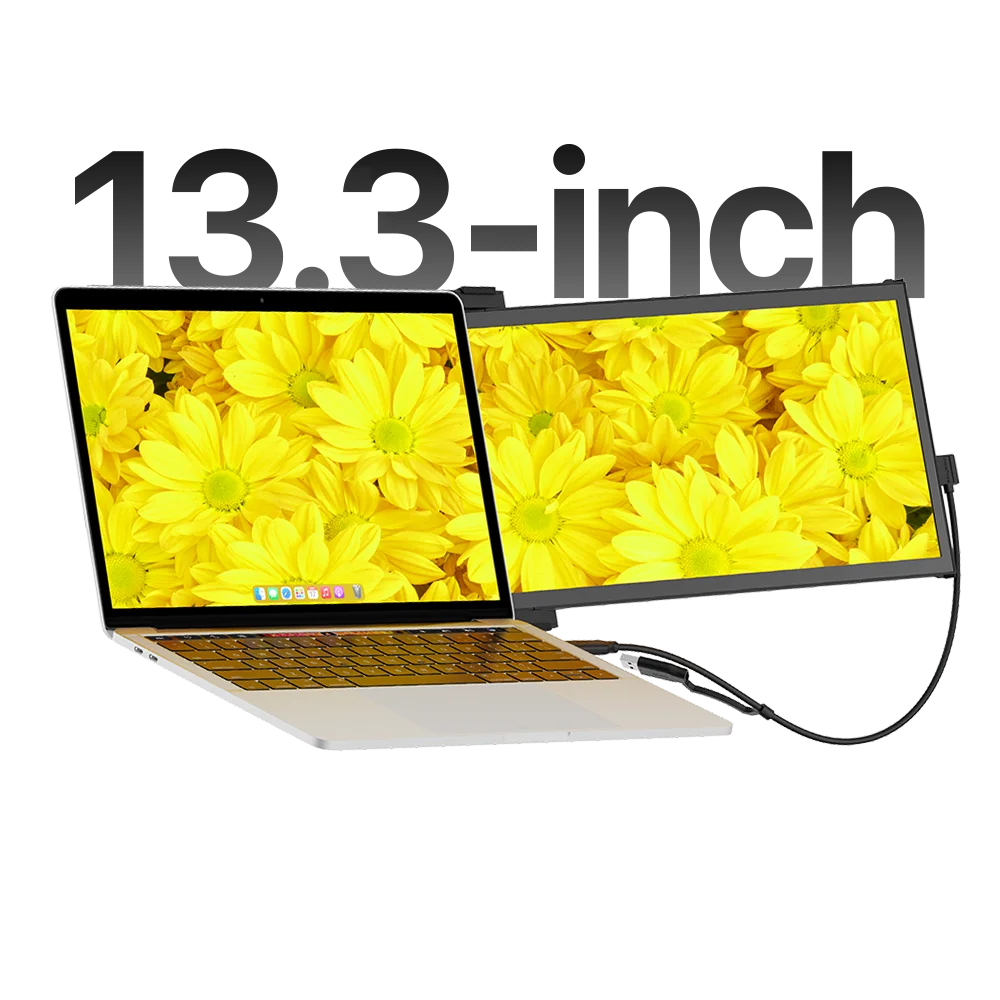
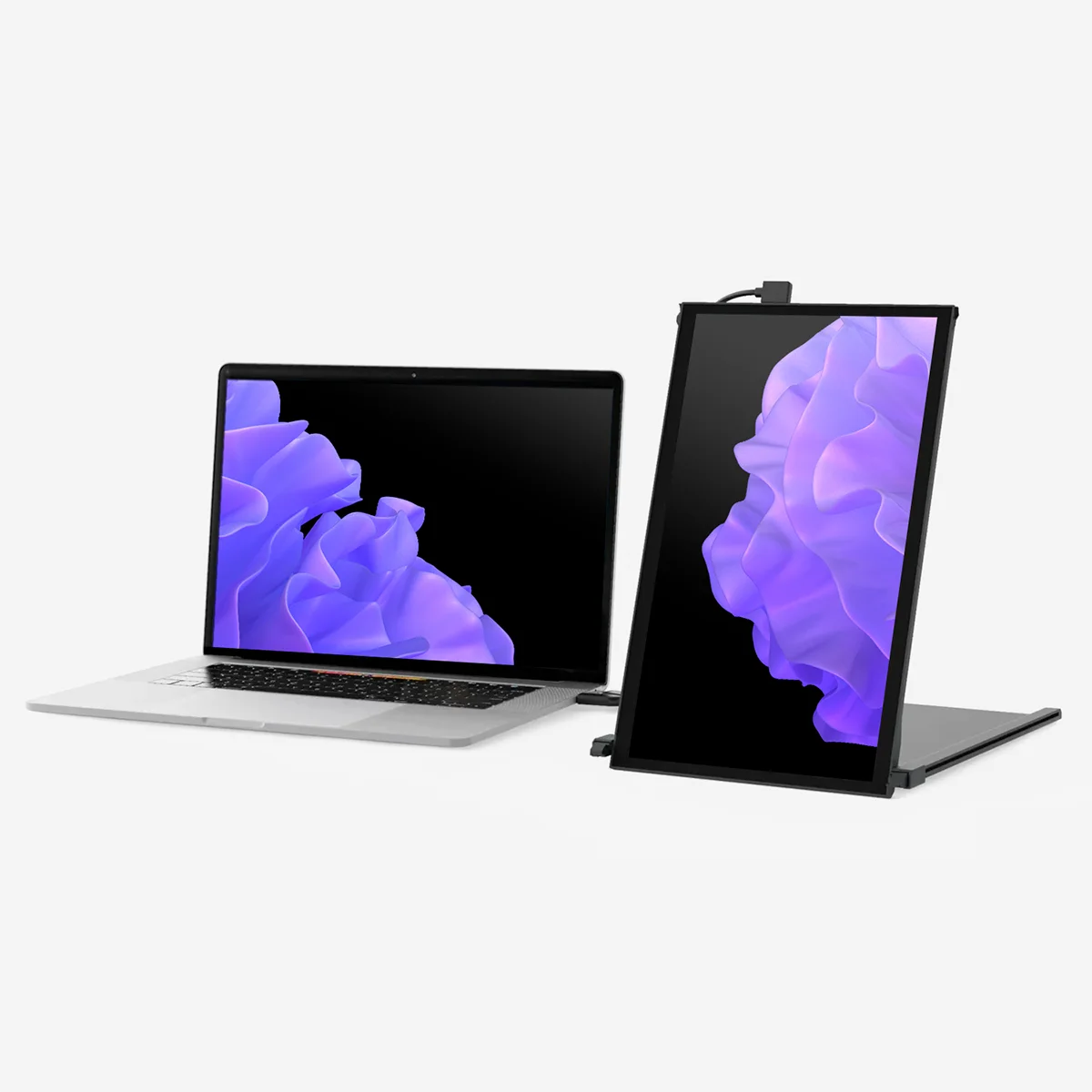
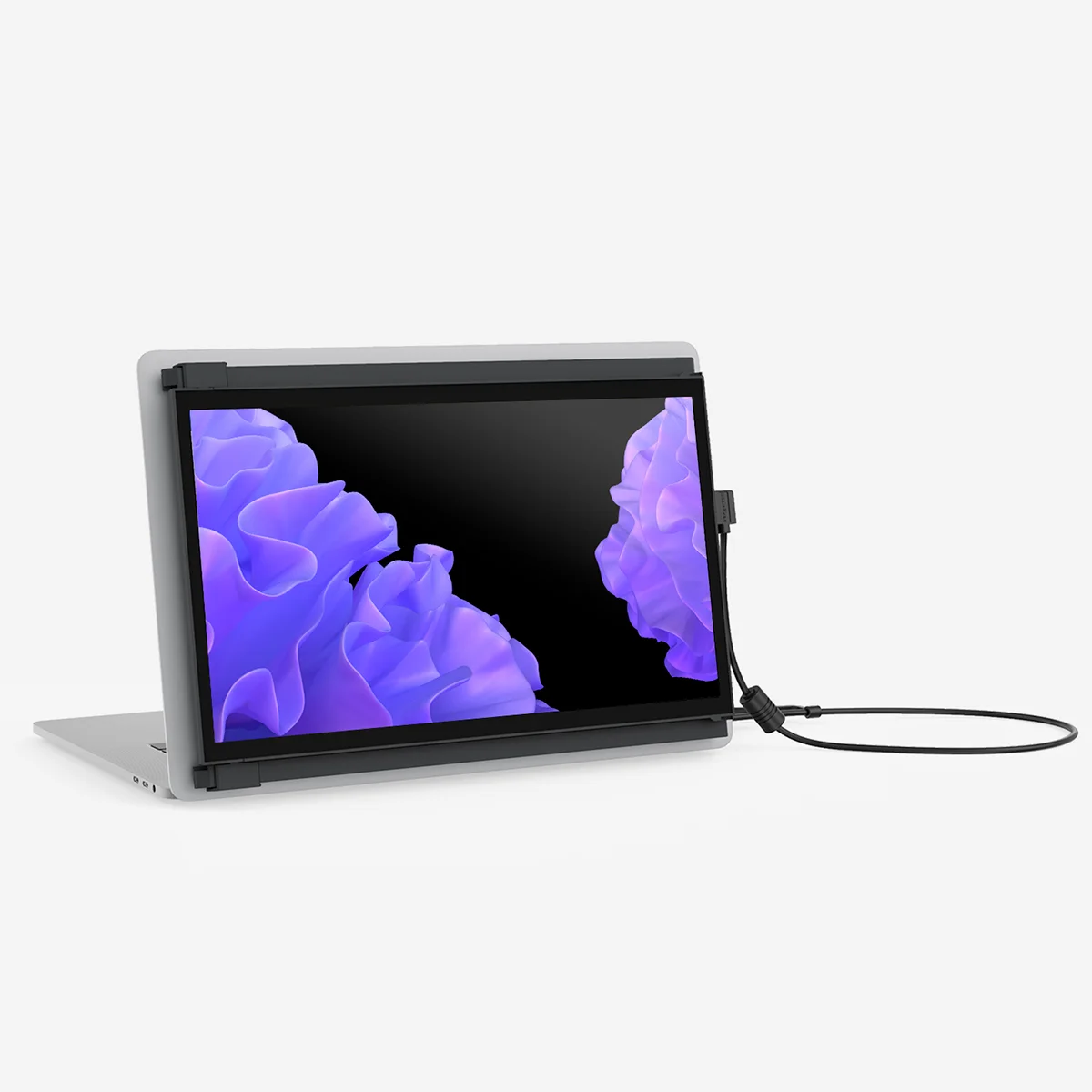
Immerse yourself with Duex Plus DS 1080P FHD monitor. Take your laptop experience to the next level by easily expanding your laptop monitor. Customize the display to your work with Duex Plus DS's flexible modes. Switch between Landscape for data analysis, Portrait for coding and reading, Kickstand for professional presentations, and Presentation for collaborative meetings. Experience adaptability that suits your ever-changing tasks.
101-1006P04
13.3-inch
1920 x 1080 pixels
LCD
300 nit (adjustable)
12.67" x 8.85" x (0.25" thinnest point and 0.6 thinckest point)
16:9
Windows, MacOS, Linux, ChromeOS, Switch, Android (Samsung Dex)
1.3 lbs
ABS and aluminum alloy
4.5W
60Hz
Highlights

Improve your dual screen experience.
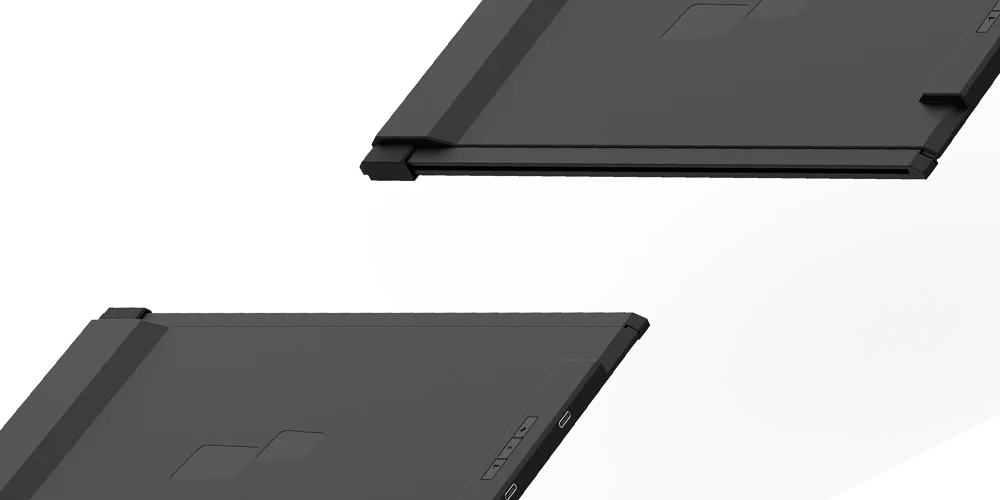
With rotation function, we enjoy a larger workspace on the move, perfect for 13"-14.5" laptops. Weighing in at just 1.3 lbs. and with a slim profile of just 0.25", this ultra-portable monitor is the ideal travel companion.
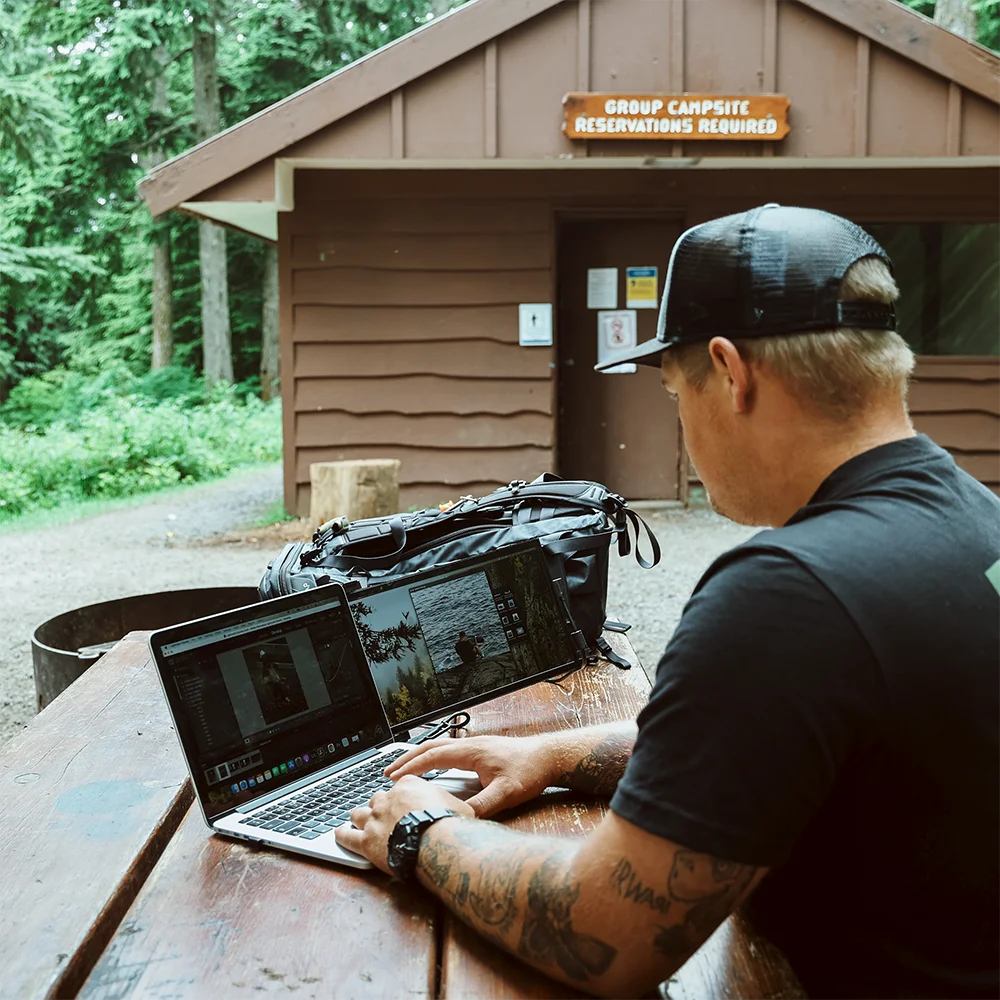
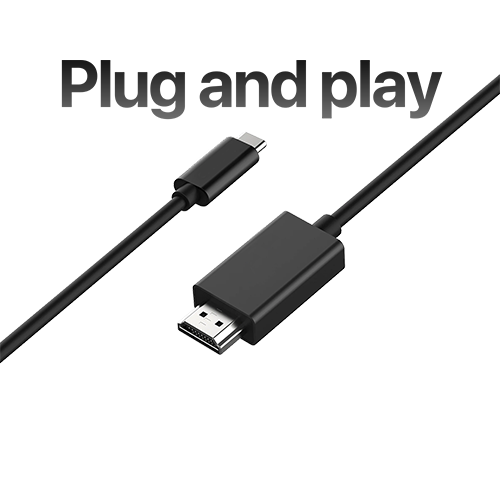
Plug in, power on. Quick setup.
Simply connect it to your laptop by choosing the appropriate connection from the USB-C or Mini HDMI cable, attach the magnet according to the installation guidelines, and the laptop screen extender monitor portable is ready to use! Whether you flip from the left to the right, the portable monitor for laptop flips to achieve ease of use.
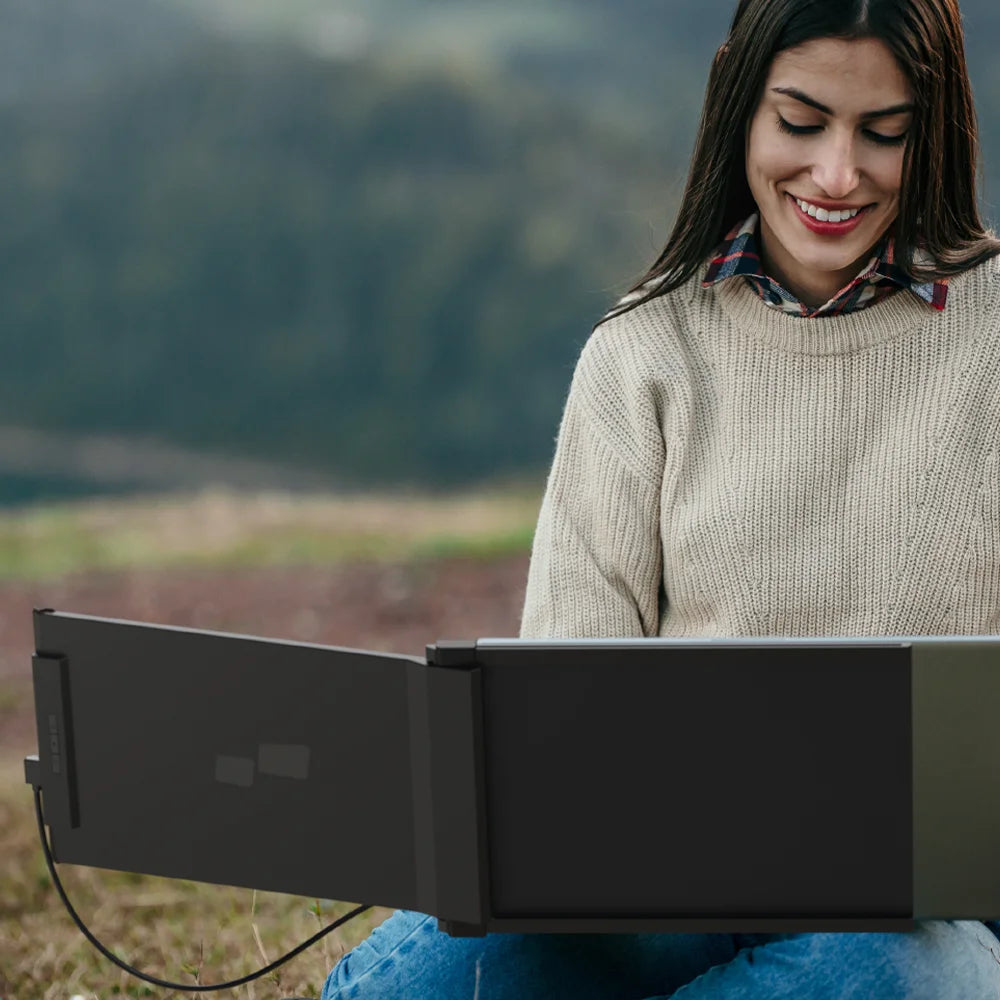
Portability meets productivity.
This sleek and lightweight design, weighing just 1.3lbs and slim at 0.60 inches, ensures you can carry your productivity in easy. Whether you're at a café or a meeting, make a statement with elegance.
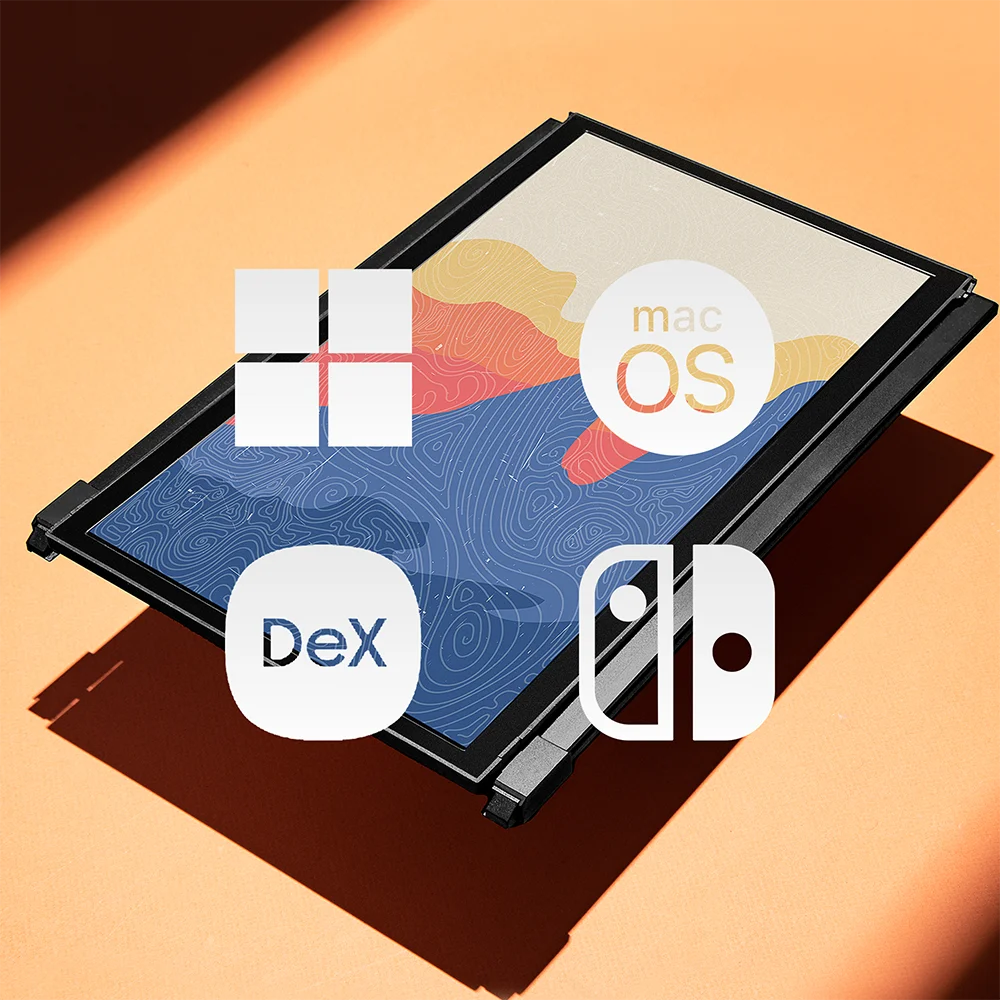
Compatibility with ease.
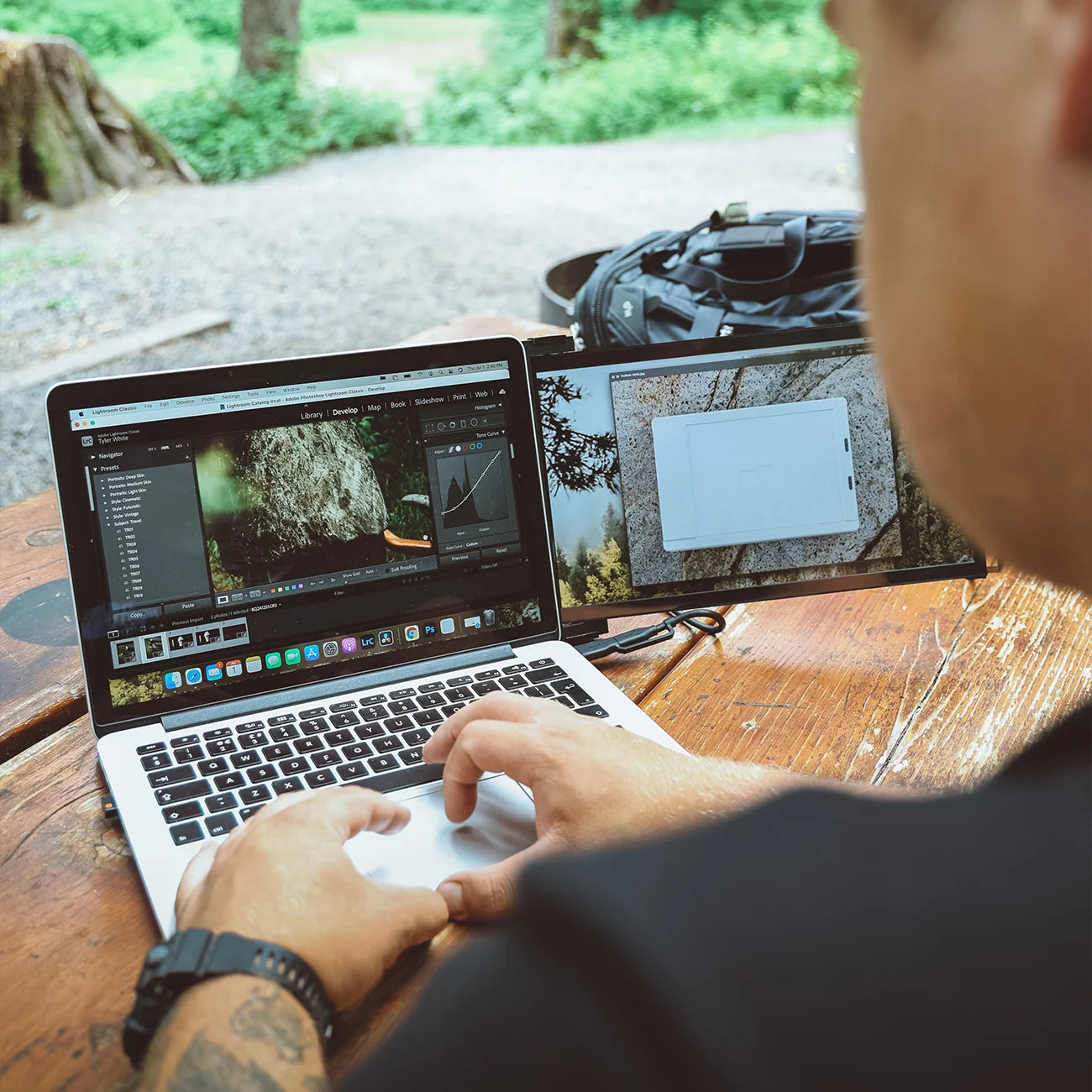
Enjoy wide compatibility with laptops, Windows, macOS, Android, Nintendo Switch and Samsung DeX. Easily connect to your technology system for a wide range of devices and operating systems, and also meets your multiple scenarios of use, like teaching, meetings, outdoor work, learning, and so on.
For ergonomic comfort and various scenarios.
Duex Plus DS has a rotation function and can be used in its intended landscape mode, portrait mode, presentation mode, or kickstand mode—perfect for any scenario.
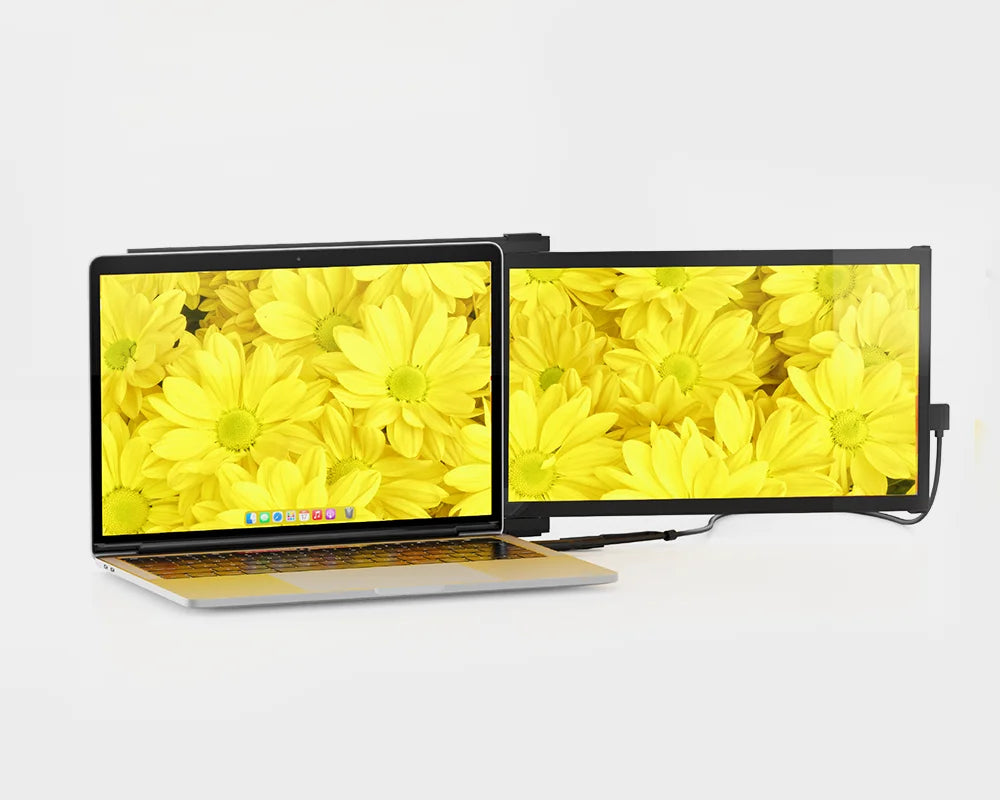
Landscape mode
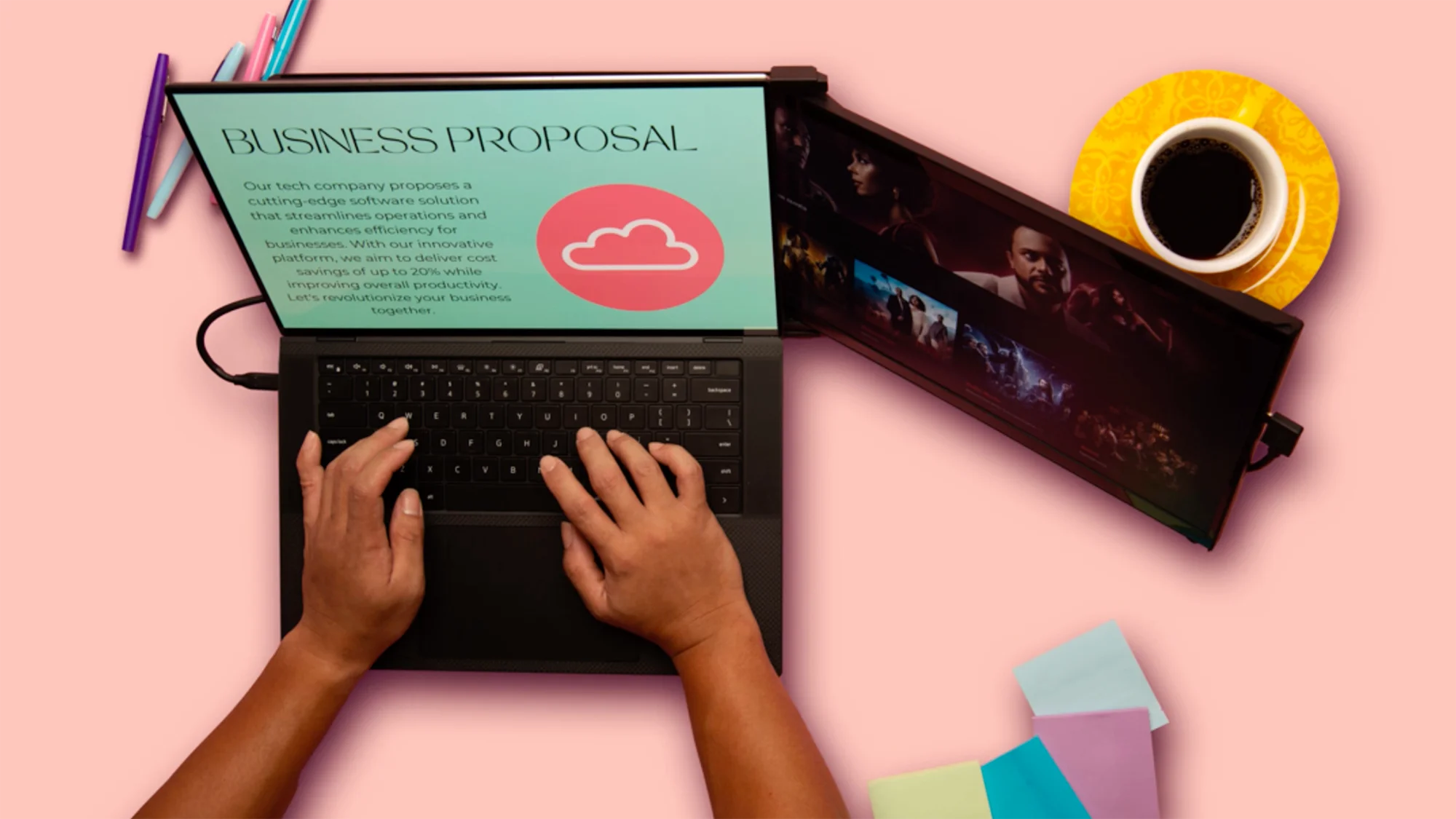
Use it as your secondary monitor as a extended display or mirrored display. Say goodbye to toggling between windows and tabs.
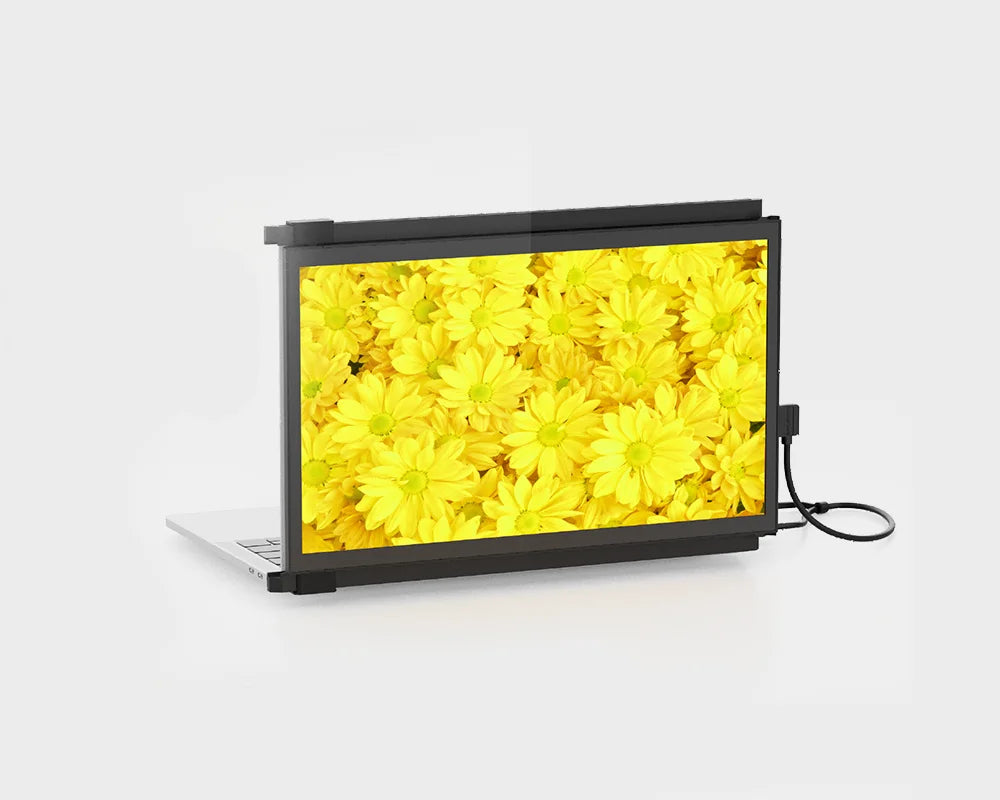
Presentation mode
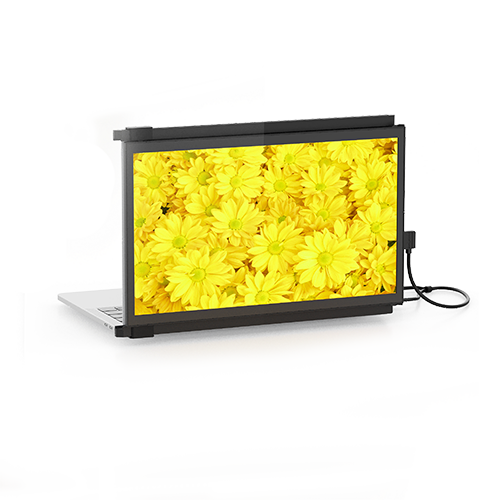
You can also flip the screen 180-degree to the front of your laptop and present the screen to anyone sitting across from you, whether it’s a presentation to your team at work.
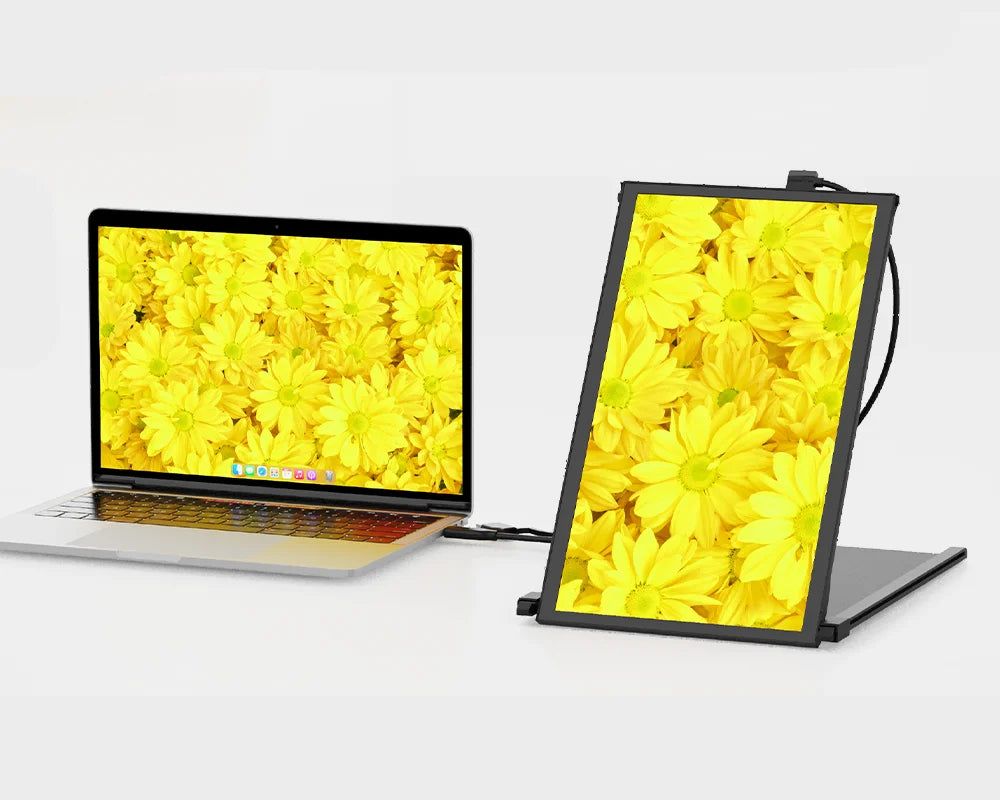
Portrait mode
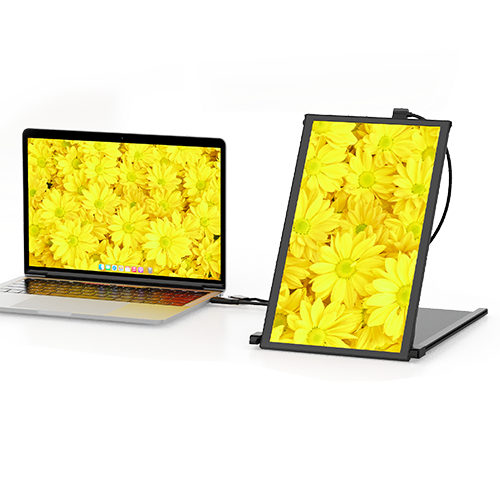
Detach and set it up vertically, perfect for coding. The portrait mode allows for increased font size, making it super convenient for you to read through the text. The portrait mode best serve web developers, content editors, content writers, proofreaders and programmers.
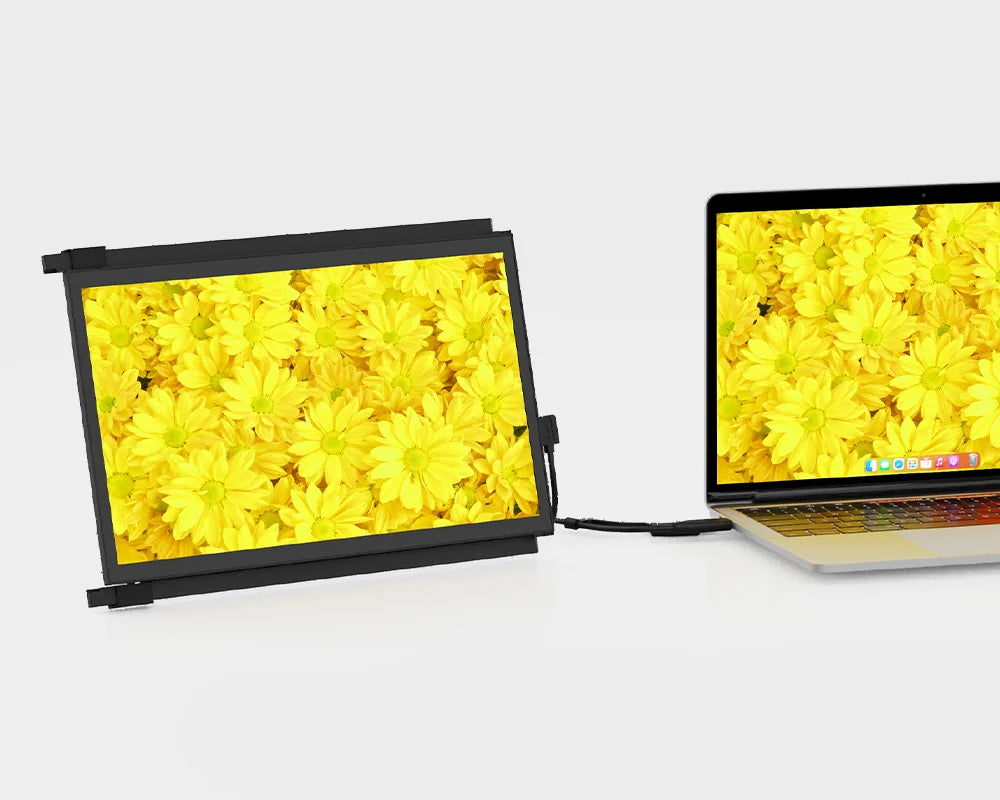
Kickstand mode
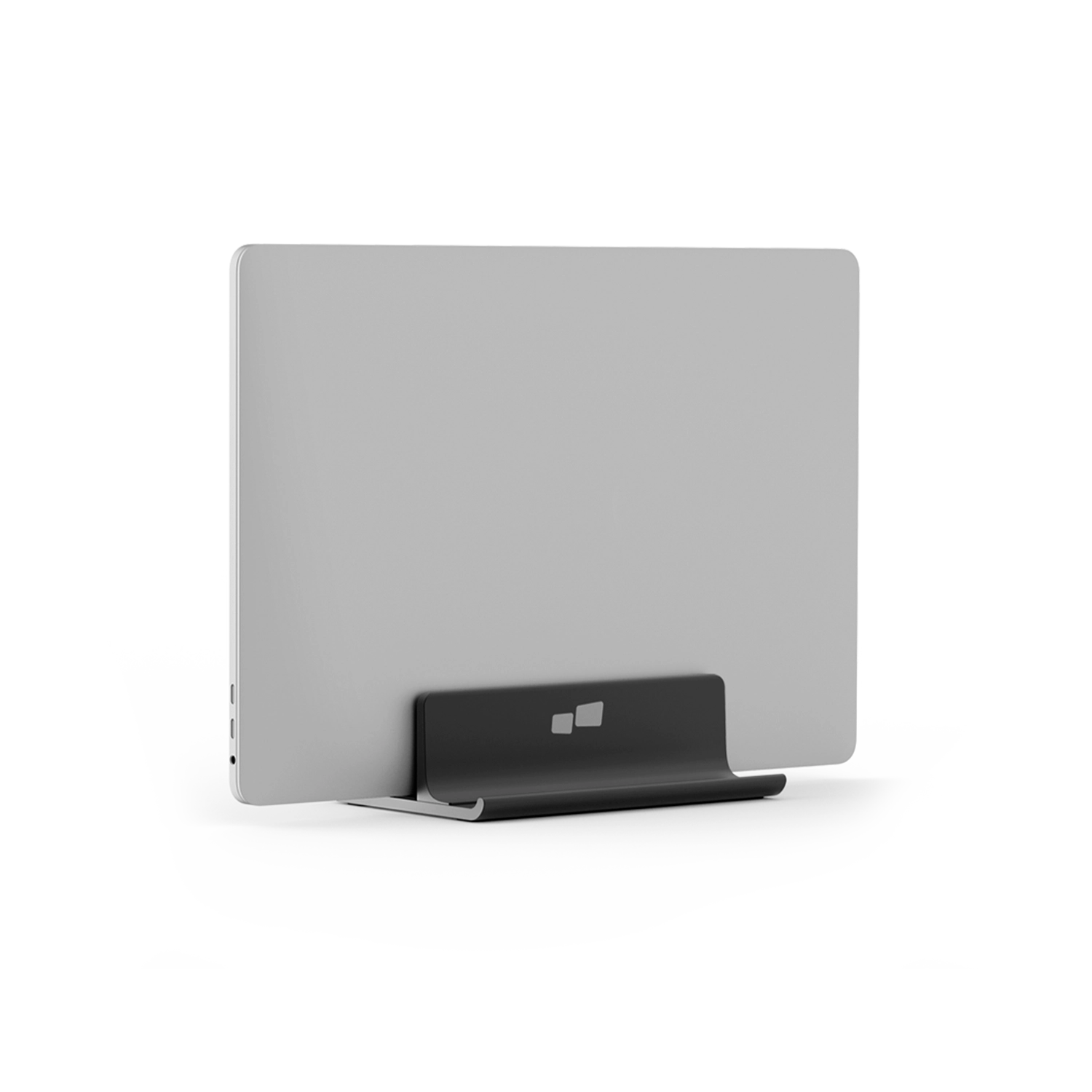
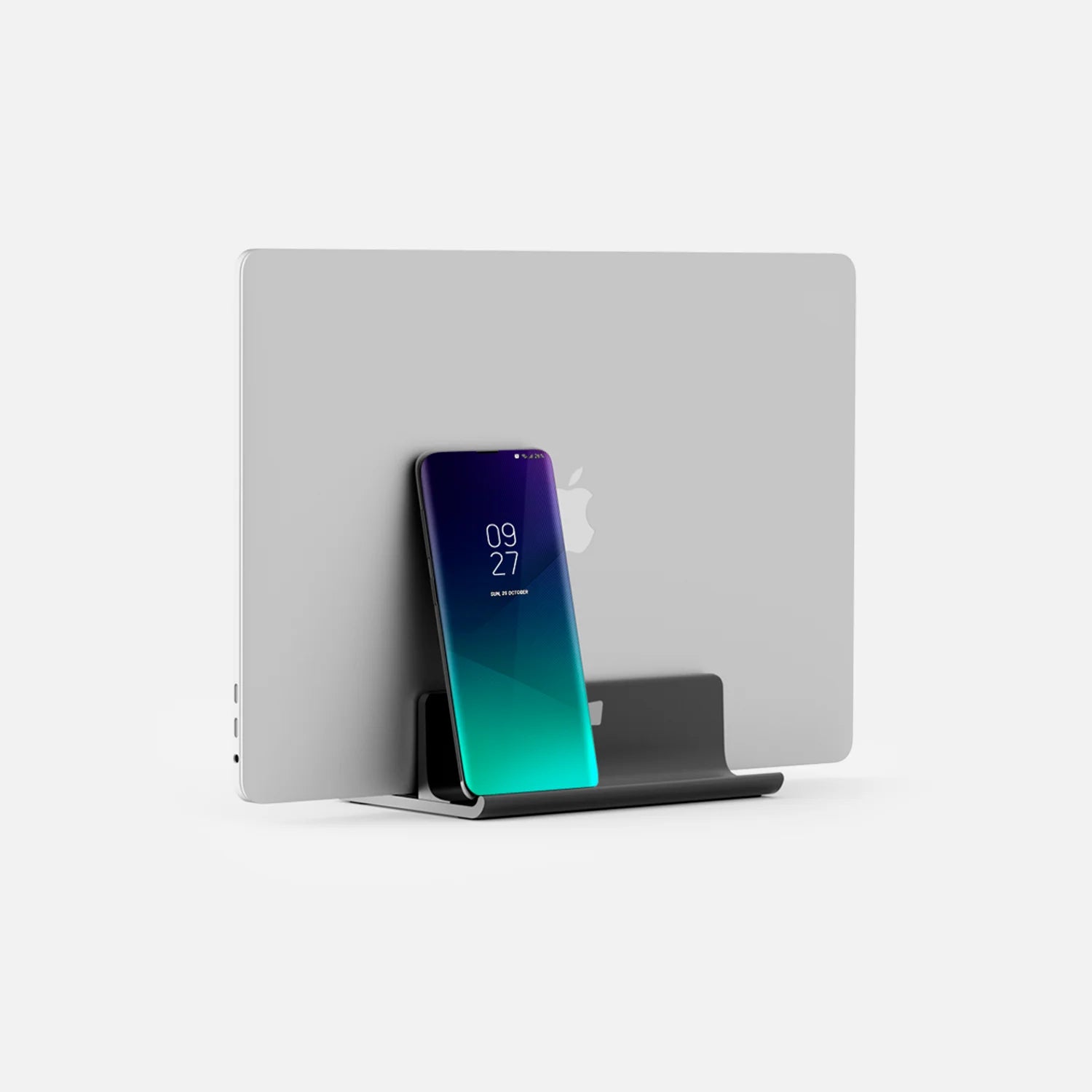
Buy our Origami Kickstand and attach it to Duex Plus DS. You can now use it as a second screen by placing it on the surface next to your laptop.
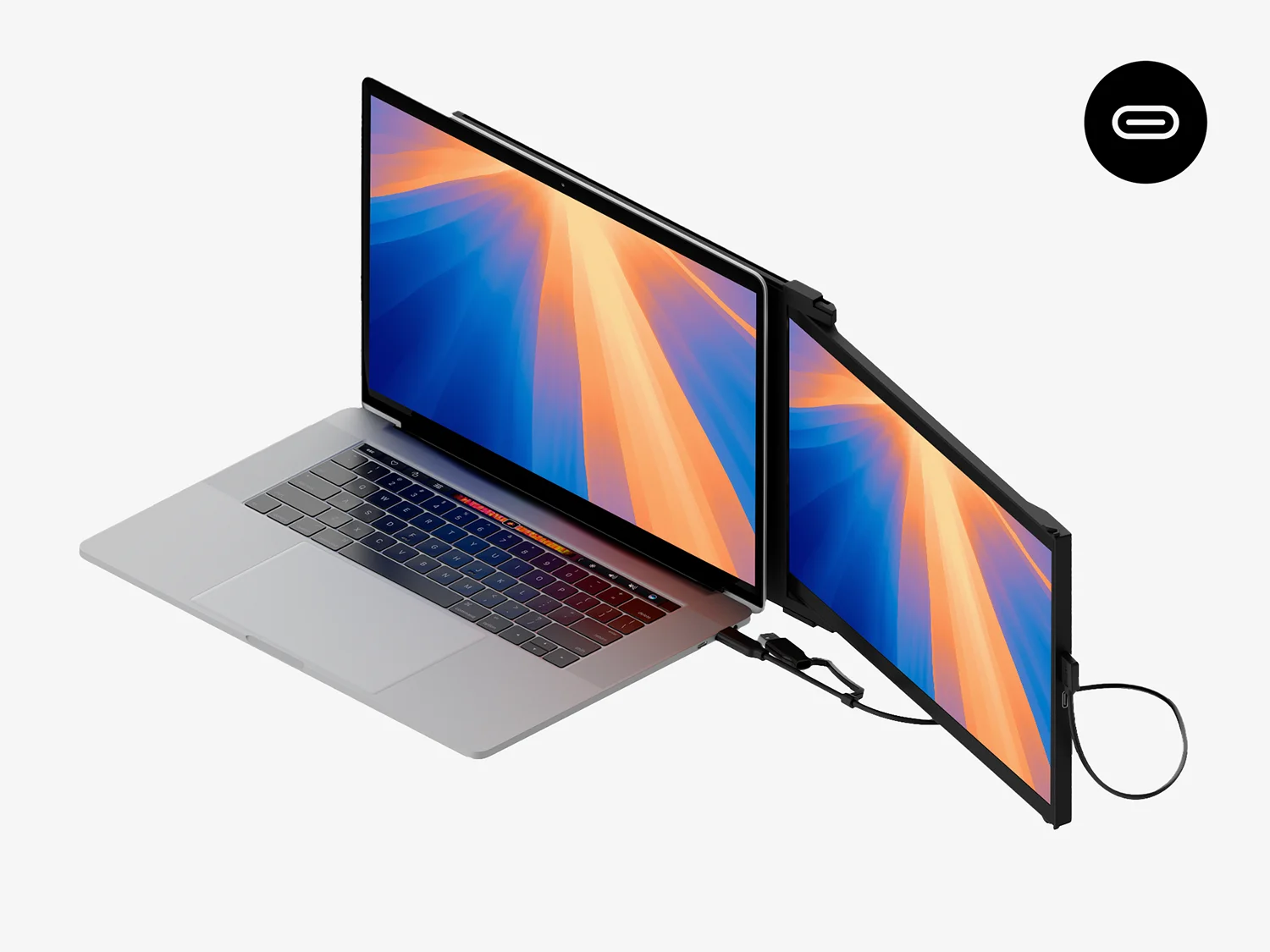
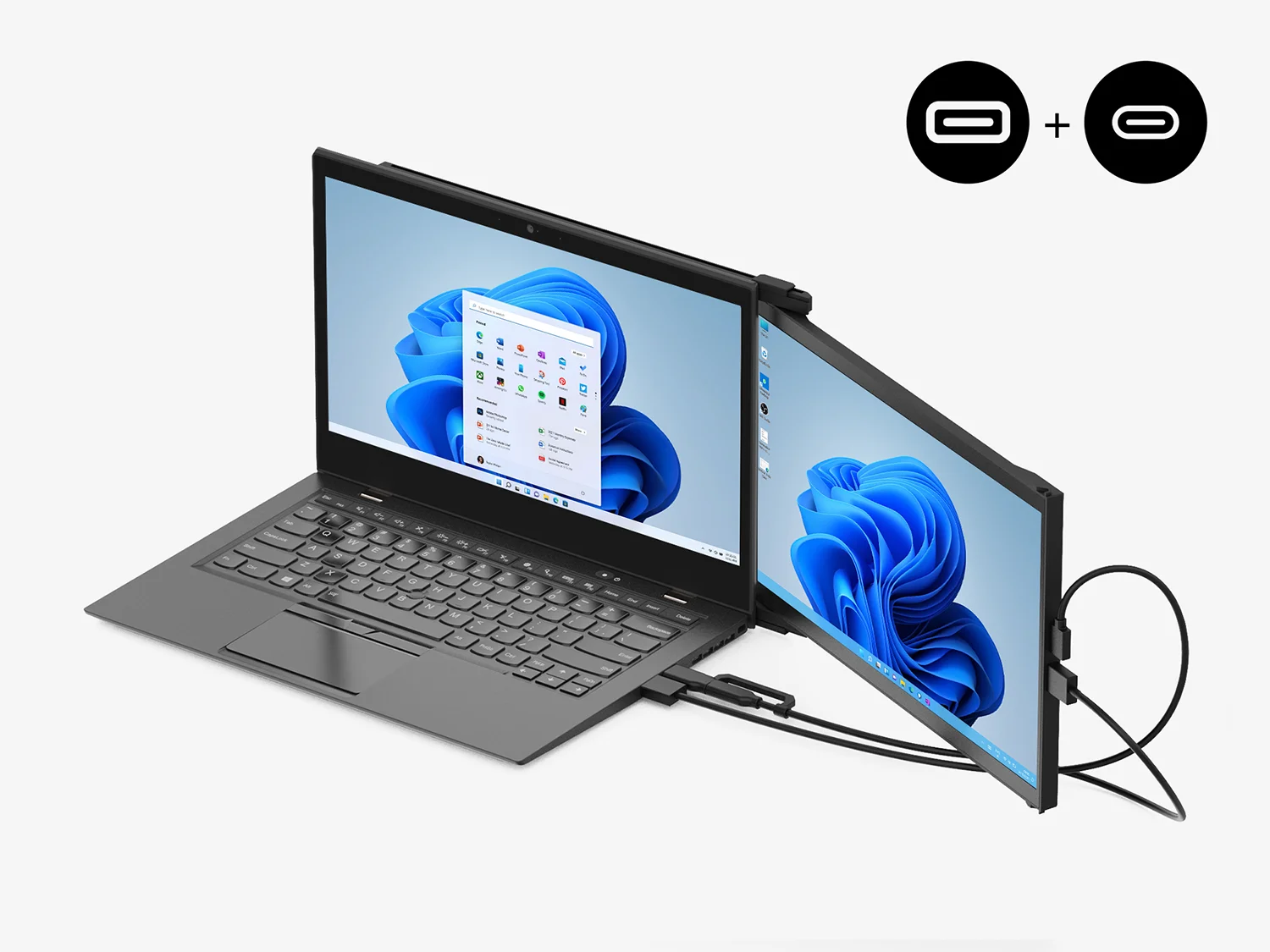
Using only USB-C to C cable
For laptop has USB-C port with DP ALT mode.
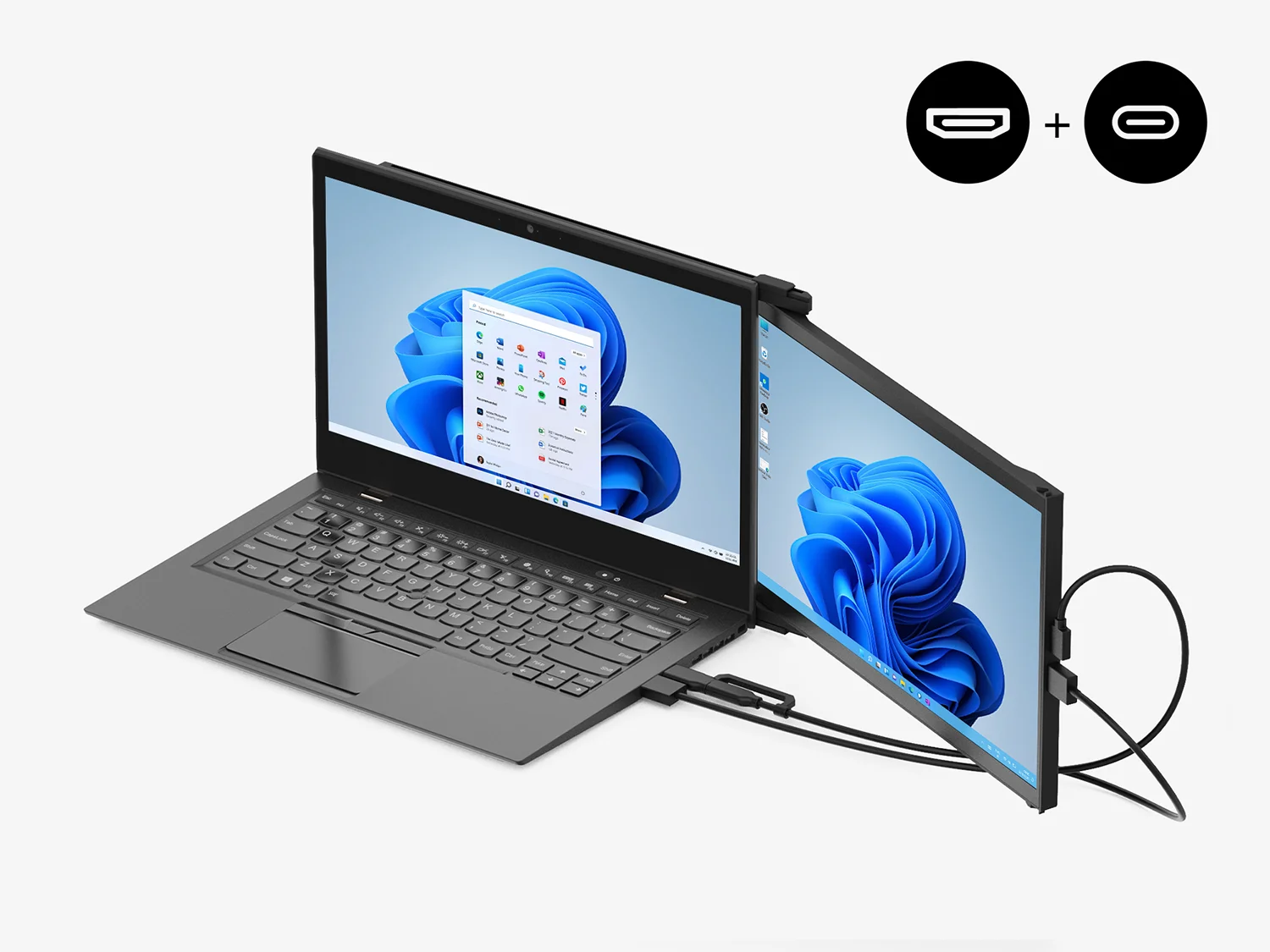
Using USB-C to C cable with HDMI cable
For laptop has USB-C port without DP ALT mode.
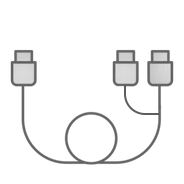
Using USB-C to C cable and Type-A adapter with HDMI cable
For laptop has only USB-A and HDMI port.



Find more answers to frequently asked questions about the Duex Series here. If you cannot find what you're looking for, contact us directly and we will assist you.
Mobile Pixels Duex Series monitors can work with all operating systems. This includes Mac OS, Windows, Android smartphones, Nintendo Switch, Linux, Chrome.
Yes, the brightness is adjustable.
As long as your laptop has a USB C port, then it is plug and play like conventional monitors.
Yes.
No batteries, power comes from the laptop.
Trio Series and Duex Series are both thin and light designs. The main difference is that TRIO is a three-screen mode and DUEX is a dual-screen mode.
This product is rated 4.8 of 5.0 stars.
It has received 819 reviews.
Overall rating: 4.8003697 / 5 from 541 reviews.
The Duex Plus DS is a highly portable and versatile 13.3" monitor, praised for its excellent screen quality, ease of setup, and lightweight design. It offers a great resolution and is perfect for mobile work, with a user-friendly installation process.
Review topics: ["color","shipping","fit","efficiency","quality","size","light","difference","packaging","value","service","issues","weight","design","screen","looks","customer service","installation","display","work","setup","instructions","cord","feel","support","software","functionality","price","flexibility","ease"].
"Great alternative for second screen when traveling."
"I love my Duex Plus! I’ve had it for 3+ years and I take it every time I travel. Coworkers always comment on how useful it is when I bring it to the office, and I love that it allows me to work from anywhere without losing productivity. Recently I traveled for a few months without a home base, and I used it every single day! I can’t recommend it enough!"
"I purchased a Duex Plus several years ago for personal use. It worked extremely well for a 2nd monitor while traveling. It barely takes up any space at all. I keep mine magnetically attached to my laptop, but my husband often borrows it and uses the stand to set up the monitor vertically while running reports for work remotely. We travel a lot and I take this everywhere!"
"Love the products and entire customer experience - bought these displays for all my team!"
"I've had the mobile pixel duo since 2020 and upgraded to the Duex Plus this year. Cons: I love the monitor itself but was very disappoint to see video is no longer possible from a single USB-C to USB-A cord. Your options are to run it using USB-C to USB-C or use two cables to connect via usb-a and hdmi. This feels like a huge downgrade to me. This isnt an issue of the technology not being able to do it, because the previous model worked just fine on USB-A. The cord that comes with it is way too long. So now my choice is to buy a new shorter coiled cord that is USB-C or stick with the ridiculously long cord. Pros: The monitor itself is great. I am loving the slightly bigger screen and the new magnets. I also love the auto shutoff when you slide the extra monitor closed. The hinge seems a bit sturdier than the previous model but only time will tell on that. Overall I am happy but still very disappointed I have to replace my existing coiled cable I've been using for years."
"I love the versatility of the Duex Plus DS. Not only can I work from anywhere without seeing any dips in my productivity, I can also arrange the screen to work for me in landscape, portrait or presentation mode. It's so easy to attach and use and I love that I can keep it connected to my MacBook when toting it around. It's heavier than I expected but not a deal breaker for the advantages. Gets lots of attention and inquiry when out in public. Friends have already picked up their own!"
"love the products and service"
"The ideal way to get extra screen space, without having to connect to a proper second monitor - meaning you can work with 2 screens from the sofa if you prefer!"
"Would like a little larger screen to be available."
"Hesitated for a while to purchase this, but so glad I did. With my work I love having the dual monitors. I tend to work from home and move all around the house, work outside on the deck, or work on the go and this is perfect. I worried a bit about the weight placing a strain on the hinge of my Macbook laptop, but the frame supports itself so I don't think that's going to be an issue. Only thing I wish it had was touchscreen capability- but I couldn't find that option in a monitor that actually attaches to the laptop."