Great solution for enhanced portable viewspace
"A compact solution for for the portable large video screen you desire."
⏰ Upgrade your workspace this Autumn

Life happens, so we've got you covered. Protect your purchase from accidental damage from day one through your chosen coverage term.
This Plan Covers:


 2 Years of Peace of Mind, On Us!
 Free US Shipping · Canada free over $200 CAD
Efficiency Improvement
NEW
Trio 3 Pro
Triple your laptop’s screen space.
End your tab-switching nightmare with a pair of attachable, high-res screens to get more done, faster.

Get the highlights


Overview
Turn any place into your ultimate workstation.

Efficiency unbound
Light to carry, quick to set up. Your full workspace, anywhere.

Triple the screen
Switch less, see more, and get more done. Focus, create, and collaborate with ease.

Single-cable setup
Finish your work faster with 2 extra screens, all by connecting just a single USB-C cable.

A bold new design
Every detail has been redesigned. It's thinner, lighter, and more stable than ever before.

True portability
Built to go. It's easy to pack up and ready to travel wherever work takes you.

Widely compatible
Works perfectly with macOS and Windows. No drivers needed, no limits.

3-screen productivity. Wherever you work.
Watch video
1400p QHD Displays
Stunning 1400p Clarity.


Four Viewing Modes
A portable display for how you work.

Landscape mode
In landscape mode, you can manage multiple tasks simultaneously without constantly switching between tabs or windows. Studies have shown that multi-monitor setups can increase productivity by up to 50%.

Collaboration mode
Rotate both screens outward and enter collaboration mode, a new way to connect and create together. It’s perfect for meetings, presentations, or quick creative reviews.

Portrait mode
Ideal for programmers, writers, and lawyers, a vertical screen allows viewing significantly more lines of code or text simultaneously.

Presentation mode
You can flip the screen 180 degrees to the front of your laptop and present the screen to anyone sitting across from you, whether it’s a presentation to your team at work.

With triple the screens, multitasking becomes effortless. You can write, design, and communicate all at once without switching tabs or breaking focus. Whether you’re editing on the go or managing projects remotely, this setup brings desktop-level efficiency wherever work happens.

We wanted a more stable way to support three displays, so we redesigned the integrated kickstand of the Trio 3 Pro, which can stably support the monitor while protecting your screens as a cover when putting into your backpack on the go. It combines simplicity and strength in perfect balance, supporting all three displays without a hint of shake.
Instant setup. Effortless start.
Your workspace is ready in seconds. Fold open the dual screens. Connect it to your laptop. Attach or use the built-in kickstand to adjust the displays. You now have a triple-screen workstation ready for anything.

Widely compatible.
Fully compatible with macOS and Windows, so you can work freely, anywhere.
Eye-care Mode
Experience optimal color temperature and brightness that minimizes the emission of blue light from your displays. Work comfortably with less eye fatigue while reading, word processing, and more in low-light environments.
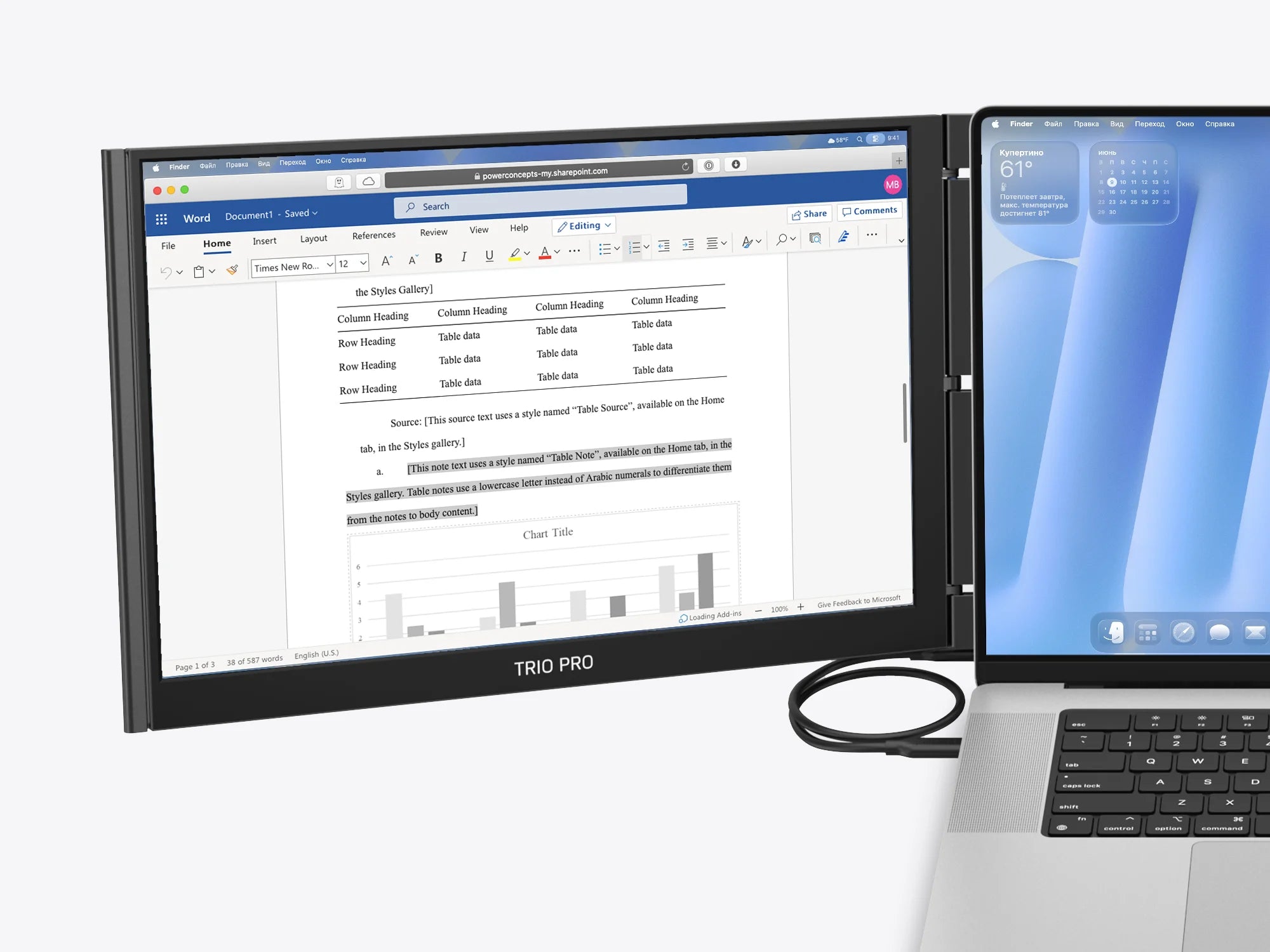
Eye-care Mode Off
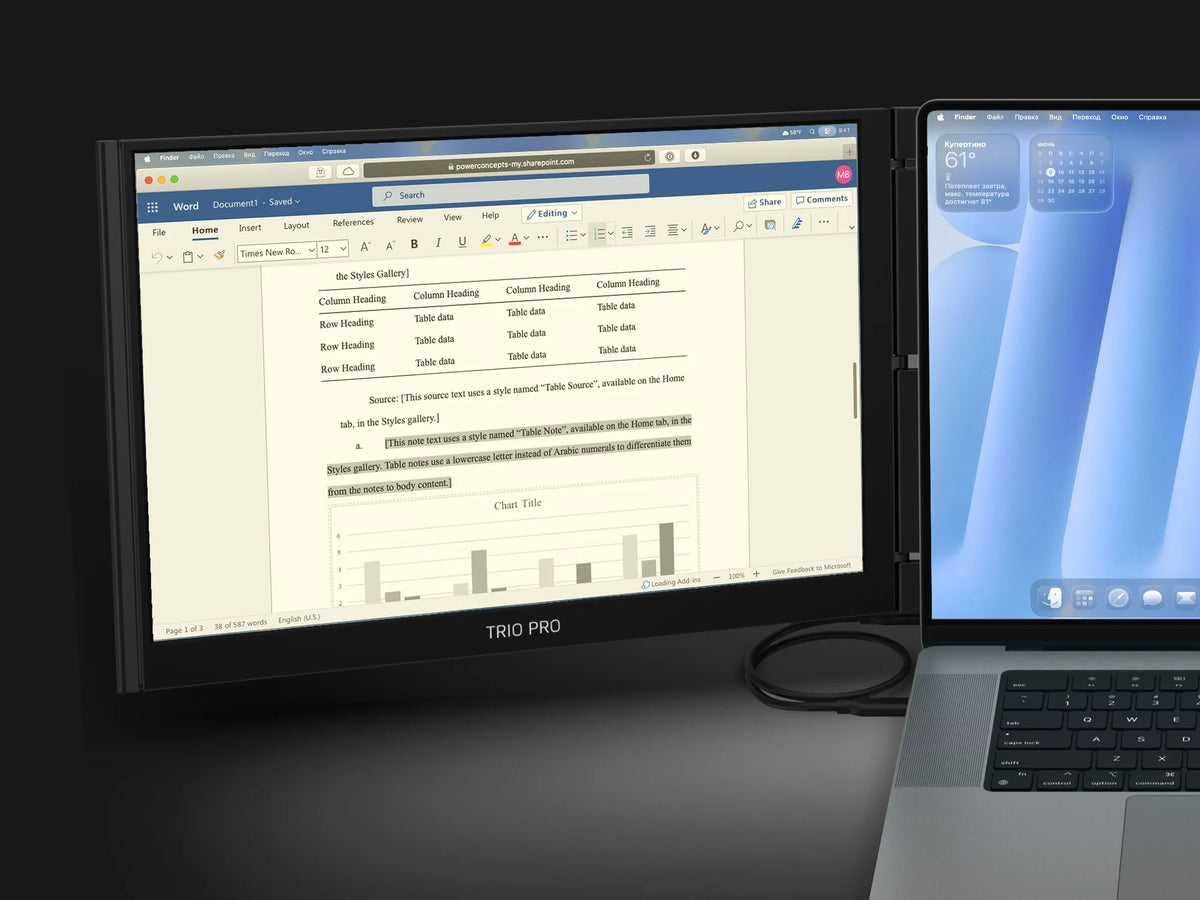
Eye-care Mode On

Comparison
What's new?

IPS Display
LCD Display

2240 × 1400 pixels

1920 × 1080 pixels

Maximum Brightness

Maximum Brightness

72% NTSC | 100% sRGB


13.44" × 8.83" × 0.9" (Folded)
40.25" × 8.83" × 0.9" (Unfolded)
14.1" × 9.5" × 0.98" (Folded)
42.3" × 9.5" × 0.98" (Unfolded)

macOS and Windows
macOS and Windows

IPS Display
2240 × 1400 pixels
Maximum Brightness
72% NTSC | 100% sRGB

with 8ms response time
13.44" × 8.83" × 0.9" (Folded)
40.25" × 8.83" × 0.9" (Unfolded)
macOS and Windows

LCD Display
1920 × 1080 pixels
Maximum Brightness
 —
—
14.1" × 9.5" × 0.98" (Folded)
42.3" × 9.5" × 0.98" (Unfolded)
macOS and Windows



This product is rated 4.8 of 5.0 stars.
It has received 1202 reviews.
Overall rating: 4.847682 / 5 from 1208 reviews.
The TRIO 3 & TRIO 3 PRO monitors are praised for their excellent visual clarity, ease of setup, and high-quality picture. Customers appreciate their portability and ability to attach to laptops, enhancing multitasking efficiency. However, opinions on the magnets vary, with some finding them adequate and others desiring stronger attachment.
Review topics: ["color","packaging","shipping","efficiency","screen","quality","setup","feel","installation","customer service","display","issues","size","weight","instructions","price","design","support","connection","use","fit","value","service","monitor","convenience","functionality","light","solution","improvement","buttons"].
"A compact solution for for the portable large video screen you desire."
"Was able to install and it works well on my pc and my mac. It's easily portable and compact. It was heavier than I anticipated."
"Fantastic for mobile work. Good form factor, works perfectly so far"
"The Trio Pro monitors have revolutionized my workflow! Love them. Hopefully they are as robust and long-lasting as they seem. . ."
"Not for me but the concept is amazing"
"It's a great product. Connects easily, portable, and fast! Overall, I would definitely purchase again"
"Bought the trio pro to pair with my 14” Mac m4. The perfect extended monitors for on-the-go work where a single monitor once suffice. Absolutely love the redesigned foldable support that is small enough to work in tight spaces. Worked flawlessly once I installed the proper drivers, be sure to check the support/driver section of the website and download the drivers specifically for your purchase. Once I had the trio pro driver installed everything worked as expected included pass through charging! Without the driver the trio pro still works, but you need both usbc plugged into each side of the mac, with the driver only one is required"
"This pull-out screen setup is a game changer for working on a laptop. It instantly turns a single screen into a full workstation and is perfect for editing, multitasking, and travel. Setup is quick, it's lightweight, and it folds away easily. Bonus tip: If you're editing video, use your side screens for timeline and project panels, and keep your main laptop screen for the program monitor so you see your footage at the largest size. Also adjust your color settings in your editing software (Lumetri Color in Premiere Pro, or the color panel in CapCut) on the main screen for the most accurate view. Highly recommend if you need more screen space without carrying a full monitor."
"What an incredible boost to my productivity. It has been great being able to have a full workstation wherever I go! I really love the mobile pixels products - they are very high quality, innovative and easy to use!"
"I had the first-gen Trio, and this is definitely an upgraded vision. It may have taken quite a while, but better late than never!"