






Before comparing FHD and QHD, it helps to understand exactly what resolution measures. A display's resolution describes the number of individual light-emitting dots pixels, arranged in a grid across the screen. More pixels means finer detail, smoother text, and, generally speaking, a more comfortable viewing experience over long sessions.
FHD (Full High Definition) is a display resolution standard of 1920 × 1080 pixels, also commonly referred to as 1080p, a figure that represents the number of horizontal lines of vertical resolution displayed in a progressive scan format. QHD (Quad High Definition), meanwhile, is a standard of 2560 × 1440 pixels, providing 1.77 times more pixels than an FHD display and offering a balance of affordability, performance, and image quality.
The chart below shows the real-world market distribution: according to the Steam Hardware & Software Survey for January 2026, 1080p remains the most common primary display resolution at 52.59%, while 1440p stands at 21.32%. This data matters because it reflects what actual working hardware supports today, and it signals clearly that QHD is gaining ground fast.
The Pixel Math: Why the Numbers Matter
The table below lays out the raw specifications side by side, but a few numbers deserve a closer look.
| Specification | FHD (1080p) | QHD (1440p) — Sweet Spot |
|---|---|---|
| Resolution | 1920 × 1080 | 2560 × 1440 |
| Total pixels | 2.07 million | 3.69 million |
| PPI at typical size | ~92 PPI at 24" | ~109 PPI at 27" |
| GPU demand | Low | Medium |
| Monitor price range | $90 – $400 | $250 – $1,200 |
| Max refresh rate | Up to 500 Hz | Up to 360 Hz |
| Ideal screen size | Up to 24" | 27" – 32" |
| Best for | Gaming, travel, budget | Productivity, design, mixed use |
QHD delivers 2560 × 1440 pixels, totaling 3.7 million pixels, exactly four times the pixel count of 720p HD and 78% more screen space than FHD for multitasking. That 78% figure is not abstract: it translates into whether you can comfortably keep a browser window, a spreadsheet, and a Slack sidebar open simultaneously without constantly resizing or alt-tabbing.
Pixel density (measured in PPI, pixels per inch) is equally important. A 24-inch FHD monitor delivers approximately 92 PPI, while pixel density varies significantly with screen size. At that density on a 27-inch screen, individual pixels become noticeable to many users, contributing to text that appears slightly soft or "fuzzy" a key driver of eye fatigue over long work sessions.
Higher-resolution screens reduce eye fatigue throughout the day. A 27-inch QHD display provides clarity similar to printed paper, eliminating the fuzziness that causes users to constantly adjust when reading digital content. For professionals spending six to eight hours per day in front of a monitor, this is not a minor quality-of-life issue; it is a meaningful health and productivity factor.
Who Should Choose FHD?

FHD is not outdated. It remains the right choice for a clear set of use cases.
Competitive and casual gamers on a budget
Many gamers choose FHD for competitive play because it supports high frame rates, and FHD's lower resolution does not strain the GPU as much, allowing players to achieve higher frame rates across a wider range of devices. In fast-paced games, Counter-Strike 2, Apex Legends, and Valorant smooth performance consistently matters more than pixel density. The fastest 1080p gaming monitor currently available is the Alienware AW2524H, with a blistering 500 Hz refresh rate, a figure that no QHD panel approaches.
Laptop users and travel workers
FHD remains the dominant resolution on laptop screens for a practical reason: many 13-inch computers stick with FHD and nevertheless look fantastic because at smaller sizes and typical viewing distances, the human eye simply cannot detect the additional detail that higher resolutions provide. Battery efficiency is another advantage, rendering 2.07 million pixels' demands significantly less GPU power than 3.69 million.
Budget-conscious buyers
Budget-friendly FHD monitors are available for as little as $90 to $100, making FHD an excellent choice for consumers who do not require the sharpest visuals and prioritize basic media consumption, browsing, and productivity.
Straightforward office tasks
If you are focused on standard productivity tasks like word processing or browsing, FHD works well — though it may feel limiting compared to QHD when you need to work with multiple apps or detailed views simultaneously.
Who Should Choose QHD?
QHD has quietly become the resolution of choice for anyone whose work demands precision, real estate, or extended screen time.
Multitaskers and knowledge workers
After switching to QHD for web development, one analyst found they could fit 30% more code on screen while maintaining readable text sizes. For developers, writers, analysts, and anyone who lives in multi-pane workflows, that extra screen real estate compresses hours of daily context-switching.
Designers and creative professionals
A graphic designer working with high-resolution images will find QHD more efficient, as it minimizes the need to zoom in frequently. Color accuracy, fine detail rendering, and the ability to preview assets at near-native size are all enhanced at 1440p.
Long-session workers concerned about eye health
Pixel density is particularly important for professionals reading documents, coding, or working with intricate spreadsheets for hours. Crisp text is easier to process and requires less eye movement to follow across lines of data, and the cumulative effect over a working day significantly minimizes visual fatigue.
"The advantages of a higher-resolution screen extend beyond clarity, sharpness, and detail — the higher the pixel count, the closer you can sit to the screen without suffering image degradation or eye strain, which is particularly useful for designers, creatives, or stock traders who need to get close to information for long periods."
27-inch and larger display owners
Screen size and resolution must match each other. It is better to stick with 1080p or 1440p for displays in the 24-to-27-inch size range, and only those looking to go beyond 27 inches should consider QHD or 4K for a balanced viewing experience. Put simply: if you have a 27-inch screen and are still running FHD, you are paying for screen area that your resolution cannot fill crisply.
The Eye Strain and Productivity Dimension
Resolution's impact on wellbeing is well-documented. Working from home has increased global cases of Computer Vision Syndrome (CVS) to 69%, with remote workers experiencing 25% more severe eye strain than office-based peers. The quality of your display is one of the most actionable variables you can control.
The Society for Information Display has found that high resolutions help reduce eye strain and improve accuracy for detail-oriented work. This finding aligns with the practical evidence: sharper text requires less subconscious effort to read, reducing the micro-stress that accumulates across a workday.
Monitor technology not designed with wellbeing in mind can cause eye strain, migraines, and even muscular problems in your back and neck, effects that directly lead to reduced productivity, absenteeism, and job dissatisfaction. Investing in resolution is, in this framing, genuinely an ergonomic decision as much as an aesthetic one.
Resolution and Screen Real Estate: The Multitasking Multiplier
One of the least-discussed advantages of QHD is how dramatically it changes the experience of running multiple windows simultaneously.
The higher resolution of QHD allows users to comfortably run multiple applications side by side on a single display, enhancing productivity, making it a great option for multitaskers who want more screen real estate.
For remote workers who rely on a laptop as their primary machine, this is where an external monitor whether at a desk or on the road, compounds the benefit. A portable FHD second screen added to a 1080p laptop essentially doubles your visible workspace. Upgrading either display to QHD multiplies that effect further.

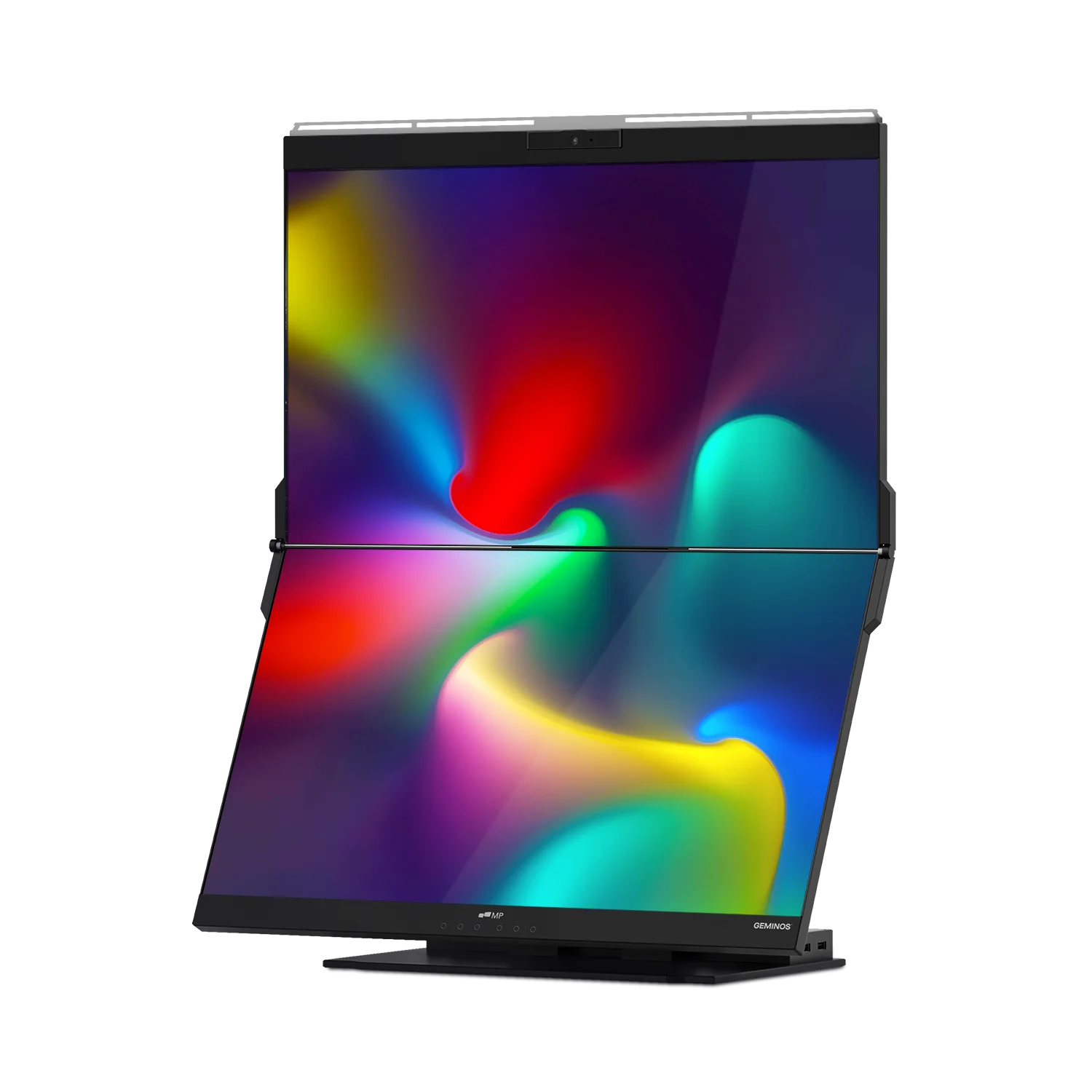
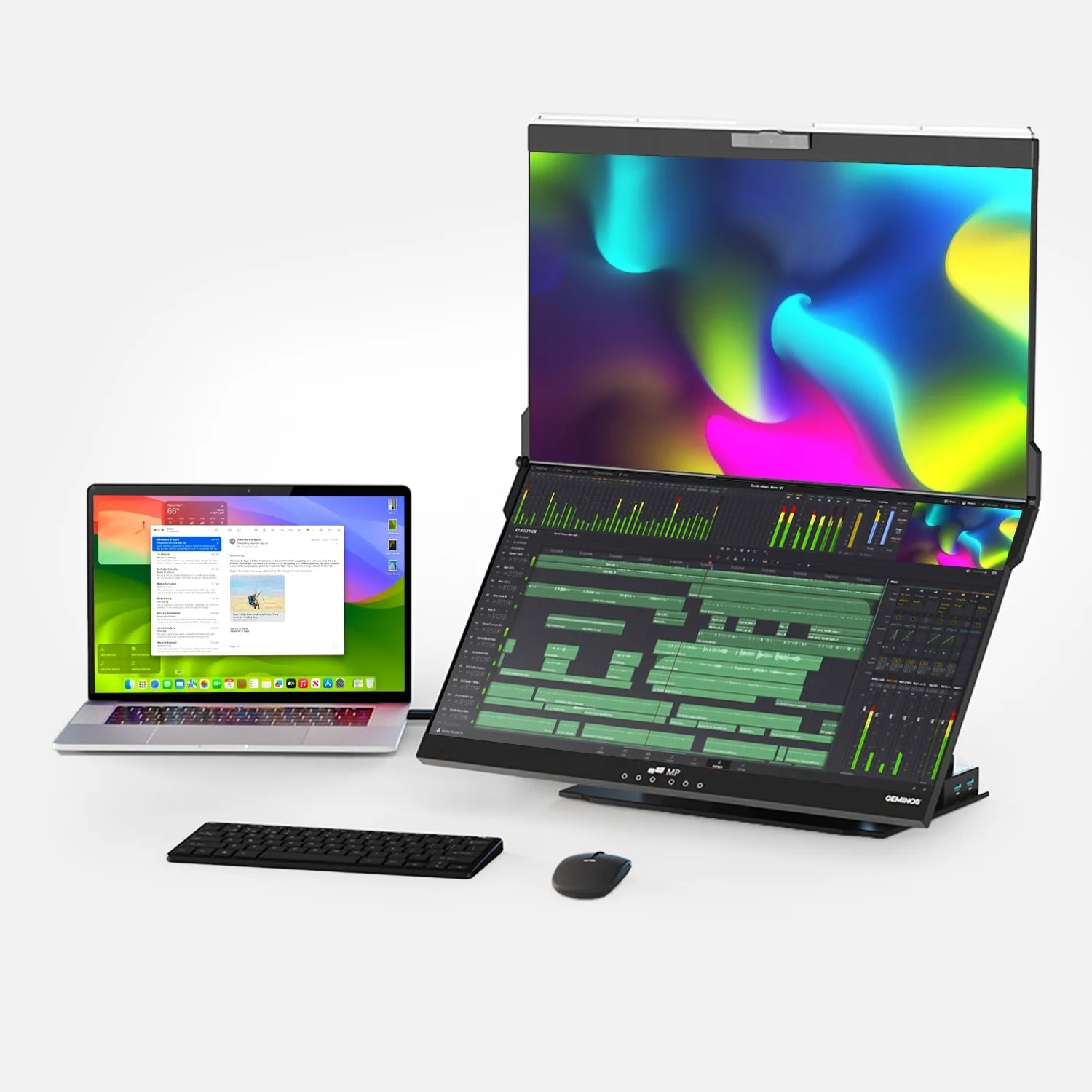
For remote workers and frequent travelers: if you're already running a second screen setup, resolution matters. The Mobile Pixels Duex Float is a portable stacked-screen monitor designed to attach to your laptop lid, providing an instant secondary display that folds flat for travel. For professionals who want to evaluate whether FHD or QHD suits their mobile workflow before committing to a larger desk monitor, the Duex Float offers a practical, lightweight testbed for extended dual-screen working on the go.
Gaming: Where FHD Still Holds Its Ground
The resolution conversation in gaming is more nuanced than it is for productivity. Frame rate, how many frames per second your monitor can display, is equally important to sharpness, and the two variables trade off against each other.
Despite 4K OLED panels becoming more mainstream, the June 2025 Steam Hardware Survey reveals that 1080p screens continue to dominate at 54.54%, while 1440p monitors are seeing the most growth at 19.86%, an increase of 0.37% from the previous month.
The reason FHD persists among competitive gamers is clear: the demand for 1080p resolution can be explained by the optimal balance between picture quality and performance, especially on 24-inch screens, where this format is ideal for mid-range graphics cards like the RTX 3060, allowing high frame rates in most modern games.
For immersive, slower-paced gaming open-world RPGs, racing simulators, strategy titles, QHD provides a noticeably richer visual experience. Graphics cards in the $400–$600 range handle QHD gaming well, delivering 60+ fps in most titles at high settings. The choice ultimately comes down to whether you prioritize frames or fidelity.
The Hardware Requirement Reality Check
Resolution does not exist in isolation. Your display resolution must be matched to your GPU's capability and your connection standard.
Monitor prices for QHD range from $250 to $800, with professional color-accurate models reaching $1,200, while FHD monitors remain available in the $150–$400 range for budget models and up to $500 for premium gaming options with high refresh rates.
On the connectivity side: higher resolutions demand more bandwidth, requiring DisplayPort 1.4 or HDMI 2.1 for full refresh rates at UHD and QHD which similarly benefits from DisplayPort 1.4 over older HDMI standards. Before upgrading, confirm your laptop or desktop supports the output format your new monitor requires.
Energy consumption is another consideration. QHD displays can consume more energy than FHD, which can incrementally increase electricity costs, a factor worth weighing for users who run their displays for long stretches.
The Resolution-Size Sweet Spot: A Practical Framework
The expert consensus is clear: match your resolution to your screen size and use case.
Here is a simplified decision framework:
Choose FHD if: you use a screen 24 inches or smaller, you are a competitive gamer prioritizing frame rate, you are on a strict budget, or you primarily use a laptop with a supplemental portable monitor for travel.
Choose QHD if: your monitor is 27 inches or larger, you work in creative fields (design, video, development), you spend more than six hours per day at your screen, or you want the best balance of sharpness, GPU load, and cost before committing to 4K.
The quick summary from display testing professionals: choose FHD for competitive gaming and budget builds, QHD for balanced performance and productivity, or UHD for professional work and maximum visual quality on large displays.
A Note on Portable Monitors and Resolution Choices
Portable monitors occupy a unique niche in the resolution debate. Because they are typically 13–16 inches and used at close viewing distances on a café table, in a hotel room, or on a plane tray table, FHD delivers excellent pixel density without the added GPU strain or cost of QHD.
For workers who split their time between a high-end desktop setup (where QHD makes sense) and mobile work (where FHD is ideal), having both is a practical and cost-effective strategy. The Mobile Pixels Duex Float is built specifically for this hybrid use case — a plug-and-play FHD portable screen that attaches directly to your laptop, delivering clean, sharp productivity anywhere without requiring an external GPU or complex setup.
Where the Market Is Heading
The Steam Hardware Survey for November 2025 reveals that 52.83% of gamers still use 1080p resolution but that count has dropped by 3.15% year over year, showing a clear directional shift. QHD's share grew by 2.97% in a single month in early 2024, its most significant showing in a significant period, reflecting steady migration from FHD among enthusiasts and professionals alike.
The broader market signal is that QHD is transitioning from "enthusiast choice" to "mainstream standard," a transition that was made by FHD itself roughly a decade ago. Buying a QHD monitor today is a forward-looking decision; buying FHD remains a practical and financially rational one for most users in 2026.
Frequently Asked Questions
- What is the main difference between FHD and QHD?
- FHD (1920 × 1080) and QHD (2560 × 1440) differ primarily in their pixel count. QHD has approximately 78% more pixels than FHD, resulting in sharper images, more visible screen real estate, and crisper text particularly noticeable on screens 27 inches and larger.
- Is QHD worth the upgrade from FHD?
- It depends on your screen size and use case. On a 27-inch or larger monitor used for design, coding, writing, or any extended professional work, QHD is generally worth the upgrade due to sharper text, reduced eye fatigue, and better multitasking. On screens under 24 inches or for competitive gaming where frame rate matters most, FHD often remains the better choice.
- Does QHD require a better GPU?
- Yes. Rendering 3.69 million pixels instead of 2.07 million requires more GPU headroom, which affects gaming frame rates and, to a lesser extent, battery life on laptops. For productivity tasks (documents, spreadsheets, browsers), modern integrated graphics handle QHD comfortably. For gaming, a mid-range dedicated GPU in the $400–$600 range handles QHD well.
- What screen size is best for FHD vs. QHD?
- FHD looks best on screens up to 24 inches, where pixel density remains high enough to produce sharp images. QHD is ideal for 27–32-inch displays, where it provides the right density to keep text and images crisp at normal viewing distances.
- Can I run a QHD monitor from my laptop?
- In most cases, yes — as long as your laptop has a DisplayPort 1.2 or HDMI 2.0 output (or newer). USB-C with DisplayPort Alt Mode is increasingly common and fully capable of driving QHD at 60 Hz. Always check your laptop's maximum output resolution in its specifications.
- Does resolution affect eye strain?
- Yes. Higher pixel density means sharper text and images, which reduces the subconscious effort your eyes exert to process on-screen content. Research cited by the Society for Information Display supports that higher resolutions help reduce eye strain and improve accuracy for detail-oriented work. Other factors blue light filtering, refresh rate, ambient lighting, and the 20-20-20 rule also play significant roles.
- Is FHD good enough for a portable monitor?
- For most users, absolutely. Portable monitors are typically 13–16 inches and used at close distances, where FHD provides excellent pixel density (around 130+ PPI on a 15.6-inch panel). The lower GPU load also helps preserve laptop battery life while traveling.
- What resolution do most monitors use in 2026?
- According to the Steam Hardware & Software Survey (January 2026), FHD (1080p) remains the most common display resolution at 52.6%, followed by QHD (1440p) at 21.3%, with 4K at approximately 3.7%. QHD's share has been growing steadily year over year.
- Is QHD the same as 2K?
- These terms are often used interchangeably, but there is a technical distinction. True 2K (as defined in cinema) refers to 2048 × 1080. In consumer monitor marketing, "2K" is loosely applied to 2560 × 1440 (QHD). When you see "2K" on a monitor spec sheet, it almost always means QHD.
- What resolution does the Mobile Pixels Duex Float use?
- The Duex Float is an FHD portable monitor, an excellent choice for travel and hybrid workers who need a clean, sharp secondary display without the weight or GPU overhead of a higher-resolution panel.
Discover Tech Gadgets


Leave a comment
All comments are moderated before being published.
This site is protected by hCaptcha and the hCaptcha Privacy Policy and Terms of Service apply.