






Walk into any electronics store or scroll through any monitor listing and you will encounter the terms HD and FHD printed in large type as if their meaning is obvious. For many buyers, it is not. The gap between them is real and measurable, but whether it matters for your specific screen, use case, and viewing distance is a question that requires more than a simple "bigger is better" answer.
This guide explains exactly what HD and FHD mean, how they differ in pixel count and visual quality, which screen sizes each resolution suits, and how to choose confidently for monitors, laptops, televisions, and portable displays.
Quick Answer
HD (720p) is 1280 x 720 pixels: 921,600 pixels total. FHD (1080p) is 1920 x 1080 pixels: 2,073,600 pixels total — more than twice as many. For any screen larger than 13 inches, FHD is the clear choice for text clarity, productivity, and media. HD remains viable only on very small screens (smartphones, compact tablets) or in strict budget situations where the screen size keeps pixel density acceptable. On monitors from 15 inches upward, HD produces visibly soft text and is no longer recommended for daily use.
What HD and FHD Actually Mean
HD: High Definition (720p)
HD stands for High Definition. Its standard resolution is 1280 x 720 pixels, commonly written as 720p. The "p" denotes progressive scan, which means every row of pixels is drawn in a single pass rather than alternating rows (interlaced). An HD display contains exactly 921,600 pixels.
When HD was introduced in the early 2000s, it represented a major leap over Standard Definition (480p). It became the baseline for cable television, early flat-screen displays, and the first generation of HD-capable streaming. In 2025, however, HD is considered entry-level for monitors and displays larger than a tablet, and its limited pixel density becomes visually apparent on screens from 13 inches and above.
FHD: Full High Definition (1080p)
FHD stands for Full High Definition. Its resolution is 1920 x 1080 pixels, commonly written as 1080p. An FHD display contains exactly 2,073,600 pixels — more than double the pixel count of HD.
FHD is currently the global standard for monitors, laptops, portable screens, and televisions in the sub-40-inch range. According to StatCounter data cited by Statista, 1920x1080 was the most common desktop display resolution worldwide in 2024, accounting for over 23% of all desktop screen usage globally. It offers the best balance of visual clarity, system performance demand, and price for the majority of users.
HD vs FHD: Side-by-Side Comparison
| Specification | HD (720p) | FHD (1080p) |
|---|---|---|
| Resolution | 1280 x 720 pixels | 1920 x 1080 pixels |
| Total Pixels | 921,600 | 2,073,600 (2.25x more) |
| Aspect Ratio | 16:9 | 16:9 |
| PPI on 24-inch screen | ~61 PPI (visibly pixelated) | ~92 PPI (sharp, comfortable) |
| PPI on 15.6-inch screen | ~94 PPI (acceptable) | ~141 PPI (crisp and clear) |
| Streaming quality | Adequate for small screens | Supported by all major platforms |
| Screen real estate for work | Limited for two-window multitasking | Comfortable for side-by-side apps |
| GPU / CPU load | Lower | Moderate (manageable on modern hardware) |
| Typical price premium | Lower cost | Modest premium, often minimal |
| Recommended for 2025 | Phones and tablets under 10 inches | Monitors, laptops, and portable screens 13 inches and above |
"It's largely agreed that human sight is best adjusted for a pixel density of 100 to 120 pixels per inch (PPI). Less than that and graphics look overblown, smudgy, or lacking in detail. Extreme screen density makes everything look tiny and cramped."
BenQ Display Engineering Team
The Science: Why Pixel Density Matters More Than Resolution Alone
Resolution is only meaningful in relation to screen size. A 1080p image on a 5-inch smartphone looks razor sharp. The same 1080p image stretched across a 55-inch TV may look soft from close range. The metric that unifies these variables is Pixels Per Inch (PPI) — how tightly the pixels are packed.
According to Display Ninja's expert guide on pixel density, a standard 24-inch 1080p monitor delivers approximately 92 PPI. At a typical viewing distance of 50 to 75 cm (20 to 30 inches), most people cannot distinguish individual pixels at that density. The same screen in HD (720p) would deliver only around 61 PPI — visibly soft, with noticeable "jaggies" on diagonal lines and text edges.
Pixels Per Inch (PPI): HD vs FHD at Common Screen Sizes
15.6-inch screen
24-inch screen
27-inch screen
PPI figures are calculated from standard resolution and screen diagonal measurements. Sources: Display Ninja, BenQ Display Research. Expert consensus: below 80 PPI, text blurring is noticeable at normal viewing distances.
Peer-reviewed research published in 2025 in Nature Communications via PubMed Central confirmed that human visual acuity has a finite resolution limit at any given viewing distance, and that beyond a certain pixel density threshold, further increases in resolution produce no perceptible improvement. This finding supports the industry consensus that FHD is the practical sweet spot for monitors between 15 and 27 inches at standard desk viewing distances — close enough for productivity, sharp enough to eliminate pixelation.
Real-World Differences: Where HD vs FHD Actually Shows Up
The abstract pixel counts become concrete the moment you sit down and open an application. Here is where the difference between 720p and 1080p is most clearly felt:
Text Clarity
Text rendering is where HD's limitation is most painful for daily computer use. On a 24-inch HD monitor at 61 PPI, fine font features — serifs, letter spacing, descenders — become slightly blurred. Long reading sessions produce eye strain that is harder to attribute to resolution than to other factors, but the PPI math is the cause. FHD at 92 PPI on the same screen size renders text with clean, sharp edges at normal reading distances. For spreadsheets, documents, and code, this difference is significant and cumulative across an eight-hour workday.
Screen Real Estate for Multitasking
Resolution determines how much content fits on screen. On an HD (720p) monitor, UI elements — taskbars, menus, window chrome — consume such a large proportion of the visible area that fitting two applications side by side becomes impractical. FHD gives enough real estate to comfortably place a document on the left and a browser or reference material on the right without either window becoming too narrow to use effectively. This side-by-side capability is the core productivity benefit of FHD over HD for professional and office use.
Video Streaming
Netflix, YouTube, Disney+, and every major streaming platform deliver content at 1080p as their standard quality tier. When an FHD stream is displayed on an FHD monitor, each pixel of the content maps to one pixel on screen — a 1:1 relationship that produces the sharpest possible image. On an HD display, 1080p content must be downscaled, losing information in the process and producing a softer image. For 720p native content, the HD display shows it natively, but the industry has shifted: most professionally produced video content is now delivered at 1080p or above.
Gaming
For gaming, FHD is the baseline entry point for modern titles. Most games are optimized and texture-mapped for 1080p rendering. At HD resolution, visual elements — foliage edges, character details, UI text — appear softer and less detailed. The performance advantage of HD is real (lower resolution means the GPU renders fewer pixels per frame, enabling higher frame rates on limited hardware), but most mid-range graphics cards from 2020 onward can sustain 60 fps at FHD in most titles without difficulty.
Portable Monitors and Laptop Extenders
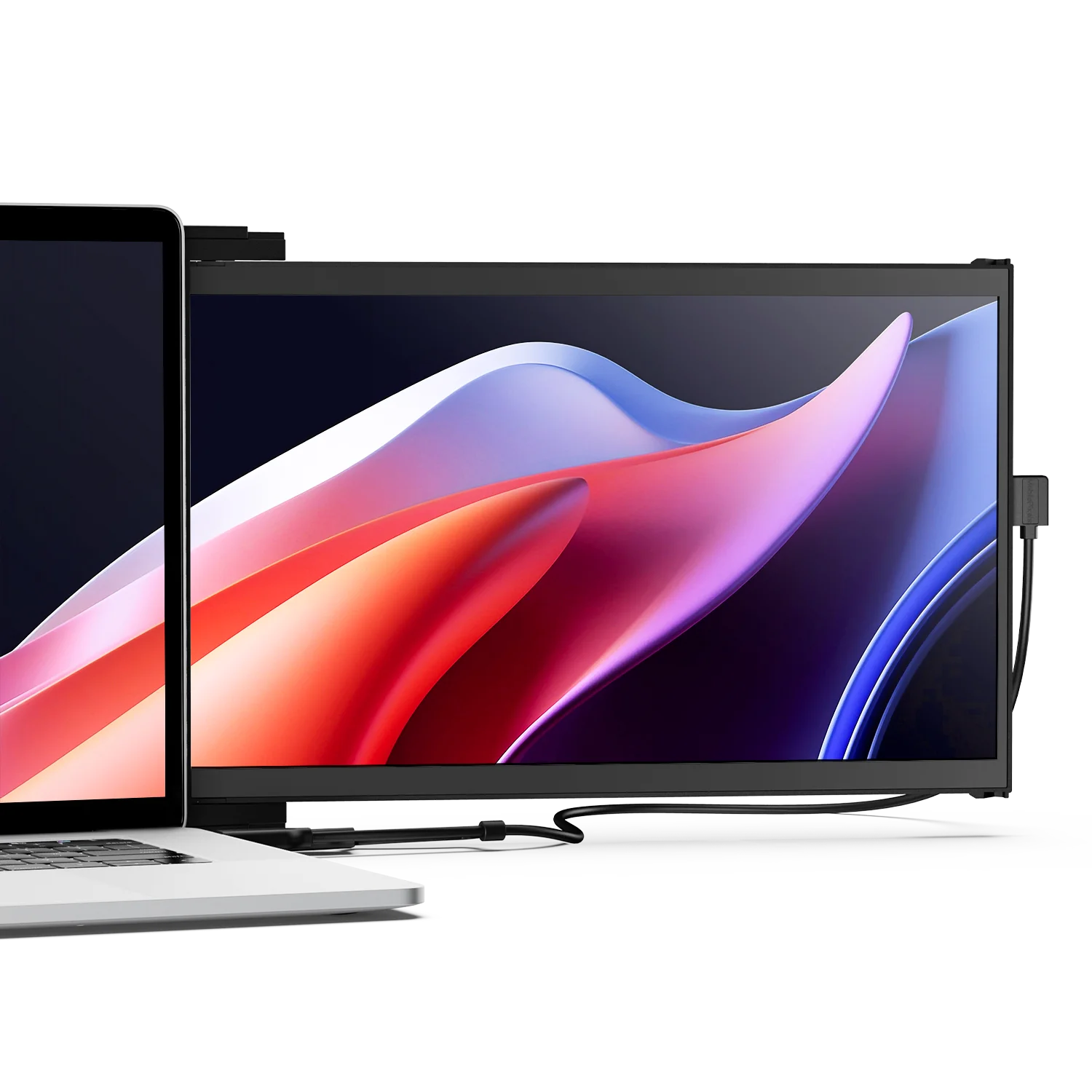
Portable monitors in the 13 to 16-inch range are where FHD's advantage over HD is especially pronounced. At 15.6 inches, HD delivers approximately 94 PPI — borderline acceptable — while FHD delivers approximately 141 PPI, which produces a noticeably sharper image for documents, spreadsheets, code, and web content. For a portable second screen used at arm's length for professional work, FHD is the minimum worth purchasing. HD portable monitors at this size have insufficient pixel density for comfortable text-heavy productivity use.

Practical Note
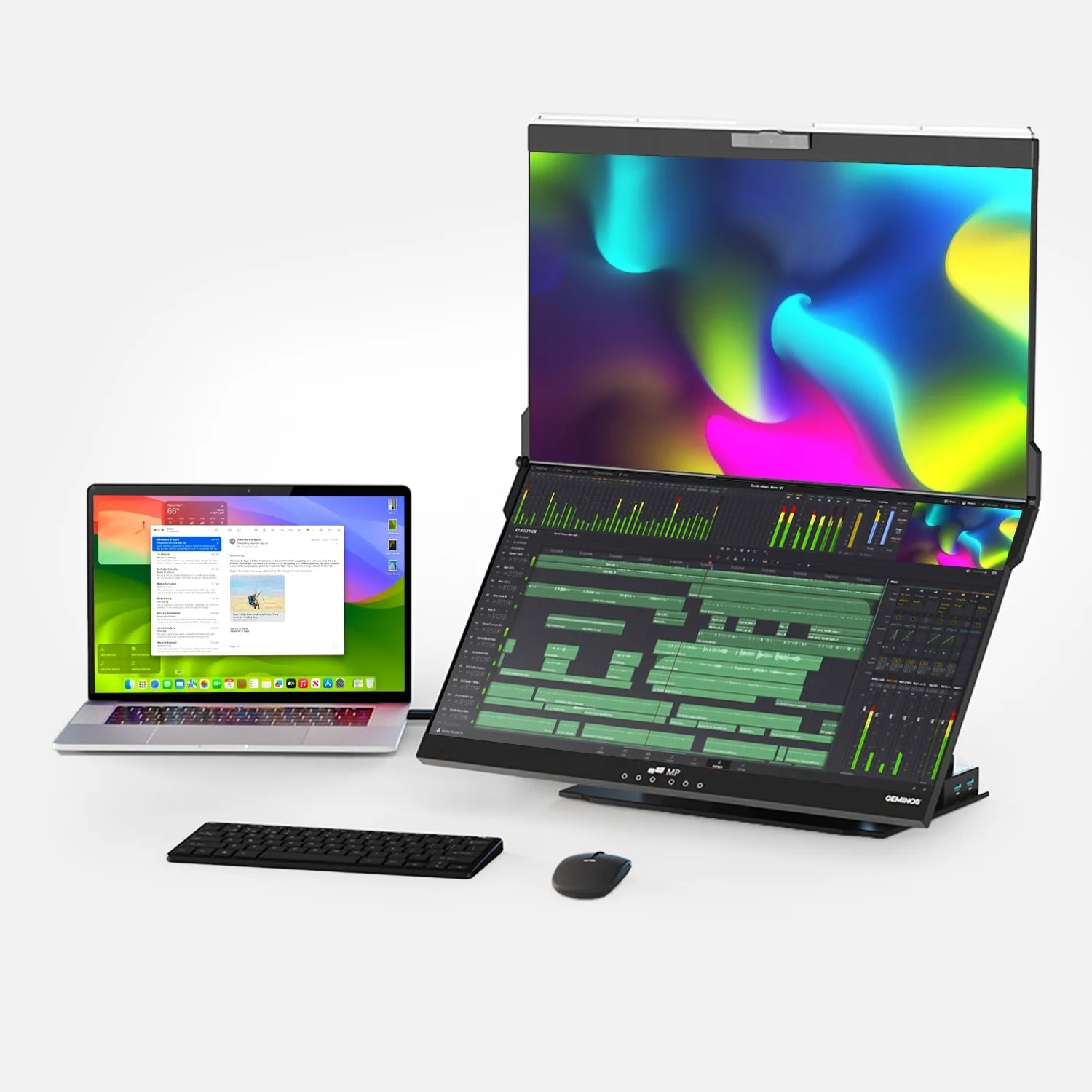
If you are evaluating portable monitors or laptop-attached second screens, FHD (1080p) is the standard resolution across Mobile Pixels' lineup. For most remote workers, students, and professionals who use a second screen for document work, spreadsheets, and video calls, 1080p at 15.6 inches delivers the pixel density (141 PPI) that makes text sharp and multitasking comfortable at a normal desk viewing distance. You can explore Mobile Pixels' range of FHD portable and laptop-attached monitors at mobilepixels.us.
Resolution and Screen Size: The Pairing Guide
The right resolution for any display depends on its physical size. This is the practical pairing guide based on display engineering consensus and published PPI thresholds:
| Screen Size | HD (720p) | FHD (1080p) | Recommended |
|---|---|---|---|
| Under 10 inches (phones, tablets) | Acceptable (high PPI at small size) | Excellent | Either works; FHD preferred |
| 13 to 15 inches (laptops, compact monitors) | Marginal (visible softness on text) | Excellent (141+ PPI) | FHD strongly recommended |
| 24 inches (standard monitors) | Not recommended (61 PPI, noticeably blurry) | Good (92 PPI, comfortable) | FHD minimum; 1440p ideal |
| 27 inches (productivity/gaming monitors) | Avoid (54 PPI, text blurring is significant) | Acceptable (82 PPI, less sharp) | 1440p recommended for this size |
| 32 inches and above | Avoid entirely | Marginal at desk distance | 4K for desk use, FHD for TV at 2m+ |
| 55 inches and above (televisions) | Obsolete for this size | Good for typical living room distance (2.5 to 4 meters) | FHD at 2.5m+; 4K at shorter distance |
Which Resolution Is Right for You: By Use Case
Use this section to find the recommendation for your specific situation.
Office and Productivity
Documents, spreadsheets, email, video calls
Recommendation: FHD. Text clarity and screen real estate for two-window multitasking make FHD the clear choice for knowledge workers. At 24 inches, FHD gives 92 PPI — enough for sharp, comfortable text at standard desk viewing distance. HD at 24 inches produces 61 PPI text that will become fatiguing over a full workday.
Minimum recommendation: FHD 1080p at 24 inches or smaller. Upgrade path: 1440p at 27 inches for more screen real estate.
Portable and Laptop-Attached Second Screens
Remote workers, students, travelers
Recommendation: FHD. At 15.6 inches, FHD delivers 141 PPI — crisp and comfortable for documents, code, and reference materials. HD at the same size delivers 94 PPI, which is borderline but becomes visibly soft for fine text, particularly in spreadsheets or dense code. FHD is the standard across quality portable monitors and is not significantly more expensive in this format.
Battery note: FHD portable monitors draw slightly more power than HD equivalents. At 15 watts or less from a single USB-C connection, modern FHD panels are efficient enough for all-day laptop use without significant battery impact.
Gaming
Casual, mid-range, and competitive gamers
Recommendation: FHD as the entry baseline. Most modern games are optimized for 1080p. HD is viable only on very low-end hardware where a GPU cannot sustain acceptable frame rates at FHD. For competitive gaming at 144Hz or above, FHD is the standard starting point. For casual gaming or retro titles, HD is functional but visually inferior to FHD on screens from 21 inches and above.
Upgrade path: For 27-inch monitors, 1440p gives both better PPI and more visual detail without the GPU cost of 4K.
Video Streaming and Media
Streaming services, Blu-ray, online video
Recommendation: FHD. Netflix, YouTube, Disney+, and Prime Video all deliver content at 1080p as standard. On an FHD display, streaming content maps pixel-for-pixel for maximum sharpness. On an HD display, the content is downscaled and quality is reduced. For televisions at 55 inches and above watched from more than 2.5 meters, FHD remains viable. For televisions used for close viewing or screens below 55 inches at medium distance, FHD is the practical minimum.
4K consideration: Market Research Future notes that over 50% of new content from major streaming platforms was available in 4K by 2025. If you own a 4K display, 4K content is meaningfully better. The gap between FHD and 4K is larger at close viewing distances.
Budget Buyers
Cost-sensitive purchases, school use
Recommendation: FHD if screen is 13 inches or larger, HD only for very small screens. The price difference between HD and FHD monitors has narrowed to the point where, on screens from 13 inches upward, the slightly higher cost of FHD is worthwhile. On very small screens (tablet-sized devices, budget Chromebooks under 11 inches), HD at high PPI can be acceptable. On 15 to 24-inch budget monitors, HD's lower price does not justify the productivity and visual quality penalty.
How HD and FHD Fit Into the Broader Resolution Landscape
HD and FHD do not exist in isolation. Understanding where they sit in the full resolution stack helps frame the choice clearly:
Resolution Scale: Relative Pixel Count
8K (7680 x 4320) — 33,177,600 pixels
4K UHD (3840 x 2160) — 8,294,400 pixels
QHD / 1440p (2560 x 1440) — 3,686,400 pixels
FHD / 1080p (1920 x 1080) — 2,073,600 pixels
HD / 720p (1280 x 720) — 921,600 pixels
Sources: StatCounter / Statista 2024, IMARC Group 4K Display Market 2024
The jump from FHD to QHD (1440p) represents the same practical benefit as the jump from HD to FHD: more pixels per inch, more screen real estate, and sharper text. For 27-inch monitors specifically, BenQ's display engineering team identifies 1440p as the optimal resolution, delivering approximately 109 PPI — within the 100 to 120 PPI range considered ideal for monitor use at desk distance.
Clearing Up Common Confusion
Is FHD the same as 4K?
No. FHD (1080p) and 4K (2160p) are distinct resolution standards. 4K has approximately four times the pixel count of FHD. FHD has 2,073,600 pixels; 4K has 8,294,400 pixels. They are not interchangeable. Some marketing materials misuse "Full HD" to imply high quality in a general sense, but technically, FHD always refers to 1920 x 1080 pixels only.
Is 1080p considered HD or FHD?
1080p is FHD (Full High Definition), not standard HD. "HD" in its technical sense refers specifically to 720p (1280 x 720). The confusion arises because "HD" is sometimes used informally as a general term for high-quality video, but in display specifications, HD = 720p and FHD = 1080p. They are not the same standard.
Does HD content look bad on an FHD screen?
HD content on an FHD display is upscaled — the monitor stretches 720p content to fill 1080p pixels. Modern monitors and operating systems handle this upscaling cleanly, and most users find the result acceptable for casual media. The reverse (1080p content on a 720p display) results in downscaling, which loses pixel information and produces a softer image.
Frequently Asked Questions
What is the difference between HD and FHD?
HD (High Definition) is 1280 x 720 pixels (720p) with a total of 921,600 pixels. FHD (Full High Definition) is 1920 x 1080 pixels (1080p) with a total of 2,073,600 pixels — approximately 2.25 times more. Both use the same 16:9 widescreen aspect ratio. The additional pixels in FHD produce higher pixel density (more pixels per inch), resulting in sharper text, more detail in images, and more screen real estate for multitasking.
Is FHD always better than HD?
For screens larger than about 12 inches, yes. The advantage of FHD is its higher pixel density — more pixels packed into the same physical space produces sharper images. On small screens where the physical size already keeps PPI high, HD can be adequate. On a 6-inch phone, HD produces around 245 PPI — more than sufficient. On a 24-inch monitor, HD produces only 61 PPI — noticeably blurry for text-heavy productivity work. Screen size determines whether the resolution difference is perceivable.
Is 720p still good in 2025?
For most monitor and TV use in 2025, no. HD (720p) was the standard from roughly 2005 to 2015. By 2025, FHD is the widely established baseline for displays from 13 inches upward. The primary remaining legitimate uses for 720p are small-form-factor devices (phones under 5 inches, compact tablets) where high PPI keeps the image acceptable, or in very strict budget situations with small screens. On any monitor or television above 13 inches, HD produces visible pixelation, softer text, and limited multitasking space compared to FHD.
What does PPI mean and why does it matter?
PPI stands for Pixels Per Inch — a measure of how tightly packed the pixels are on a display. A higher PPI means more pixels in a given area, which produces sharper images and crisper text. PPI is calculated from resolution and screen size together: the same 1080p resolution on a 15-inch screen gives approximately 141 PPI; on a 27-inch screen it gives approximately 82 PPI. Industry consensus, referenced by BenQ's display engineers, identifies 100 to 120 PPI as the ideal range for monitor use at standard desk distances. Below 80 PPI, text blurring becomes noticeable to most users.
Does resolution affect gaming performance?
Yes. Higher resolution requires a GPU to process and render more pixels per frame. At HD (720p), a graphics card has significantly less work to do than at FHD (1080p), enabling higher frame rates on limited hardware. This trade-off is real: a mid-range GPU that struggles to maintain 60 fps at FHD in a demanding game may run the same game at 120 fps at HD. However, for most mid-range GPUs from 2020 onward, FHD at 60 fps is achievable in the majority of titles. For competitive gaming at 144Hz or above, FHD is the standard baseline — HD at that refresh rate offers a frame rate benefit at the cost of visual quality that most competitive players consider an acceptable trade-off only at the very low end of hardware.
Is FHD enough for professional creative work?
For general design, document creation, and video editing at 1080p output, FHD is sufficient and is the most common monitor resolution in professional creative environments. For photo editing where fine detail and accurate color reproduction are critical, or for video production at 4K or above, a 4K display is preferable to allow 1:1 pixel matching between the display and the output format. FHD displays cannot display 4K content at its native resolution; the image is downsampled. For color-critical work, panel type (IPS versus VA), color gamut (sRGB, DCI-P3), and calibration matter as much as resolution.
What resolution should a portable monitor be?
For portable monitors in the 13 to 16-inch range — the most common category for laptop second screens and travel displays — FHD (1080p) is the recommended minimum. At 15.6 inches, FHD delivers approximately 141 PPI, which is sharp and comfortable for text-heavy work at arm's length. HD at the same size delivers approximately 94 PPI, which is borderline and produces visible softness in fine text. For portable monitors used primarily for documents, spreadsheets, code, and video calls, FHD is the right choice. 4K on a 15.6-inch portable screen provides diminishing visual returns at normal working distances while significantly increasing cost and power draw.
Will FHD become obsolete soon?
Not for portable and compact monitors in the near term. While 4K is becoming the standard for televisions above 55 inches and premium desktop monitors at 32 inches and above, FHD remains the dominant resolution for monitors between 13 and 27 inches, which represent the majority of monitors sold globally. 1920x1080 was the single most common desktop screen resolution worldwide in 2024, according to StatCounter via Statista. For portable monitors, laptops, and compact workspace monitors, FHD will remain the practical standard through 2025 and into the next several years due to its balance of visual quality, power efficiency, hardware demand, and cost.
Discover Tech Gadgets





Leave a comment
All comments are moderated before being published.
This site is protected by hCaptcha and the hCaptcha Privacy Policy and Terms of Service apply.