

Major upgrade for my nomadic setup!
"This monitor is just beautiful! I love the design, the flexibility, and the touchscreen. I wish it was a bit lighter, but I know that would be difficult from a design perspective."

Life happens, so we've got you covered. Protect your purchase from accidental damage from day one through your chosen coverage term.
This Plan Covers:



 Presidents Day Sale
 2 Years of Peace of Mind, On Us!
 Free shipping to US
Efficiency Improvement
Product Details
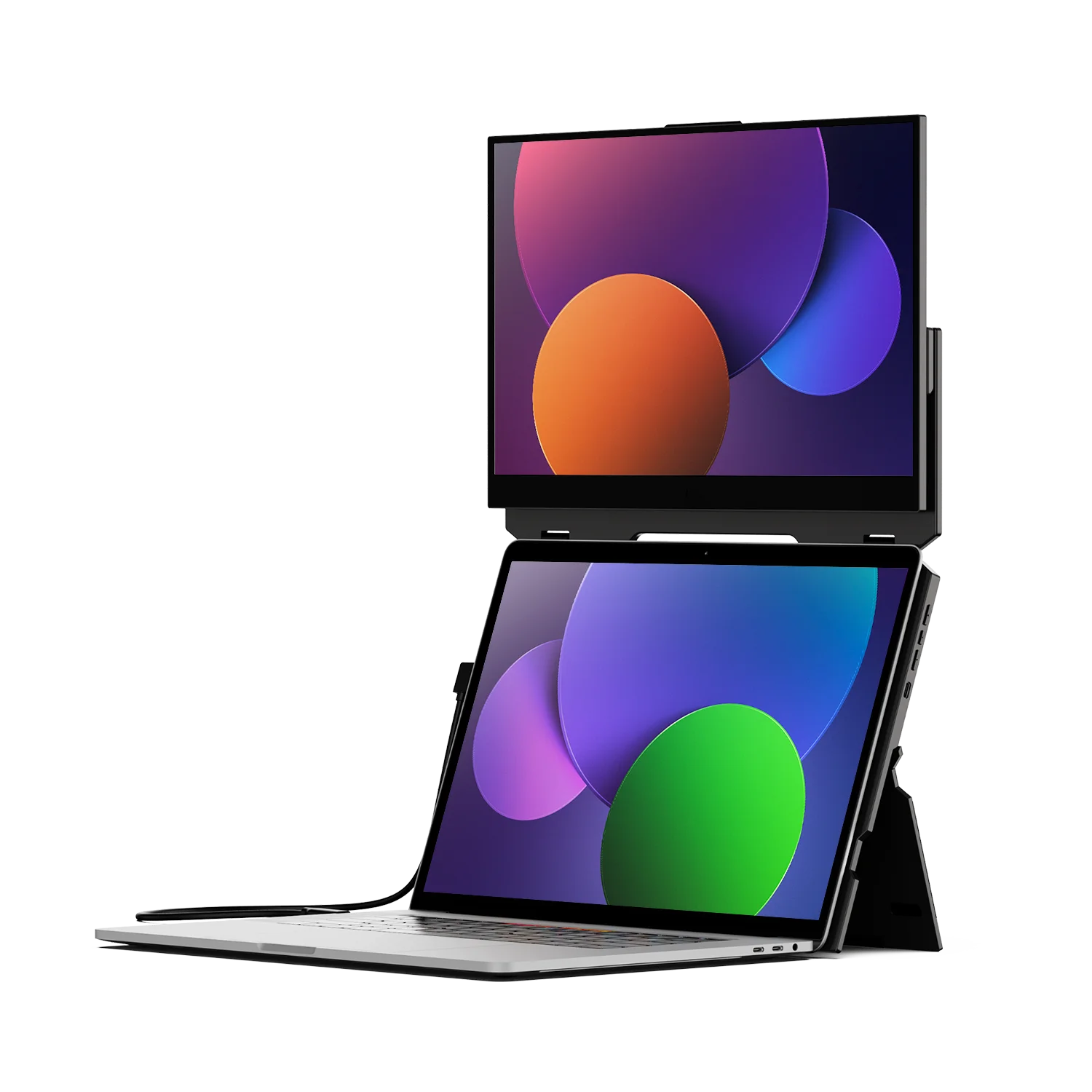
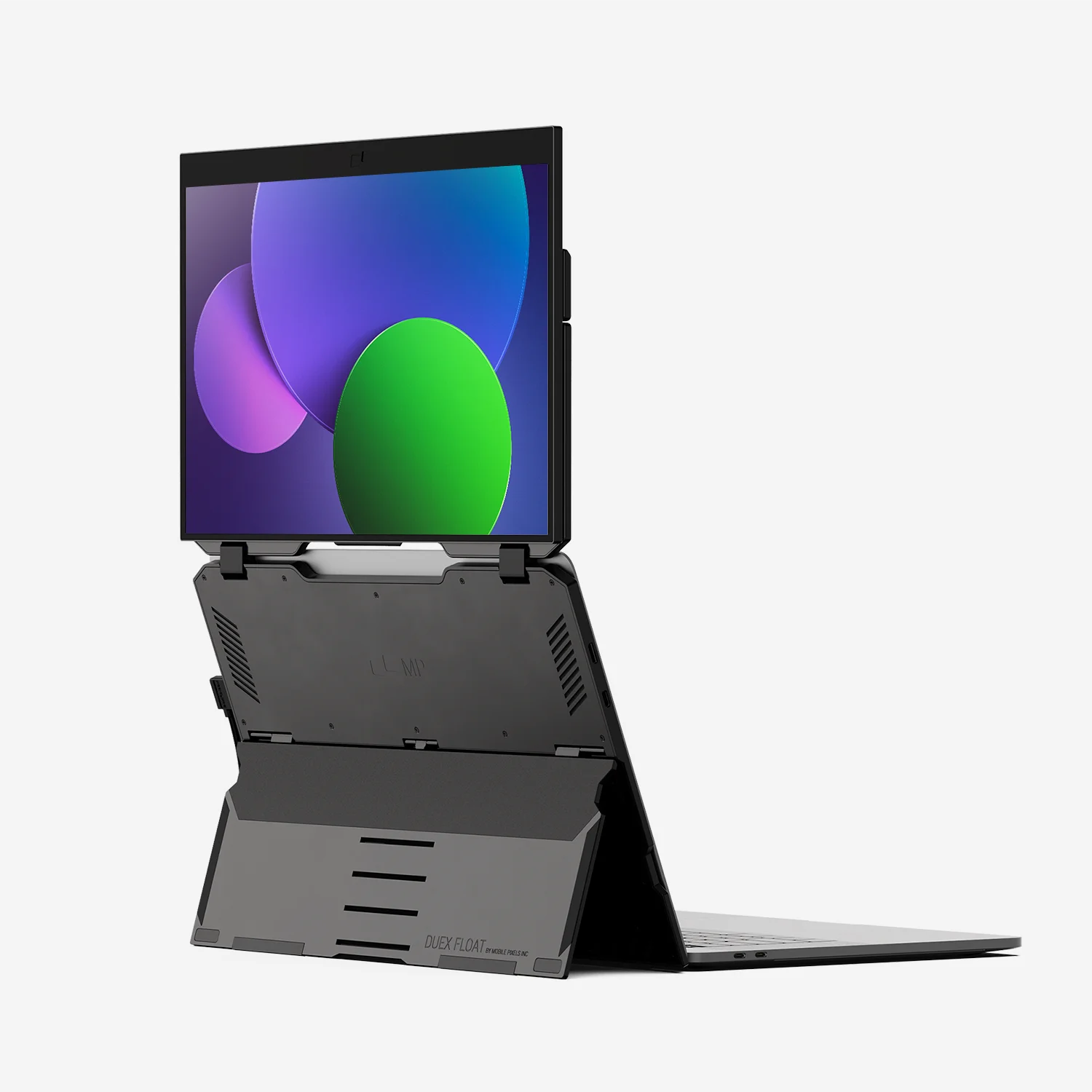
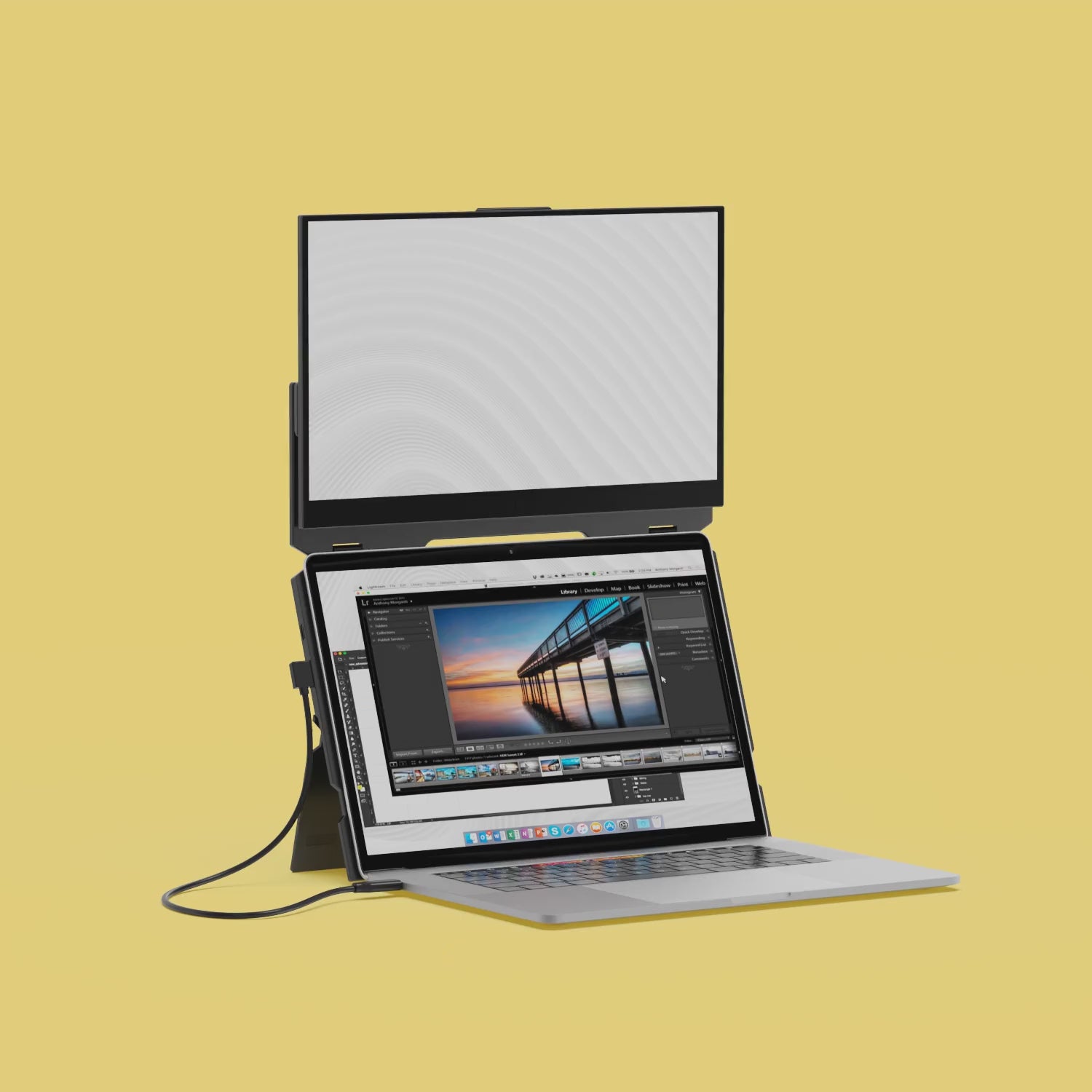
Duex Float is a convenient, yet affordable, stacked portable monitor that allows you to work on the go using multiple screens. Plus, you'll boost productivity and achieve ergonomic alignment, thanks to the stacked design.
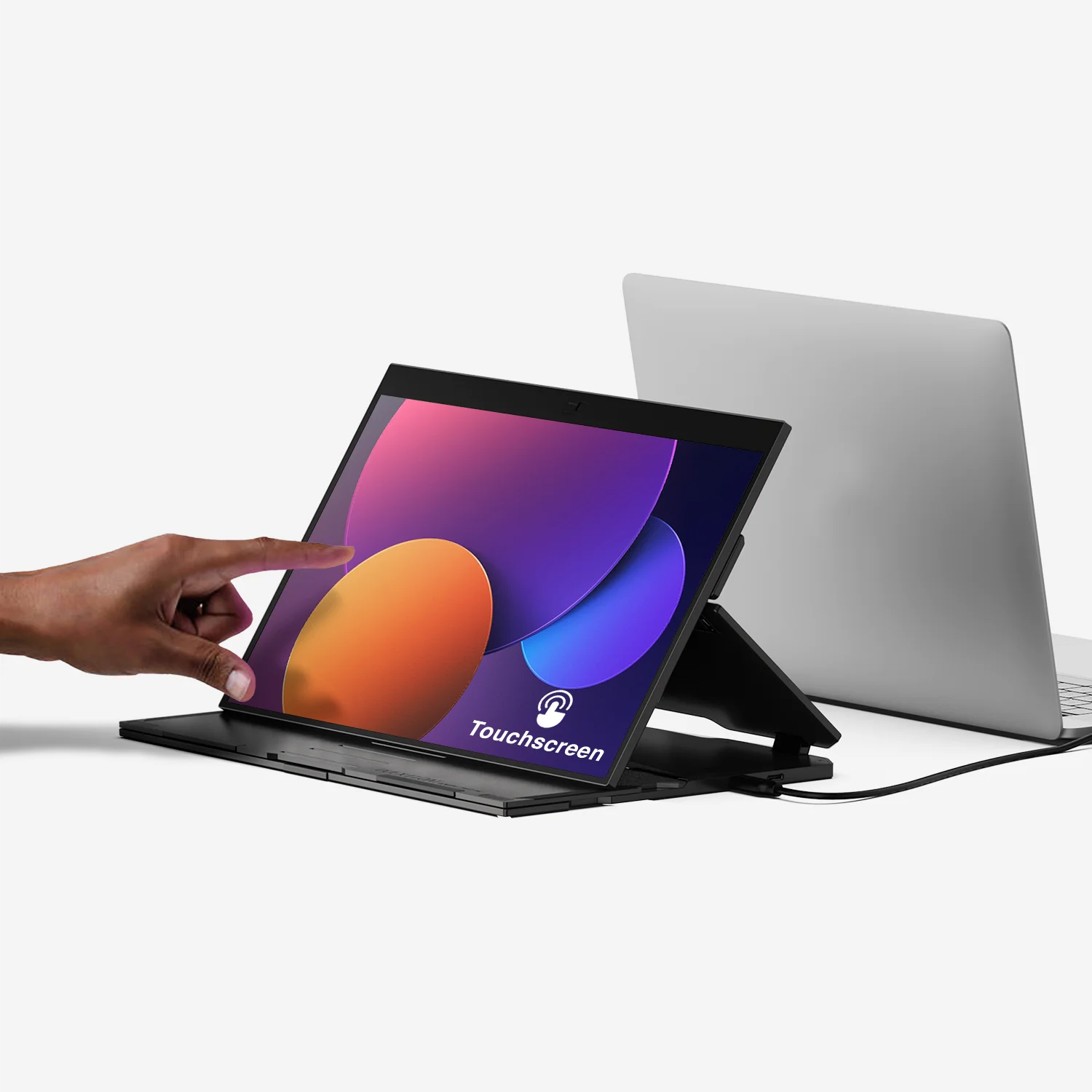
Duex Float elevates your work and play with its intuitive 1080P touchscreen display. You can also adjust the color of your screen to protect your eyes during those extra-long work days or late-night projects.
101-1011P01
15.6-inch touch screen
1920 x 1080 pixels
60 Hertz
250 nit (adjustable)
14.2" x 9.1" x 0.87"
10-point multi-touch
Windows, MacOS, Linux, ChromeOS, Switch, XBox, Playstation
*Touch works on both Windows and Mac
4 lbs
7W total






Stacked portable monitor
Stacked up.
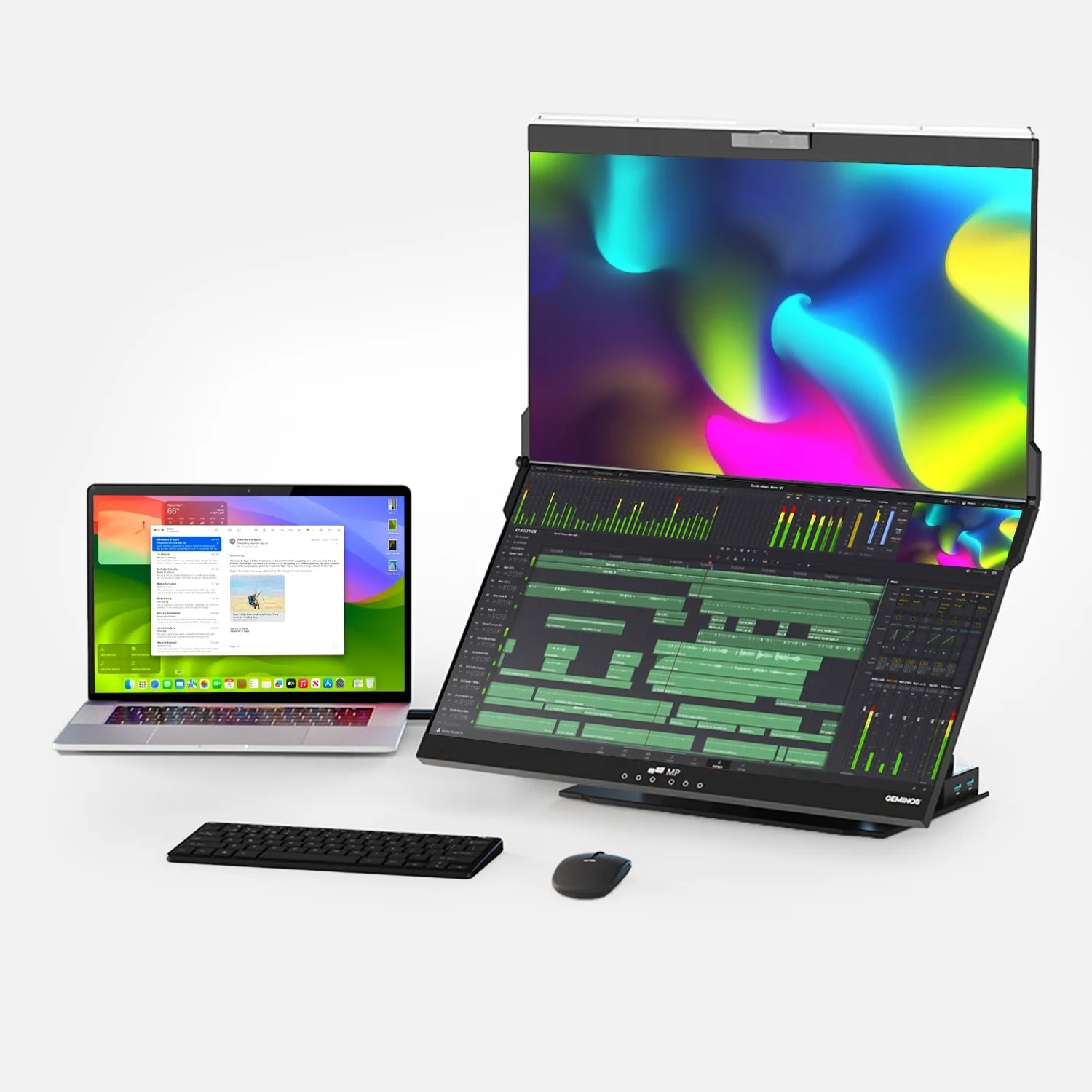
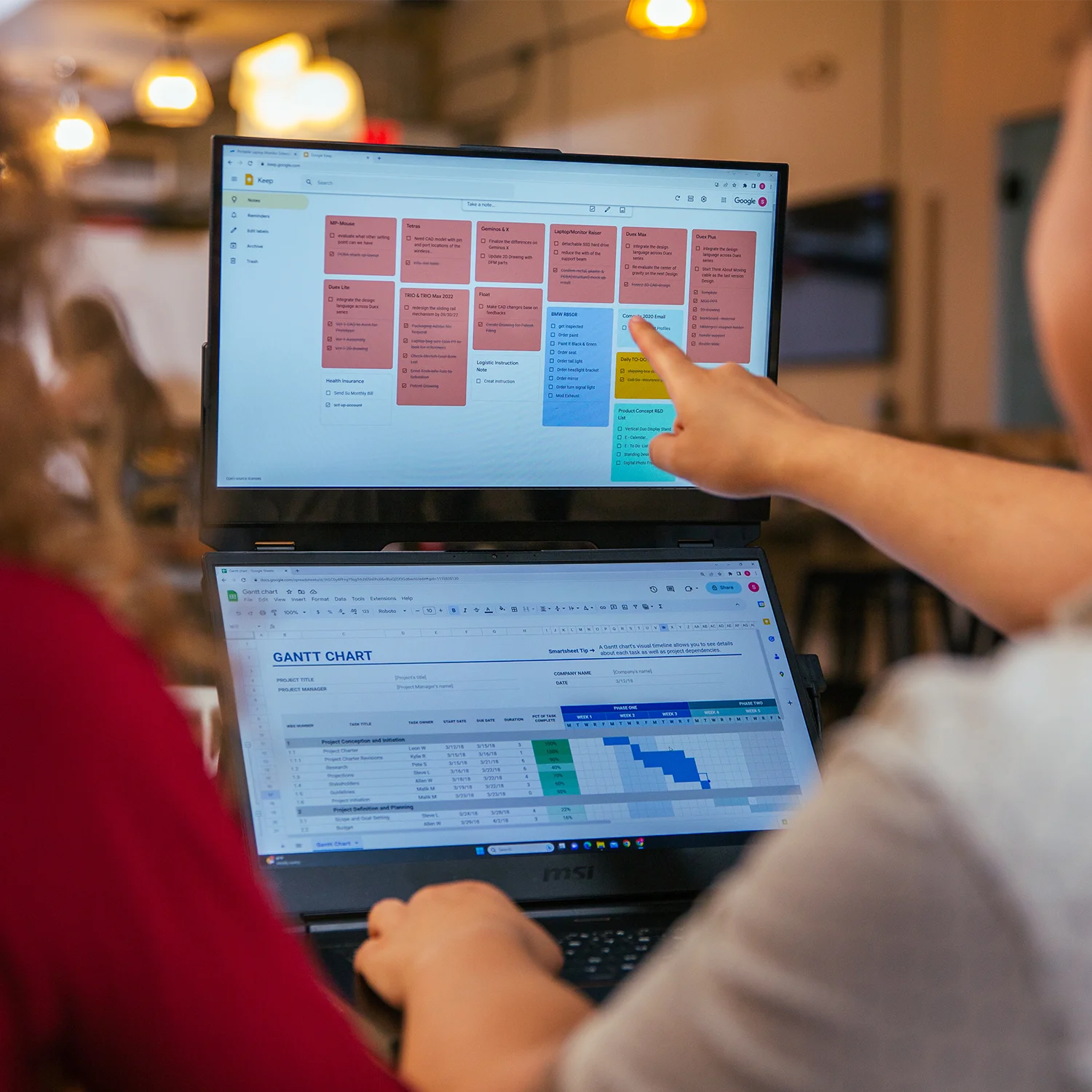
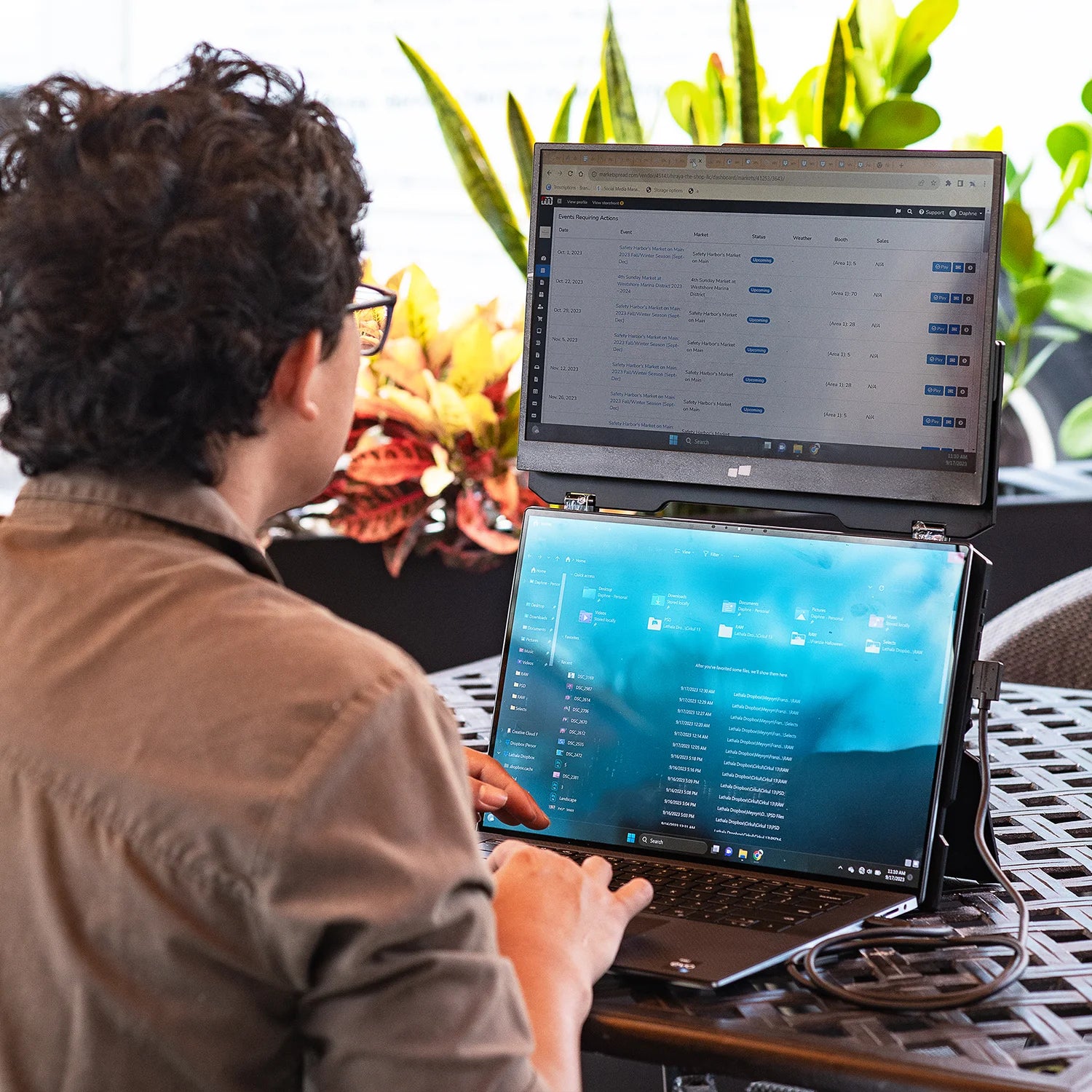
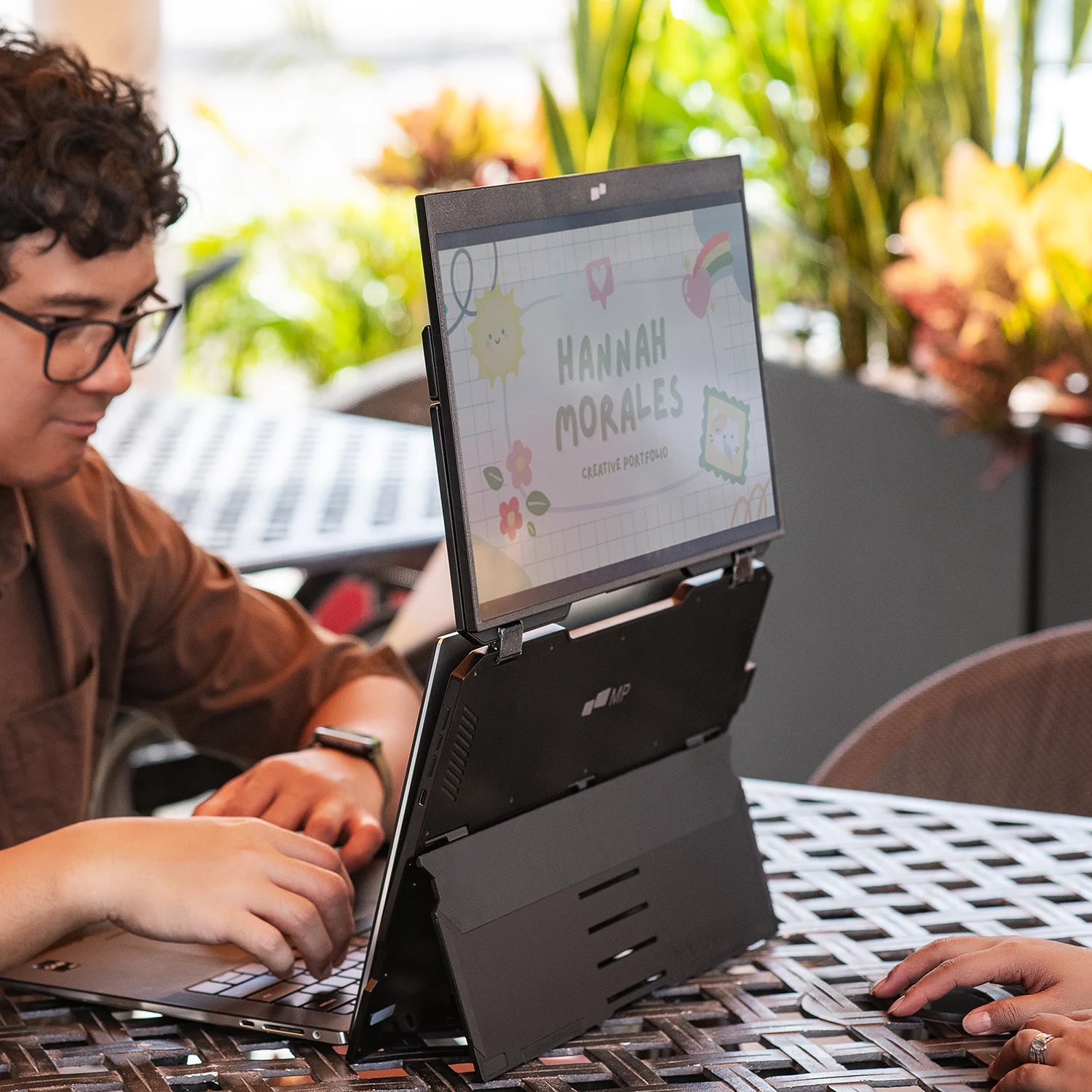
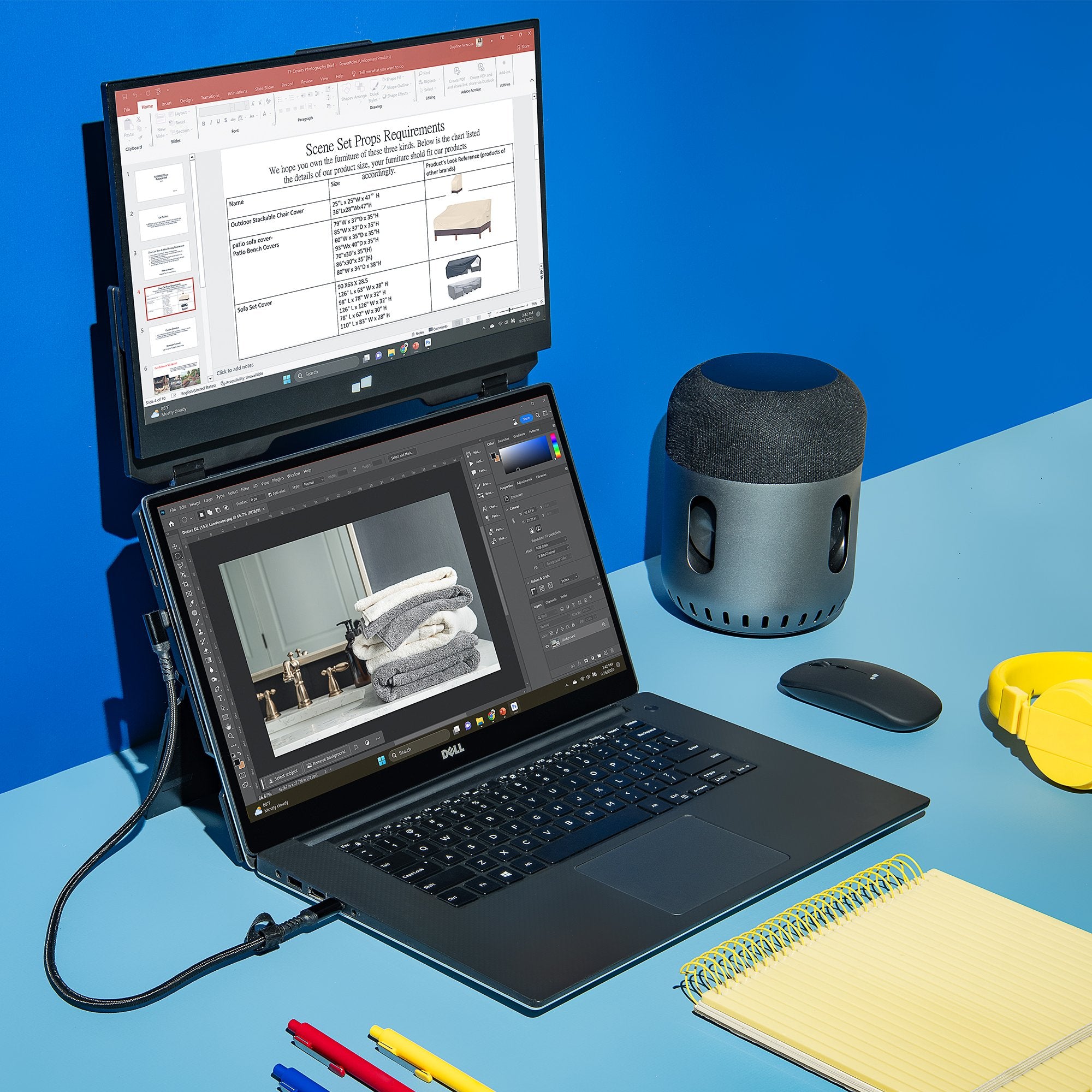
Tired of straining your neck and back while working on the go? Meet our latest innovation: Duex Float, a 15.6-inch 1080p portable touchscreen laptop monitor that allows you to easily create a stacked dual-screen configuration no matter where you are. If you’re someone who needs to juggle multiple tasks at once without covering your desk in extra screens, Duex Float is the answer.

Watch video

Be flexible.
The double hinge system gives you the flexibility to choose from three modes, dual-screen mode, presentation mode and desktop mode. You can choose your mode for optimal productivity.
Be flexible.
The double hinge system gives you the flexibility to choose from three modes, dual-screen mode, presentation mode and desktop mode. You can choose your mode for optimal productivity.
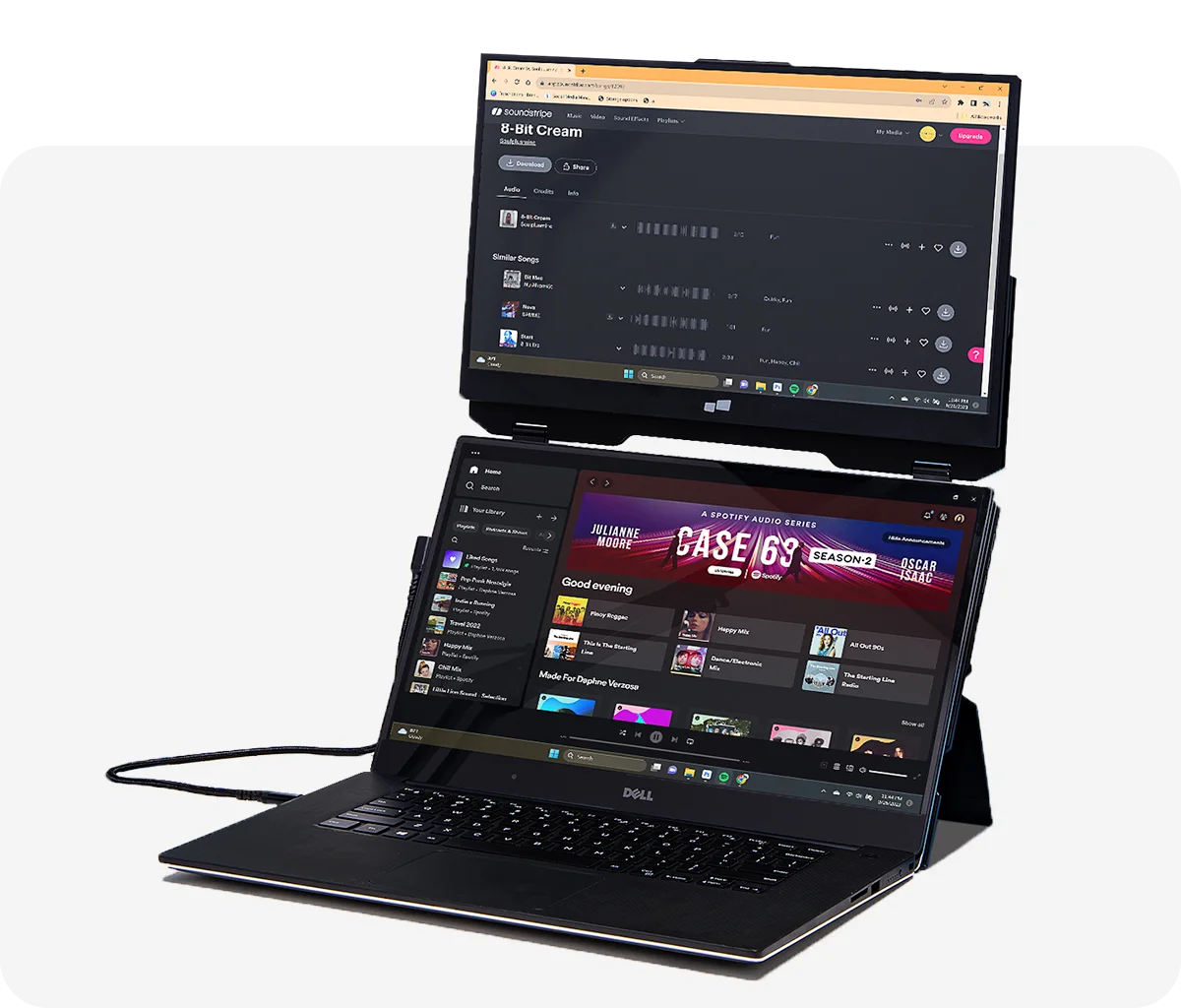
Dual-screen mode
Use it as your secondary monitor as a extended display or mirrored display. Achieve a healthy ergonomic alignment while working on the go.
Presentation mode
You can also flip the screen and easily share content with someone in front of you, whether it’s a presentation to your team at work.
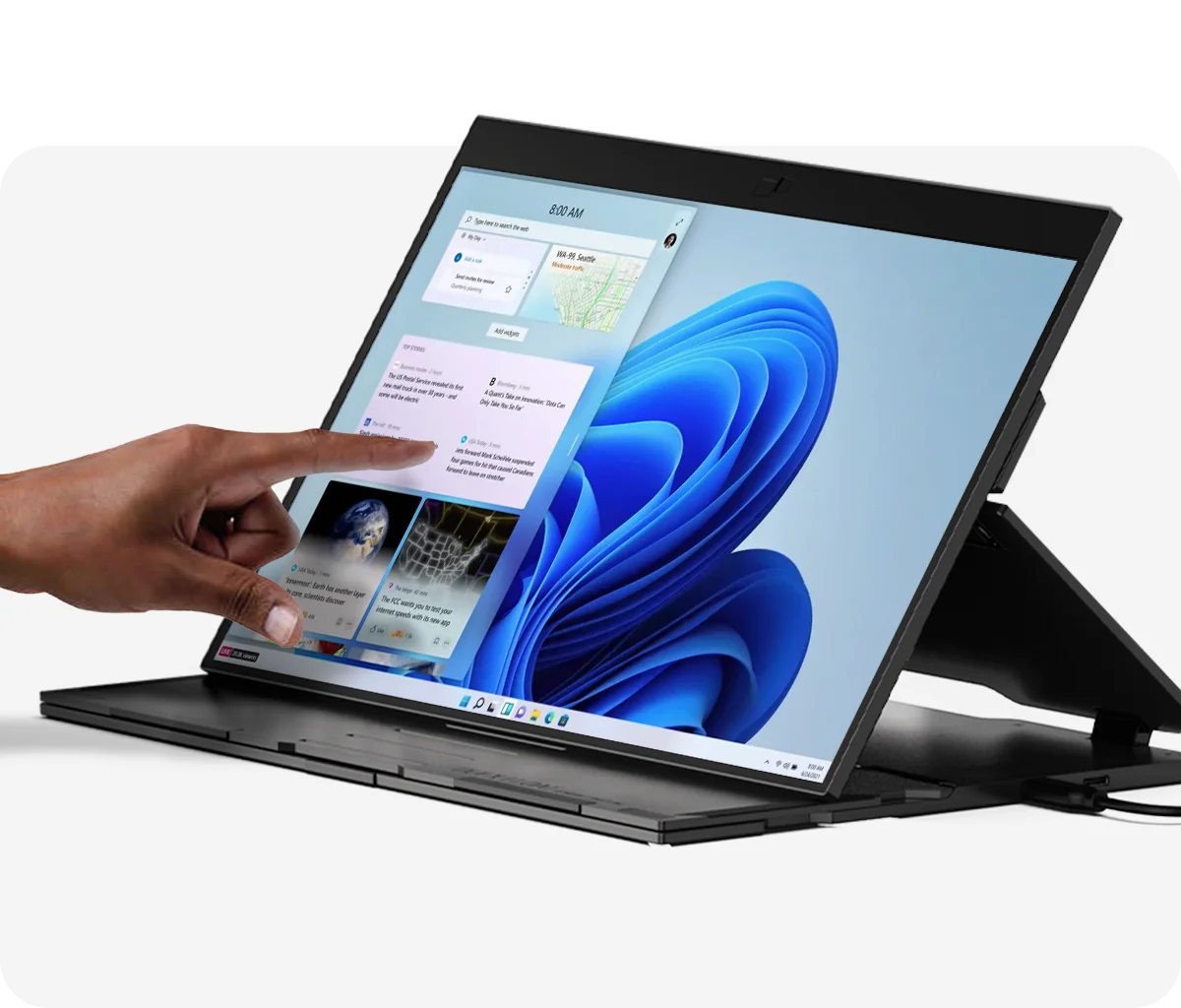
Desktop mode
Turn Duex Float into a independent display. Perfect for gaming or viewing documents.


Three different viewing modes
Easy to use.
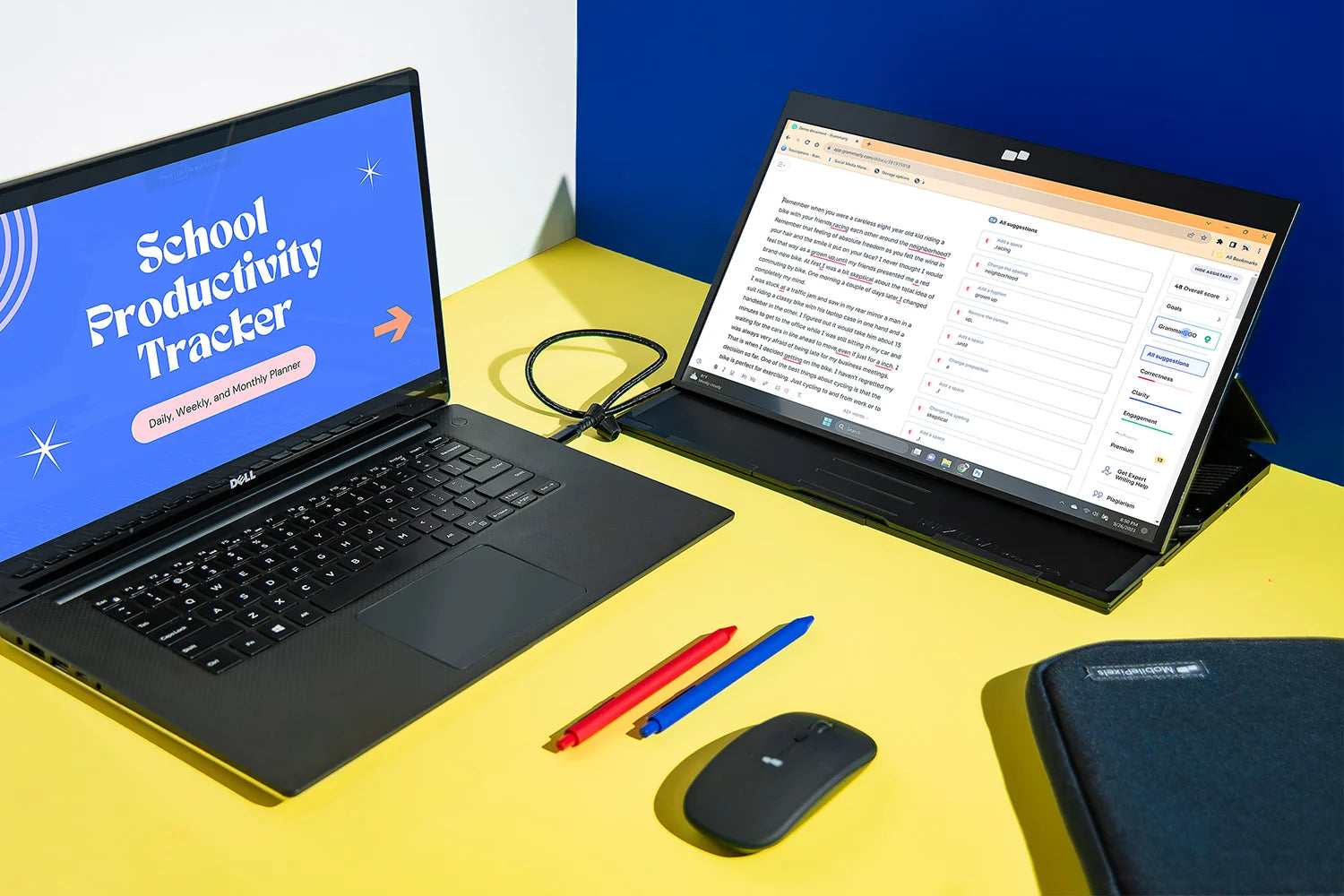
Desktop mode
Touchscreen for effortless navigation.

Gaming on the go. Take your favourite Nintendo Switch games with you on the go. With mini HDMI connectivity, you can experience entertainment everywhere.
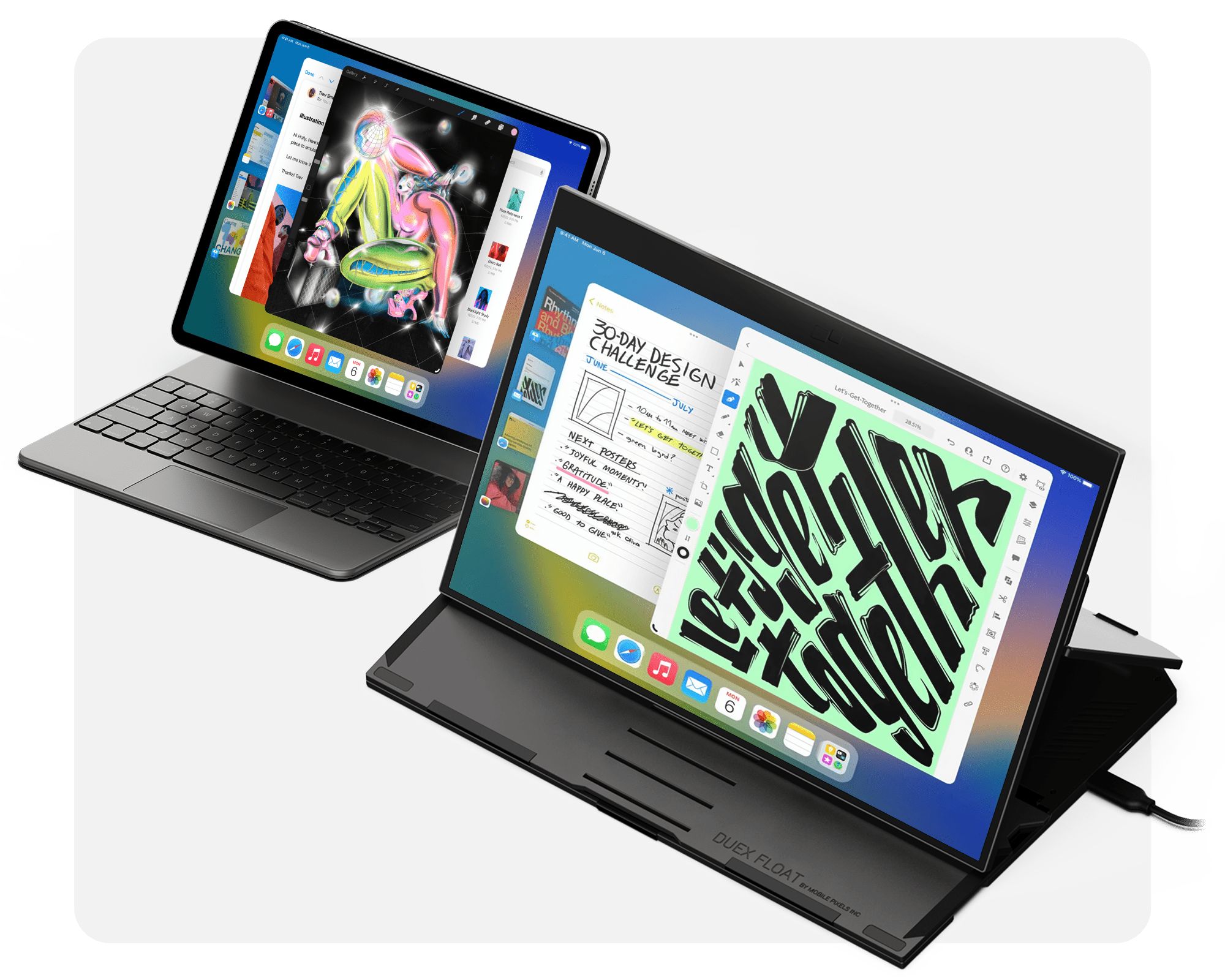

Use Stage Manager on iPad with Duex Float.
Duex Float is compatible with Apple Stage Manager for iPad OS now. Rather than mirror content onto a 4:3 view, the iPad* shows active apps on a large 15.6-inch 16:9 space.
*External display support is reserved for iPads using the M-series processors.
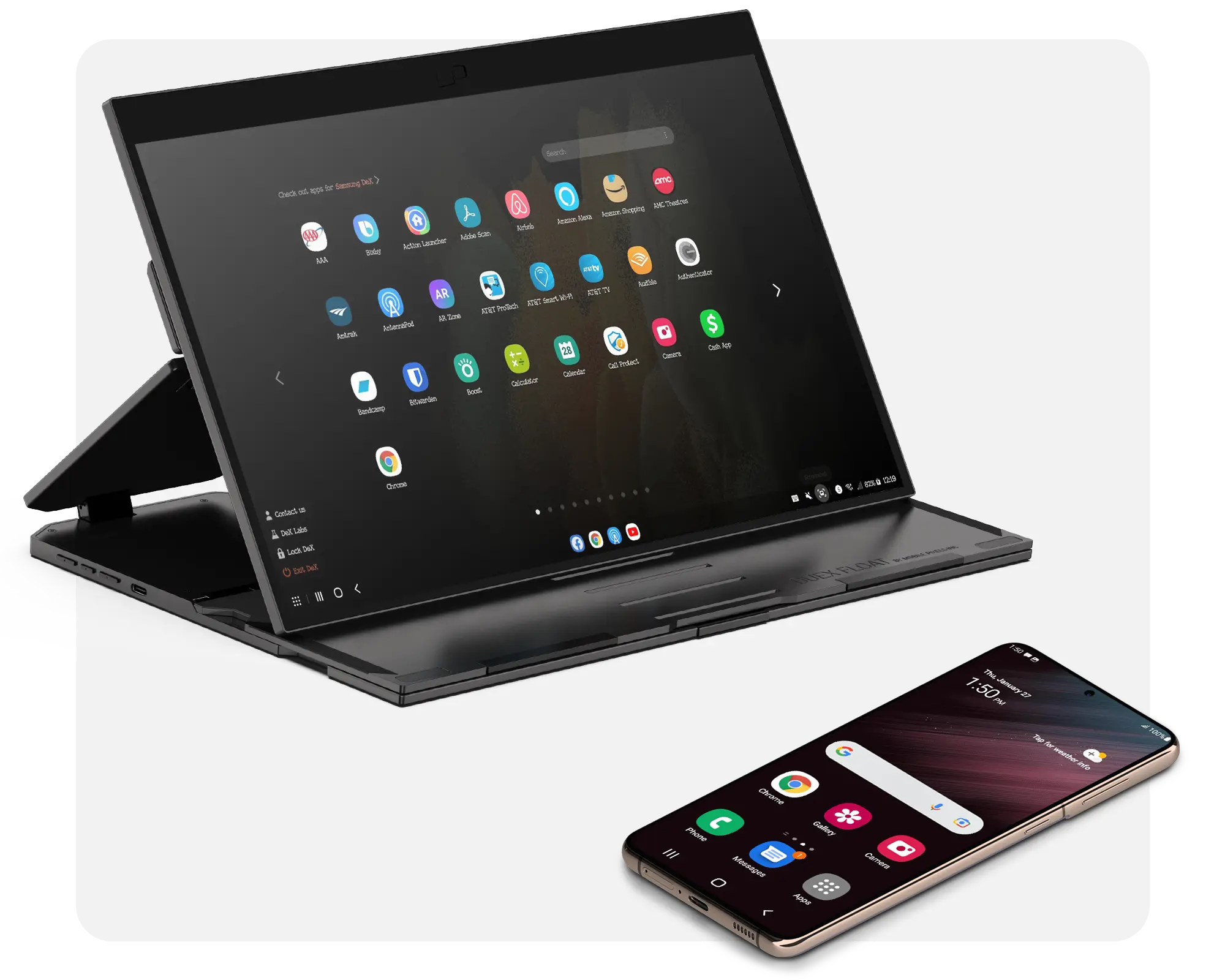

Extended screen for your phones.
With USB-C connectivity, Duex Float delivers additional screen space for your Android* phone. Providing a more comfortable view of any content.
*For Samsung DeX supported devices

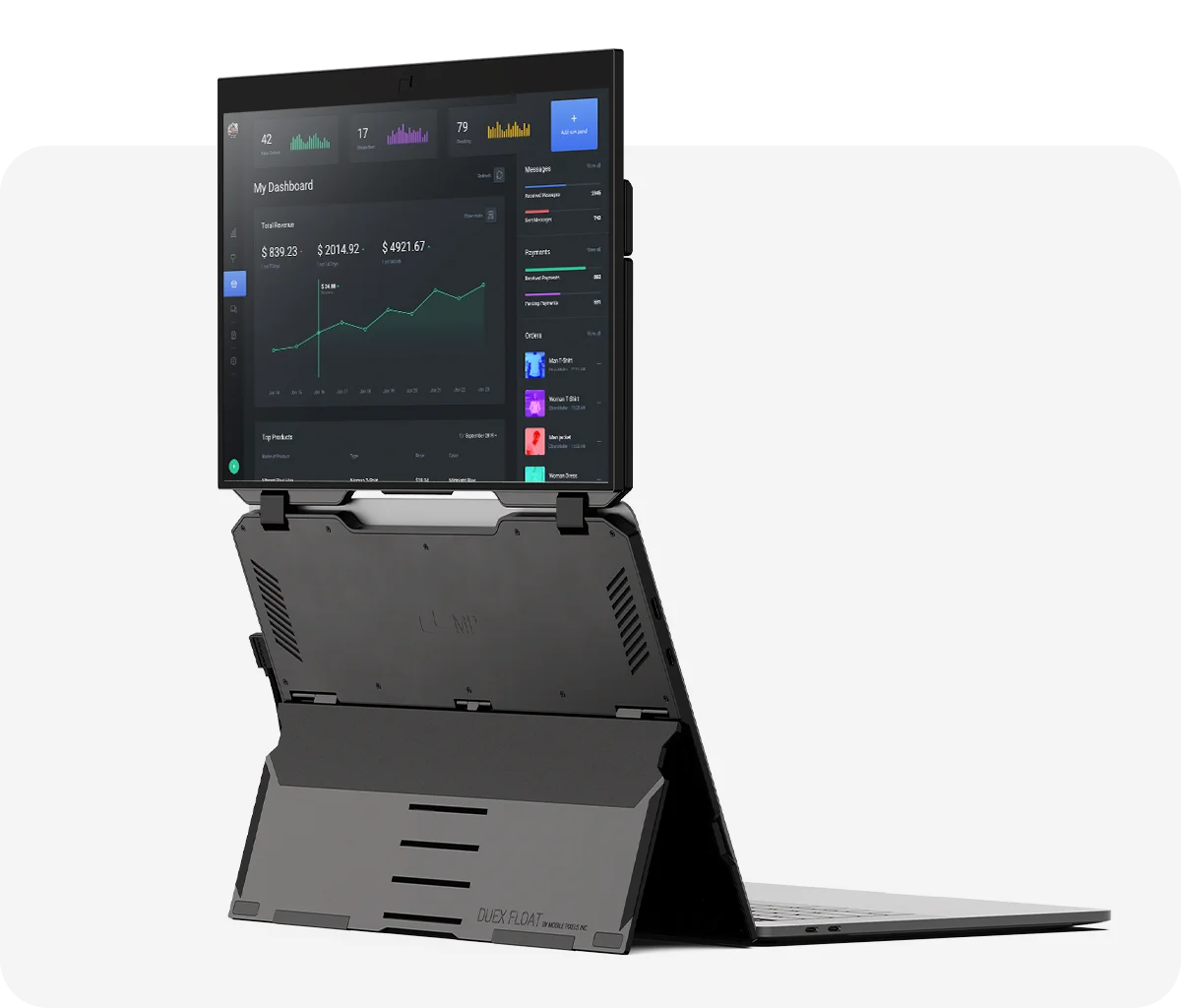
Duex Float incorporates a convenient built-in kickstand, allowing you to utilize it independently without magnetically attaching it to your laptop. The built-in kickstand also allows you to attach it to any size laptop. We’re also including four optional magnets if you prefer to magnetically attach Duex Float to your laptop.
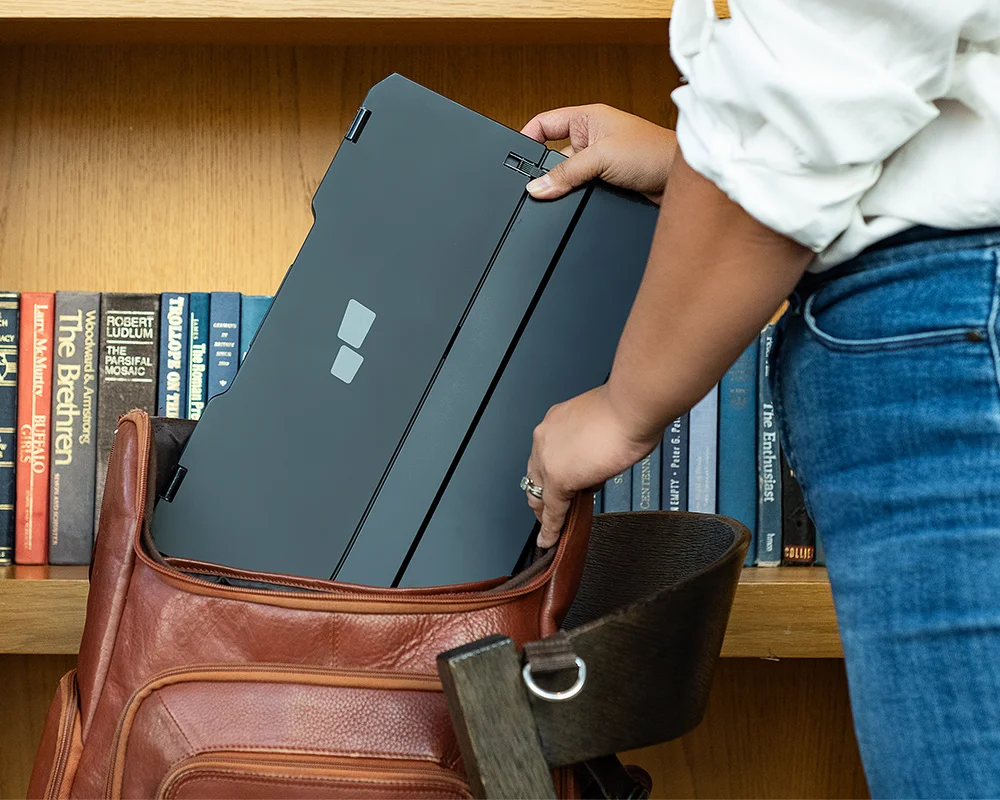
Designed for everyday work and play.
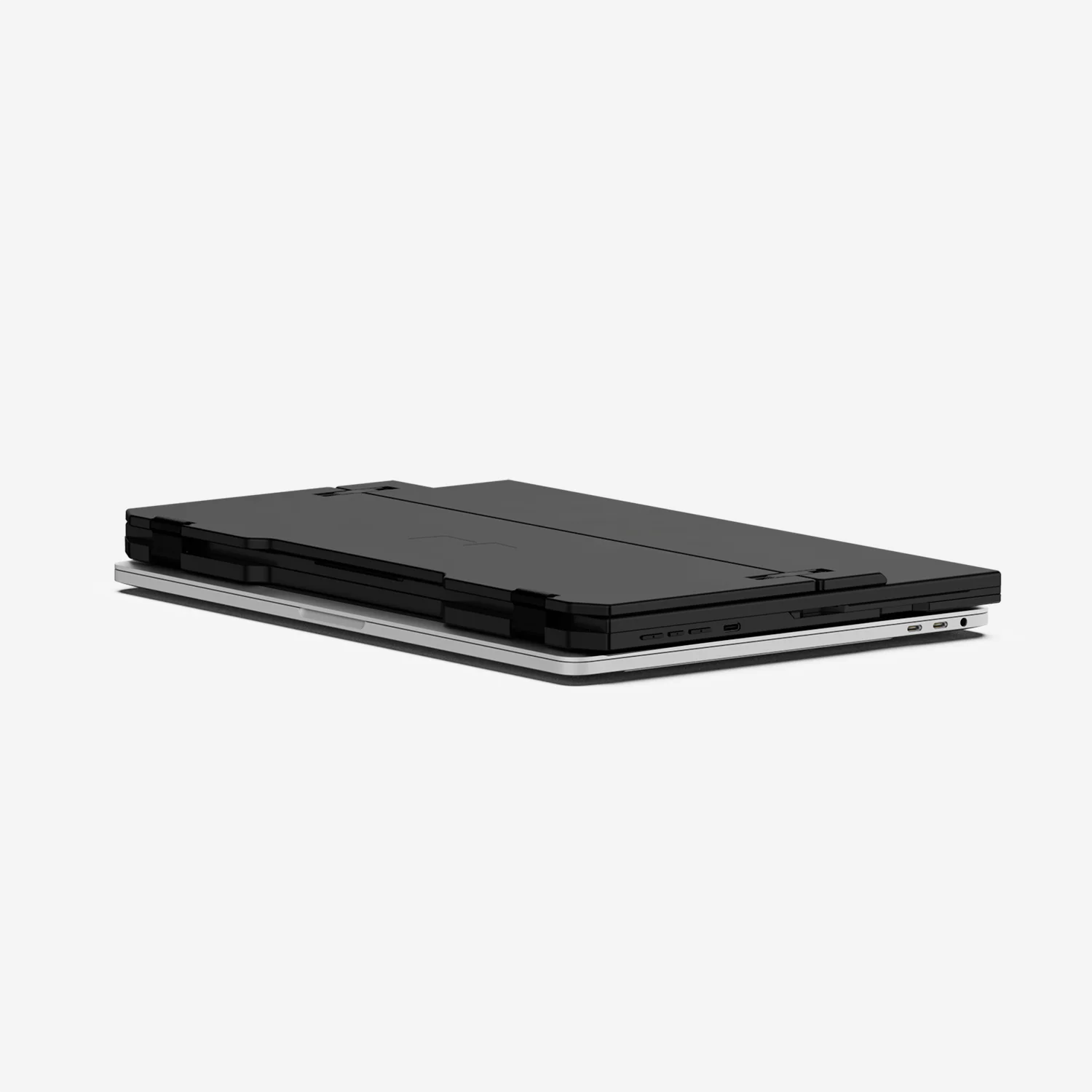
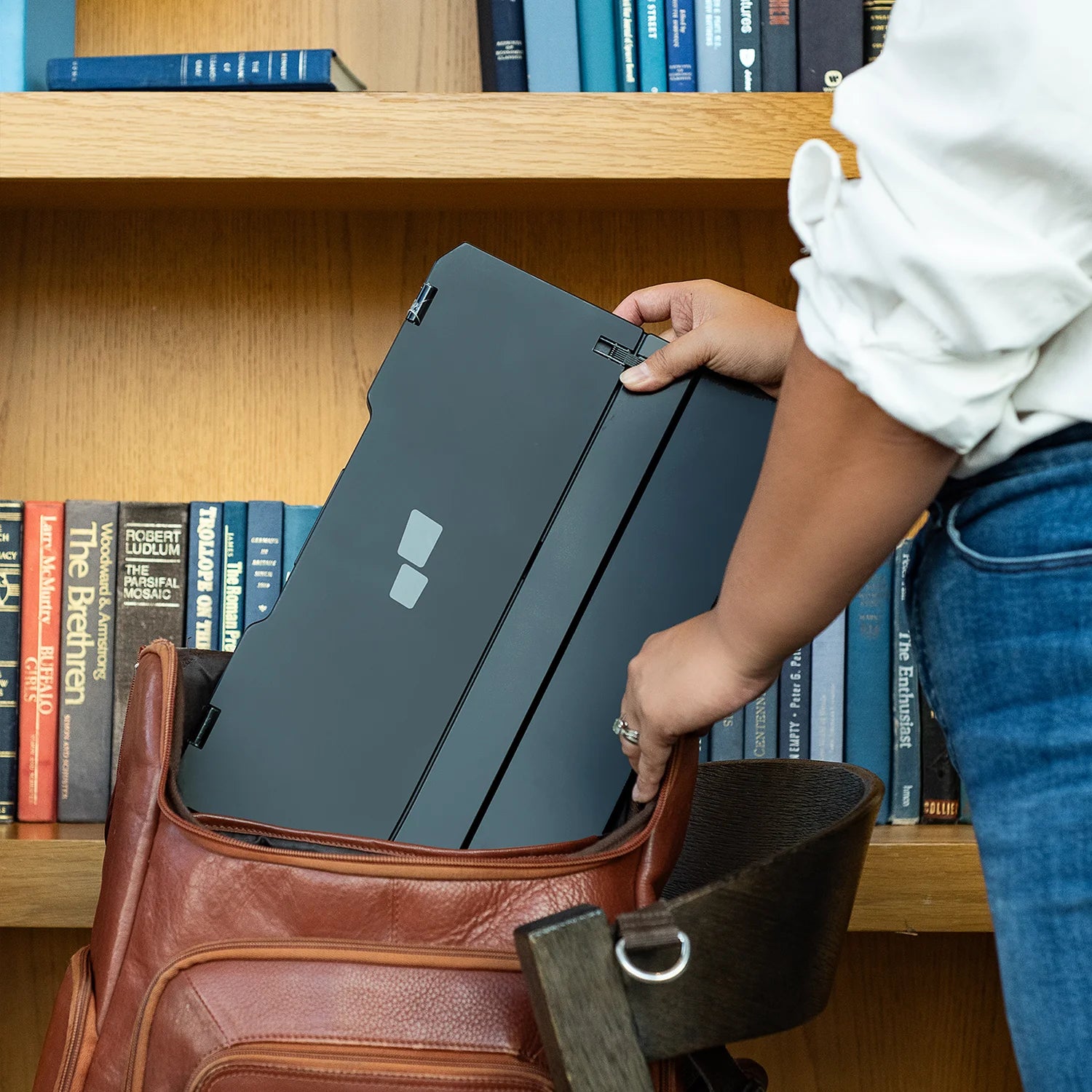
Offer a sleek way to carry a laptop second monitor around with this Duex Float, which is 4 lbs and 0.87-inch thickness. Sleek and slim, make it easy to toss it into any bag together with your device without weighing you down.
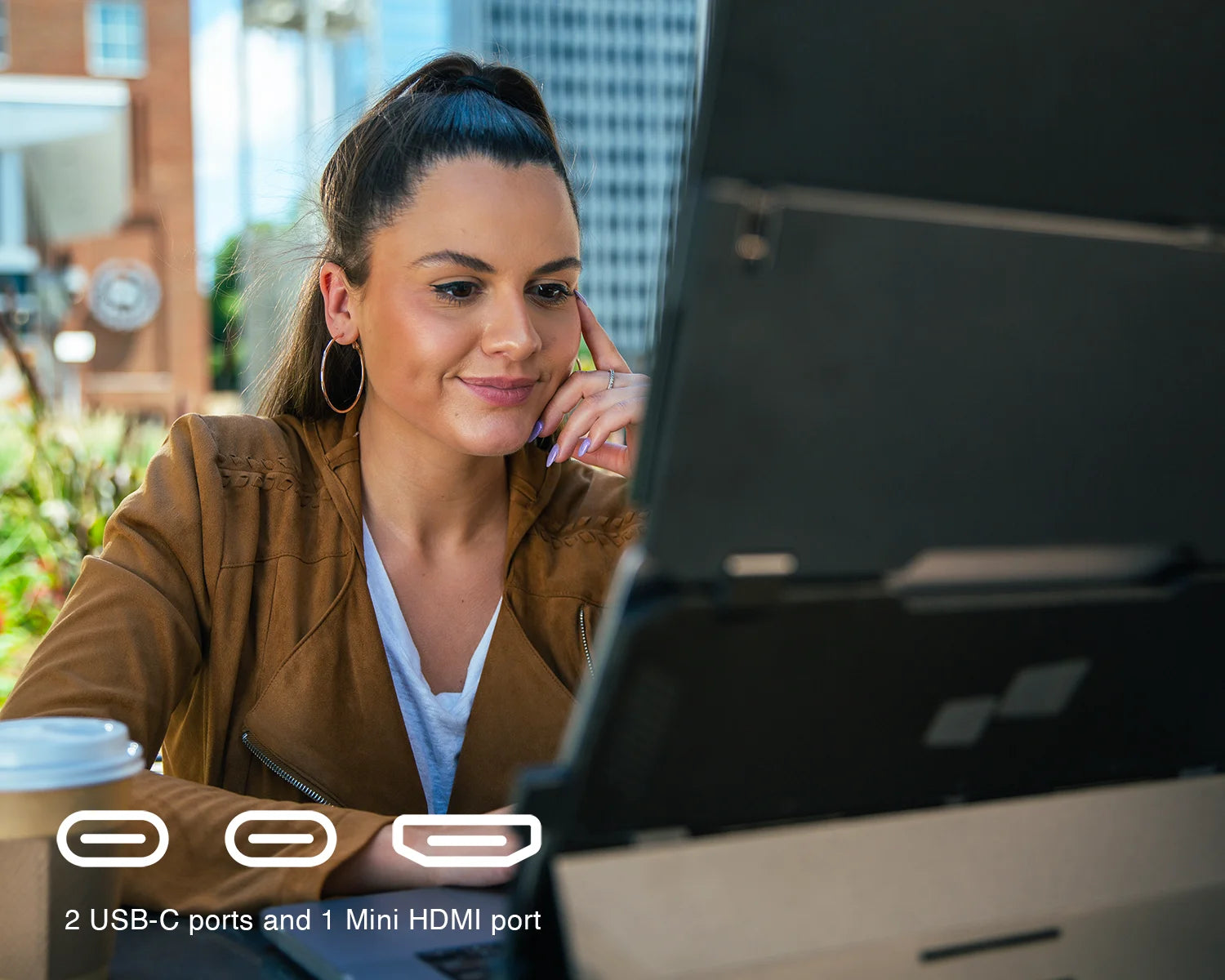
Compatibility with ease.
Easily pair your Duex Float with any laptop (macOS, windows, linux) or device, including a Nintendo Switch and select Android phones, via USB-C or Mini-HDMI connection.


Yes, Duex Float will work with any sized laptops. It stands up by itself, simply place your laptop in front of it and you are ready to go. (Attach the Duex Float to the laptop via magnets is optional)
Duex Float is plug-and-play If your computer has a USB-C port with DisplayPort enabled. You can also use the HDMI to mini-HDMI connection along with a non-DP enabled USB port to power the Float of the computer or external power supply.
The max brightness of the Duex Float is by default set at 250 nits when is directly powered of a computer. However, if a proper external power is supplied to the Duex Float, the max brightness can go up to 300 nits.
Max at 7W. If you would like to use a USB charger to provide power to the Float, please make sure it supports at least 7W output. For example, a 5V1A charger cannot provide enough power since it just output 5W.
Yes, the touch function on the Duex Float can work on both Windows computers and MacOS computers.
For Windows users, driver is NOT needed, the USB connection is needed to have the touch feature active and it will not have touch when only the HDMI cable is connected to the laptop.
You should go to “Tablet PC settings’’ under “Control Panel’’ to setup/identify the Float as a touch input to ensure it will perform properly.
For MacOS users, please visit our support page to download the touch driver:
https://www.mobilepixels.us/pages/mac-touch-driver
After you download and install the touch driver, you should be able to use the touch function on the Float. We also have a step-by-step video guide:
https://www.youtube.com/watch?v=2CxcqDIGc_A&t=13s
If you encounter any issues with the touch function, please reset the Duex Float and then recalibrate/identify the touch screen again.
Yes. There are 3 buttons on the side of the Float, pressing the middle button to access the OSD menu. By pressing the middle button again to select among the menu until the “Touch” option is highlighted, then you should be able to use the up/down button to turn on/off the touch function.
Yes. There are 3 buttons on the side of the Float; you can long press the middle button to turn off the display and short press to turn it back on.
Yes, Duex Float can be used with the Trio or Duex display. Simply place the laptop with the Trio or Duex in front of the Float, and you will be able to use all screens. Please also make sure you have enough ports on your laptop/PC to connect and power all monitors.
Yes. The Duex Float is compatible with Nintendo Switch.
Just follow the steps below:
Step 1: Connect the Duex Float to the Nintendo Switch via the USB-C to USB-C connection.
Step 2: Connect the AC power supply to the second USB-C port on the Duex Float. (Note: We recommend using the original Nintendo Switch charger.)
Step 3: Turn on the Nintendo Switch.
Step 4: Detach the two controllers of the Nintendo Switch or use the pro controller, and you’re all set to go.
2 Years. Please reach out to us at contact@mobilepixels.us.
This product is rated 4.9 of 5.0 stars.
It has received 77 reviews.
Overall rating: 4.948052 / 5 from 77 reviews.
The Duex Float Portable Stacked Monitor Extender offers a 15.6-inch 1080p touchscreen praised for its quality, sleek design, and suitability for remote work. Customers highlight its durability and touchscreen functionality, making it a valuable tool for mobile multitasking.
Review topics: ["color","size","quality","work","value","shipping","screen","monitor","design","setup","support","duex float","display","construction","solution","idea","kickstand","picture"].
"This monitor is just beautiful! I love the design, the flexibility, and the touchscreen. I wish it was a bit lighter, but I know that would be difficult from a design perspective."
"Works well for changing scenery seamlessly. I can quickly be in the move and not lose productivity"
"I like the device, however want the same but at 2k resolution with a 15 inch screen."
"amazing would buy another"
"I absolutely love the Duex Float! I purchased other external monitors in the past for my remote work environment and they are either too flimsy for quality. Not big enough, etc. This by far is my most favorite purchase. Very high quality and very well made. I love the way it attaches to my laptop if I want it to. And the multiple ways of displaying what I'm looking at on my screen to others during presentations. For example. I highly recommend this. Even if you're not working in a remote environment, perhaps work it at home with a laptop. This will make you much more productive! And it looks cool too!"
"Great concept. Build quality feels really solid. Easy to set up. I especially love that it's a freestanding setup. You can attach your laptop to the stand with magnets if you'd like, but I much prefer it without. And the stand and monitor are heavy enough that I don't worry about it getting knocked over. Speaking of weight... this is twice the weight of my laptop. It's not something I'm likely to toss in a bag and bring with me while I'm working at a cafe. But it folds up in such a way that the screen is facing inward, protected by the metal stand, which is perfect for stowing in a suitcase. The screen is adequately bright, but I would prefer a 400-nits option, as my wife would like to use this outdoors — not in direct sunlight, but in a space with enough ambient light to demand a brighter screen. Great value. I would pay a little more for a brighter screen, and for a higher resolution, but I'm very happy with my purchase."
"Excellent product. Very happy with my purchase."
"(Currently using with ThinkPad T14) I bought this after researching second screens for a long time - I went back and forth on whether I wanted the other MobilePixels screens or this one. I ultimately love this one because I can use it side-by-side or above my laptop screen. The above laptop screen is a game changer for comfortable remote work and a life saver for my neck. I love that it's slightly bigger than my laptop screen and becomes the main one I work on. Been using for about three weeks now and quality of both the stand and the screen itself has been great. I am not currently using the magnet attachments with it and haven't felt like I need to - the stand itself feels sturdy (though magnets would be a great reinforcement should I want them later). I also like that it hardly takes up any space on the desk when I'm using it above my laptop - allows it to be used with small desk space. Overall, I'm so glad I went with this model."
"I have been using Duex Float for about a week now and I love it! It’s heavier than their other model (I have Duex plus) I guess the material feels sturdier and of higher quality. Great for working at home with actually even less space. Never thought about this setup before. I also like that you don’t have to stick magnets on your laptop. The built-in kickstand is pretty sturdy and perfectly holds up at different angles."
"This is my second product from Mobilepixels, I enjoyed my Duex Max a lot in the past year. And this new Float caught my attention when I saw it. It is a brilliant idea to put an extra screen on the top of the laptop, it brings a lot of convenience when I doing my work. The screen quality is good enough for me, I rarely use the touch screen because of the Mac system but it always good to have this feature. And what’s better is that this screen can stand on it’s own so when I plug in my Switch I don’t need another kickstand. It is a little bit heavier than I thought but when I put it in my backpack it doesn’t feel like a lot. In conclusion, this is the best portable monitor I’ve ever used."