





The question of whether to buy a 1080p or 2K monitor is one of the most common display decisions buyers face in 2025. At first glance, the answer seems simple: more pixels means sharper images, so 2K wins. The reality is more nuanced. The right resolution depends on your screen size, your GPU, your use case, and how close you sit to the display. Getting this wrong means either paying for detail your eyes cannot perceive at your viewing distance, or accepting visible pixelation on a display that is too large for its resolution.
This guide cuts through the confusion with a clear technical explanation of both resolutions, a practical comparison across every major use case, and specific recommendations matched to how you actually work, game, and create.
Quick Answer
1080p (Full HD) is 1920x1080 pixels, the global standard for monitors up to 24 inches. It is budget-friendly, hardware-efficient, and delivers sharp, comfortable text at typical desk viewing distances on compact screens. 2K (QHD/1440p) is 2560x1440 pixels, 78% more pixels than 1080p, delivering noticeably sharper images and more screen real estate, especially on monitors 27 inches and above. For most buyers in 2025: choose 1080p at 24 inches or below, choose 2K at 27 inches and above if your GPU supports it.
Understanding the Terminology: What "2K" Actually Means
Before comparing the two resolutions, it is worth clarifying a naming confusion that trips up many buyers. The term "2K" is used inconsistently across the industry, and understanding what it refers to in consumer monitors changes the comparison entirely.
1080p: Full HD
1080p, also written as FHD (Full High Definition), has a resolution of 1920 x 1080 pixels — approximately 2.07 million pixels total. It has been the standard for consumer monitors, laptops, and televisions for over a decade. According to StatCounter global usage data, 1920x1080 remains the single most common desktop screen resolution worldwide in 2024, reflecting its dominance as the baseline for the majority of displays currently in use. It is widely supported by all content platforms, streaming services, and hardware configurations from entry-level to enthusiast.
2K: QHD / 1440p (and the naming confusion)
The term "2K" in consumer display marketing is used to describe two different resolutions:
- True 2K (DCI 2K): 2048 x 1080 pixels, a cinema standard used in professional digital film projection. This resolution is rarely found in consumer monitors.
- Consumer "2K" (QHD / 1440p): 2560 x 1440 pixels — what virtually all consumer monitors marketed as "2K" actually deliver. BenQ's display knowledge base confirms that 2K displays in consumer hardware most often refer to QHD (Quad HD) at 2560x1440 pixels, which is technically Quad HD rather than the cinematic 2K standard. This guide uses "2K" to refer to this 2560x1440 resolution throughout, as that is the standard consumer usage of the term.
The Numbers: How Different Are They?
| Specification | 1080p (FHD) | 2K (QHD / 1440p) |
|---|---|---|
| Resolution | 1920 x 1080 pixels | 2560 x 1440 pixels |
| Total pixels | ~2.07 million | ~3.69 million (78% more) |
| PPI on 24-inch screen | ~92 PPI | ~122 PPI |
| PPI on 27-inch screen | ~82 PPI (borderline) | ~109 PPI (recommended) |
| Aspect ratio | 16:9 | 16:9 |
| GPU demand (gaming) | Lower — manageable on mid-range hardware | Higher — requires a capable GPU for gaming |
| Screen real estate | Standard; adequate for single-app use | More space for two-window workflows |
| Typical monitor price premium | Baseline | $50 to $150 above comparable 1080p |
| Content compatibility | Natively supported by all platforms | Supported; 1080p content upscales cleanly |
Relative Pixel Count and PPI at Common Screen Sizes
Total Pixels
PPI at 27 inches
Sources: Arenti Resolution Guide, BenQ Display Knowledge Base. PPI calculated from standard resolution and screen diagonal measurements.
"2560x1440p, also referred to as Quad High Definition (QHD), is a sweet spot for many PC gamers with mid to high-end hardware. With its 3,686,400 combined pixel count, it offers 77% more pixels than 1920x1080 but is not nearly as graphically demanding as 4K."
Proficient Market Insights — 2K Gaming Monitors Market Report 2025
Where the Market Stands: The Shift from 1080p to 2K
Resolution preferences are shifting measurably, and the data tells a consistent story: 1080p remains the dominant standard, but 2K adoption is accelerating.
|
39% Full HD's share of the gaming monitor market revenue in 2024, the largest single segment, confirming 1080p's continued dominance at affordable price points |
19% Of all Steam PC gamers were using 1440p (2K) as their primary resolution as of early 2024, the fastest-growing display resolution on the platform |
|
60% Of PC gamers who prioritise 1440p resolution for its balance of quality and performance, according to 2025 screen resolution research |
6.4% CAGR of the global 2K gaming monitor market from 2025 to 2033 — growing from $2.86B to a projected $5.01B Source: Proficient Market Insights 2025 |
The story the data tells: 1080p remains the choice of the majority of monitor owners, but the momentum is clearly with 2K. The 1440p resolution grew by nearly 3% in the Steam Hardware Survey in a single month in early 2024, its most significant growth showing in years, while the percentage of 1080p primary displays fell below 60% for the first time. The upgrade cycle is underway.
The Screen Size Relationship: Why This Matters More Than Resolution Alone
Resolution is meaningless without context. The same 1080p panel looks sharp on a 21-inch monitor and noticeably soft on a 32-inch display. The specification that determines perceived sharpness is pixels per inch (PPI), how densely the pixels are packed into the physical screen area.
Industry display engineering guidance establishes that the human eye perceives detail most comfortably at 90 to 120 PPI at standard desk viewing distances of 50 to 75 cm. On a 27-inch monitor, 1080p delivers approximately 81 PPI — at the lower boundary of comfortable desk use, while 1440p delivers approximately 109 PPI, well within the optimal range. This is the primary technical reason 27-inch monitors are almost universally recommended with 2K resolution rather than 1080p.
| Screen Size | 1080p PPI | 2K PPI | Recommendation |
|---|---|---|---|
| 21 to 22 inches | ~102 to 105 PPI | ~134 to 138 PPI | 1080p is fine; 2K's benefit minimal |
| 24 inches | ~92 PPI (sharp) | ~122 PPI (very sharp) | 1080p is the sweet spot |
| 27 inches | ~82 PPI (borderline) | ~109 PPI (ideal) | 2K strongly recommended |
| 32 inches | ~69 PPI (visibly soft) | ~92 PPI (adequate) | 2K minimum; consider 4K |
| Above 32 inches | Below 65 PPI (not recommended) | Below 82 PPI | 4K recommended for desk use |
1080p vs 2K by Use Case: Which Is Right for You
Gaming
Competitive gaming: 1080p. Immersive gaming: 2K.
For competitive gaming first-person shooters, battle royale, and fighting games, 1080p remains a legitimate and widely preferred choice in 2025. At 1080p, your GPU renders fewer pixels per frame, enabling higher and more stable frame rates. In competitive play, 240fps at 1080p often produces a better gameplay experience than 100fps at 2K. Many professional esports players compete on 1080p displays specifically to maximise frame rates.
For immersive single-player gaming on a 27-inch or larger monitor, RPGs, open-world titles, and atmospheric games, 2K delivers better visual quality meaningfully. Texture detail, foliage rendering, and character models all benefit from the additional pixel density. The visual upgrade from 1080p to 2K is most apparent in detailed game environments at close viewing distances.
Productivity and Office Work
Screen size determines the recommendation.
For office work, documents, spreadsheets, email, and video calls, the resolution choice is primarily a function of screen size. On a 24-inch monitor, 1080p delivers sharp, comfortable text at 92 PPI. On a 27-inch monitor, 1080p at 82 PPI is noticeably less crisp, and 2K at 109 PPI is more comfortable for long reading sessions.
Display experts consistently note that 2K monitors offer more screen real estate for multitasking, making it easier to work with multiple windows simultaneously. At 2560x1440, you can comfortably place a document editor and a reference browser side by side without either window becoming too narrow to use. At 1080x1920, two-window workflows feel slightly cramped by comparison.
Creative and Professional Work
2K for design and editing; 4K for colour-critical work.
For graphic design, video editing at 1080p output, and illustration, 2K is the practical minimum at the 27-inch screen size most professional monitors occupy. The additional pixels reveal more detail in images, allow finer control over selection tools, and give timeline editors more visible track space. For professional applications, including graphic design and video editing, 2K is often the preferred choice for its higher level of detail and clarity. For colour-critical work requiring precise 4K preview, a 4K panel is the appropriate next step above 2K.
Video Streaming and Media
Both work; 2K upscales 1080p content cleanly.
Most streaming content, Netflix, YouTube, Disney+, delivers standard quality at 1080p. On a 1080p monitor, this maps pixel-for-pixel for maximum sharpness. On a 2K monitor, the 1080p stream is upscaled to fill the higher-resolution panel. Quality 2K monitors upscale 1080p content cleanly, with minimal perceived quality loss. The visual difference between a 1080p stream on a 1080p monitor and the same stream on a 2K monitor is small for most viewers. Where 2K shines for media is in rendering the platform's UI elements, text, and menus at higher clarity, and in displaying native 1440p or higher-resolution content.
Budget Buyers
1080p remains the better value at 24 inches and below.
1080p monitors are more affordable and widely available, making them the practical choice for cost-sensitive buyers. Budget-friendly 1080p IPS monitors from established brands start at $100 to $150. Comparable 2K monitors typically start at $180 to $250. At 24 inches and below, the PPI difference between 1080p and 2K is perceptible but not dramatic enough to justify the price premium for general use. At 27 inches, the PPI improvement from 2K makes the premium much more justifiable.
GPU Requirements: What Your Hardware Needs to Run 2K
A 2K monitor only delivers its full benefit if your GPU can render content at 1440p. For productivity use where the GPU renders a static desktop environment, the hardware demand of 2K is negligible, and any modern integrated or discrete GPU handles it. For gaming, the calculation changes significantly.
| GPU Tier | 1080p Gaming | 2K Gaming |
|---|---|---|
| Entry level (RTX 4060, RX 7600) | Excellent — 100fps+ in most titles | Limited — 60fps in lighter titles; struggles in demanding games |
| Mid-range (RTX 4070, RX 7700 XT) | Very high — 144fps+ in most games | Good — 100fps+ in most titles; the primary 2K gaming tier |
| High-end (RTX 4080, RX 7900 XTX) | Exceeds most displays (240fps+) | Excellent — 144fps+ consistently; 4K capable |
| Integrated graphics (Intel Iris Xe, AMD Radeon) | Adequate — 60fps in lighter games | Not recommended for gaming; productivity use is fine |
Resolution for Portable Monitors: A Practical Note
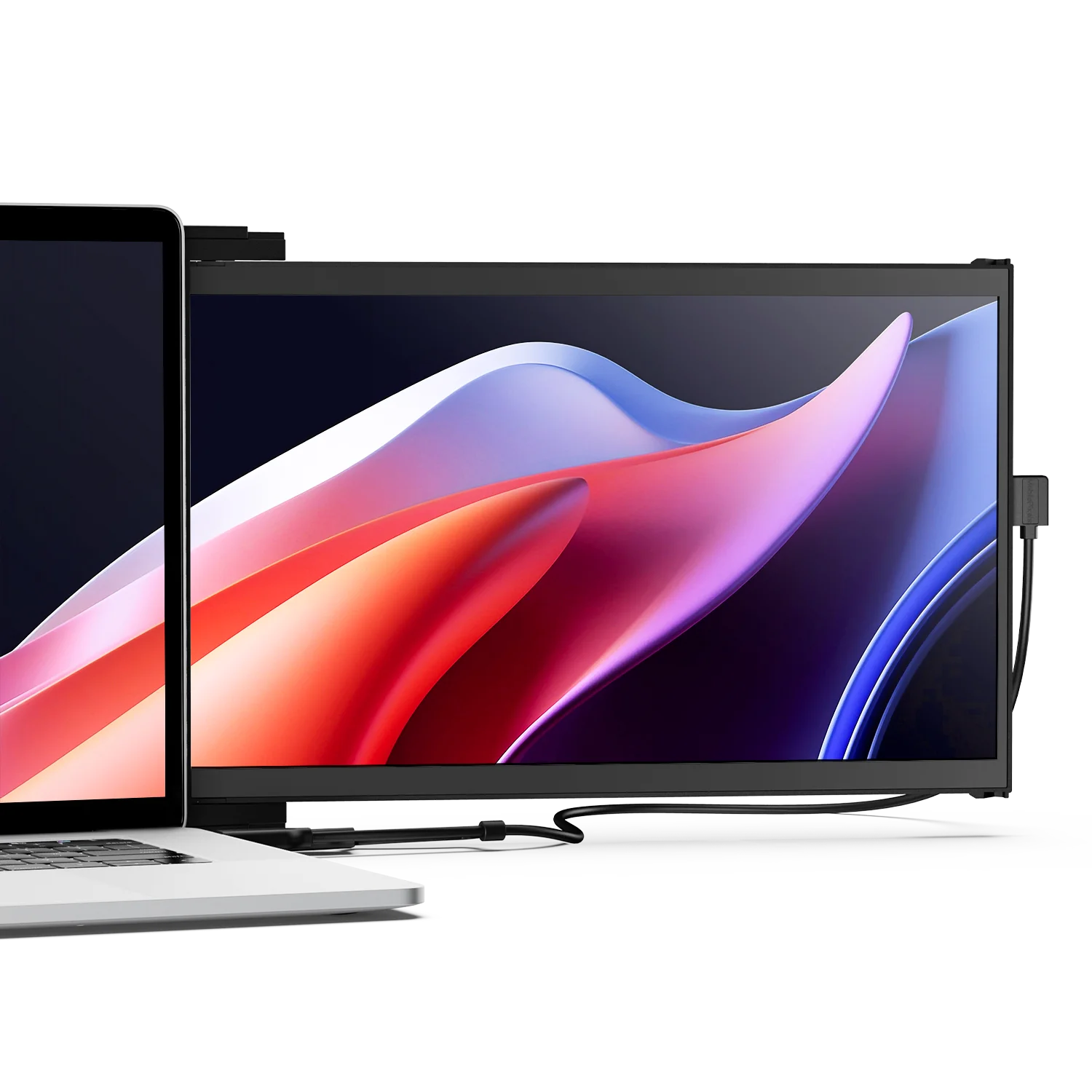
For portable monitors in the 13 to 16-inch range, the resolution calculus is slightly different from that of desktop monitors. At 15.6 inches, 1080p delivers approximately 141 PPI, sharp and comfortable for productivity use at arm's length. The benefit of 2K over 1080p on a 15-inch portable screen, viewed at close range, is smaller than on a large desktop monitor, where viewing distance keeps PPI in the perceptible range.
 Duex Float extra screen for laptop
For most remote workers, students, and professionals using a portable monitor for documents, spreadsheets, and video calls, 1080p at 15.6 inches is the right resolution. It keeps cost and power draw lower while delivering sharp text at typical working distances. Mobile Pixels portable and laptop-attached monitors use FHD (1080p) IPS panels at 15.6 inches, delivering the 141 PPI pixel density that makes text and interface elements crisp for all-day productivity work without the additional power draw and cost of 2K at the portable form factor.
Quick Decision Guide: 1080p or 2K?
| Your Situation | Choose | Primary Reason |
|---|---|---|
| Monitor 24 inches or smaller, any use | 1080p | Already delivers 92+ PPI — sharp and budget-friendly |
| Monitor 27 inches, productivity or immersive gaming | 2K | 1080p at 27 inches is 82 PPI — 2K's 109 PPI is clearly better |
| Competitive gaming, maximise frame rates | 1080p | Lower resolution = fewer GPU pixels = higher, more stable fps |
| Mid-range GPU, immersive single-player games | 2K | The visual sweet spot mid-range GPUs are designed for |
| Entry-level GPU (RTX 4060, RX 7600, or older) | 1080p | 2K will reduce frame rates below a comfortable gaming threshold |
| Graphic design or photo editing at 27 inches | 2K | More pixel density for fine detail work; more workspace |
| Strict budget, any screen size under 27 inches | 1080p | $50 to $150 less than comparable 2K; still delivers quality |
| Portable monitor (13 to 16 inches), productivity | 1080p | 141 PPI at 15.6 inches is already sharp; 2K adds cost and draw |
Frequently Asked Questions
Is 2K noticeably better than 1080p?
Yes, on monitors 27 inches and above. The 78% increase in pixel count produces visibly sharper text, crisper image detail, and more comfortable extended viewing. On a 27-inch monitor, the difference between 82 PPI (1080p) and 109 PPI (2K) is clearly perceptible; text edges are smoother, fine details in images are more visible, and the overall image appears more defined. On screens 24 inches and below, the difference is smaller and less compelling for the price premium.
What is the actual resolution of "2K" on a consumer monitor?
In consumer monitor marketing, "2K" most commonly refers to 2560x1440 pixels, also called QHD (Quad HD) or 1440p. Technically, the cinema industry standard for 2K is 2048x1080, which is rarely found in consumer monitors. When you see a monitor listed as "2K," confirm the actual pixel count in the specifications. If it shows 2560x1440, it is QHD. If it shows 1920x1080, the listing is using "2K" loosely to describe Full HD.
Is 1080p still good in 2025?
Yes, for many use cases. 1080p remains the most common desktop monitor resolution globally and continues to dominate the gaming monitor market with a 39% revenue share. On monitors up to 24 inches, 1080p delivers 92 PPI, sharp and comfortable for all-day productivity use. For competitive gaming, 1080p's lower GPU demand enables higher and more consistent frame rates. For budget-conscious buyers, 1080p offers strong value at a lower price point. Its limitations become apparent on larger screens (27 inches and above), where PPI falls to 82, noticeable to most users in text-heavy work.
Can I run 1080p games on a 2K monitor?
Yes, but with a caveat. When you run a game at 1080p on a 2K (1440p) monitor, the monitor upscales the 1080p output to fill its 1440p panel. This upscaling introduces some softness because the panel is displaying a non-native resolution. The image will look noticeably less sharp than either native 1080p on a 1080p panel or native 1440p on the 2K panel. For the sharpest result on a 2K monitor, always run games at the monitor's native 1440p resolution if your GPU can support it.
What GPU do I need for 2K gaming?
For comfortable 2K gaming at 60 to 100 fps in modern titles at medium to high settings, an NVIDIA RTX 4070 or AMD RX 7700 XT represents the practical entry point. For 1440p at 144fps or higher in demanding games, an RTX 4070 Ti or RX 7900 GRE is a more appropriate target. Entry-level GPUs like the RTX 4060 or RX 7600 can run 1440p in lighter or older games, but will struggle to maintain smooth frame rates in graphically demanding titles. For purely productivity use on a 2K monitor, any modern GPU, including integrated graphics, handles desktop rendering at 1440p without issue.
Does 2K use more battery on a laptop?
Yes, modestly for display rendering, and more significantly for GPU processing. A 2K display draws slightly more power from the backlight than a comparable 1080p display. More importantly, if your laptop GPU is rendering games or video at 2K, it processes 78% more pixels per frame than at 1080p, which increases GPU power consumption and heat. For laptop productivity use where the GPU renders a static desktop, the battery impact of a 2K display over 1080p is small. For gaming or video rendering, the impact is more meaningful and varies by GPU.
Is 2K worth it for productivity and office work?
On a 27-inch monitor, yes. The jump from 82 PPI (1080p at 27 inches) to 109 PPI (2K at 27 inches) produces noticeably crisper text, which reduces the micro-focusing effort your eyes perform when reading small fonts over an extended session. The additional screen real estate at 2560x1440 also makes two-window workflows more comfortable; you can place two full-width application windows side by side without either becoming too narrow to use comfortably. On a 24-inch monitor, the benefit is smaller, and the investment is less straightforward for purely office use.
Should I get 1080p or 2K for a portable monitor?
For most portable monitor use cases, 1080p is the right choice at 15.6 inches. At that screen size, 1080p delivers approximately 141 PPI, sharp, comfortable, and appropriate for documents, spreadsheets, and video calls at a typical working distance of 50 to 75 cm. The cost and power draw premium of 2K at the portable form factor is harder to justify for productivity use, where the benefit of the additional pixel density is less noticeable than on a larger desktop screen. For a portable monitor used specifically for creative work where fine image detail matters, 2K is worth considering, but at the price and power cost it carries.
Discover Tech Gadgets





Leave a comment
All comments are moderated before being published.
This site is protected by hCaptcha and the hCaptcha Privacy Policy and Terms of Service apply.